Hacking WiiFlow Lite Theme - Rhapsodii

  • Thread starter Thread starter Hakaisha
  • Start date Start date
  • Views Views 150,571
  • Replies Replies 179
  • Likes Likes 24
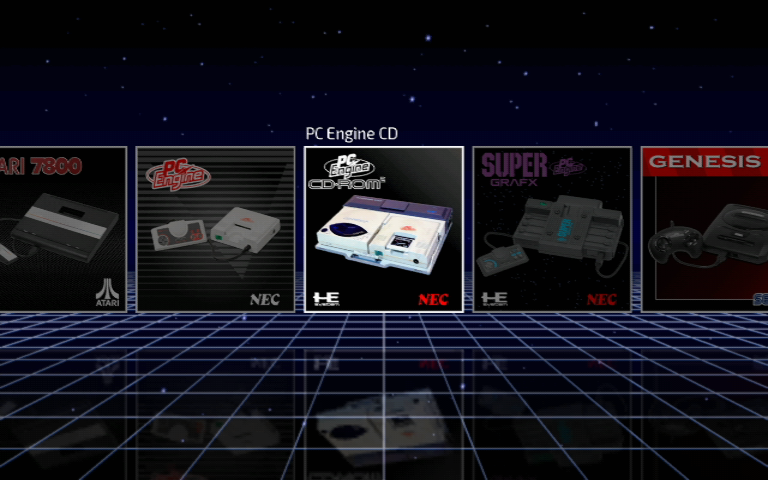
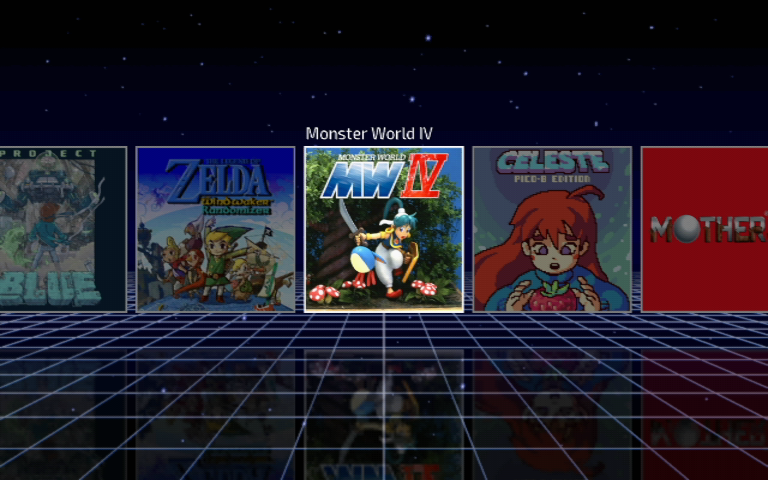
Hakaisha I just saw a review of the Atari VCS console, and I can't hope but noticing how similar their Atari Vault interface is to WiiFlow running the Rhapsodii theme. Is this just a coincidence? Did you help them with this? Did they rip you off? Were you both inspired by the same source material. Curious if there's anything to know!

iu
iu
 
Does anyone know how to change the directory for background images behind games. I created a new source menu button for mplayerce and when I open it the background image is the default (Vaper.png). I couldn't find a way to specify background image other than changing vapor.png.
 
  • Like
Reactions: biggzsizzle
Does anyone know how to change the directory for background images behind games. I created a new source menu button for mplayerce and when I open it the background image is the default (Vaper.png). I couldn't find a way to specify background image other than changing vapor.png.
Well, that's one way to get it done,.. and probably the easiest way imo. Or you could open
Code:
sd:/wiiflow/themes_lite/Rhapsodii.ini
with notepad++. Hit CTRL+F, type vapor. It'll show you every entry that uses vapor.png as a background, and you can manually change each one as needed.
 
Well, that's one way to get it done,.. and probably the easiest way imo. Or you could open
Code:
sd:/wiiflow/themes_lite/Rhapsodii.ini
with notepad++. Hit CTRL+F, type vapor. It'll show you every entry that uses vapor.png as a background, and you can manually change each one as needed.
Your the real MVP. Thank you I'll give that a try
 
  • Like
Reactions: biggzsizzle
It warms my heart to see people are still coming here and expressing their appreciation for Rhapsodii. Thank you so much, everyone.

To clarify, I currently have no plans to continue work on Rhapsodii. My friend @Tetsuo Shima is doing an amazing job with Rhapsodii Shima. I recommend using it instead. It is a much better theme than the original Rhapsodii, and has added many more features than I could have imagined possible.

Link here: https://gbatemp.net/threads/rhapsodii-shima-5-4.555062/


However, I am continuing my work on Symphonii.

I have still been working on Symphonii in my spare time, and I'd like to share a progress update.

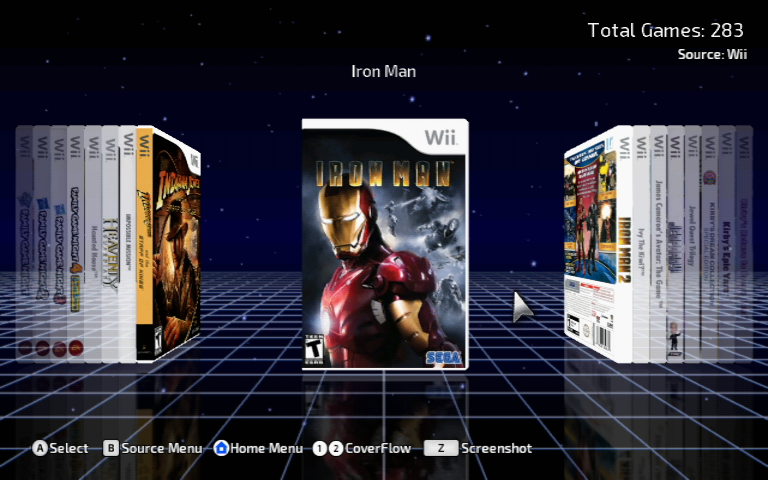
Let's start with the main screen.

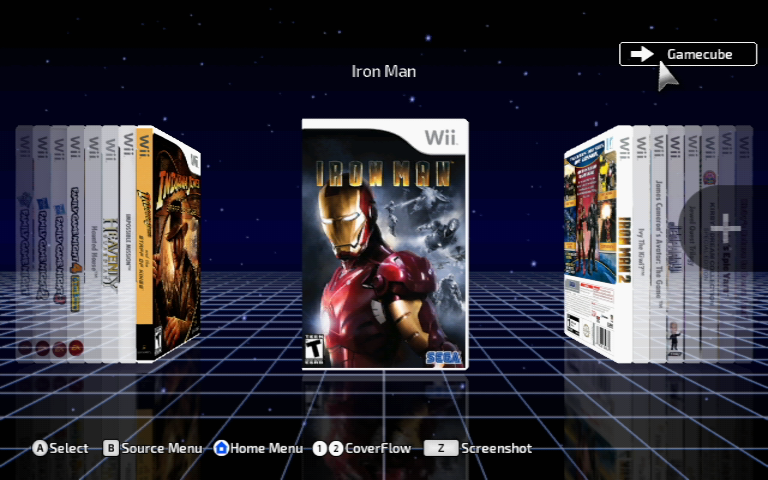
Instead of outright deleting the Source Select button, I decided to turn it into a "Current Source" display, as seen in the upper right of this screen.
Jun-22-2021-16h24m38s.png


When you hover over the source display, it will turn into a button prompt informing you of the next source in the source cycle. Select it and you will go to the next source. I feel like this coexists rather well with SourceFlow, and serves as a nice display when not being used.
Jun-22-2021-16h24m44s.png


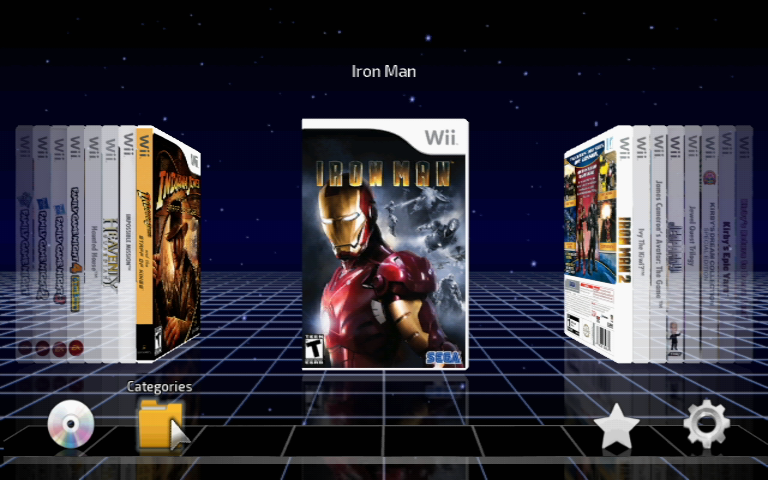
Moving your pointer to the lower part of the screen will bring up the usual icons: Disc, Categories, Favorites and Settings. When you hover your pointer over these icons, a small title will display above them now.
Jun-22-2021-16h24m55s.png


This same improvement has been added to the icons on the Game Selected screen also.
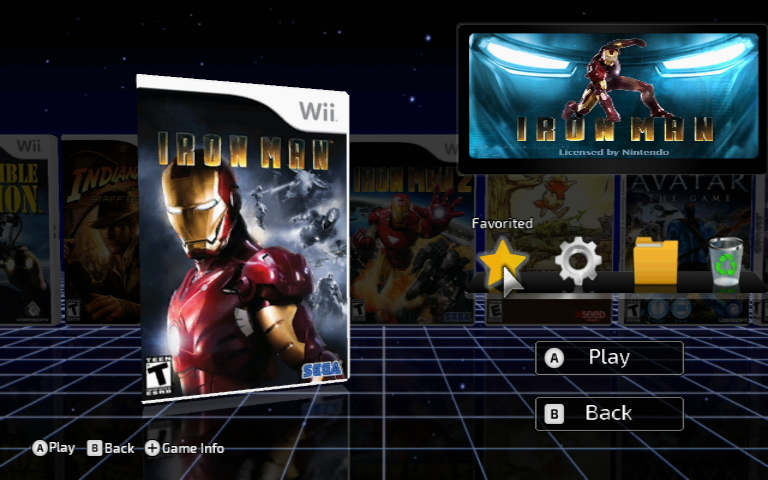
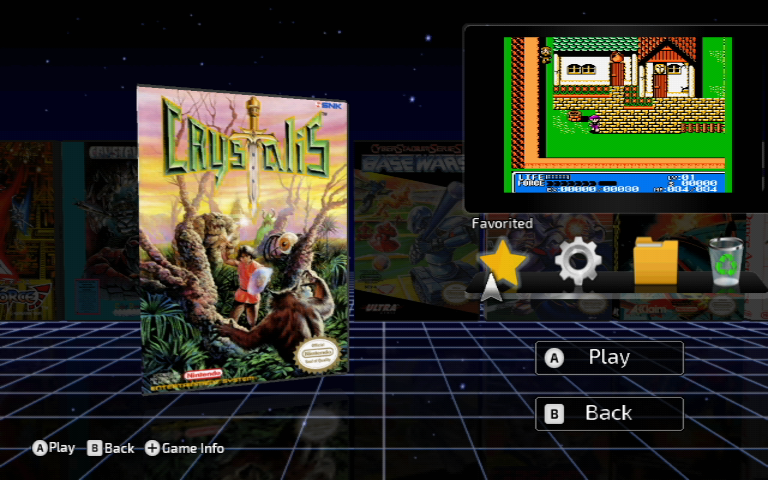
Jun-22-2021-16h25m08s.png


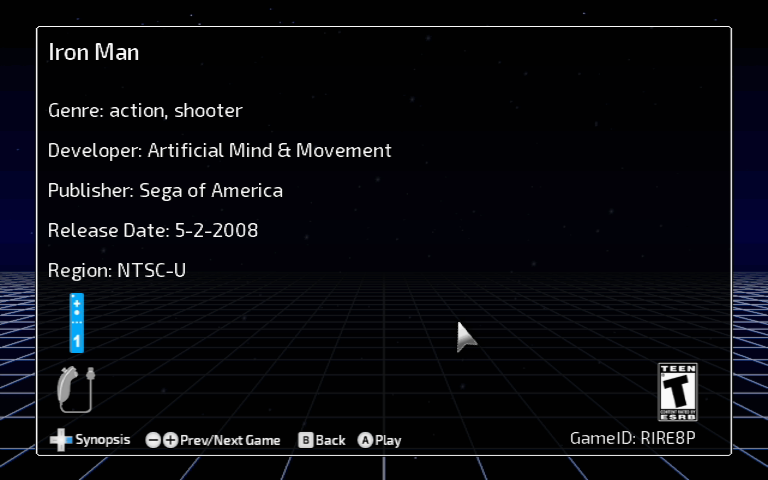
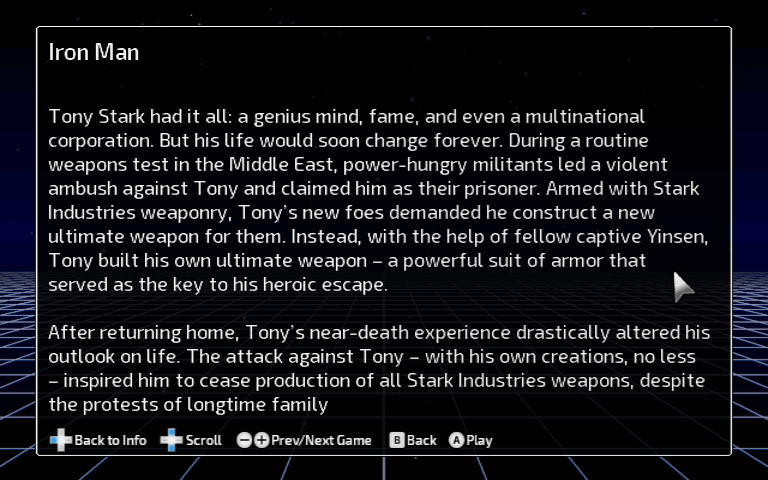
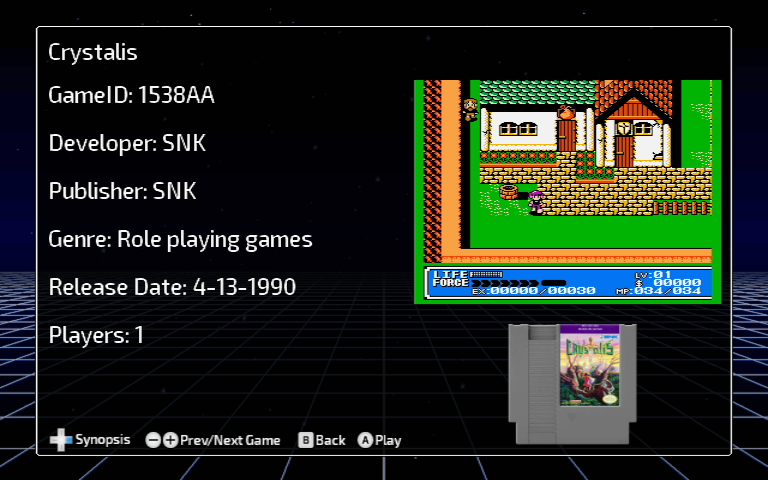
Here's a few screenshots of the Game Info screen on both the Wii and Plugin sources, to give you a general idea of how they will look:
Jun-22-2021-16h28m08s.png


Jun-22-2021-16h28m22s.png


Jun-21-2021-04h05m55s.png


Jun-21-2021-04h06m06s.png


Menu animations overall have been greatly cleaned up and simplified. I don't like when objects move too much, become too large, or travel too far a distance. It was very apparent in the Game Info screen. It now simply fades in when opened, and fades away when you're finished.

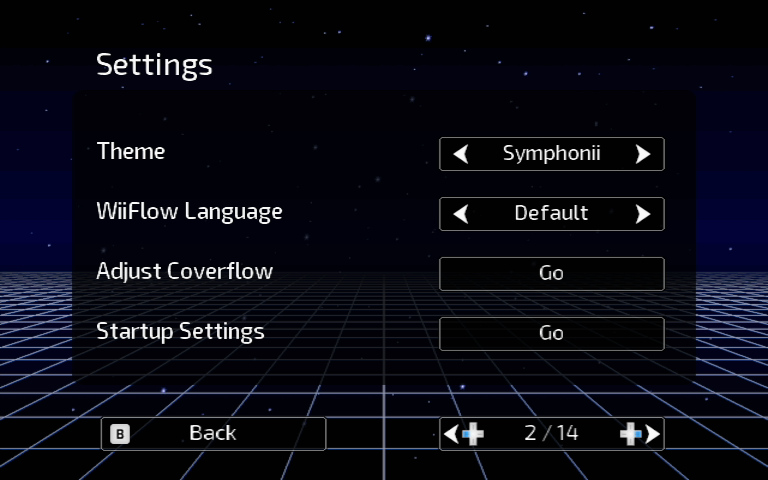
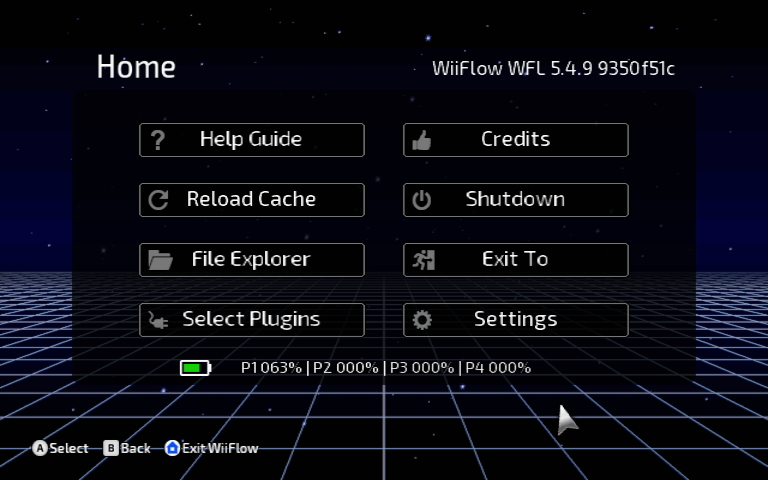
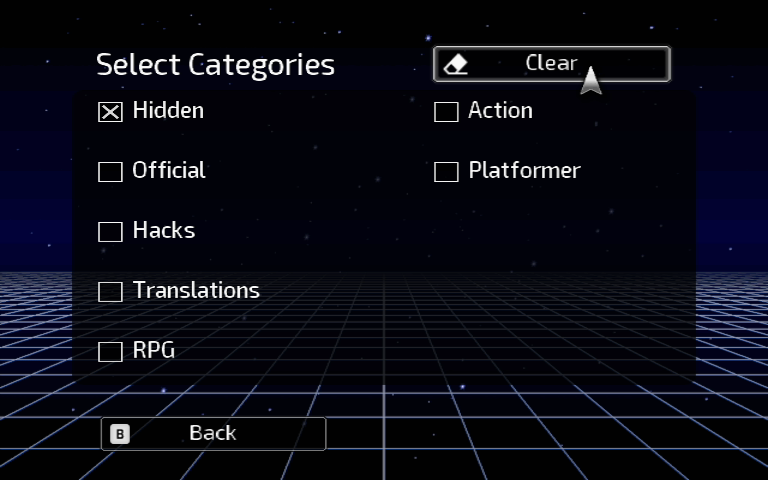
Most menus adhere to a consolidated style, as seen here:
Jun-21-2021-04h37m33s.png


Jun-22-2021-16h24m23s.png


Jun-21-2021-04h07m08s.png


Only one main background PNG is utilized throughout menus. Each page has a user image inserted as a layer behind the buttons, to serve a contrast between the buttons and the background.

SourceFlow is designed to replicate the look and feel of icons used in modern console UIs.
Jun-21-2021-03h55m38s.png


These are autoboots. Symphonii's sourceflow style lends itself greatly to displaying icons for autoboots, as seen below. They're handy to have for games you play often, and don't want to spend a lot of time browsing for. I usually keep a few on the base SourceFlow menu. It works very similar to how modern consoles boot games.
Jun-22-2021-16h29m07s.png


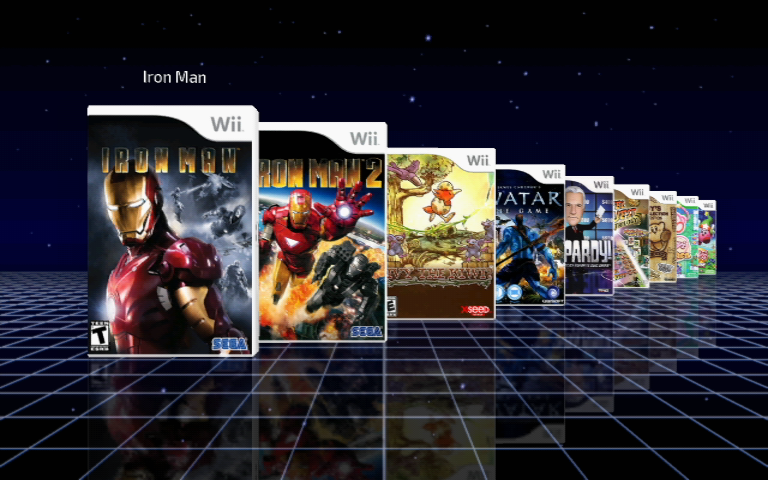
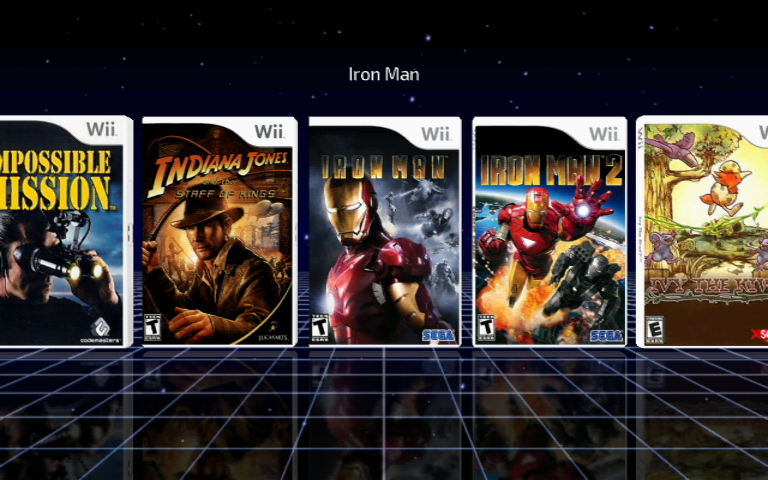
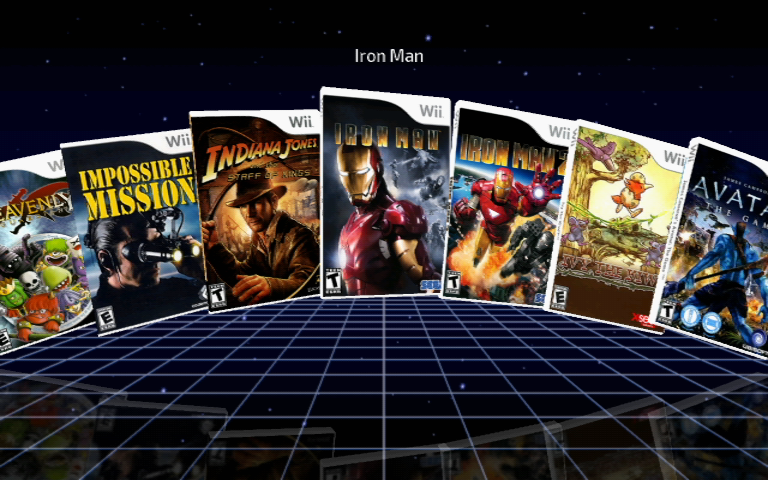
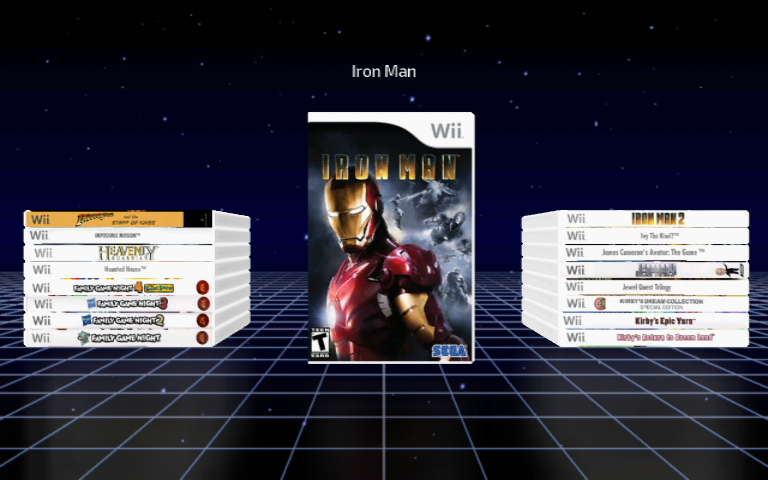
Each platform has these 5 CoverFlow styles as follows:

Bookshelf
Jun-21-2021-04h31m57s.png


Fallback
Jun-21-2021-04h32m06s.png


Classic
Jun-21-2021-04h32m09s.png


USB Loader GX Style
Jun-21-2021-04h32m11s.png


Stacks
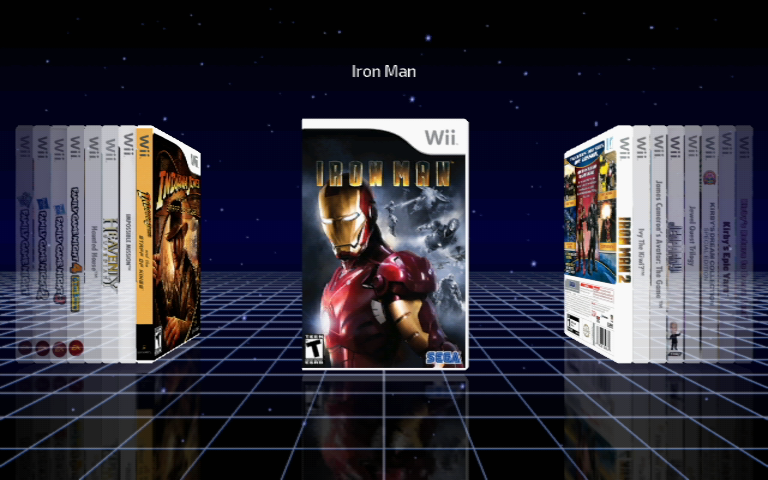
Jun-21-2021-04h32m13s.png

My current to-do list for Symphonii:
- finish creating icons for PC platforms
- clean up a few odd misplaced buttons in the menus
- create a user contrast for the file browser screen
- synchronize source menus (same magic #s for platforms) with current Rhapsodii Shima for easy backwards compatibility for users
- add checkbox to ini for plugin screen
- create checkbox selected images
- test, test, test, test

I'll post back here periodically with my progress, until a complete build is produced and released.
 
@Hakaisha So happy to hear from you again. I really like what you're doing with Symphonii, clean, simple and elegant theme.
I expecially like the icons in the Home menu buttons.
Once again, thanks for allowing me to fork your Rhapsodii theme. It instantly became my favourite one and it was the best starting point to learn how things works and test the new features. If my theme exists, it's thanks to you.


A bit sad to know it will be discontinued, but I think it's still worthy to use for people who just need simplicity. My theme may be intimidating for some people that are using only a few plugins and don't want to spend too much time configuring it.
Can't wait for other Symphonii news!
 
  • Like
Reactions: matt! and Hakaisha
Hello! Thanks for your work.
I'm trying to customize a theme for myself nad this one really works for me.The only thing I miss is being able to select a background for each system. Is that possible?

Thank you
 
Question regarding the theme. My nephew and I are modifying his wiiu and well he likes my theme I have on wiiflow but doesn’t want all the images and icons of Atari and mame etc just wants it I have basic ones like nes -64 and sega as well as a few hand helds is it possible to alter the menu tab and icons at all so it only shows his consoles? Thanks in advance
 
Hi @Hakaisha first off i just want to say much respect for the works you have done.
I hope you don't mind but I have spent a fair bit of time playing with your theme here and Carbonik abz and have created a few of my own through doing so.
I would love to share them with you and I really hope you don't mind me having a play.
I'm still a newbie hear so can't share yet but I hope to be able to do so in time.
 
Hi everyone,

This theme is cool, but I would like to ask if anyone have a working Wii White theme (I mean similar to the wii menu).
It seems there is an older wii white theme but it's not compatible with latest wiiflow.

thanks
 
Looks like there's some graphical glitches with this theme, unfortunately.. at least with the latest version of the app. Not sure if the theme is still supported!
 
Looks like there's some graphical glitches with this theme, unfortunately.. at least with the latest version of the app. Not sure if the theme is still supported!
It is still supported.

I based my mod themes from Shima and there are no issues I have encountered. Can you be specific where/ when the glitches occur?
 
  • Like
Reactions: PacDan16
It is still supported.

I based my mod themes from Shima and there are no issues I have encountered. Can you be specific where/ when the glitches occur?
Sure. I should've specified. On the settings menu, some of the UI boxes were displaced (on the top-left). Once I returned to the original theme of the app, it didn't happen. Also, I couldn't see the individual game settings properly like the usual app behavior when I select a game, just the animated banner that shows up when you normally insert a disc. Maybe I can take some pictures and attach them here soon.

Edit: USB Loader GX is finally working for me so I'm just gonna use that, it's better IMO.
 
Last edited by PacDan16,
  • Like
Reactions: RunningSnakes

Site & Scene News

Popular threads in this forum