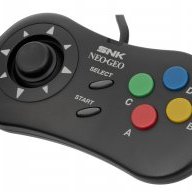
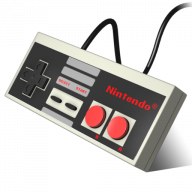
This is not mame2003 but FinalBurnAlpha / NeoGeo, but that's what I'm using and works:
INSTALL:
1.- Visit
https://github.com/pcm720/retroarch-clover
2.- Download fbalpha2012_neogeo.hmod from core_modules_extra in that repo and the latest retroarch.hmod.
3.- Download libretro_core_template.hmod from that repo
4.- Rename libretro_core_template.hmod as "bios_files.hmod".
5.- Copy bios_files.hmod to your Hakchi2 directory inside "user_mods".
6.- Enter into user_mods/bios_files.hmod/etc/libretro and create a "system" folder.
7.- Copy neogeo.zip file (neogeo bios) inside that folder.
8.- In Hakchi, install both modules (fbalpha2012 and bios_files). I would install also fba and the last retroarch.
ADD GAMES:
1.- Drag the zip file with the game to Hakchi. Example of roms that work for me (ok for testing): cyberlip.zip, mslug.zip, wjammers.zip. Click on "Import as archive".
2.- Edit the path of the game and change /bin/zip with /bin/neo.
3.- Add the game cover.
4.- Flash.
5.- Profit!
Hope this helps, it works for me.