Homebrew RELEASE Blawar Tinfoil Themes

  • Thread starter Thread starter DeuX
  • Start date Start date
  • Views Views 41,466
  • Replies Replies 35
  • Likes Likes 16

DeuX

Well-Known Member
Member
Joined
Jun 14, 2018
Messages
175
Reaction score
195
Trophies
0
Age
42
XP
626
Country
Switzerland
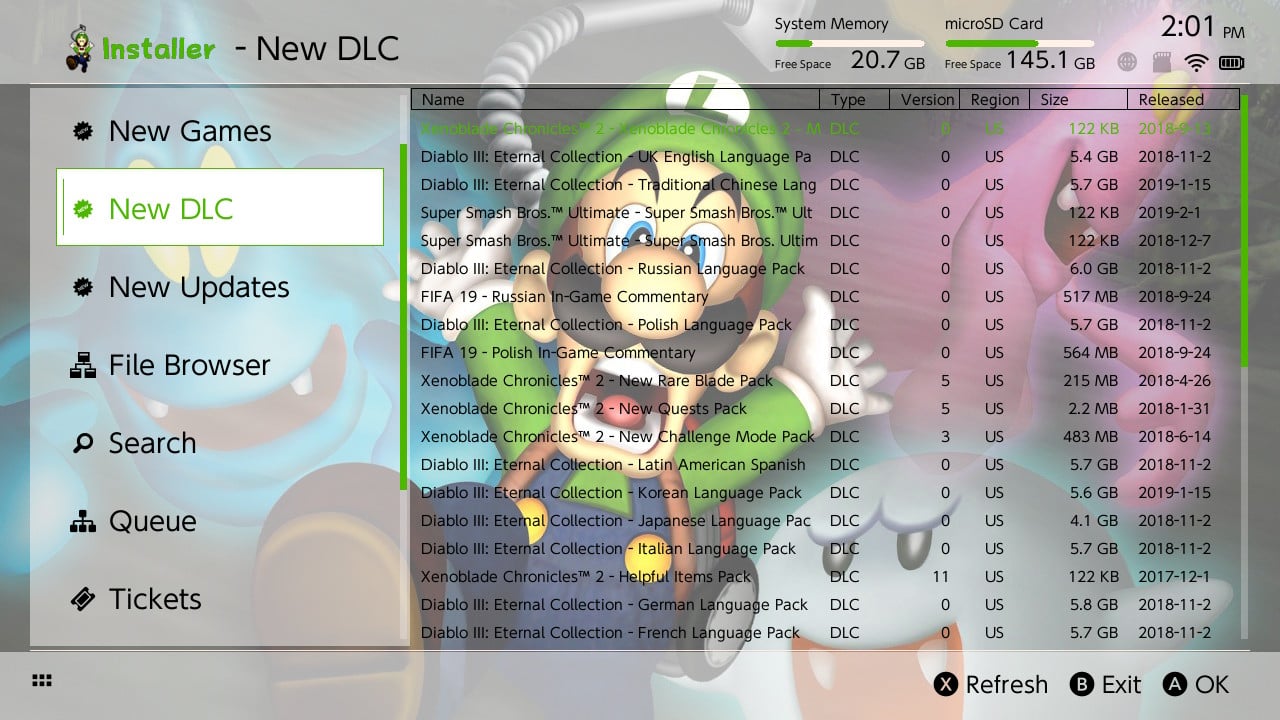
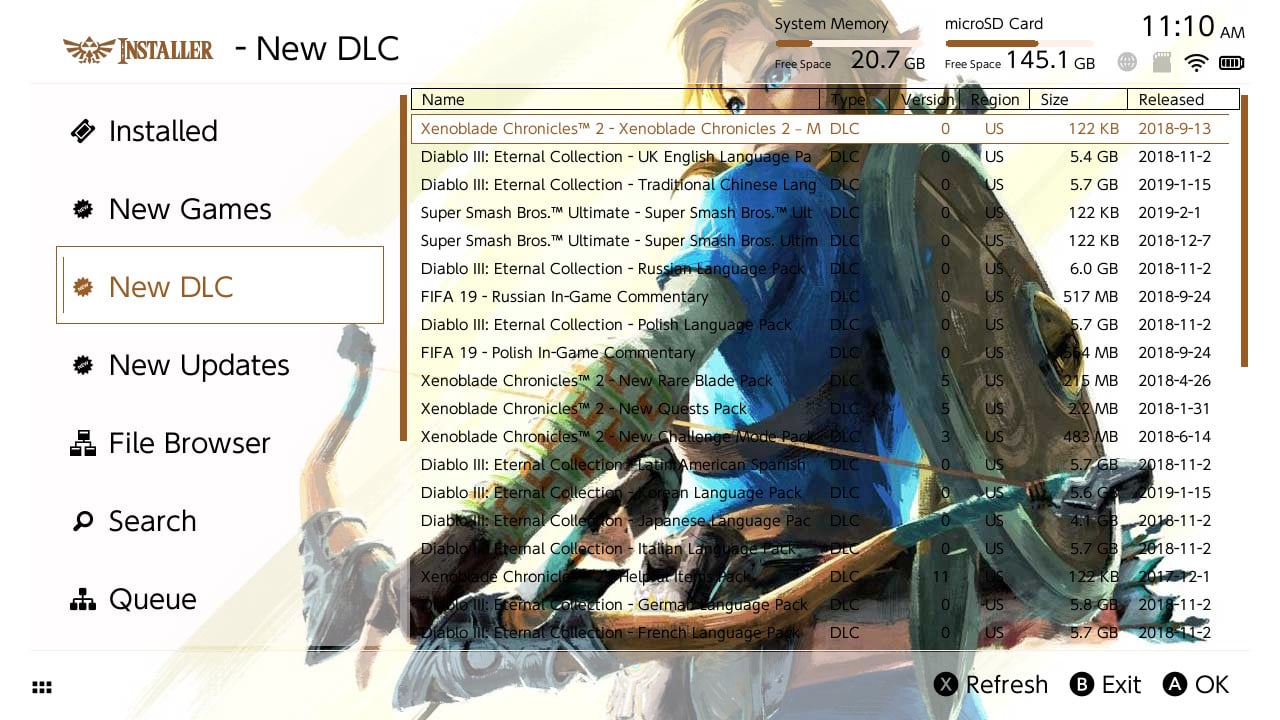
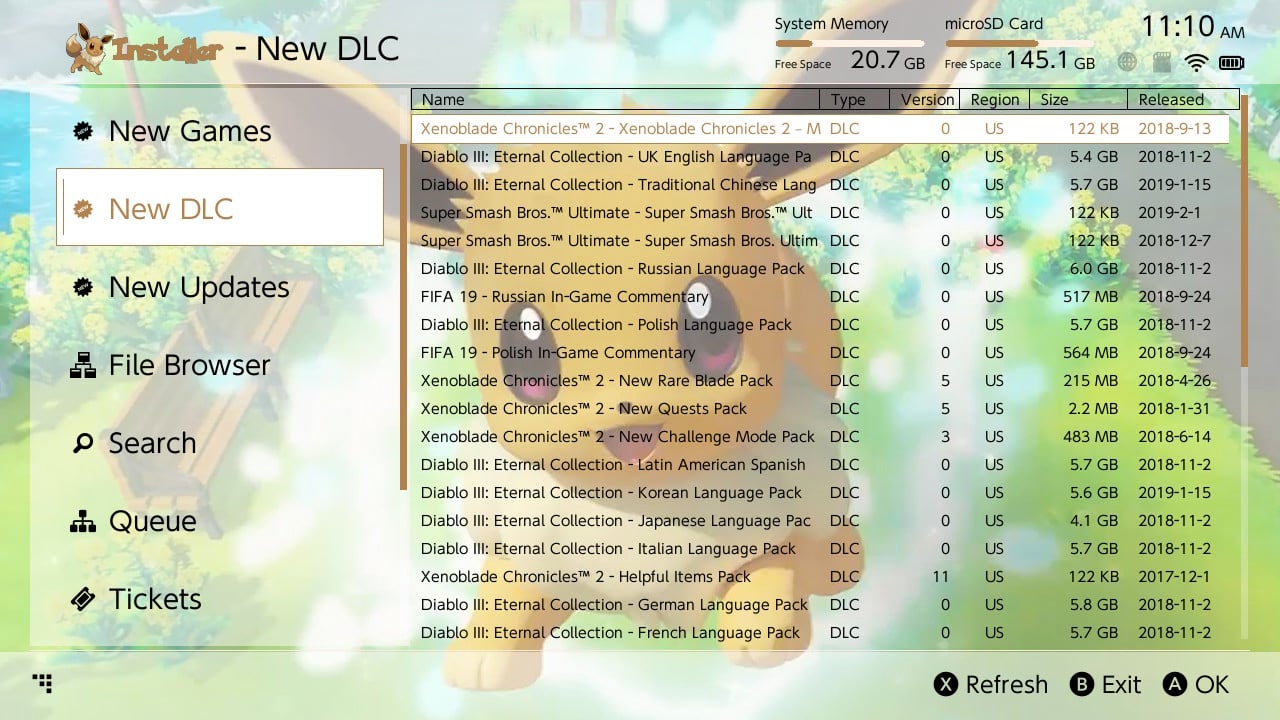
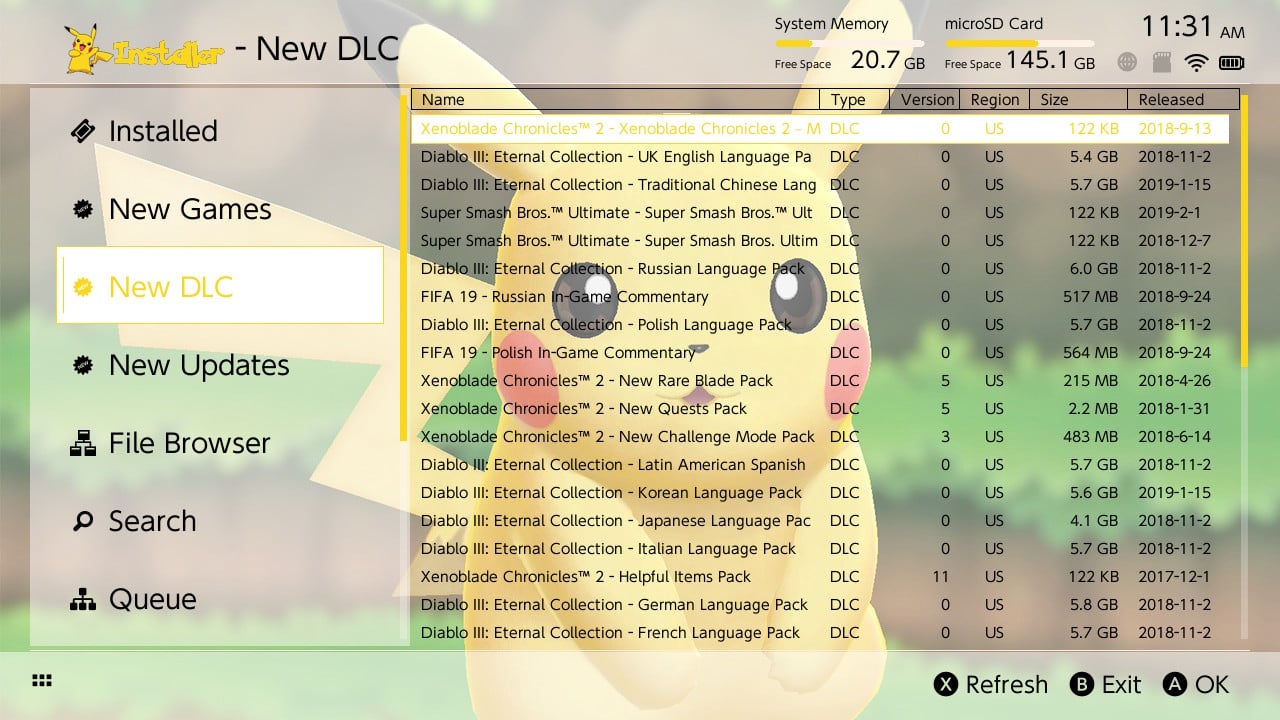
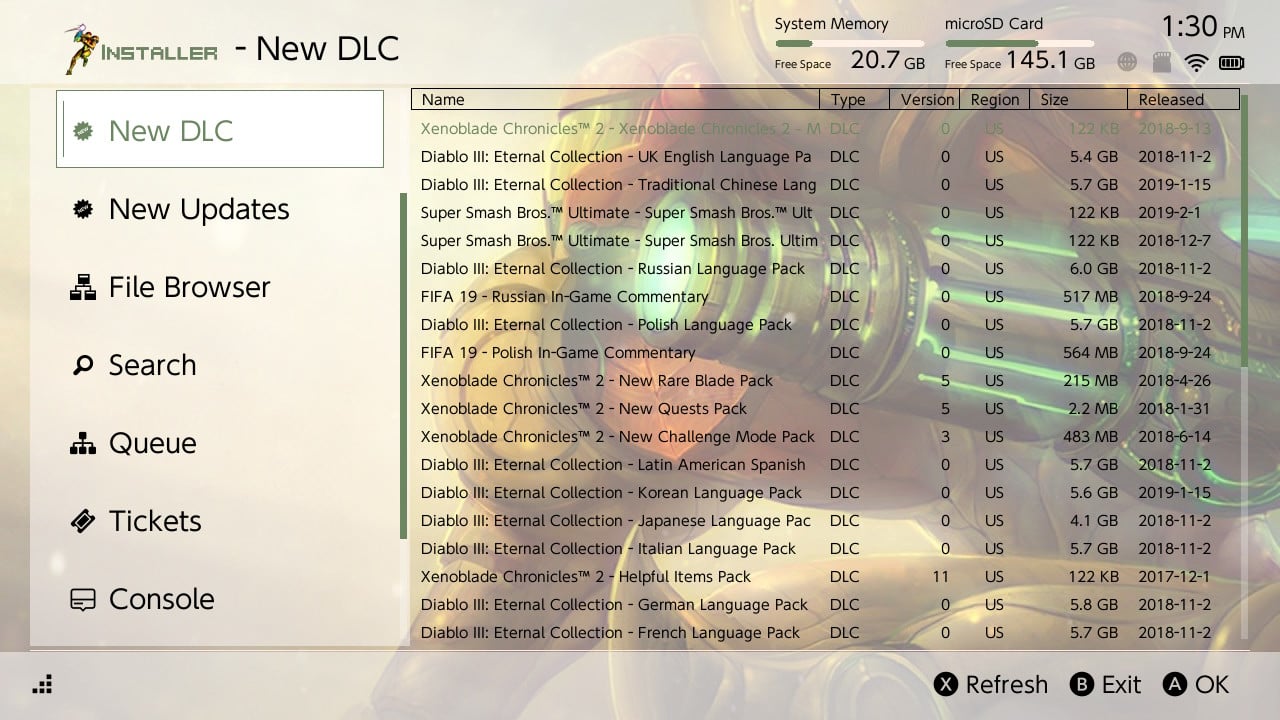
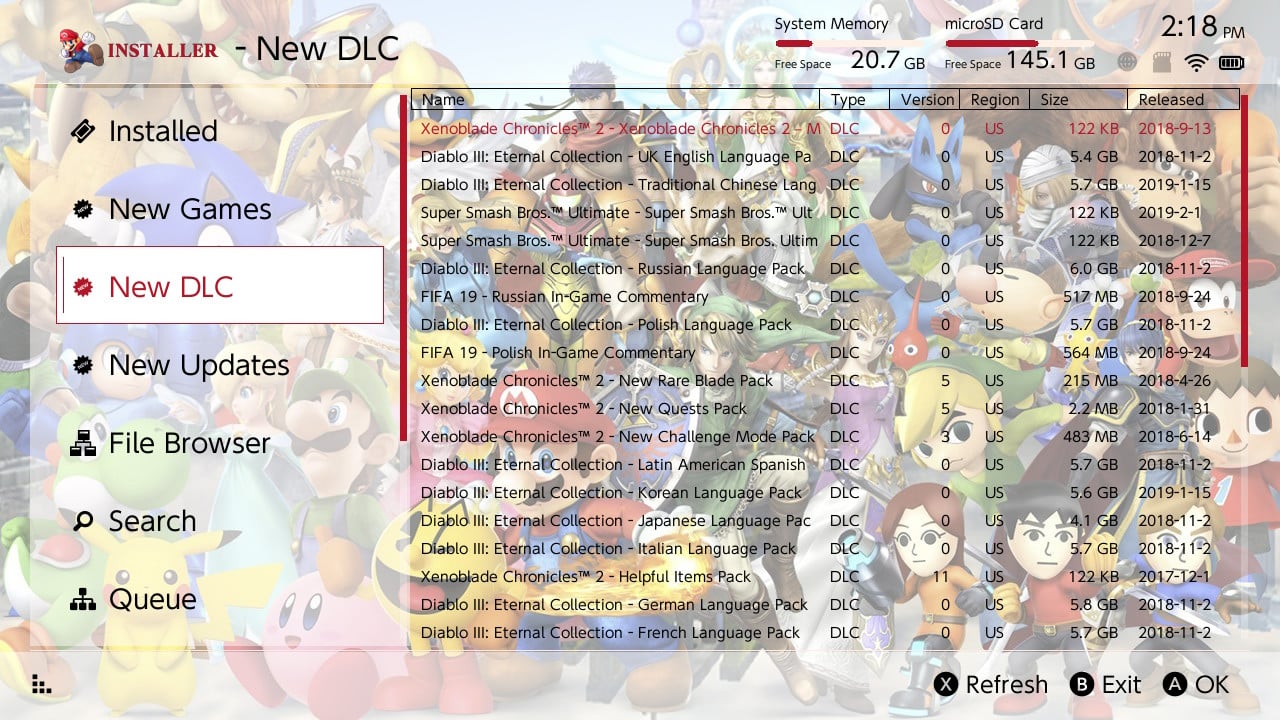
Was bored and decided to do a few custom themes for Blawar tinfoil. I'll probably add few more over time.

Extract them to /Switch/tinfoil/themes, boot tinfoil and select the theme from options.

Enjoy!

2019031514183900-DB1426D1DFD034027CECDE9C2DD914B8.jpg

2019031514014800-DB1426D1DFD034027CECDE9C2DD914B8.jpg

2019031511101800-DB1426D1DFD034027CECDE9C2DD914B8.jpg
2019031511105100-DB1426D1DFD034027CECDE9C2DD914B8.jpg
2019031511313900-DB1426D1DFD034027CECDE9C2DD914B8.jpg
2019031513304900-DB1426D1DFD034027CECDE9C2DD914B8.jpg
 

Attachments

Last edited by DeuX,
hbg, is essentially just tinfoil's engine with a shirt on, bruh. so yes, naturally it will work with hbg all the same. I dunno why blawar even separates the two like they aren't the same entity to begin with. Just confuses the more simple folk stumbling about enough as it is.. :unsure:
 
hbg, is essentially just tinfoil's engine with a shirt on, bruh. so yes, naturally it will work with hbg all the same. I dunno why blawar even separates the two like they aren't the same entity to begin with. Just confuses the more simple folk stumbling about enough as it is.. :unsure:

Do these work with hbg that would be awesome!

No, they won't work with HBG because HBG will only connect to its servers if you have a hbg theme on. They have a theme DRM.

But you can use JITS without problems (even though they are down atm)
 
No, they won't work with HBG because HBG will only connect to its servers if you have a hbg theme on. They have a theme DRM.

But you can use JITS without problems (even though they are down atm)
Yes your right they don’t work I tried one last night. You would think you could easily photoshop the hbg theme and it would work but it doesn’t soon as you change the hbg theme save it and try it won’t connect very clever what they have done
 
Last edited by Reecey,
i was a little bored too :D
there is also bgm
 

Attachments

  • megaman.rar
    megaman.rar
    1.5 MB · Views: 403
  • heMan.rar
    heMan.rar
    3.1 MB · Views: 330
  • megufoil.rar
    megufoil.rar
    1.8 MB · Views: 414
  • megufoil2.rar
    megufoil2.rar
    2.5 MB · Views: 347
  • megaman.jpg
    megaman.jpg
    163 KB · Views: 543
  • heMan.jpg
    heMan.jpg
    190.8 KB · Views: 487
  • megufoil.jpg
    megufoil.jpg
    253.8 KB · Views: 563
  • megufoil2.jpg
    megufoil2.jpg
    300.5 KB · Views: 609
Last edited by Hazurio,
These are cool is there a template or a how to make your own theme? Also does it matter what version tinfoil you are on
 
These are cool is there a template or a how to make your own theme? Also does it matter what version tinfoil you are on

idk about the version compatibility but i just made a tutorial can't posted til i reached Level 5 but i posted a nice picture of my lcd screen just look how crisp the resulotion is :D
 

Attachments

  • Capture.PNG
    Capture.PNG
    85 KB · Views: 687
  • Like
Reactions: Goku1992A
idk about the version compatibility but i just made a tutorial can't posted til i reached Level 5 but i posted a nice picture of my lcd screen just look how crisp the resulotion is :D

thanks! I havent used hex codes since myspace lol but I'll try it out
 
These still work on latest Tinfoil right?
Shouldn’t be any issues. They are just two regular files (by and logo) and a settings.json file. I can’t imagine anything needing to update the json file over the years But easy enough to back out if it does.

38457605-E547-44CC-8A9A-115A0C9C7EC4.jpeg
 
any tutorial to make ur own?

edit: yes, @Hazurio posted all needed information inside his attached graphic here:
https://gbatemp.net/threads/blawar-tinfoil-themes.533692/#post-9056167

his graphic confirms my assumptions below and adds things like mp3 music.

Seems straightforward But haven’t done it yet.
Open one of the .zip files at the top. Right click and select properties on both of the graphics files to get the dimensions and type of graphids asset required. Replace with your own. Modify the colors in the settings.json file and then zip it all back up with winzip.

{
"color": "000000FF",
"logo": "romfs:/images/tinfoil_light.png",
"background": {
"color": "68bddfcF",
"image": "sdmc:/switch/tinfoil/themes/EeveeClean_Glaceon/bg.jpg"
},
"selection": {
"color": "3f5968aF",
"background": {
"color": "4ba5caAF"
},
"border": {
"color": "3f5968FF",
"width": 3
}
},
"menu": {
"selection": {
"color": "FFFFFF00",
"background": {
"color": "68bddf4F"
},
"border": {
"color": "3f5968FF",
"width": 3
}
},
"background": {
"color": "527589FF"
}
},
"border": {
"color": "00000000",
"width": 1
},
"progressBar": {
"color": "3f5968FF",
"background": {
"color": "7db4d4FF"
},
"width": 1
},
"scrollBar": {
"color": "3f5968FF",
"background": {
"color": "3b85b03F"
},
"width": 1
},
"music": {
"url": "sdmc:/switch/tinfoil/themes/EeveeClean_Shared/Pokecenter.mp3",
"volume": 15
}
}

I believe the colors are rgba so you can try this color picker to select colors for each element you want to change.

https://rgbacolorpicker.com/

an one for making ur own HBMenu theme?
https://github.com/Chardelyce/hbmenuchanger/tree/master/hbmenuchanger/HBThemePAK will walk you through the original way to create hbmenu themes.

According to this you no longer need to create romfs but can simply use zip files.
 
Last edited by binkinator,
  • Like
Reactions: Apistogramma
Can someone plz make me a theme for tinfoil using this image and light purple text
 

Attachments

  • bg.png
    bg.png
    330.7 KB · Views: 177
  • logo.png
    logo.png
    18.3 KB · Views: 138
Any information on which elements point to which features in tinfoil for the settings.json? Specifically, how to remove the color, full-screen transparent border with message prompt pop-ups? So far, it seems to only be affected by the first line "color".
Edit: found this in a Theme Discord.

JSON:
{
    "color": "10f0ffFF", #TEXT
    "logo": "sdmc:/switch/tinfoil/themes/StealthShop-Dark001/logo.png", #Top left corner logo
    "background": {
        "color": "0093a573", #TOP+BOT BORDER & pop-up BOX back & Game info text back
        "image": "sdmc:/switch/tinfoil/themes/StealthShop-Dark001/bg.jpg" #Yeah it the background pic
    },
    "selection": {
        "color": "ffa710ff", #SELECTED TEXT + Selected Title + selection box border
        "background": {
            "color": "10ffa7b3" #Selection background
        },
        "border": {
            "color": "daf7a6ff", #selection outer border, incomplete  second back
            "width": 1
        }
    },
    "menu": {
        "selection": {
            "color": "f7a6a680", #icon select text
            "background": {
                "color": "00afff4f" #Game info picture background (left info side) and icon select textbox
            },
            "border": {
                "color": "ff10aeff", #Nothing?
                "width": 3
            }
        },
        "background": {
            "color":  "0020ff33" #Left main menu background
        }
    },
    "border": {
        "color": "e410ff80", #TOP and bottom line between bars and mid area
        "width": 0 #Top + bottom line width. And "Name, type+ info line width"
    },
    "progressBar": {
        "color": "ff10b8d9", #Filled progressBar
        "background": {
            "color": "00000000" #Progress background
        },
        "width": 1
    },
    "scrollBar": {
        "color": "0e003eb3", #yes it's scrollBar
        "background": {
            "color": "2f210040" #Scrollbar and pop-up box choice background
        },
        "width": 1
    }
}
 
Last edited by FlyingPoo,

Site & Scene News

Popular threads in this forum