Homebrew Custom Theme Thread

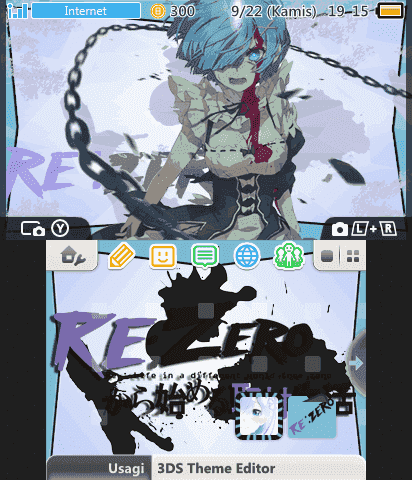
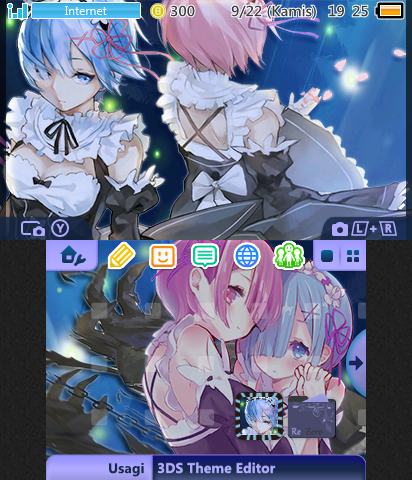
Hi, i got more themes today, and all of them from rezero
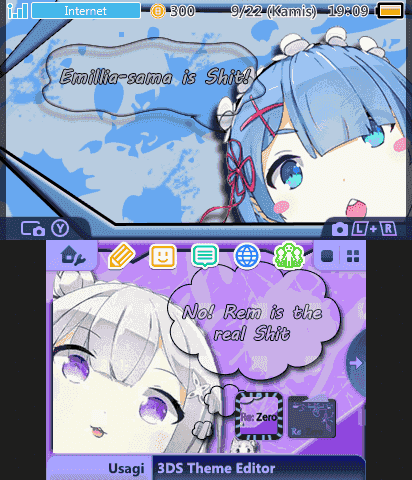
preview.png
preview.png
preview.png

*You can download these themes by clicking my signature pic below
 
  • Like
Reactions: MartyDreamy
HNI_0030.JPG

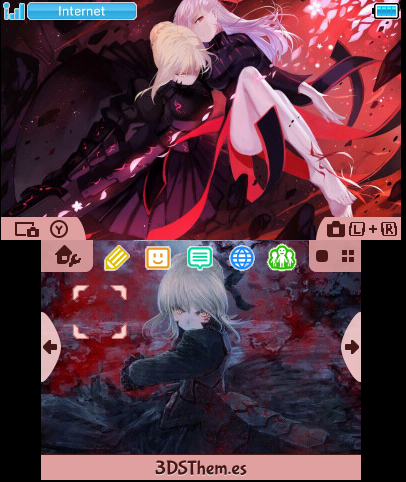
This is a provisional version for this reason I will not make a very elaborate preview mode.
Once the 3dsthem.es(@erman1337) back online will post the version created by the site.
Should the site be long off the air I will provide my personal gallery containing all the themes I've ever done :yay3ds:

>> DOWNLOAD <<
 
Last edited by Ryumaru,
  • Like
Reactions: MartyDreamy
I found a site that offers custom themes as the site 3dsthem with everything it has no submission form. Site Name for those who want a look of is 3dsthemehub. It has only themes created by the founder himself.
 
Last edited by Ryumaru,
  • Like
Reactions: Pokem
if u want i could try to add a folder and border. just send images i guess. this will be my first time doing this so i cant promise it working XP

it'd be cool if you can make a folder with this:
d3azquuy6reqtinjaanxl3of7z6lcwdo_hq.jpg


and app icons border's color to be something like this:
be-fashion-ready-this-summer-with-crimson-re--L-V7mmuv.jpeg

a mixture of crimson and black
 
Hi Ryumaru, how you made your bottom screen preview folder and file look bigger ? how you resize it ?
I do an editing process using the 3DS to take down the screen shot by pressing L + low directional. After I only edit the icon buttons to put Usagi buttons.
I have suggested to the creator of Usagi add to the editor a preview mode showing the icons in their actual size, plus the creator said it was a waste of time :wtf:
You can try to suggest to him to add this new preview mode in this topic.
https://gbatemp.net/threads/release-usagi-3ds-theme-editor-net-library-testers-wanted.412233/
 
I do an editing process using the 3DS to take down the screen shot by pressing L + low directional. After I only edit the icon buttons to put Usagi buttons.
I have suggested to the creator of Usagi add to the editor a preview mode showing the icons in their actual size, plus the creator said it was a waste of time :wtf:
You can try to suggest to him to add this new preview mode in this topic.
https://gbatemp.net/threads/release-usagi-3ds-theme-editor-net-library-testers-wanted.412233/
I see so basically you only replace them, honestly it took a long time and troublesome for doing this only for one preview.. But it look beautiful that way
I'll try suggest that too also i'll try suggest one more thing uh like drag and drop body_lz.bin .. tbh, it pains me to use open menu everytime i want to load a new theme ..
 
I see so basically you only replace them, honestly it took a long time and troublesome for doing this only for one preview.. But it look beautiful that way
I'll try suggest that too also i'll try suggest one more thing uh like drag and drop body_lz.bin .. tbh, it pains me to use open menu everytime i want to load a new theme ..
Good luck :yay3ds:
 

Site & Scene News

Popular threads in this forum