Homebrew Cover Collections - part 2

  • Thread starter Thread starter Tetsuo Shima
  • Start date Start date
  • Views Views 214,200
  • Replies Replies 488
  • Likes Likes 29
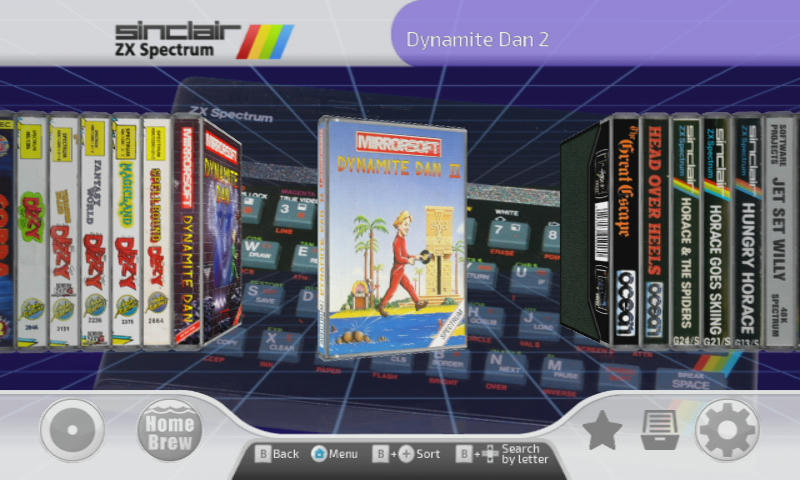
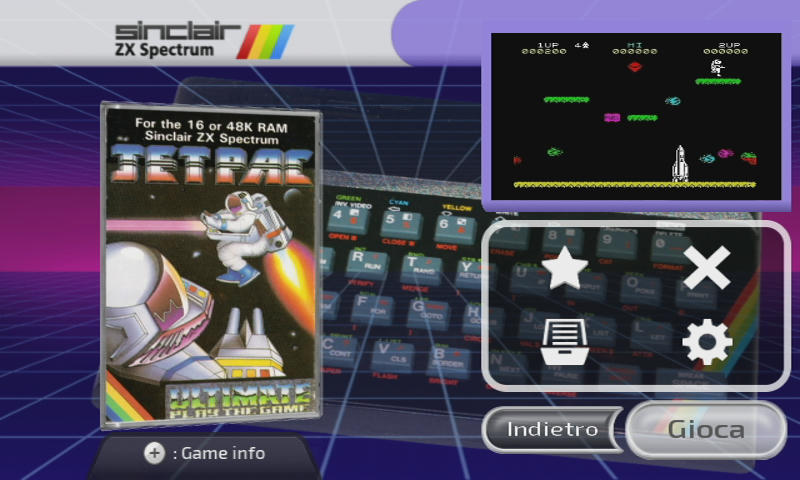
A new set is coming soon: ZX Spectrum Tapes covers.
mge0bnk2w1rv9ayzg.jpg


ba3tu8belr1oajxzg.jpg


y0fzu8kqv5c8em1zg.jpg


l7ilhhv56ba951azg.jpg
It needs a small change in platform.ini: ZX=snescart_box
I currently made 40 covers for some of the most popular games. No way I can do a full set, with something like 1000 games in the library, but I will add more games and accept requests.


thanks to @Hakaisha who helped me with the template
 
Last edited by Tetsuo Shima,
ZX Spectrum Tape covers in the first post.
It's only 73 games, but all the major games should be there (I think)

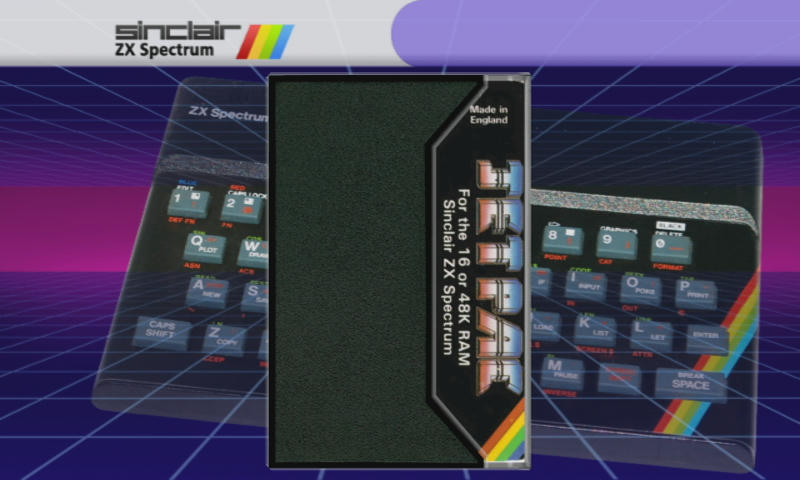
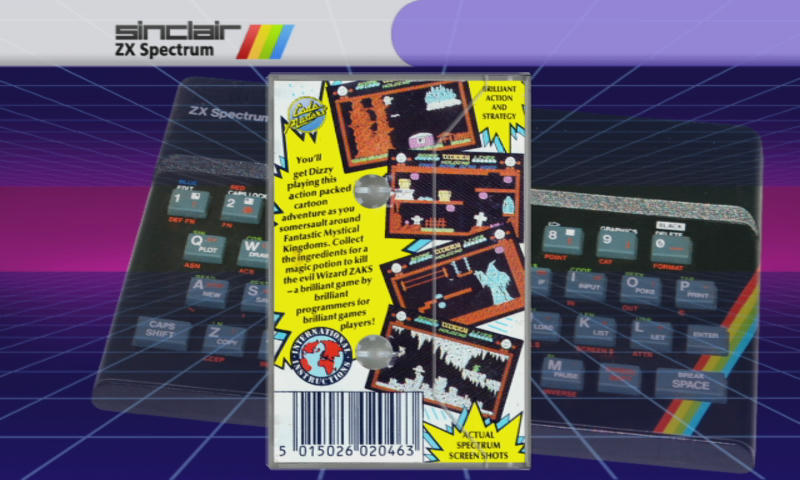
This cover set aims to recreate the old cassette cases, and it's better used with
covercolor=01A300
in the plugin .ini file, for a wonderful transparent case effect.
For a few covers I removed the plastic case frames, because these games were released in box format.
They can stand together with tapes because, even if they were bigger in size, proportions were roughly the same.

Remember to change:
ZX=_coverflow to ZX=snescart_box in platform.ini

Please let me know if you need more ZX covers, I accept requests.
 
Last edited by Tetsuo Shima,
I have to ask regarding the PSX covers to show up properly. :unsure: Many of the games are in .bin/.cue formats I've noticed, and some games have like 10-25 .bin files. Should I use the biggest size of the .bins as name for my cover? (They show up and work, so that's no issue) but I'm getting a bit tierd of hiding the rest of the .bins for each game. Or can I just delete the rest of the .bin files or will the game and sound mess up later in the game?

 
I have to ask regarding the PSX covers to show up properly. :unsure: Many of the games are in .bin/.cue formats I've noticed, and some games have like 10-25 .bin files. Should I use the biggest size of the .bins as name for my cover? (They show up and work, so that's no issue) but I'm getting a bit tierd of hiding the rest of the .bins for each game. Or can I just delete the rest of the .bin files or will the game and sound mess up later in the game?
It was discussed some time ago in the Wiiflow thread.
@RunningSnakes posted a little video tutorial about converting multiple bin/cue to single bin/cue.
https://gbatemp.net/threads/wiiflow-lite.422685/page-148#post-9090689
 
It was discussed some time ago in the Wiiflow thread.
@RunningSnakes posted a little video tutorial about converting multiple bin/cue to single bin/cue.
https://gbatemp.net/threads/wiiflow-lite.422685/page-148#post-9090689
Yeah I found that video earlier today while trying to figure it out. The thing is, the game works (perfect so far) by just keeping one of the .bin files. Also by loading it with Wiiflow. I'm just curious if the games runs as they should If I delete the rest of the .bin files. Getting no answear from that when I did some reaserch online, like what they are used for. :unsure:
 
By deleting .bin files, I'm positive the games will not run as intended. Loss of audio for instance, or not booting up at all I would suspect. Vital information is stored on the .bin files and the conversion process is done rather quickly. I'd recommend not deleting.
 
Hi, I love the theme and all of the adjustments you are putting into this. Thank you! I would like to know a couple of things because I'm trying to tweak things myself:

WiiFlow used to accept jpeg files, is that correct? It seems as if it only accept .png files?

I can't seem to find the entire Mame cover art collection of 1gb, is it gone? Did I miss it?

Some of the Arcade Mame games have multiple files or atleast more than 1 file. I'm anxious to place the small ones in to a separate folder but Wiiflow shows all of the zip files also the not important ones. Is it possible to let Wiiflow only show the games which has a covert art and hide all the games that don't have the cover art?

thanks for the reply.
 
Hi, I love the theme and all of the adjustments you are putting into this. Thank you! I would like to know a couple of things because I'm trying to tweak things myself:

WiiFlow used to accept jpeg files, is that correct? It seems as if it only accept .png files?

I can't seem to find the entire Mame cover art collection of 1gb, is it gone? Did I miss it?

Some of the Arcade Mame games have multiple files or atleast more than 1 file. I'm anxious to place the small ones in to a separate folder but Wiiflow shows all of the zip files also the not important ones. Is it possible to let Wiiflow only show the games which has a covert art and hide all the games that don't have the cover art?

thanks for the reply.
Wiiflow still accepts jpg files, but png is always preferable. The fact is that libPNG uses less memory than TurboJPEG, so even if the jpg files are smaller in size, they end up being heavier to use with the Wii.
If you want to use a lot of big images (like in my theme) you should further compress the png's exporting them to indexed mode 256 colors.

The MAME covers are still there but you're in the wrong thread, they are in Cover Collections part 1, this is part 2.
With Mame you can just use the 'parent Roms', all the other smaller roms are not needed unless you are looking for a particular version or clone.
In any case, you can always hide any rom you want. Select the game and then click on the category icon and choose 'Hidden' category. You have to do it manually for each game.
 
  • Like
Reactions: RunningSnakes
Wiiflow still accepts jpg files, but png is always preferable. The fact is that libPNG uses less memory than TurboJPEG, so even if the jpg files are smaller in size, they end up being heavier to use with the Wii.
If you want to use a lot of big images (like in my theme) you should further compress the png's exporting them to indexed mode 256 colors.

The MAME covers are still there but you're in the wrong thread, they are in Cover Collections part 1, this is part 2.
With Mame you can just use the 'parent Roms', all the other smaller roms are not needed unless you are looking for a particular version or clone.
In any case, you can always hide any rom you want. Select the game and then click on the category icon and choose 'Hidden' category. You have to do it manually for each game.

Hi, thanks for the reply. My apologies, I saw the other thread and I saw the Mame category but I couldn't see a link which is weird because I can see all the other links.

The png files I have are around 1mb each so including the cache it will take up to 5 gb for all images. That's why I wanted to see what's possible to downsize the total image filesize.

Thanks, I will try to hide the smaller rom files or hide the file instead. Thanks for your help.
 
  • Like
Reactions: RunningSnakes
After the covers cache is created, you can delete the png/jpg images from SD/USB to save space. Im terrible when it comes to photo/image production work, but I use FastStone Photo Resizer for my Wii. It is free and it gives many options, very useful for batch converting.
 
Last edited by RunningSnakes,
  • Like
Reactions: Tetsuo Shima

Site & Scene News

Popular threads in this forum