The option works for everything that I tried, regardless of 16:9 or 4:3. I thought the framebuffer option was going to help primarily on 16:19 forced games, and to me it does, but it actually seems to improve 4:3 games quite a bit more.
I'm yet to try games that are 4:3 but have 16:9 modes (the vast majority of Wii games, really).
It's not day and night, of course, but you do gain some sharpness as the video output is less stretched.
Here's a couple of comparative screenshots I took with of Rhythm Paradise, game with very simple and clean visuals, so you can see the difference between the default and the framebuffer options.
Default:
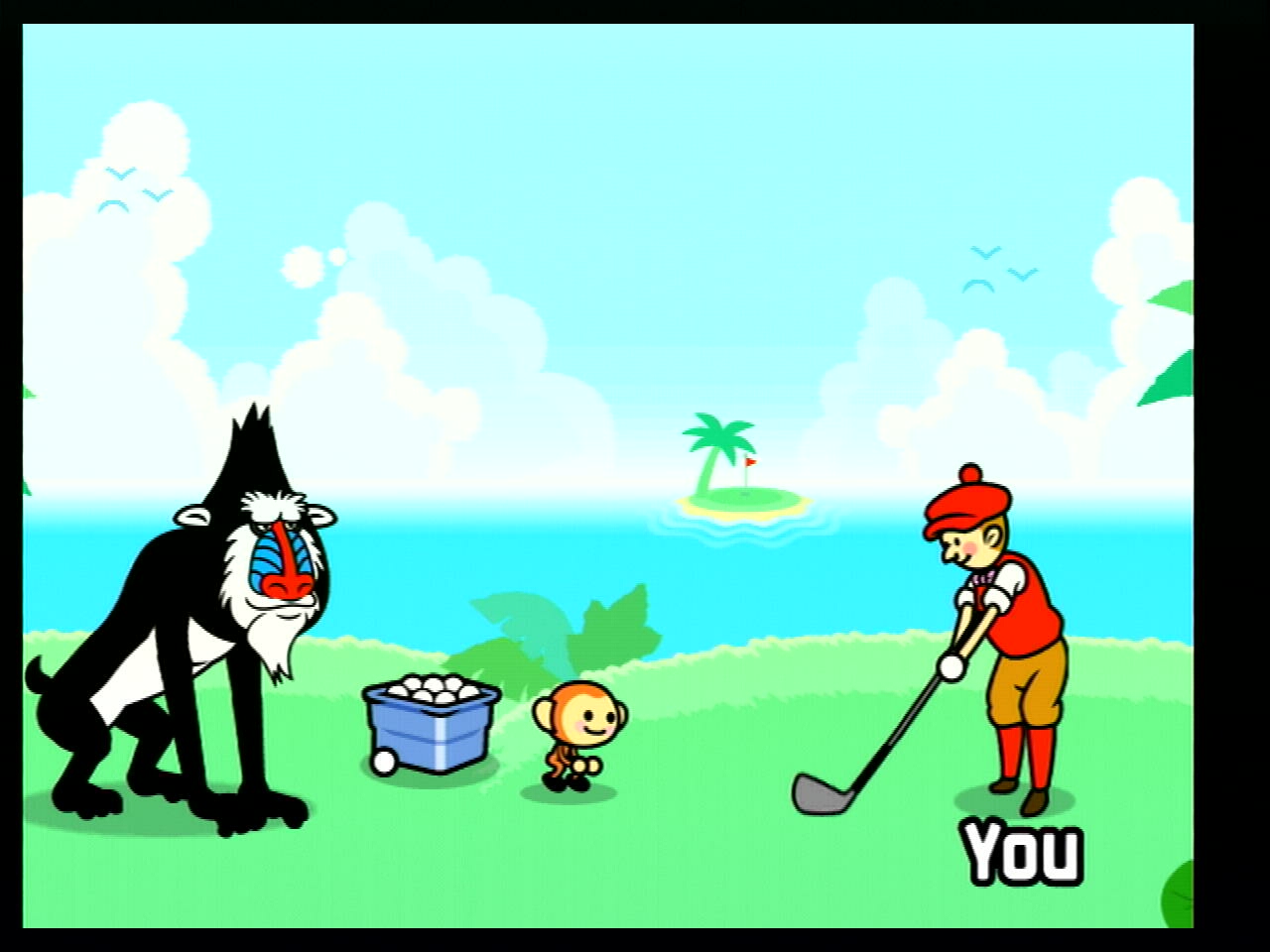
Framebuffer:
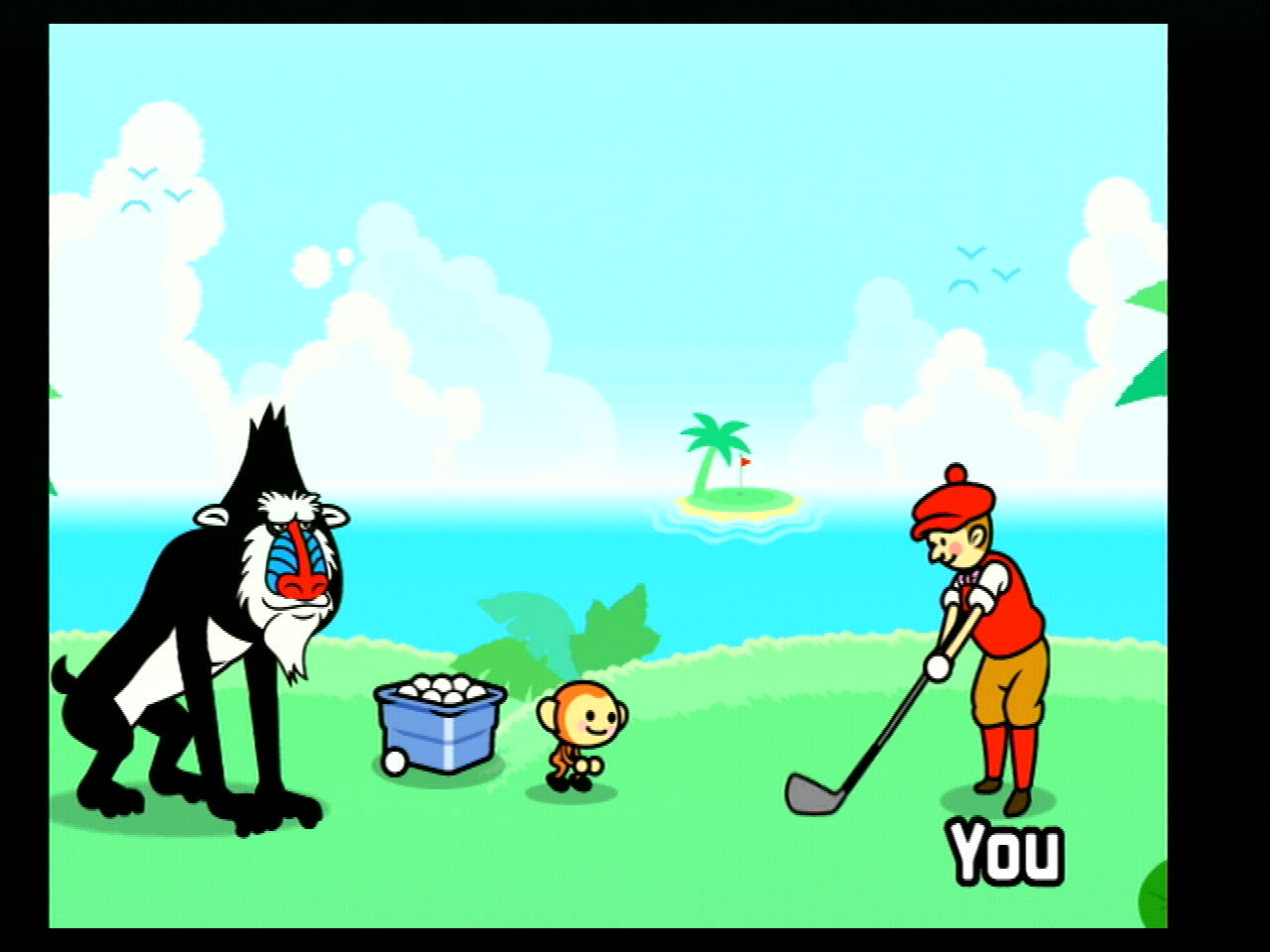
You could open them on separate tabs to compare them more easily.
But that's basically it. It takes away the small stretch. It's a bit like the difference between comparing Anamorphic Widescreen and 4:3 if you ask me, just less obvious. But I'm liking it, honestly.
I'm yet to try games that are 4:3 but have 16:9 modes (the vast majority of Wii games, really).
It's not day and night, of course, but you do gain some sharpness as the video output is less stretched.
Here's a couple of comparative screenshots I took with of Rhythm Paradise, game with very simple and clean visuals, so you can see the difference between the default and the framebuffer options.
Default:
Framebuffer:
You could open them on separate tabs to compare them more easily.
But that's basically it. It takes away the small stretch. It's a bit like the difference between comparing Anamorphic Widescreen and 4:3 if you ask me, just less obvious. But I'm liking it, honestly.
Last edited by Maeson,