Android Post your Android homescreen!

  • Thread starter Thread starter Excellentnuke
  • Start date Start date
  • Views Views 162,619
  • Replies Replies 1,108
  • Likes Likes 2
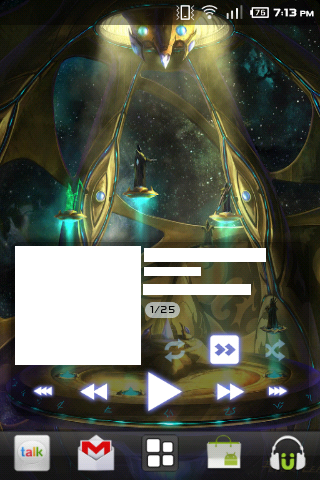
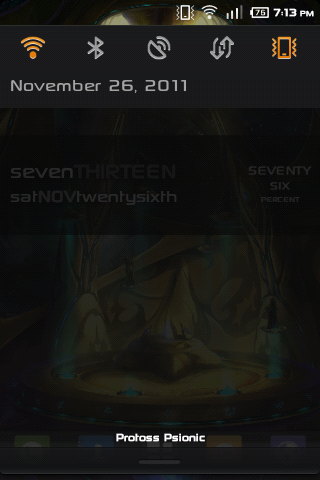
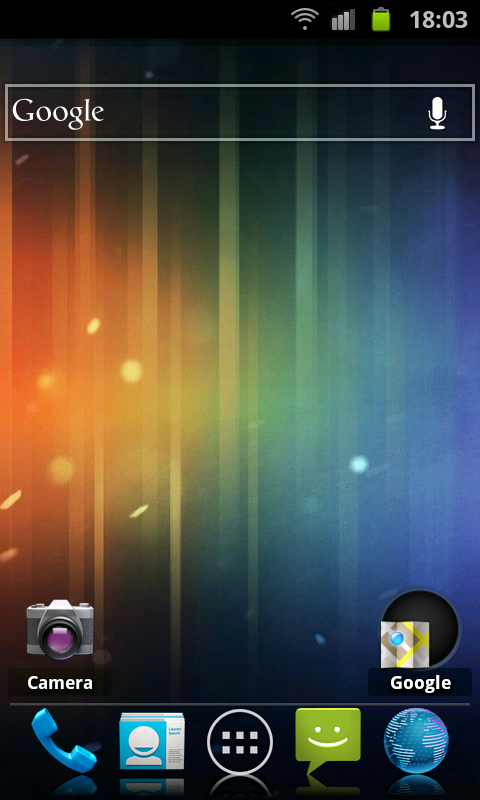
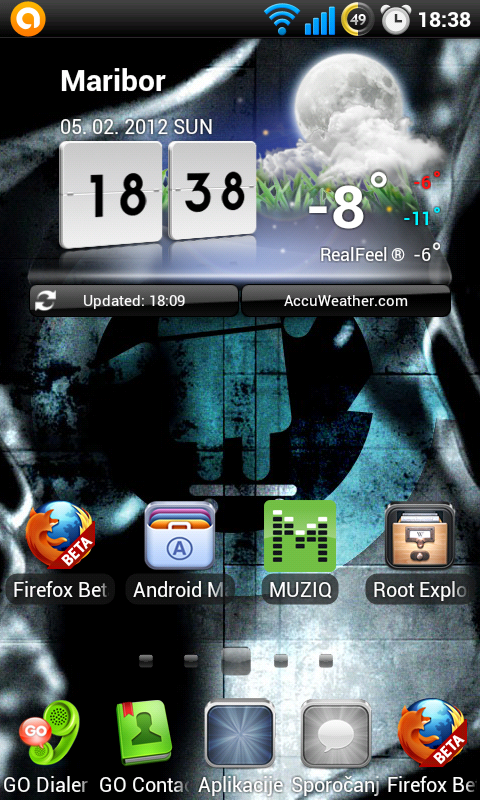
Phone: LG Optimus One
ROM: Cyanogenmod 7 (Mik's 6.8.7 [Dax's Themed Rom])
Launcher: Go Launcher EX
Launcher Themes: MIUI and Ice Cream Sandwich
System Theme: MIUI
gallery_156432_503_197922.png
gallery_156432_503_13295.png
gallery_156432_503_112219.png

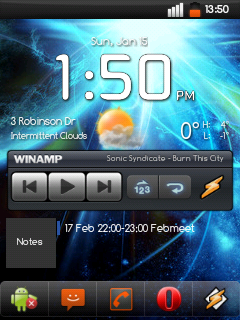
gallery_156432_503_78971.png
 
Samsung Vibrant (aka Galaxy S in Non-US areas), on MIUI.

On homescreen: Skinned Beautiful Widgets and Honeycomb Icon/Color-Themed

qKrTR.png
 
*Is thinking about getting a tablet; maybe a Transformer Prime non-branded ASUS tablet computer*


Cut it from the #6 comic cover, took me ages to get the correct size and rez.

Just a quick heads up; Dead Space and Need For Speed Hot Persuit are free right now on Samung Apps store. I grabbed Dead Space and it's pretty amazing for a cell phone game. I've tried about 4 cracked versions and it would never boot.
 
SE Xperia X10 Mini Pro

gallery_274170_804_60285.png


And I concour with Dead Space, it's awesome. (Although I played it on an iPod touch)

edit: stupid share media thing doesn't work.
 
all my home screen have changed since last time

22gbac.png


qqbok8.png


351a8t3.png


24pj4p2.png
for those wondering who is that thats eerie a character based on creepie

nvw6xv.png


1zfcef.png


14tx84i.png


to do that you need Multiple Wallpaper its available for free on the android market
 
  • Like
Reactions: 1 person
Lockscreen
SC20120204-232607.png

Main Homescreen
SC20120204-235411.png

This is on a Samsung Epic 4G Touch, non-rooted.

The clock+date widgets came in a single pack called "Retro Clock".

Battery thing is called "BattStatt".

:3

EDIT: Adjusted some icons on the homescreen a bit.
 
Lockscreen
SC20120204-232607.png

Main Homescreen
SC20120204-235411.png

This is on a Samsung Epic 4G Touch, non-rooted.

The clock+date widgets came in a single pack called "Retro Clock".

Battery thing is called "BattStatt".

:3

EDIT: Adjusted some icons on the homescreen a bit.
You need to put them in your Public folder and then right click them and choose "Copy public link", or open the Gallery view and copy the image addresses from there.
 

Site & Scene News

Popular threads in this forum