



Hi all,
I am Michele, the creator of NightClock and I am back with a brand new clock app for 3DS.
After my first app NightClock I continued developing my ideas and created a living underwater scene.
Please enjoy it and send any feedbacks.
Here the Features, two videos I took on Citra, some screenshots and the QR for installation via FBI.
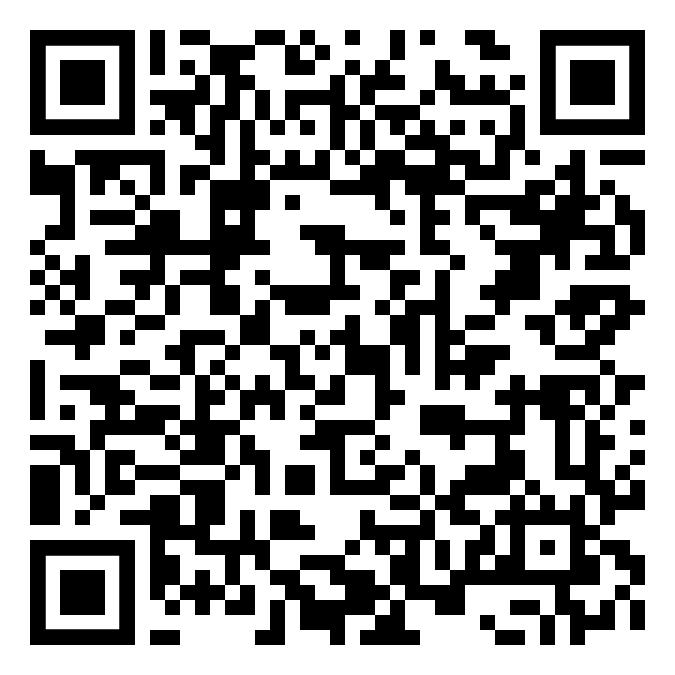
- scan the qr code below on FBI remote install to directly install the app on your 3DS
- Github Release here you can download the CIA file or the 3DSX
- Available on Universal Updater


I am Michele, the creator of NightClock and I am back with a brand new clock app for 3DS.
After my first app NightClock I continued developing my ideas and created a living underwater scene.
Please enjoy it and send any feedbacks.
Here the Features, two videos I took on Citra, some screenshots and the QR for installation via FBI.
- A fully animated living underwater scene.
- Customizable clock display: choose from multiple color presets (including an animated "Rainbow Dreams" mode), four size presets, and freely reposition the clock block anywhere on screen with the combination of R + Analog
- All the major formats supported for time and date.
- Five ocean-depth color palettes for the background gradient, with adjustable inversion
- A pair of creatures inhabit the upper screen, constantly moving, curious about the passage of other marine creatures...
- Marine life: solitary fish, schooling fish, sharks, sea turtles (with baby turtles trailing behind), anglerfish, and a rare deep-sea submersible encounter — each with independent, randomized appearance timing
- Jellyfish ecosystem: Free-roaming jellyfish on the bottom screen with individually randomized size spawn every ten minutes, tap a jellyfish to free her in the upper screen. tap to a free space on bottom screen to "intrigue" the nearest jellyfish to move there.
- Hourly events: At every hour change the screen gently clears of fauna, then a school of small fishes crosses first the bottom screen and then the top screen in rigid formation, spelling out the current hour in a dot-matrix pattern.
- Alarm clock
- Countdown timer
- Screen-off mode for the bottom screen to save battery
- Instructions/Credit screen
- Persistent settings saved on app exit (Start button)
- The clock (and date) is synced with the internal clock of the 3ds, to sync the clock with the Internet time please use rosalina: (Open the Rosalina menu by pressing L + Down on the D-Pad + Select. Select Miscellaneous options. Choose Update date and time via NTP, quit Rosalina)
- scan the qr code below on FBI remote install to directly install the app on your 3DS
- Github Release here you can download the CIA file or the 3DSX
- Available on Universal Updater
Last edited by MicheleP3ds,


