



Hi all, I am back (again), my name is Michele, the creator of NightClock and OceanClock, welcome to my new clock app for Nintendo 3DS: ForestClock.
FEATURES:

INSTALLATION:
Install via Universal Updater: SOON AVAILABLE
Manual install (.3dsx or .cia): HERE


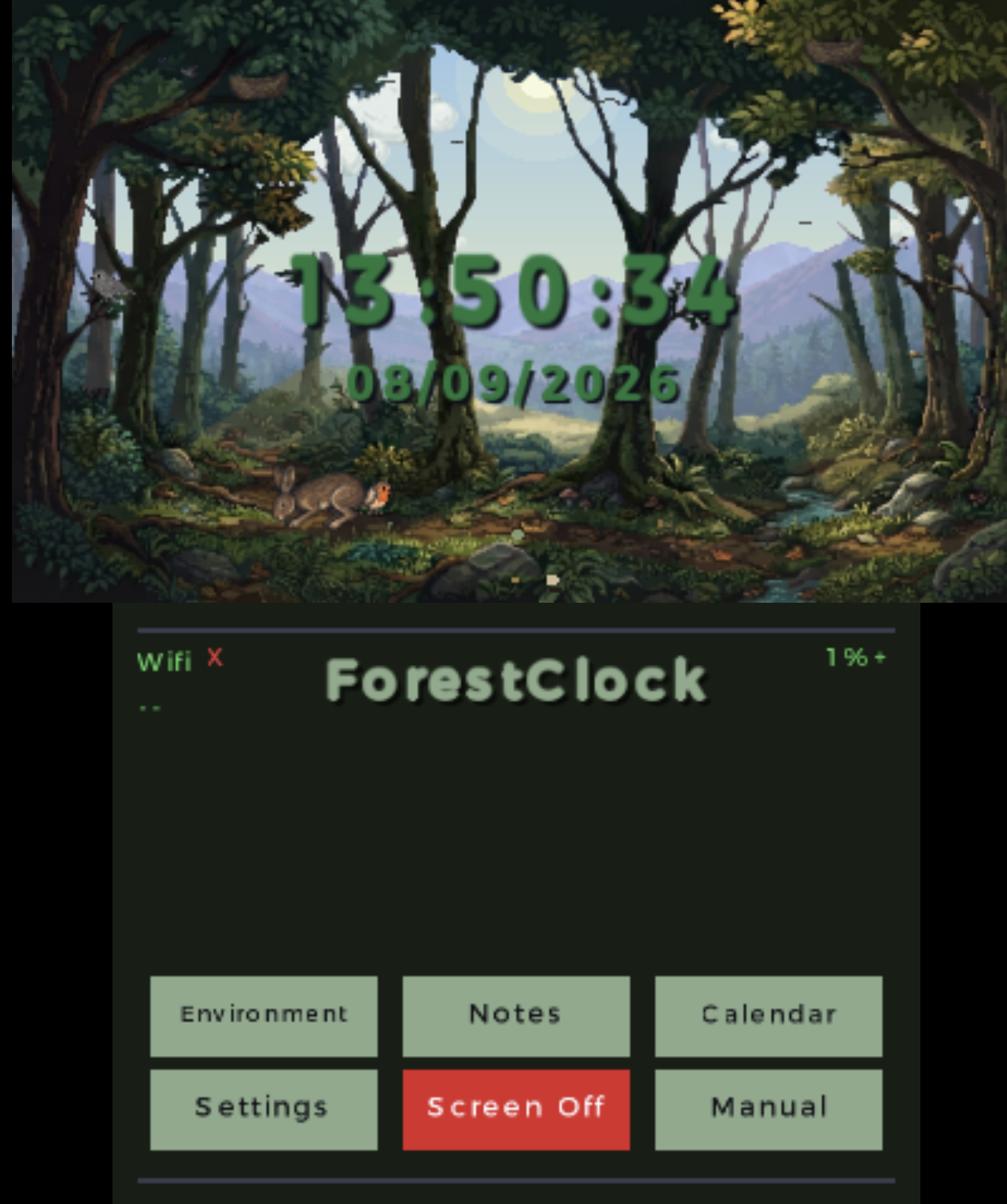
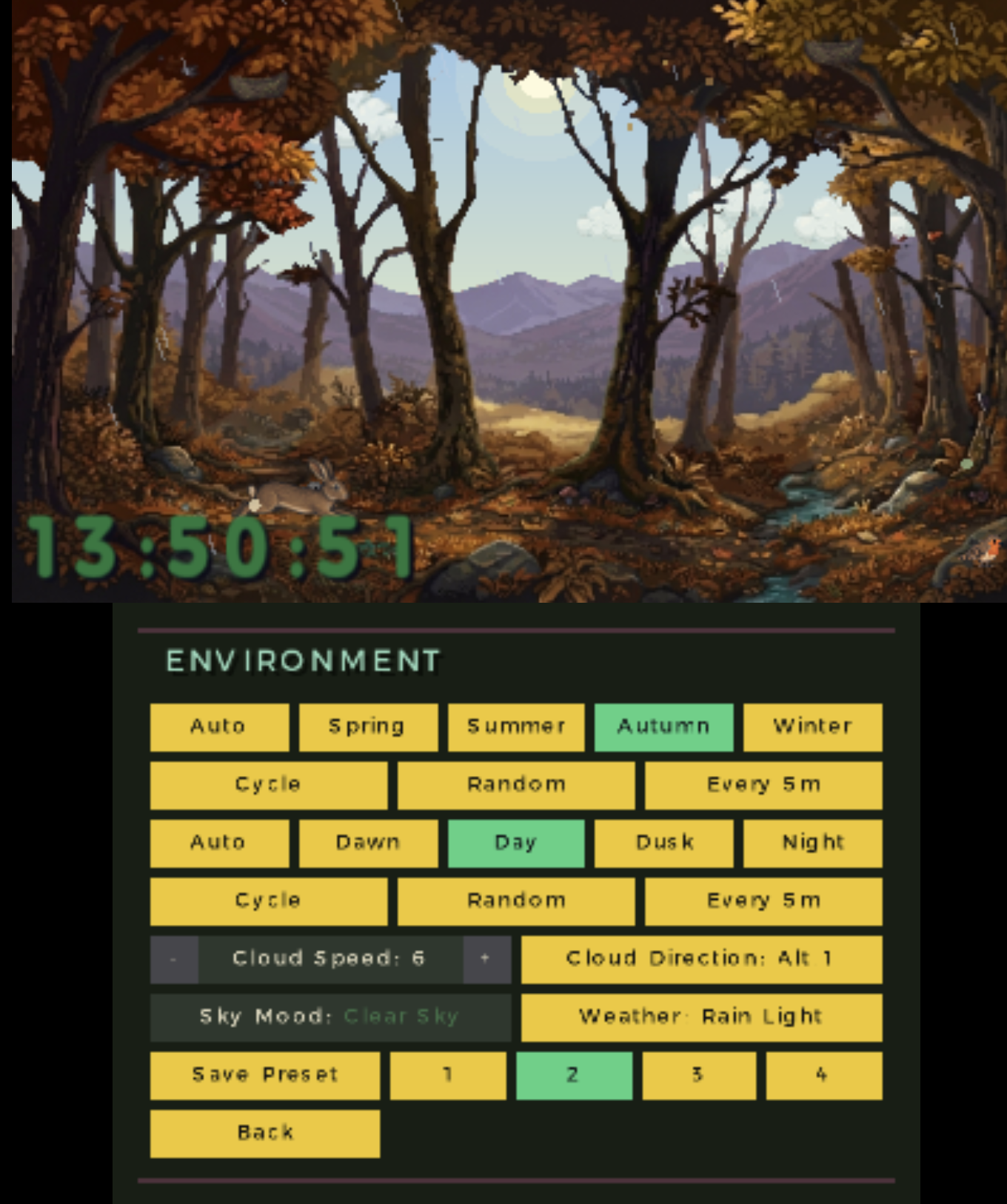
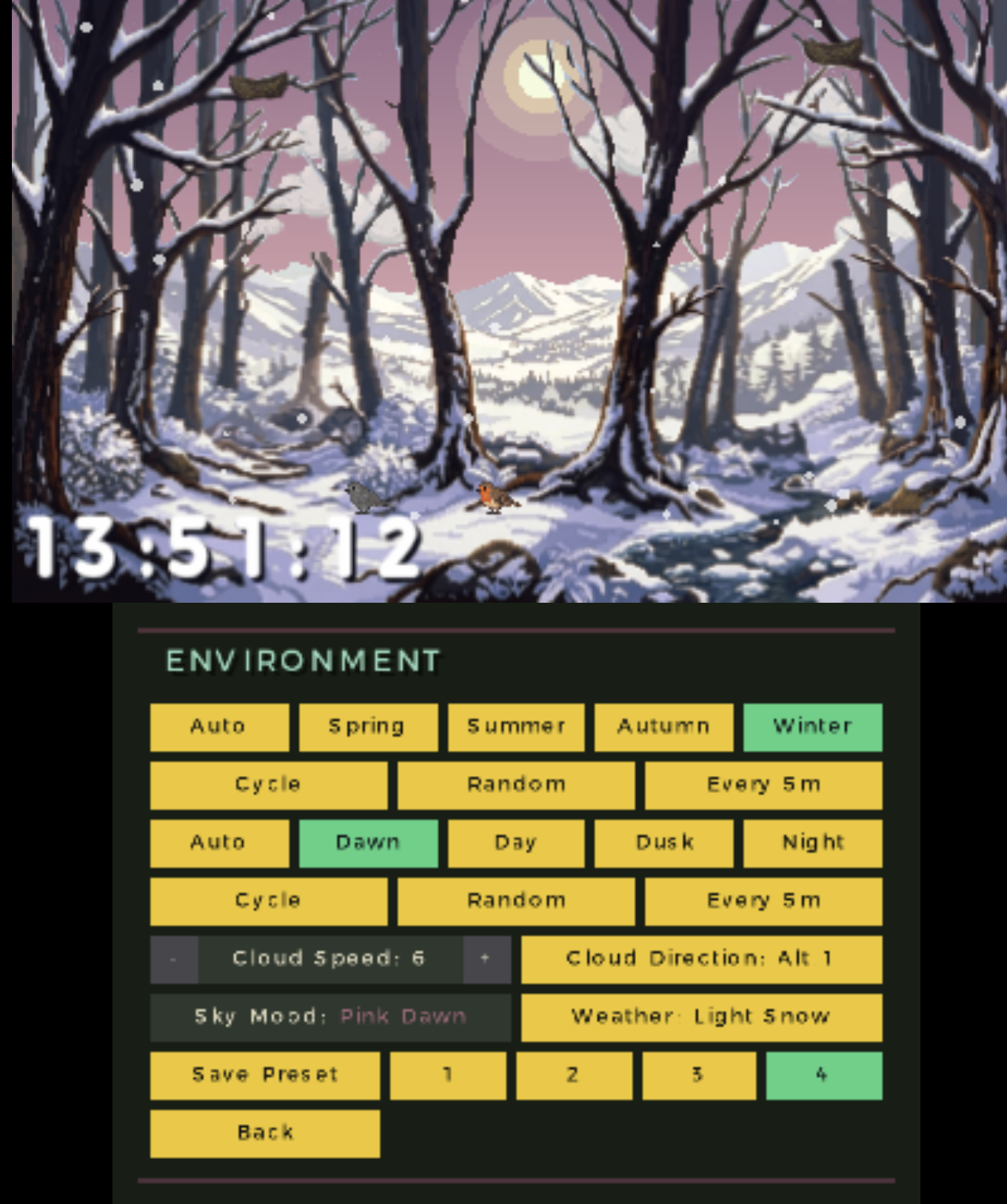
FEATURES:
- A fully animated living forest scene, cycling through the seasons and the phases of the day.
- Customizable clock display: choose from a wide range of color presets (including a true animated rainbow mode), four size presets, and freely reposition the clock block anywhere on screen with the combination of L + Analog.
- All the major formats supported for time and date.
- Seasons: Spring, Summer, Autumn and Winter, each with its own look for the background, the trees and the falling leaves. Set to Auto to follow the real calendar date (the actual equinox/solstice dates, not just the 1st of the month), pick one manually, or let it Cycle/Random through them.
- Day phases: Dawn, Day, Dusk and Night, each with its own lighting and sky. Auto follows the 3DS's real clock, or choose Manual/Cycle/Random.
- Real weather: enter your location and ForestClock fetches the actual current weather for your area, bringing rain or snow (at different intensities) into the scene. Automatic background updates on your own schedule, or refresh manually anytime.
- Forest wildlife, each with independent, randomized behavior: a robin and a grey bird that nest, sleep and wake with the day/night cycle; an owl that takes flight once a minute during the night; wandering hedgehogs; a hare that walks, grazes and rests along the forest floor, occasionally leaving the scene to rest before wandering back; and a fox that only ever shows itself at night, dashing across the screen and pausing halfway to look back at you.
- Fireflies, butterflies and falling leaves complete the scene, with the leaf-fall rate changing across the seasons.
- Ambient forest audio: birdsong, rain, daytime and nighttime ambience, and the owl's call, all mixed together and fading in and out naturally with the scene.
- Alarm clock.
- Countdown timer.
- A calendar, with a personal diary you can write in day by day (word-wrap and scrolling included), and a separate space for free-form notes, sorted by whichever you touched most recently.
- Screen-off mode for the bottom screen to save battery.
- Instructions/Credit screen.
- Persistent settings saved on app exit (Start button).
- The clock (and date) is synced with the internal clock of the 3ds, to sync the clock with the Internet time please use rosalina: (Open the Rosalina menu by pressing L + Down on the D-Pad + Select. Select Miscellaneous options. Choose Update date and time via NTP, quit Rosalina)
INSTALLATION:
Install via Universal Updater: SOON AVAILABLE
Manual install (.3dsx or .cia): HERE
- 3DSX - Copy .3dsx to /3ds/ on your SD card, then launch via the Homebrew Launcher.
- CIA - Copy .cia to your SD card and install it via FBI.
- Scan the QR code below with the FBI app (Remote install)
Last edited by MicheleP3ds,


