Pokemon White & Black Fully functional Tutorial.
UPDATE: INDEED, The US GAMES WORK, BUT YOU HAVE TO PATCH IT DIFFERENTLY, ONCE PATCHED JUST FOLLOW THE INSTRUCTIONS AS IF THEY WHERE THE JP VERSIONS.
OK, for the past two days people been struggling for making Pokemon White/Back functional on their R4 SDHC.
Today, with a special thanks to Aurionfox, and anyone else who contribited to this finding, i will be posting this tutorial with the means of helping those who haven't had any luck booting eather Pokemon White/Black on their R4 SDHC.
First of all *links to ROMS are not allowed* so don't ask.
Things you will need
1.- Pokemon Black/White rom. (Don't ask, Google is your friend).
2.- Rudolph patch for the freezes.
3.- Lunar Ips for Exp fix.
4.- Desmume emulator.
5.- PC and R4SDHC.
6.- Official kernel 1.34
7.- microSD (2g recommended) (Anything greater than 2g gave me problems, feel free to try)
First this works with a R4SDHC, but if you have another one feel free to try it. (R4SDHC Only tested)
Download bellow (it has everything you need)
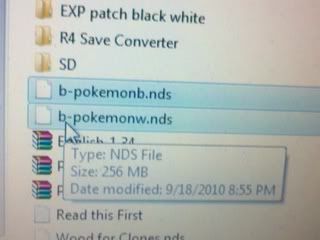
1.- Get a clean pokemon white or black rom (Dont't ask)
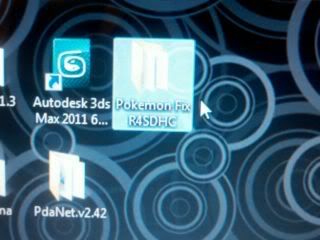
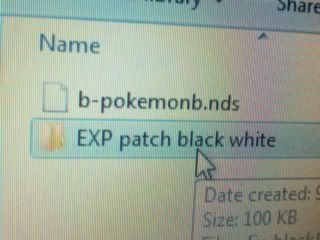
2.- Extract the contents of Pokemon Fix R4SDHC and First use the *Patch Black Fix* or *Patch White Fix* this is for Freezes. (included on Download link)
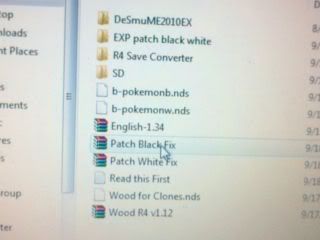
Patch the version you want using the corresponding Patch.(In this case pokemon Black)
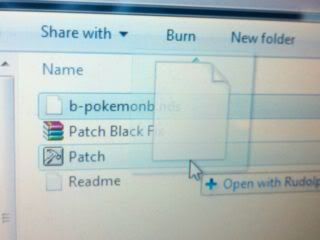
3.- Now use the IPS patcher for the Experience AP (Included on Download link)
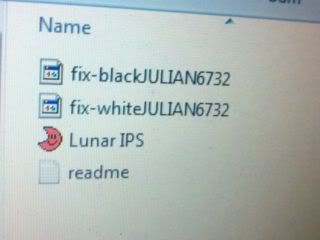
Use the correct IPS patcher corresponding on your version (In this case Pokemon Black)
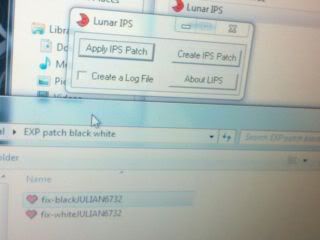
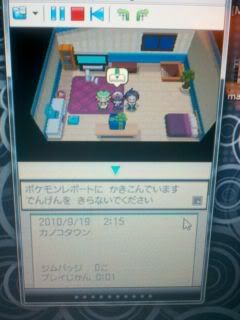
4.- Once patched start the games using Desmume emulator, Start the Patched rom you created and save before you get your PKMN, Once you save you can close the emulator.
5.- Copy everything that is on The *SD* folder to the root of your microSD.
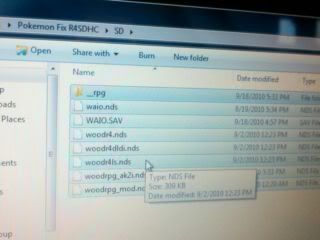
6.- Copy your patched rom to your microSD.
7.- Start your DS
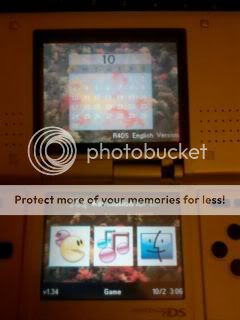
8.- Boot WAIO.NDS
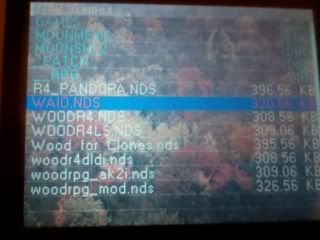
9.- Press (B) and find then Boot woodr4dldi.nds
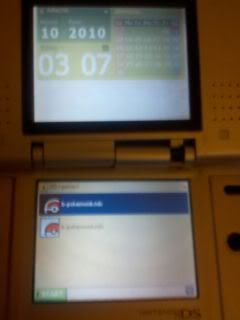
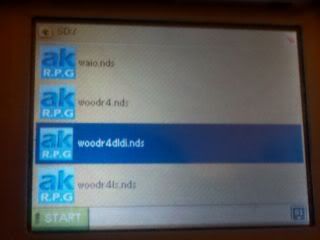
10.- Once that is finish, find your rom, press (Y) then (Y) again.
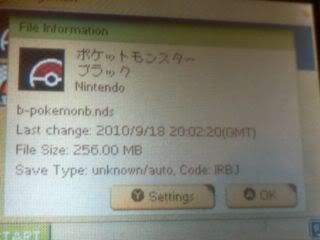
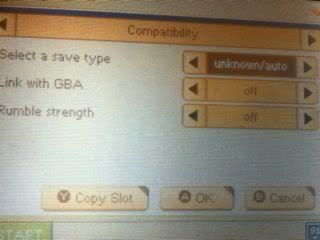
11.- Press ® and make sure Cheat In Game(AR) is off and Reset In Game Off, Then press (A) to save, then(A) again.
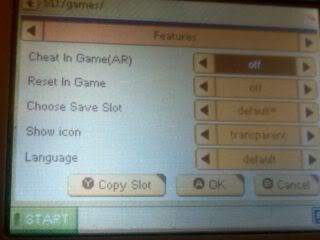
12.- Boot your rom, it should freeze with two white screens.
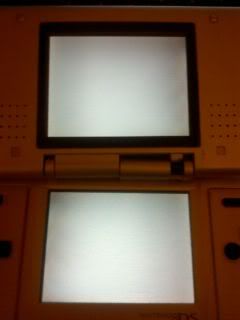
13.- Turn off your DS. Then ON again and boot WAIO.NDS then woodr4dldi.nds again.
14.- Find your rom again, press (Y) again, then (Y) again, but this time change your save type to 512kb. Then press (A) to save.
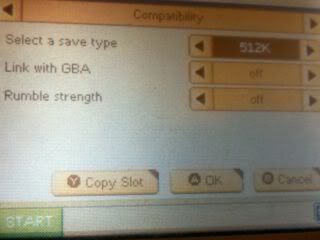
15.- Boot your rom, this time it will work. Play a little bit and then save. If you boot your rom again and try to load it will erase your save file. (a blue screen with letters will show). If that shows you did it right.
16.- Now Go on your PC and connect yor microSD and find your save and erase it.
17.- Now find your RAM folder in the emulator, it should have a *ROMNAME*.dsv
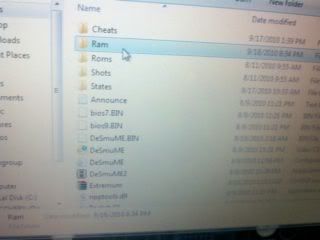
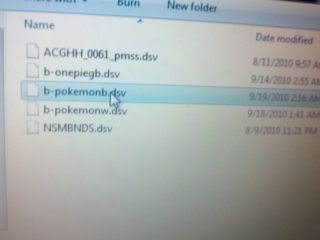
18.- Now copy *ROMNAME*.dsv to the same folder you have your room on your microSD and change the file extension from .dsv to .sav
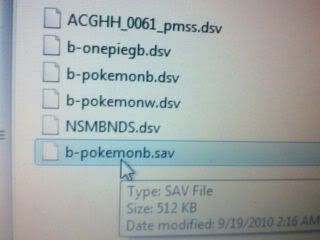
If for some reason when you load the .sav file on your R4 SDHC and it gives you a black screen, try using R4 Save Converter.
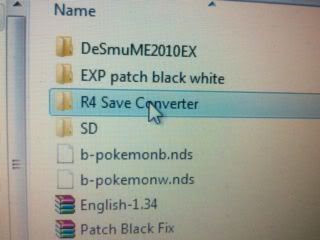
Or try this save and see if it works for you. Created by Aurionfox.
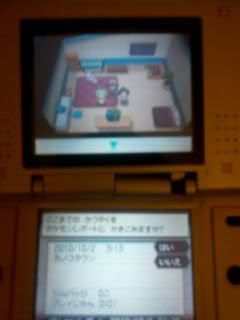
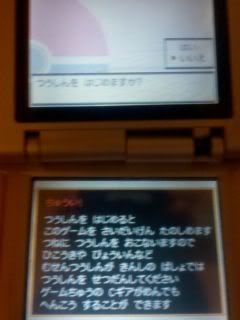
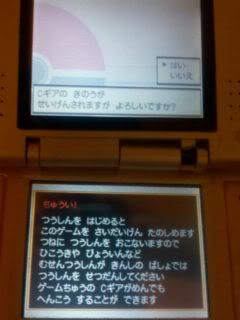
*NOTE*Note to anyone finding their character frozen when loading their save: When loading your game you'll be asked a question, select the bottom answer and then the first one. This turns off the C-Gear, if it's on you'll be unable to move.
Example:
Press No, then yes.
*NOTE*
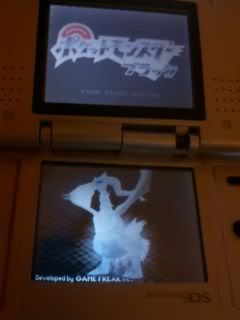
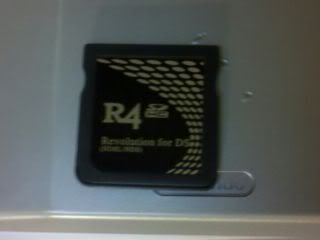
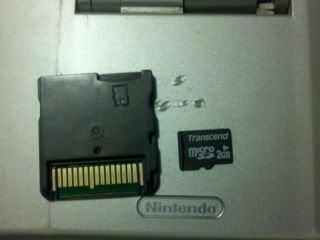
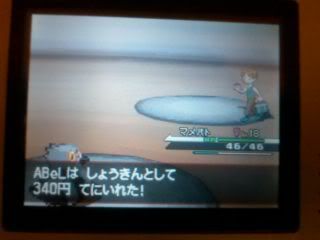
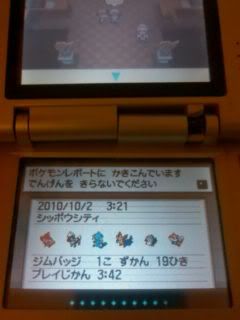
This is what am using it a R4 SDHC. Here are some images so you guys can see it.
EDIT
I got Bored of the games all ready they are to short after beating the elite4
OK, for the past two days people been struggling for making Pokemon White/Back functional on their R4 SDHC.
Today, with a special thanks to Aurionfox, and anyone else who contribited to this finding, i will be posting this tutorial with the means of helping those who haven't had any luck booting eather Pokemon White/Black on their R4 SDHC.
First of all *links to ROMS are not allowed* so don't ask.
Things you will need
1.- Pokemon Black/White rom. (Don't ask, Google is your friend).
2.- Rudolph patch for the freezes.
3.- Lunar Ips for Exp fix.
4.- Desmume emulator.
5.- PC and R4SDHC.
6.- Official kernel 1.34
7.- microSD (2g recommended) (Anything greater than 2g gave me problems, feel free to try)
First this works with a R4SDHC, but if you have another one feel free to try it. (R4SDHC Only tested)
Download bellow (it has everything you need)
1.- Get a clean pokemon white or black rom (Dont't ask)
2.- Extract the contents of Pokemon Fix R4SDHC and First use the *Patch Black Fix* or *Patch White Fix* this is for Freezes. (included on Download link)
Patch the version you want using the corresponding Patch.(In this case pokemon Black)
3.- Now use the IPS patcher for the Experience AP (Included on Download link)
Use the correct IPS patcher corresponding on your version (In this case Pokemon Black)
4.- Once patched start the games using Desmume emulator, Start the Patched rom you created and save before you get your PKMN, Once you save you can close the emulator.
5.- Copy everything that is on The *SD* folder to the root of your microSD.
6.- Copy your patched rom to your microSD.
7.- Start your DS
8.- Boot WAIO.NDS
9.- Press (B) and find then Boot woodr4dldi.nds
10.- Once that is finish, find your rom, press (Y) then (Y) again.
11.- Press ® and make sure Cheat In Game(AR) is off and Reset In Game Off, Then press (A) to save, then(A) again.
12.- Boot your rom, it should freeze with two white screens.
13.- Turn off your DS. Then ON again and boot WAIO.NDS then woodr4dldi.nds again.
14.- Find your rom again, press (Y) again, then (Y) again, but this time change your save type to 512kb. Then press (A) to save.
15.- Boot your rom, this time it will work. Play a little bit and then save. If you boot your rom again and try to load it will erase your save file. (a blue screen with letters will show). If that shows you did it right.
16.- Now Go on your PC and connect yor microSD and find your save and erase it.
17.- Now find your RAM folder in the emulator, it should have a *ROMNAME*.dsv
18.- Now copy *ROMNAME*.dsv to the same folder you have your room on your microSD and change the file extension from .dsv to .sav
If for some reason when you load the .sav file on your R4 SDHC and it gives you a black screen, try using R4 Save Converter.
Or try this save and see if it works for you. Created by Aurionfox.
QUOTE said:http://www.fileserve.com/file/sGNdEN2
19.- Now Boot WAIO.NDS, Then woodr4dldi.nds and find your rom.
20.- Press (Y) twice and change the save type from 512kb back to *unknown/auto* then press (A) to save.
And if that doesn't work try putting 64M instead of auto/uknown. Some people claimed it worked for them.
If you did it right, it should boot and you will be able to save, gain EXP and no freezes. Enjoy
Sorry for my bad spelling, am from Mexico.
Kudos to:
Aurionfox
abel009
And anyone else who helped.
Copyright to everyone who make this possible
Working:QUOTE said:
R4SDHC
N5
R4-III Upgrade
*NOTE*Note to anyone finding their character frozen when loading their save: When loading your game you'll be asked a question, select the bottom answer and then the first one. This turns off the C-Gear, if it's on you'll be unable to move.
Example:
Press No, then yes.
*NOTE*
This is what am using it a R4 SDHC. Here are some images so you guys can see it.
EDIT
I got Bored of the games all ready they are to short after beating the elite4