Hacking Nintendont

  • Thread starter Thread starter sabykos
  • Start date Start date
  • Views Views 10,170,125
  • Replies Replies 42,894
  • Likes Likes 194
#i won't trim them then. IS GC iso tool okay for converting gcm to iso? If not, what is a better application?
Trimming isn't bad per se. Just don't use trimmed ISOs for testing game compatibility or ask for help with them. It works fine most of the time for me (I'm using DMToolBox 0.3), and can save a lot of space. If you've got enough space for untrimmed ISOs of all your games, then yes, it will be easiest for you to just leave them all untrimmed. If you need to save some space, try trimming them, but keep a copy of the untrimmed ISOs. If a game doesn't work, try a different trimming method or use the untrimmed copy. Easy. :)

And as others have mentioned, you don't need a tool to convert *.gcm files. Just rename them.
 
  • Like
Reactions: pokeparadox
When compressing, make sure you use the newest DM Tool Box, its the best without any worries. All of my shrunk games work fine with it.
 
Nintendont last rev/
Luigi's Mansion + Classic Controller = black screen
Luigi's Mansion + setting native controller + GC controller = work Fine

Hi, try to load it with no classic connected(just wii remote)
it should boot!
then u can connect classic controller, I've tried few times and it works!
 
Hi, try to load it with no classic connected(just wii remote)
it should boot!
then u can connect classic controller, I've tried few times and it works!

Dont work :angry:

Other games work with Classic Controller

Screenshots
2014122421_8328752_15307139.jpg

2014122421_4193147_15307145.jpg
 
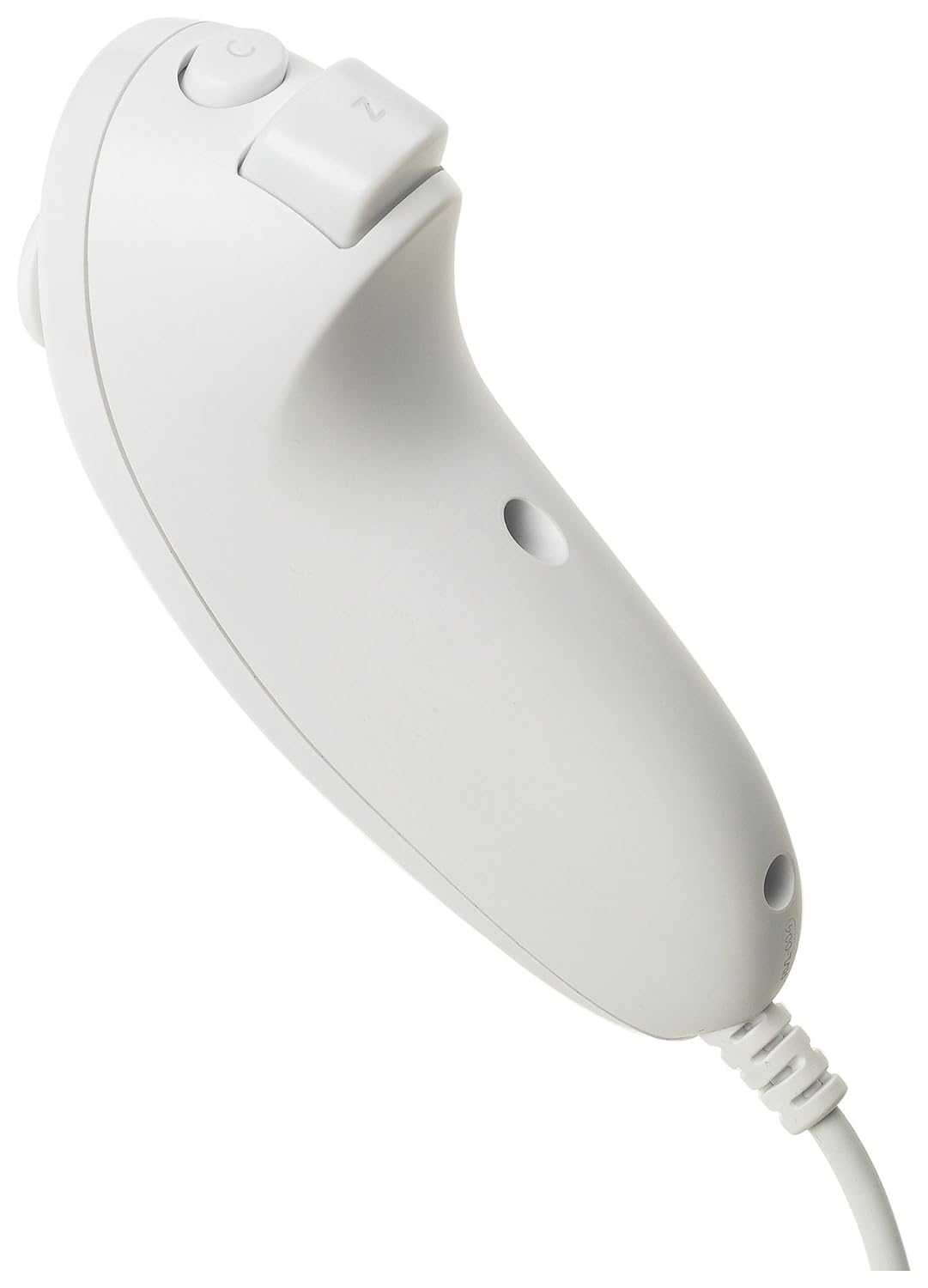
Hey, guys, I just faced with some new Nunchuck controlls problems.
My set up:
- family Wii;
- Nintendont 262;
- 1official Wiimote+Nunchuck, 1 third-party Wiimote+Nunchuck (which is works perfectly - tested in Crash Bandicoot);
First of all, if I boot any GC game, when both my Wiimotes are enabled in Wii Menu, Nintendont will swap 1 player's and 2 player's controllers. For example, If official controller represented 1 player in Wii Menu, the after game boots it will be as 2 player's mote.
Secondly, for Teenage Mutant Ninja Turtles third-party Nunchuck works a little odd. If I tilt NC stick to the right-bottom corner the game will recognize it as top-right corner, so character will walk if the wrong direction. But there is no such an issue for The Lord of the Rings: Return of the King. All NC stick directions work properly for this game.

P.S.: Could anyone advise a good button layout for LotR: Return of the King. The game uses all buttons: A/B, X/Y, L/R (just a press) and Z.

 
Hey, guys, I just faced with some new Nunchuck controlls problems.
My set up:
- family Wii;
- Nintendont 262;
- 1official Wiimote+Nunchuck, 1 third-party Wiimote+Nunchuck (which is works perfectly - tested in Crash Bandicoot);
First of all, if I boot any GC game, when both my Wiimotes are enabled in Wii Menu, Nintendont will swap 1 player's and 2 player's controllers. For example, If official controller represented 1 player in Wii Menu, the after game boots it will be as 2 player's mote.
Secondly, for Teenage Mutant Ninja Turtles third-party Nunchuck works a little odd. If I tilt NC stick to the right-bottom corner the game will recognize it as top-right corner, so character will walk if the wrong direction. But there is no such an issue for The Lord of the Rings: Return of the King. All NC stick directions work properly for this game.

P.S.: Could anyone advise a good button layout for LotR: Return of the King. The game uses all buttons: A/B, X/Y, L/R (just a press) and Z.
Third party controllers will always have problems, for instance some ccp have R and Z buttons swapped and some will have hard time connecting and working
as for player swapping you can try erasing the saved wiimote memory by holding the red sync button on the wii for 20 secs then connect them in the prefered order
And for general configs that use all buttons I recommend the naggers or troops they have easy access to all buttons, I also have an alt-nagger config in my theme mod that I use as default which you may also like a lot
 
Hello, Nintendont replaced my complete USB file's (Isos, savegames ...) with a lot of strange corrupt files of 3Mb each one. All file names are composed by symbols.
I connected 3 wiiU pro controllers in the nintendont menu, and the selector arrow started to move it like a normal bad started analog pad issue, after this I only pressed home button to come back to loader. When I started nintendont again, it did'nt find the game folder in my USB device, after in Pc, I saw all files replaced by corrupted data.
I tried to reproduce this issue but without success.

Console: WiiU
Nintendont version: r264
Last game played correctly: Winning Eleven 6 Final Evolution (J)
 
Help Me
configuration pressing 1 + 2 on the Wii Remote! as it does to control the C gamecube?
as it does to control?
9jk748.png
That configuration normally dosent have any cStick control.
You can select to add cStick controlled by the wiimote IR to any configuration by

press button_2 (puts in config mode and turns IR off)
press config button (selects the desired config - skip this step for the default)
release the config button (keep holding button_2)
press button_Z (turns IR on or off for the just selected config. If the wiimotes is pointed at the screen you can see IR toggle on and off if the screen accepts cStick input. )
release button_Z
release button_2 (ends configuration)
 
So long story short I've fixed my "The console has crashed error, refer to the system manual." error. However recently playing Resident Evil Code Veronica X I got to the second disc and once down the ladder it froze, goes to a black screen when going through the first door or going into the item menu. The screen just goes black. Tried on Dios Mios and it works. Can anyone confirm the RE CVX disc 2 crash on Nintendont?
 
Just want to wish everyone here a happy Christmas! Wow who would have thought Nintendont would have come so far so quickly! Thanks to all the devs for the amazing work and the time they put in!
 
  • Like
Reactions: RCJayce

Site & Scene News

Popular threads in this forum