ROM Hack Importing saves from emulator

  • Thread starter Thread starter SWiedsie
  • Start date Start date
  • Views Views 7,947
  • Replies Replies 8

SWiedsie

Member
Newcomer
Joined
Apr 9, 2020
Messages
5
Reaction score
1
Trophies
0
Age
35
XP
62
Country
United States
Alright. I know this is a common question, and I’ve read everything I can but still can’t figure it out. Can someone please help me?

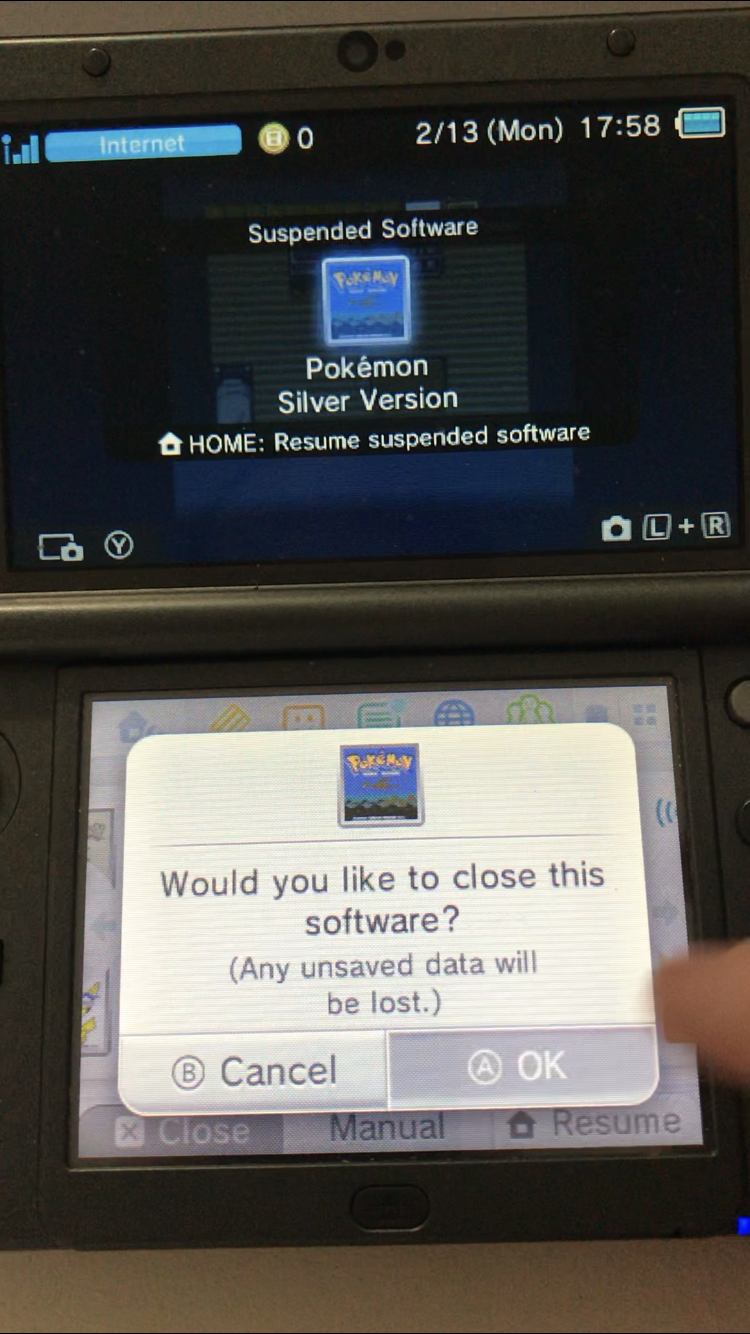
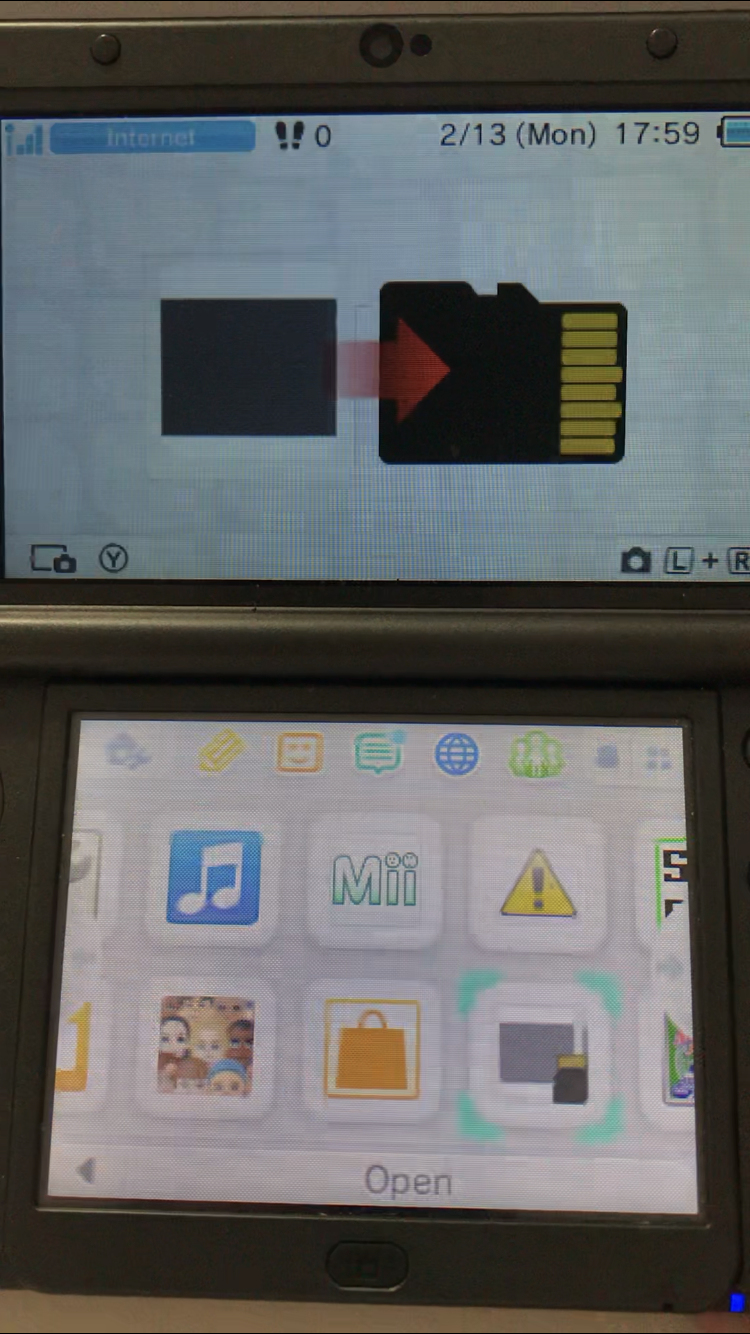
I recently bought a second hand NEW 3dsXL and it came banned from the estore and stuff. My bad. I decided I might as well use it for what it was probably banned for and install home brew. I did all that and put on virtual console silver plus others.

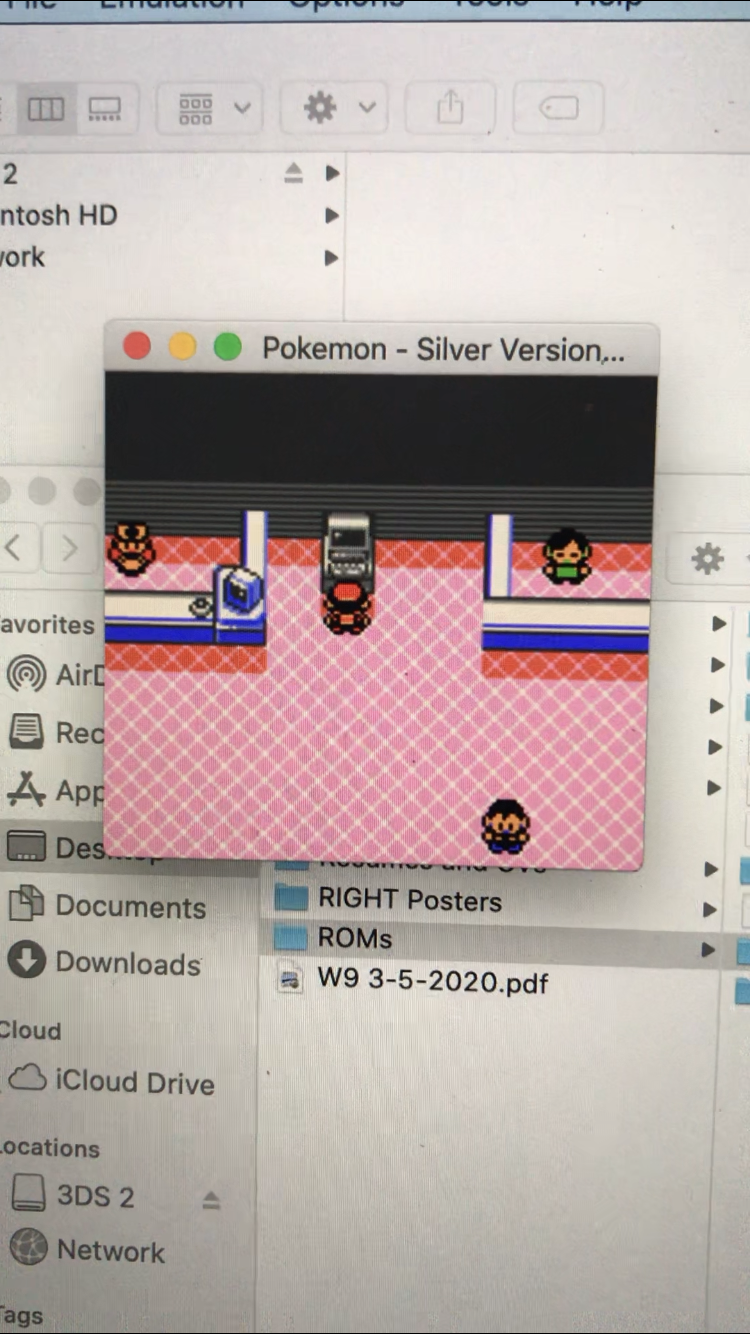
My question is that how do I import saves from an emulator on a computer into this silver?

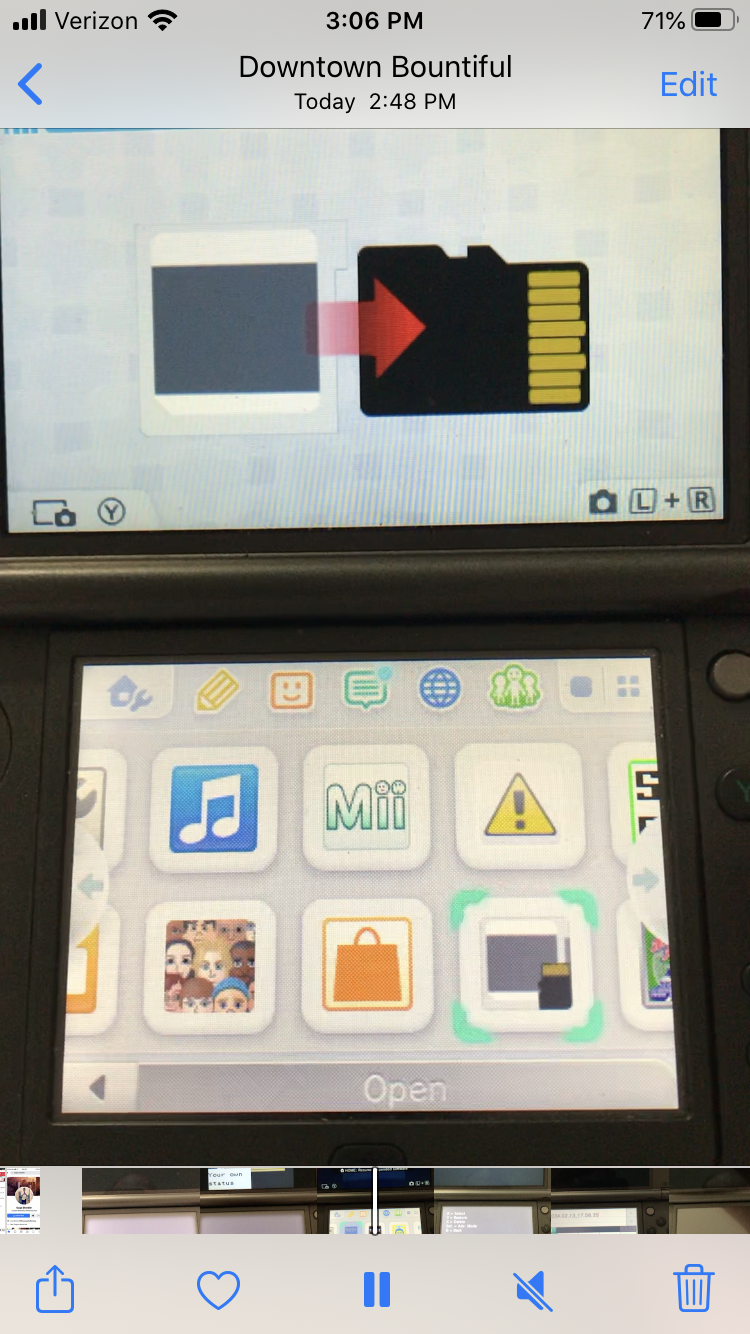
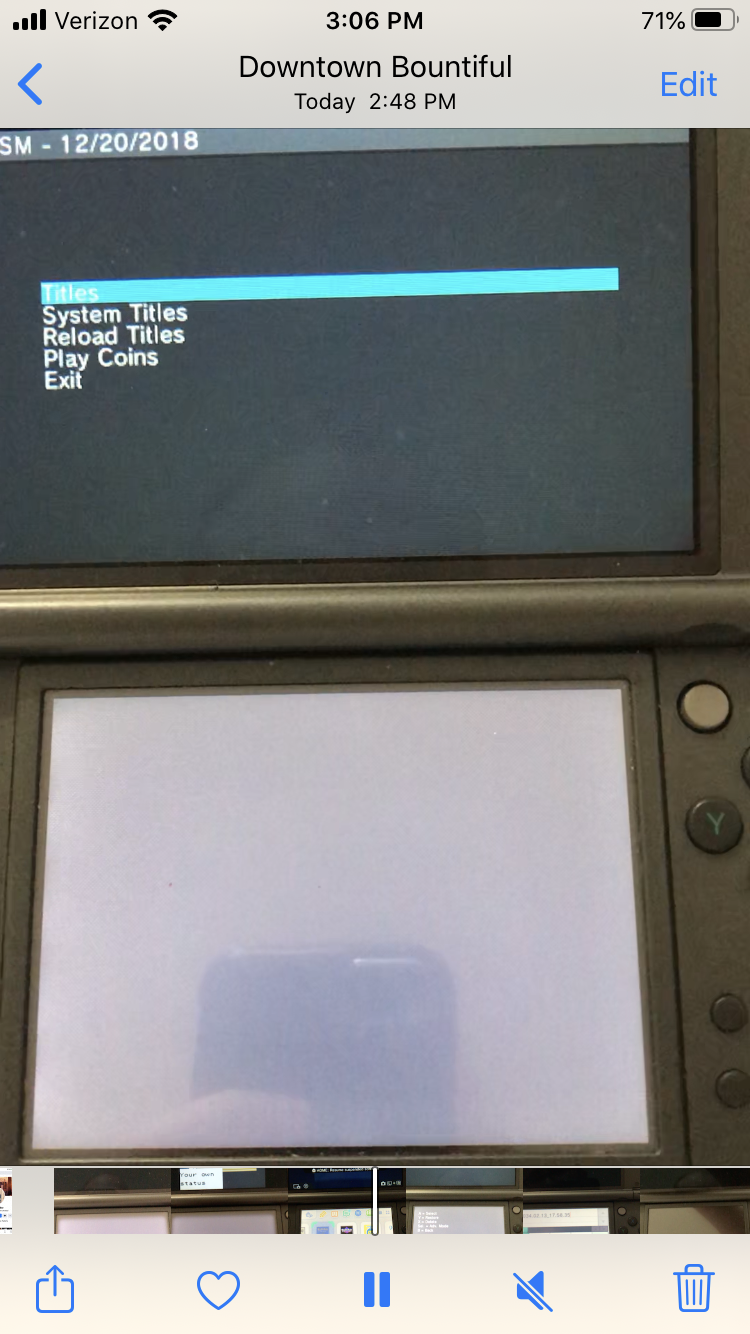
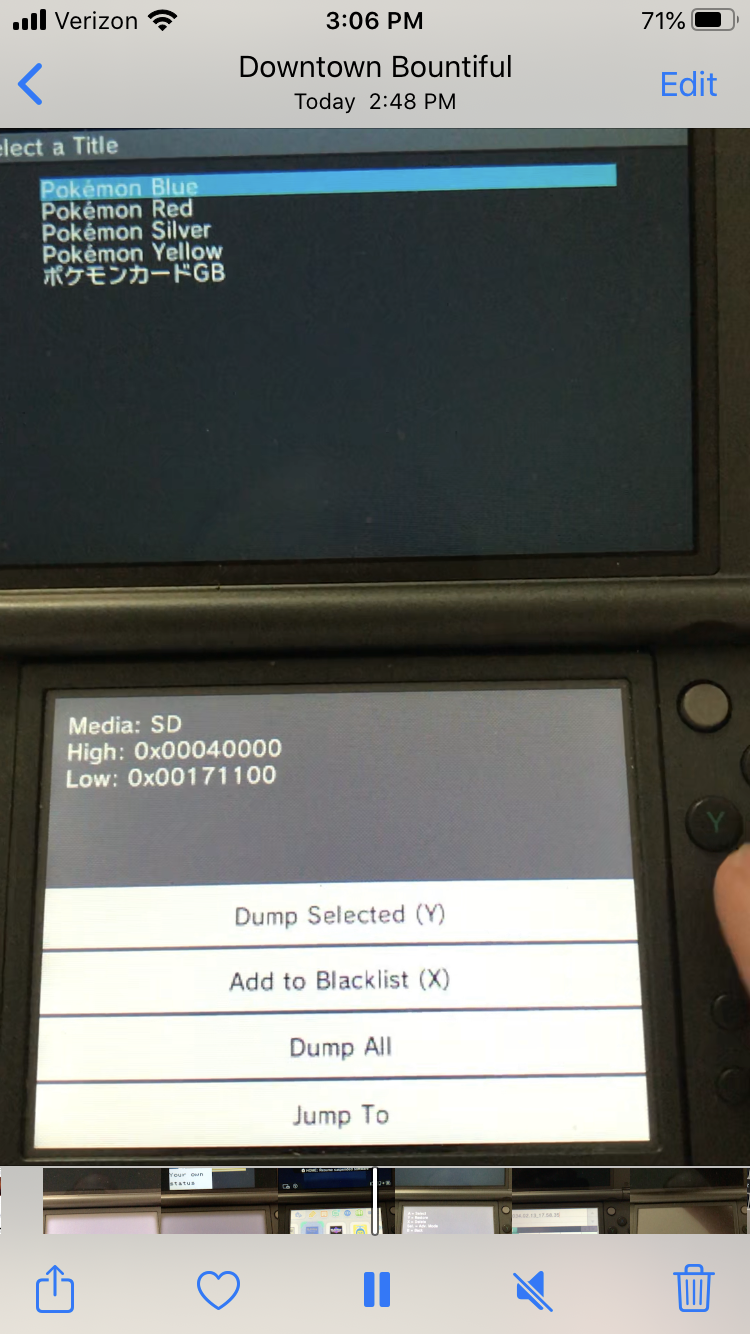
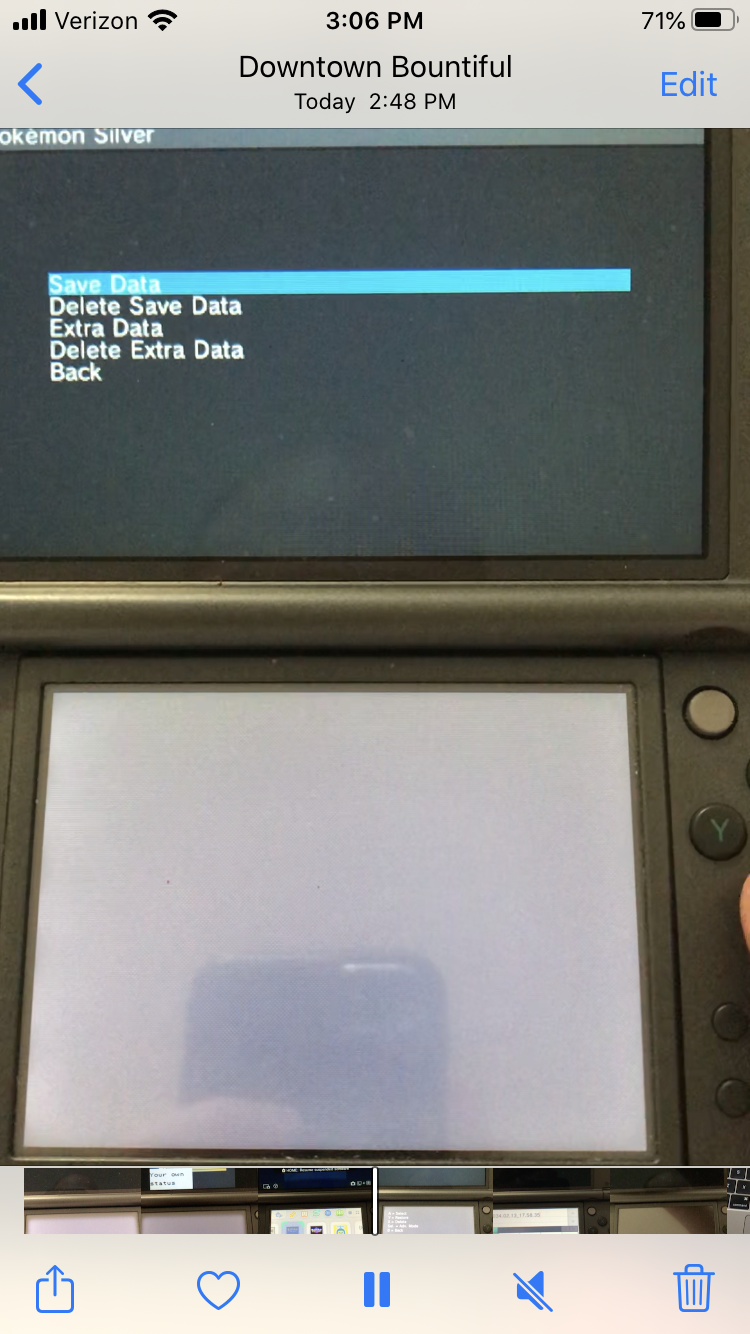
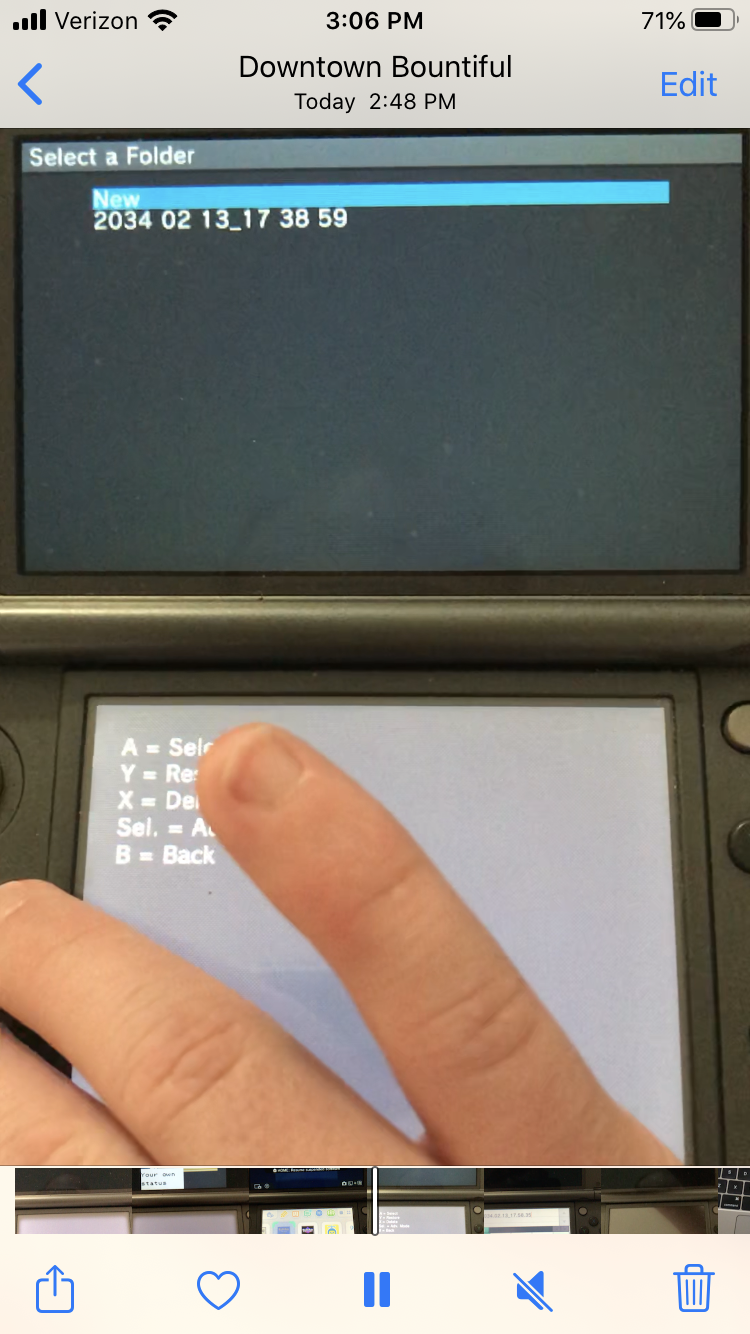
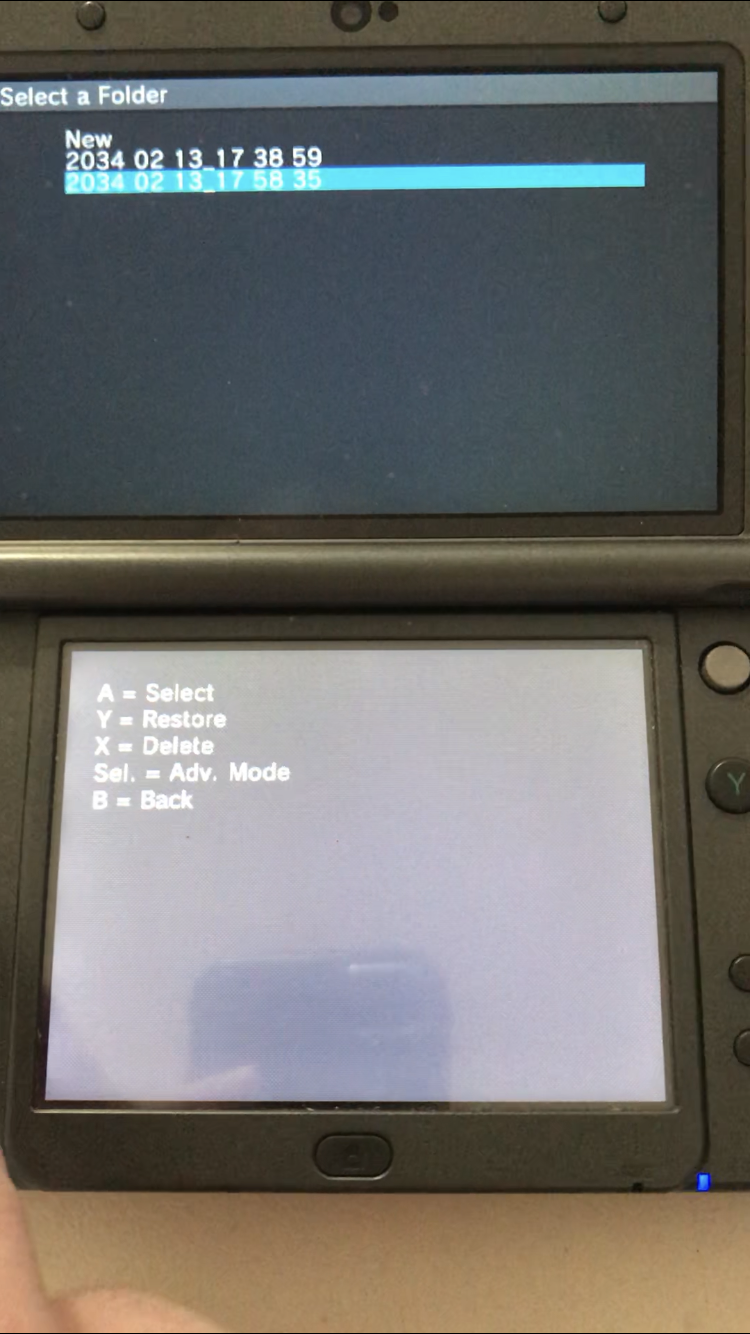
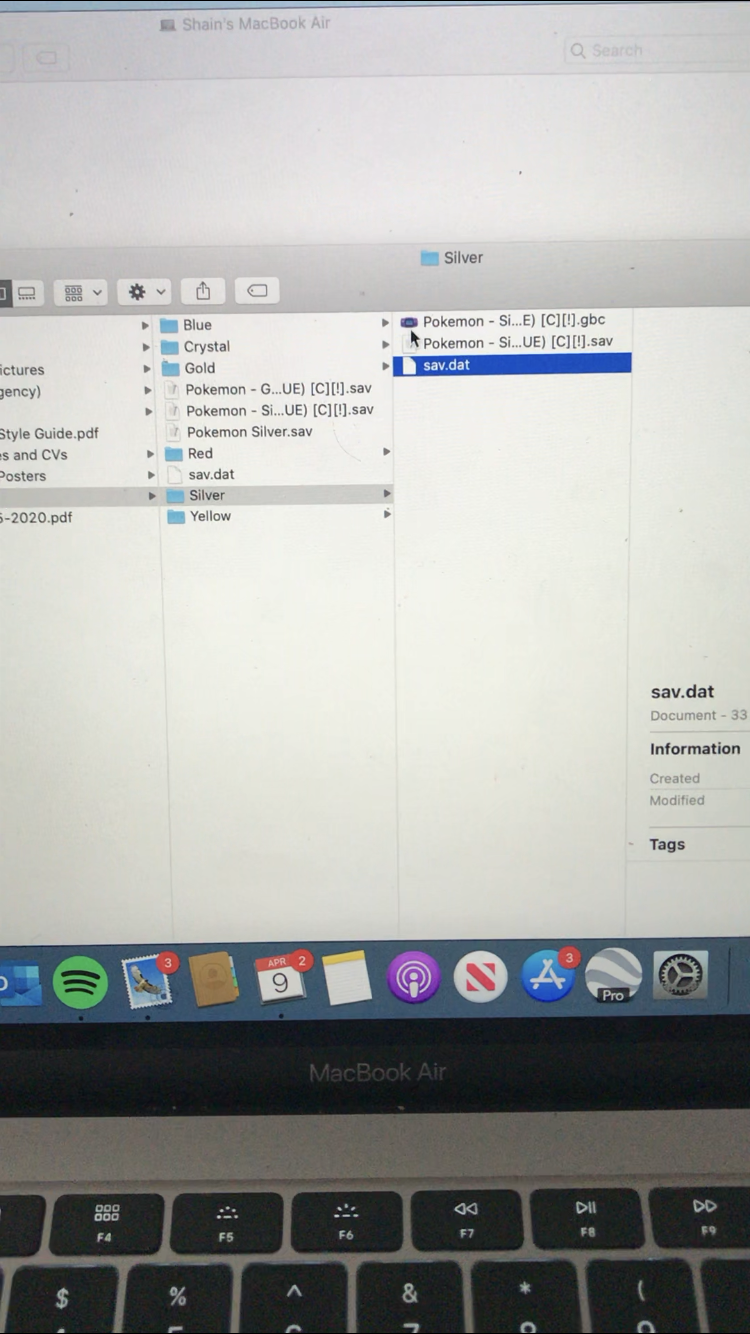
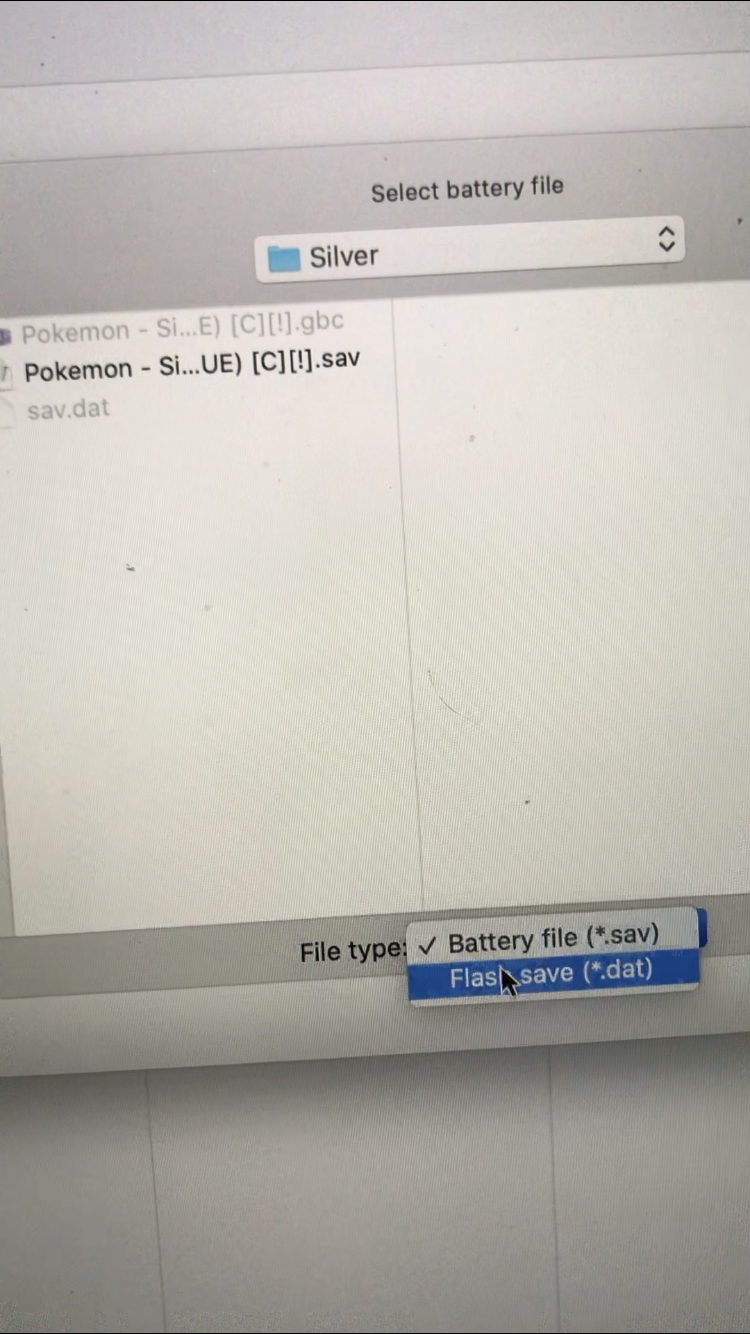
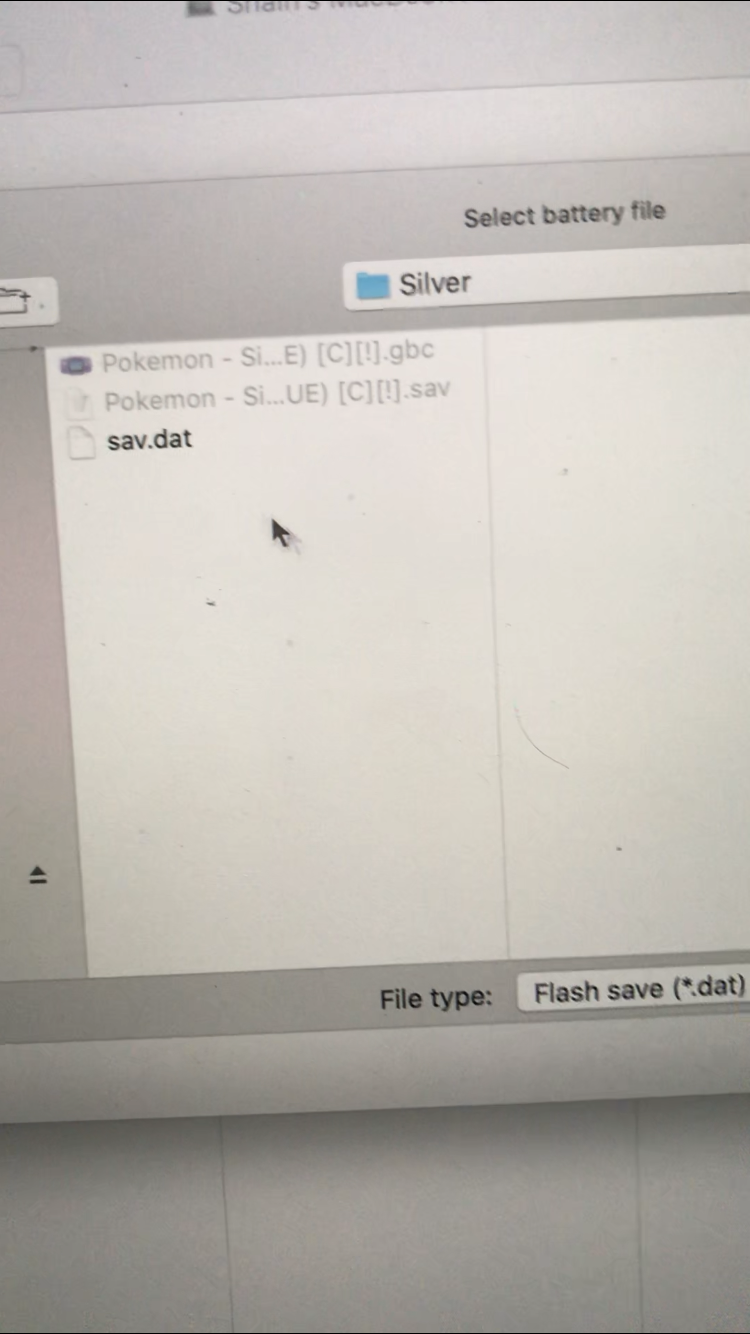
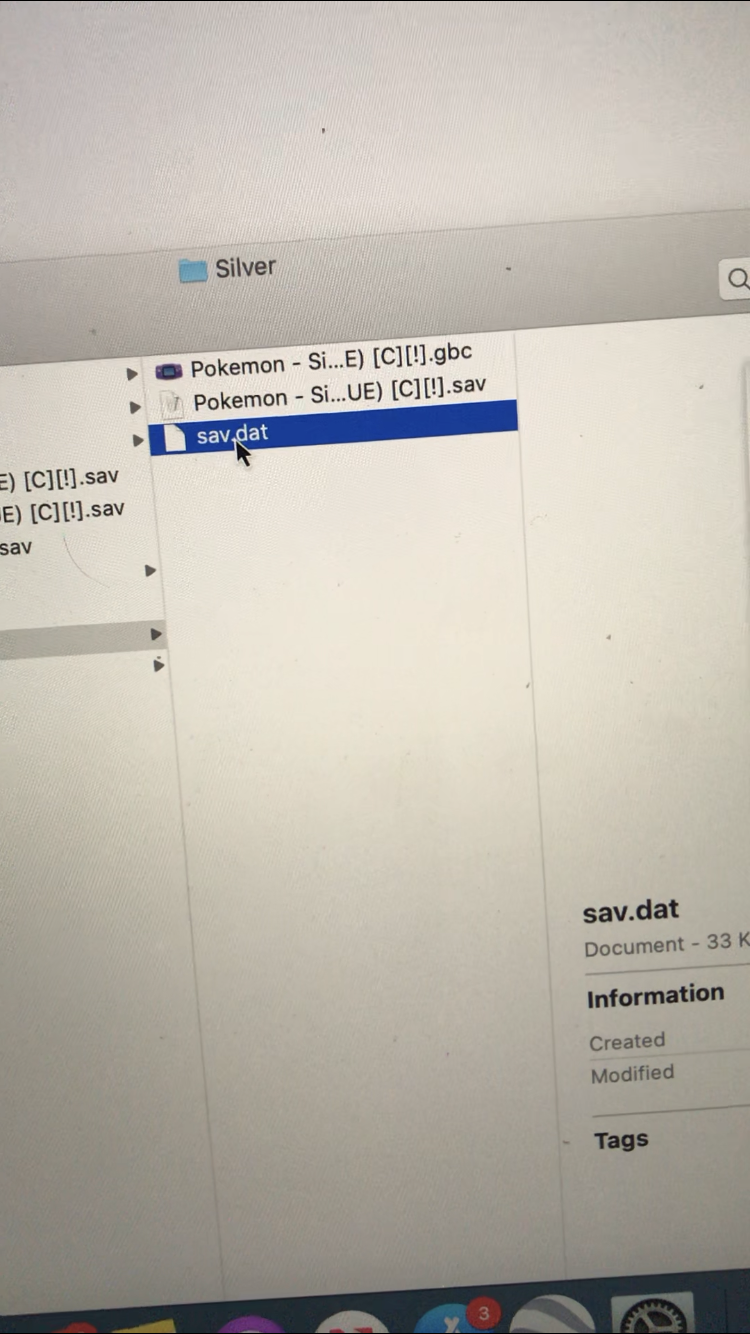
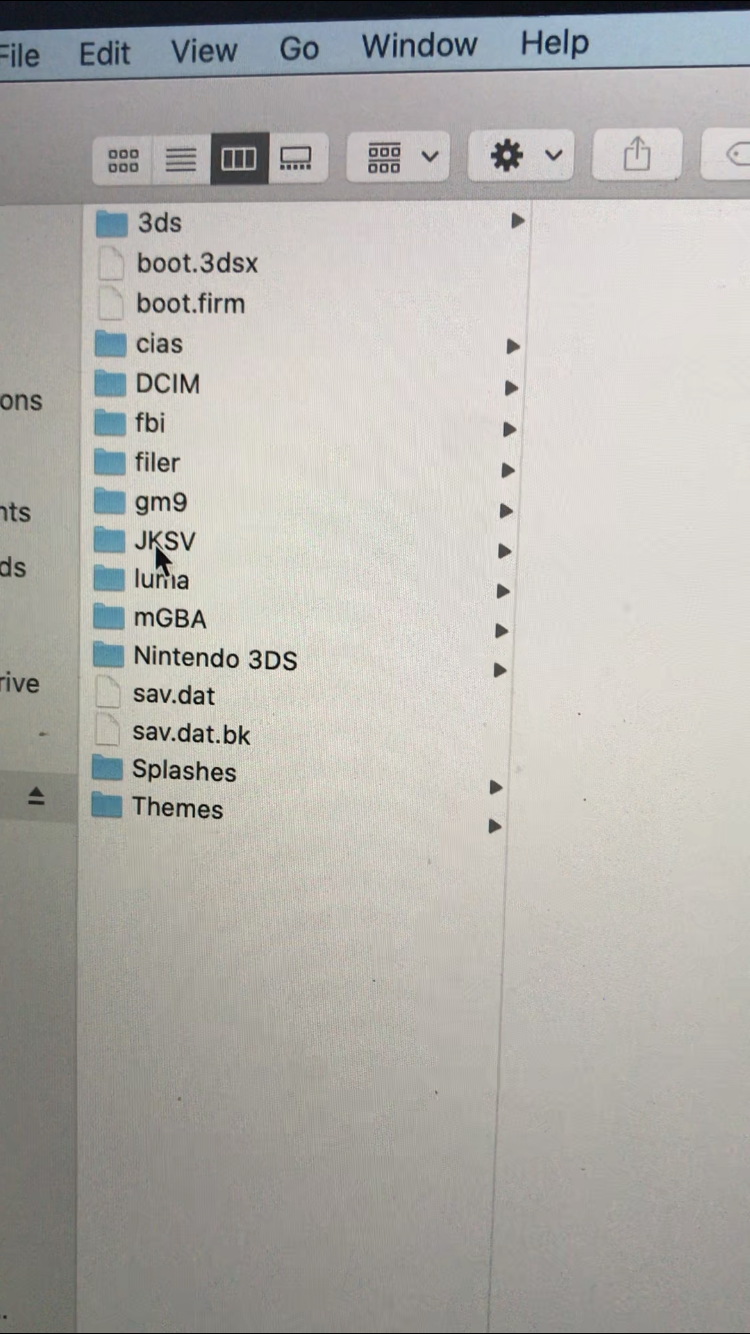
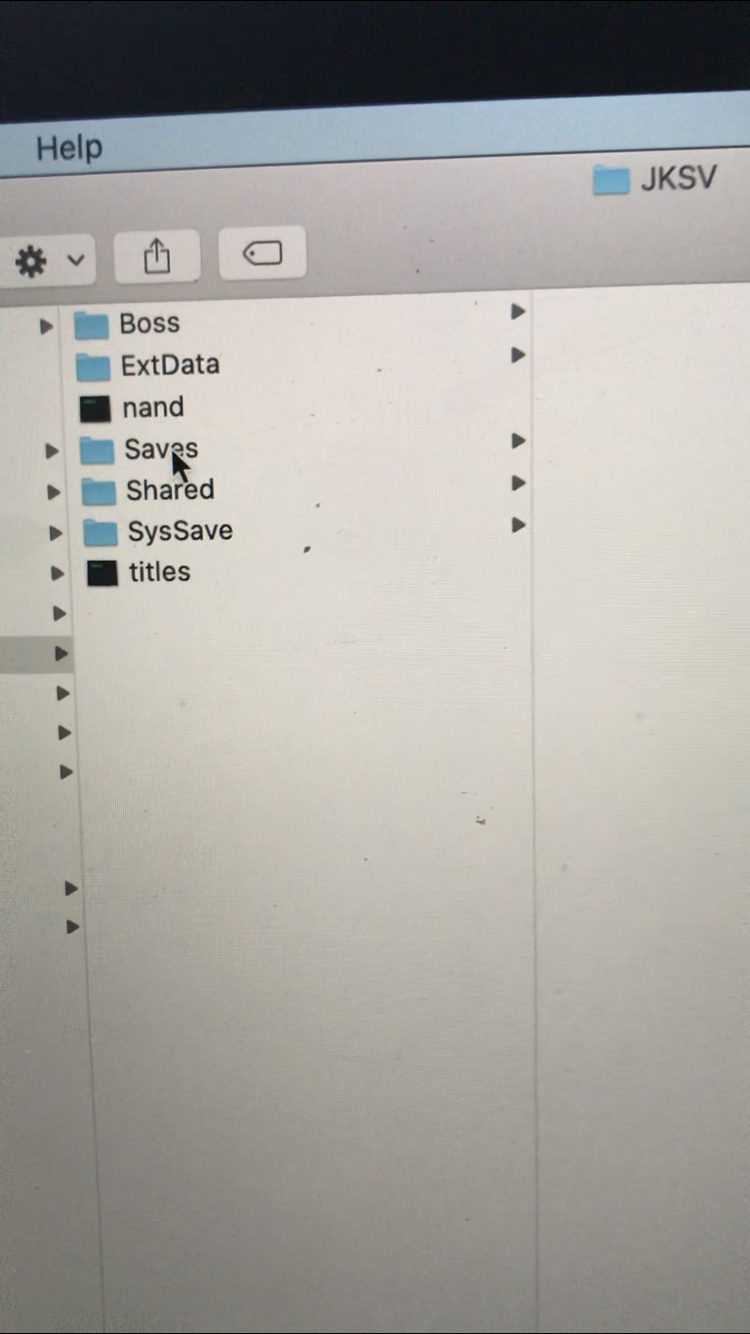
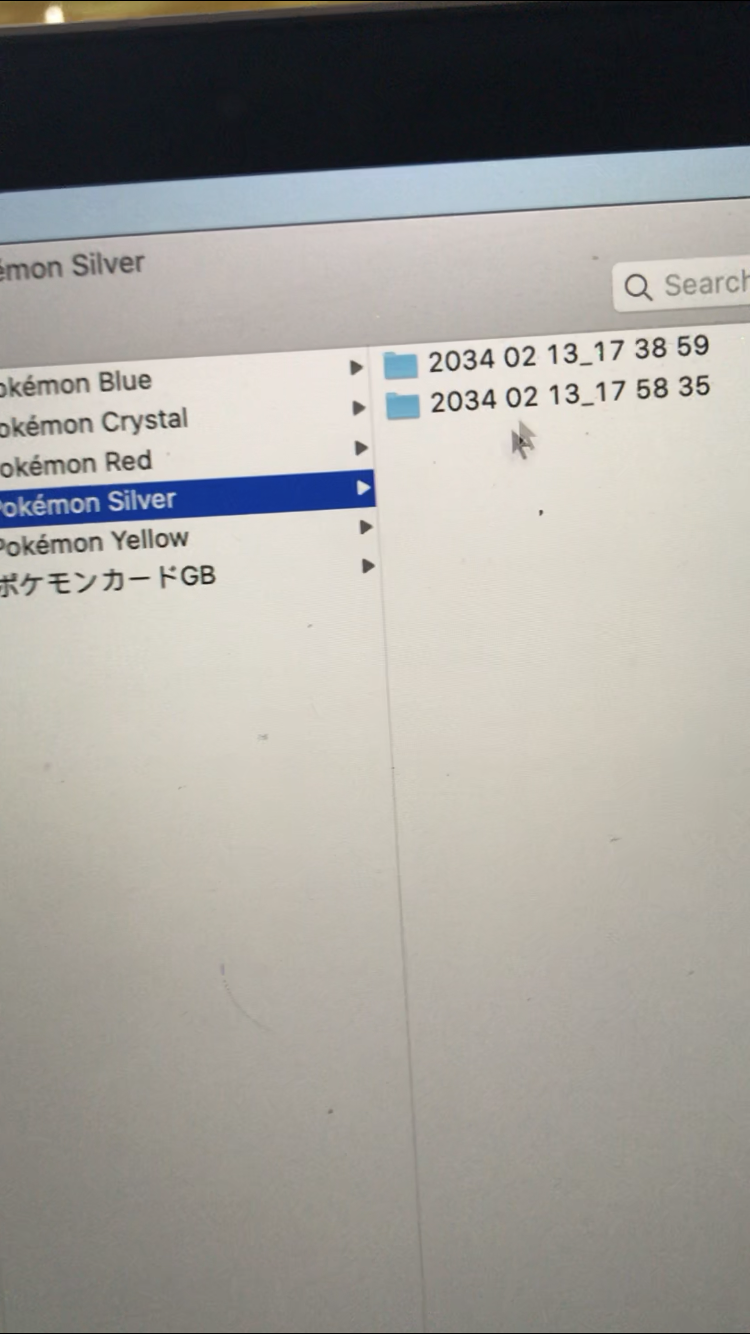
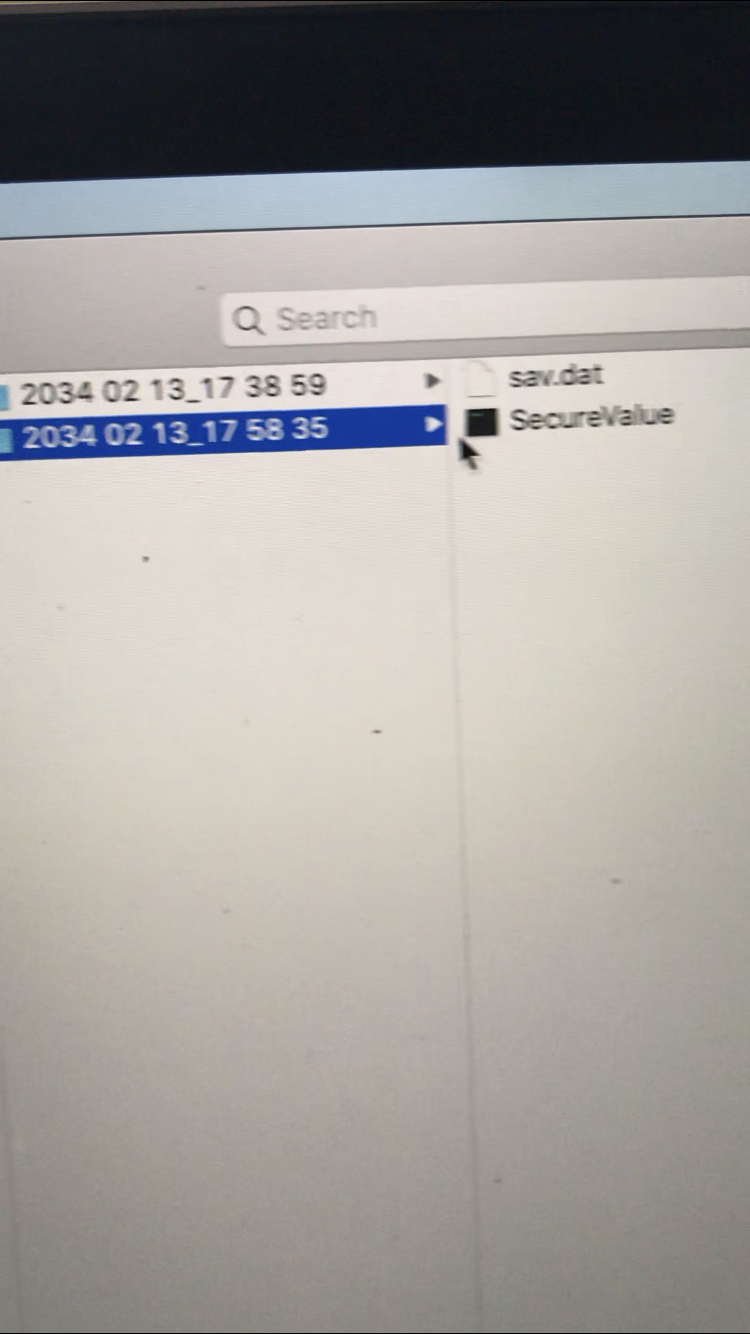
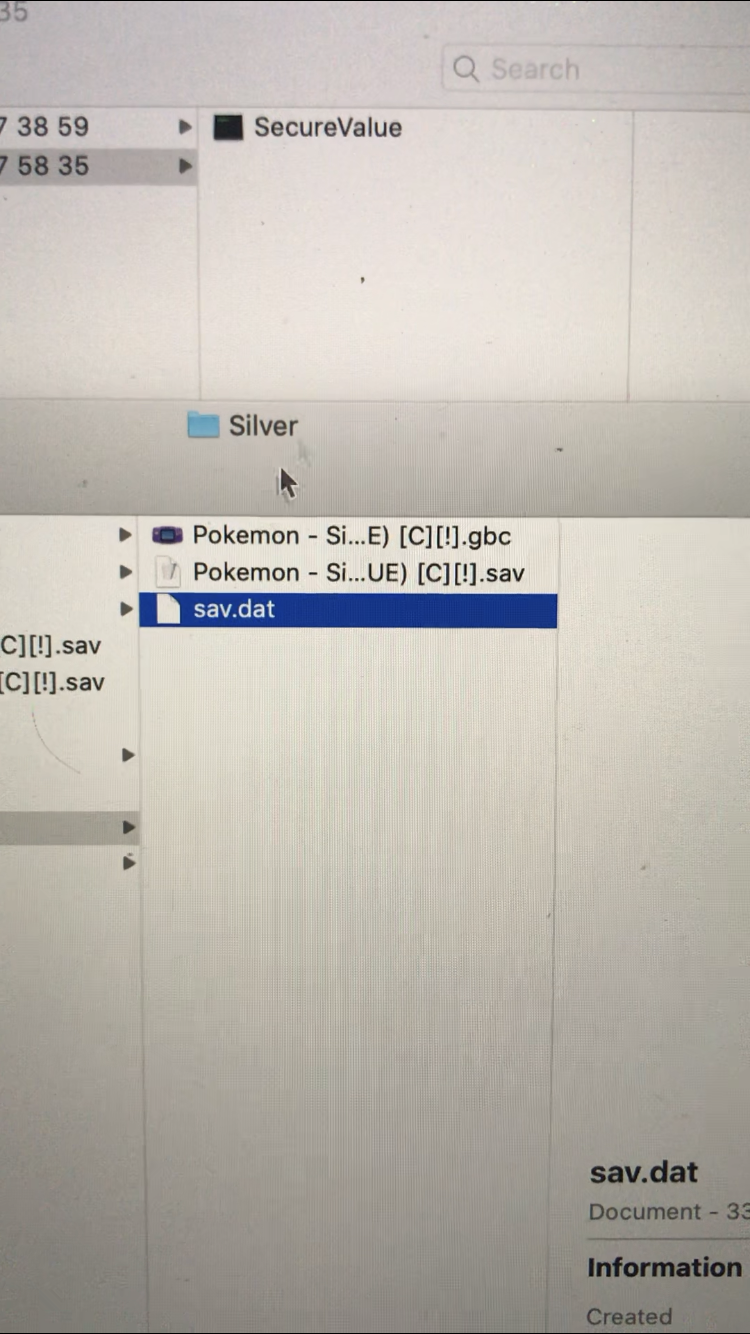
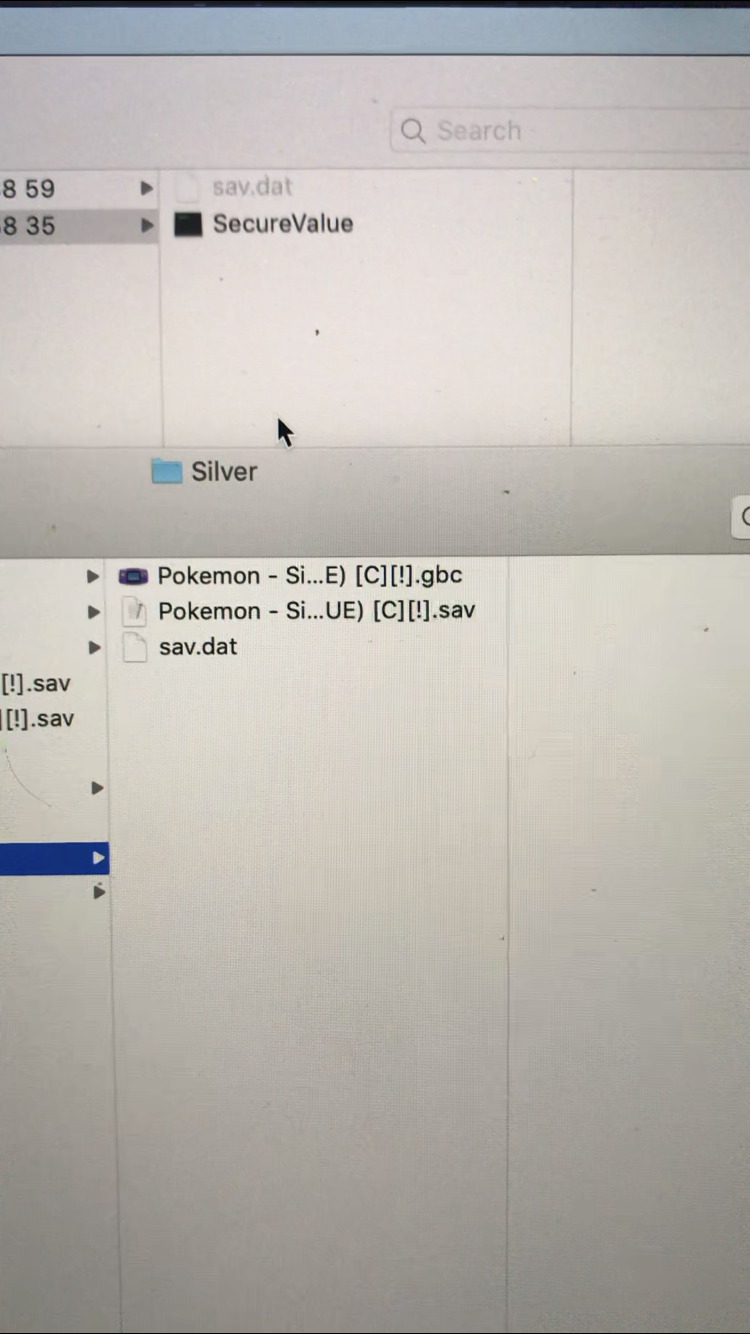
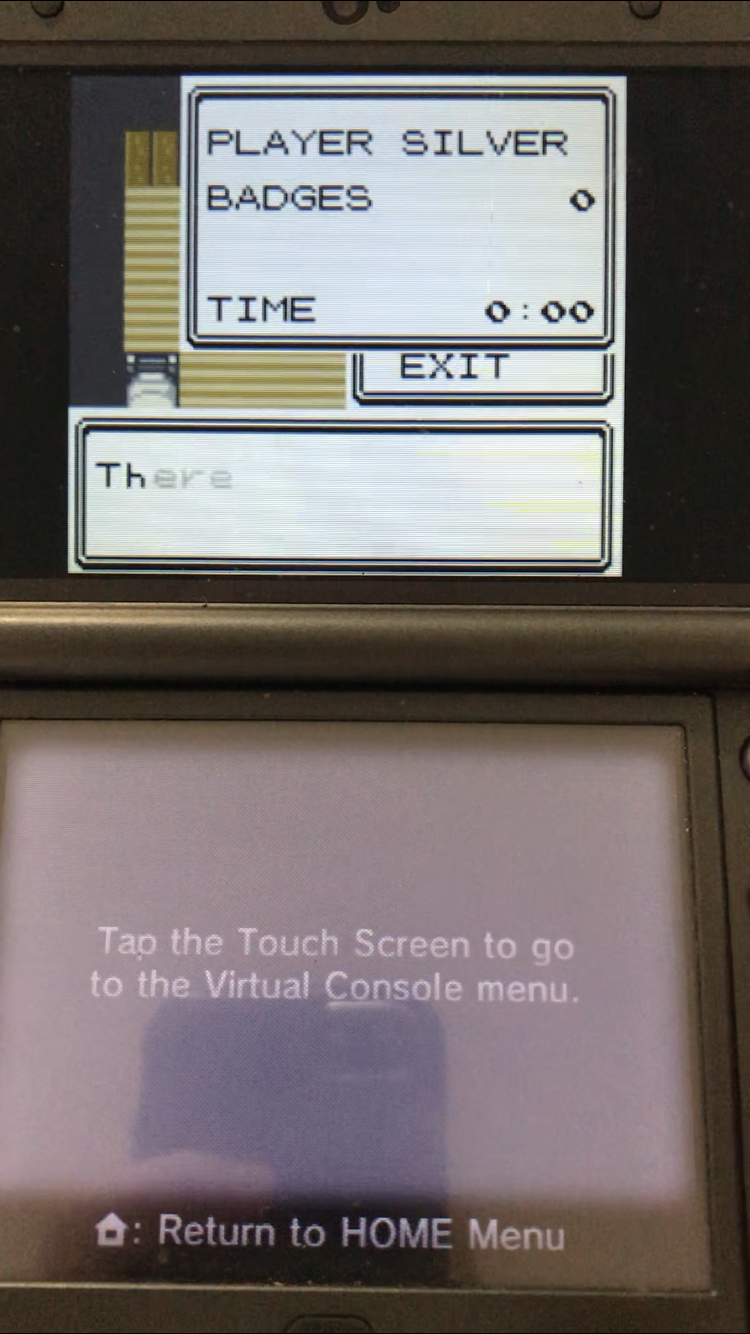
I have tried both SaveDataFiler and JKSV. I backup my save just fine and always immediately import it back into the game just to make sure. Then I move it to the computer, and swap the sav.dat file from my 3ds with the .sav file from the emulator, renamed to be sav.dat of course. I put it back in the 3ds, import the new save file and boom, it’s corrupted.

Even if I move the original sav.dat file off the microsd and put it back on, it still comes up as corrupted.

What am I doing wrong?
77E64194-3ED7-47B8-BF70-D2145F5ACFAF.png
D587C4D3-81FE-4B9C-BF68-C9867C29C1BF.png
F8739EF6-341C-4BE6-85A2-DAEA752C2F7D.png
950A94C0-3763-41E0-A557-443139C1A904.png
E62698AB-8BEB-41E3-8D14-FF38C5D90C99.png
EDBE9819-F74E-4E4E-A501-5863661F50C1.png
F73D0C20-A6C5-4D4E-9319-EB123027964A.png
87B05A13-FC41-4728-BB28-E091B060D554.png
C100E611-BFF9-400E-B334-583D1E7B0A86.png
31784064-0C18-4CBB-AE66-AFE3A879B580.png
3697B46B-B129-4EA4-B3EB-7364ECCAE188.png
CB2104FD-8615-458C-B72D-12352586919A.png
AC15B82F-6818-461B-9730-A67577EA4B58.png
C37472AF-F950-4F8C-B033-0AD863F7204D.png
E5DC5D9F-C941-4617-BD7A-46E7EC88CEB7.png
04101C83-2A4B-4FAA-ABB7-DFF58952500F.png
D41A012F-CF74-40DC-92D9-203FC686F76E.png
E71760C0-D7C2-415A-84C5-E4EC789F6A26.png
F01068E0-DD1D-443B-8B81-744963145A40.png
C9B7CD64-A6C0-481C-AE28-9C28135E19ED.png
78161028-F097-4341-B980-2097975CB74A.png
9EFC71B2-47F9-49E4-8F4F-EF5C4CECDAF8.png
B89C0DC8-A7EC-4C06-938C-F0F3D3E3CDCD.png
 
Two things before I help you, put a spoiler for the pictures so the post isn't stupidly long and also learn to use the screenshot function of whatever OS you want to use, hard to see with camera pics:P

Anyways, on to help you, save format and save type MUST match. Also, open both the VC save backup and the emulator save on HxD and go to the far bottom, emulator saves tend to have 8 more bytes at the end, deleting them or making them all "00" depending on what the VC save backup ends on (eg: delete last bytes if emulator has more bytes at the end to match the VC save backup size OR if it's the same or fewer make them "00") should fix it.

If that doesn't work then come back and we can look for another solution.
 
  • Like
Reactions: Zense
I tried deleting the last two lines on the emulator version to make it the same length as the BC version. Do I need to make the 00008000 lines the exact same?

Here’s a picture of them both after I delete the two lines:

emulator:
image.jpg

Vc:
image.jpg

Two things before I help you, put a spoiler for the pictures so the post isn't stupidly long and also learn to use the screenshot function of whatever OS you want to use, hard to see with camera pics:P

Anyways, on to help you, save format and save type MUST match. Also, open both the VC save backup and the emulator save on HxD and go to the far bottom, emulator saves tend to have 8 more bytes at the end, deleting them or making them all "00" depending on what the VC save backup ends on (eg: delete last bytes if emulator has more bytes at the end to match the VC save backup size OR if it's the same or fewer make them "00") should fix it.

If that doesn't work then come back and we can look for another solution.
 
Last edited by SWiedsie,
The Pokemon Silver's save file from the desktop emulator has its last two rows (0x20 bytes / 32 bytes) trimmed off so that size of that file is matches the sav.dat produced from the GBC VC of that same game. Only row 0x8000 should be present (or whatever that row appears in the GBC VC copy).

If GBC VC save injection is too troublesome to pull off, you can also play the game on 3DS with mGBA, GameYoB, or RetroArch's Gambatte core emulators.
 
Yeah I trimmed them but it still says there’s an error when I try to import it. Are the other emulators able to trade with VC? That’s my main purpose.
 
Yeah I trimmed them but it still says there’s an error when I try to import it. Are the other emulators able to trade with VC? That’s my main purpose.
No, the homebrew emulators aren't capable of trading.

Your hex edits are correct. See if you have better luck importing the (trimmed) sav.dat with Checkpoint.
 
  • Like
Reactions: ThoD

Site & Scene News

Popular threads in this forum