


This guide assumes you are running etaHEN or know how to install PKG files. For this tutorial I will be using the built in package installer from etaHEN
1. Download Lapy's Avatar Changer homebrew from PKG zone here, and copy it to a root of your flashdrive. Like so
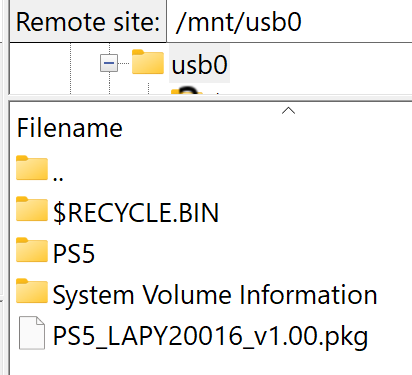
2. Once copied, insert your flashdrive into your PS5 (If not already) and then navigate to Setting > etaHEN Toolbox > Package Installer
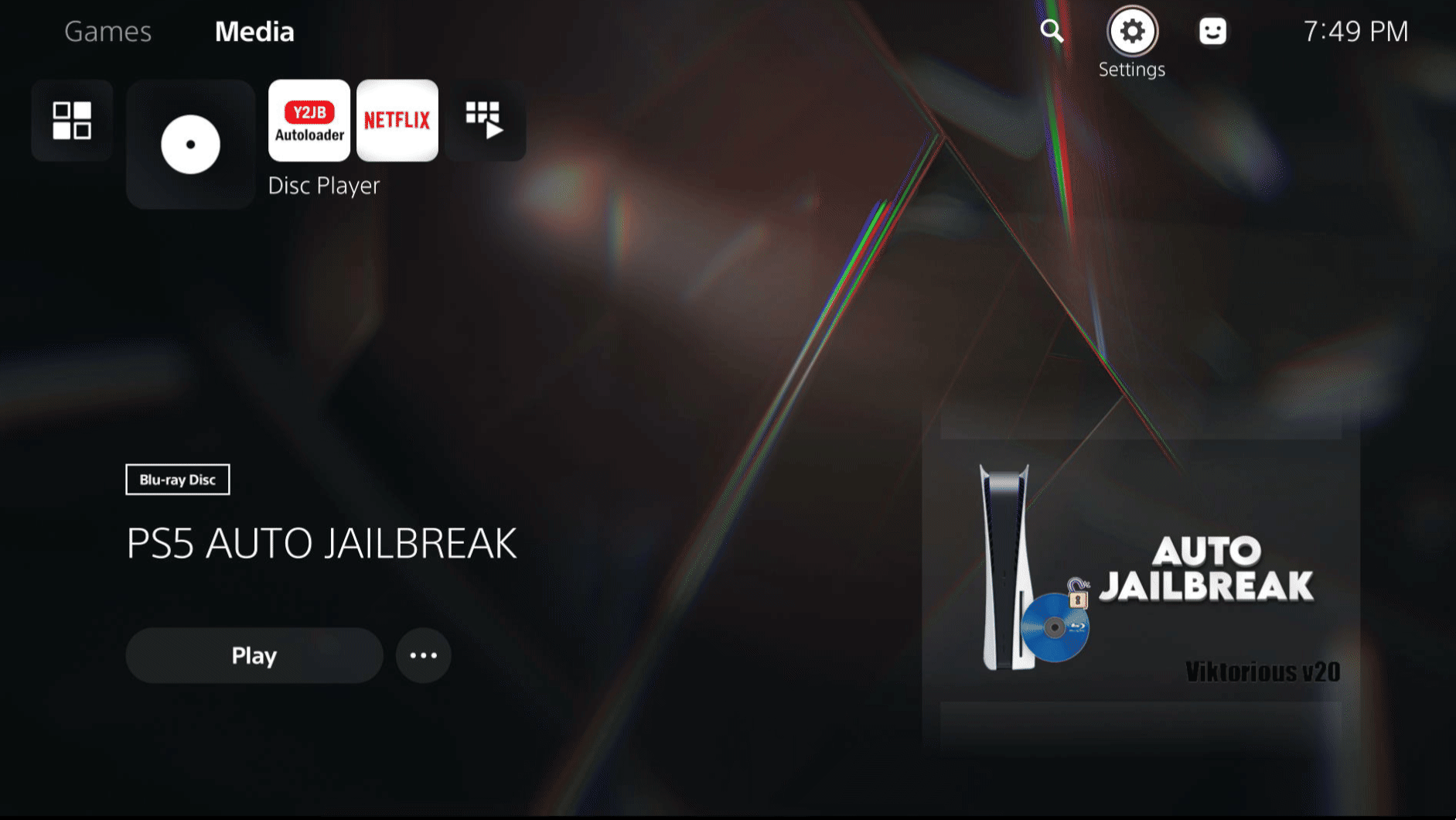
3. Now go back to your homescreen and launch your newly installed app once, and close it right away. This is going to generate the avatar folder that we need.

4. Now FTP to your console using an FTP client of your choice to "/data/AVATARS" There should be a lot of ,xavatar files here. This is where we will copy/upload the avatar that you want to change your local profile too. Here I am uploading my stonedCharmeleon.xavatar that I made following my guide here
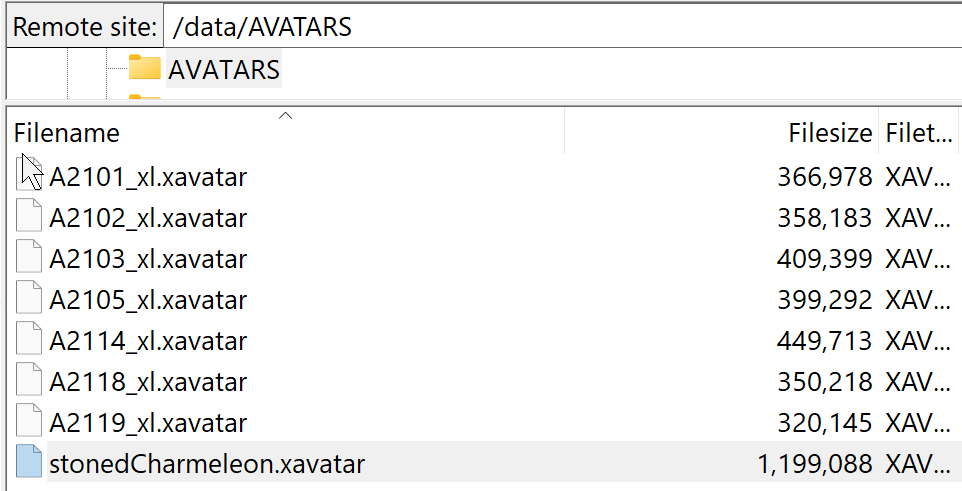
5. Now go back to your PS5, and open Lapy;s Avatar changer again, press "r1" to swap pages, and select the custom xavtar you made. You can also change your profile's username from this app by pressing the options button

images had to be reuploaded due to size limitations. If you are struggling to view them, my original thread can be found on se7ensins here. I try and mirror everything to gbatemp
1. Download Lapy's Avatar Changer homebrew from PKG zone here, and copy it to a root of your flashdrive. Like so
2. Once copied, insert your flashdrive into your PS5 (If not already) and then navigate to Setting > etaHEN Toolbox > Package Installer
3. Now go back to your homescreen and launch your newly installed app once, and close it right away. This is going to generate the avatar folder that we need.
4. Now FTP to your console using an FTP client of your choice to "/data/AVATARS" There should be a lot of ,xavatar files here. This is where we will copy/upload the avatar that you want to change your local profile too. Here I am uploading my stonedCharmeleon.xavatar that I made following my guide here
5. Now go back to your PS5, and open Lapy;s Avatar changer again, press "r1" to swap pages, and select the custom xavtar you made. You can also change your profile's username from this app by pressing the options button
images had to be reuploaded due to size limitations. If you are struggling to view them, my original thread can be found on se7ensins here. I try and mirror everything to gbatemp




