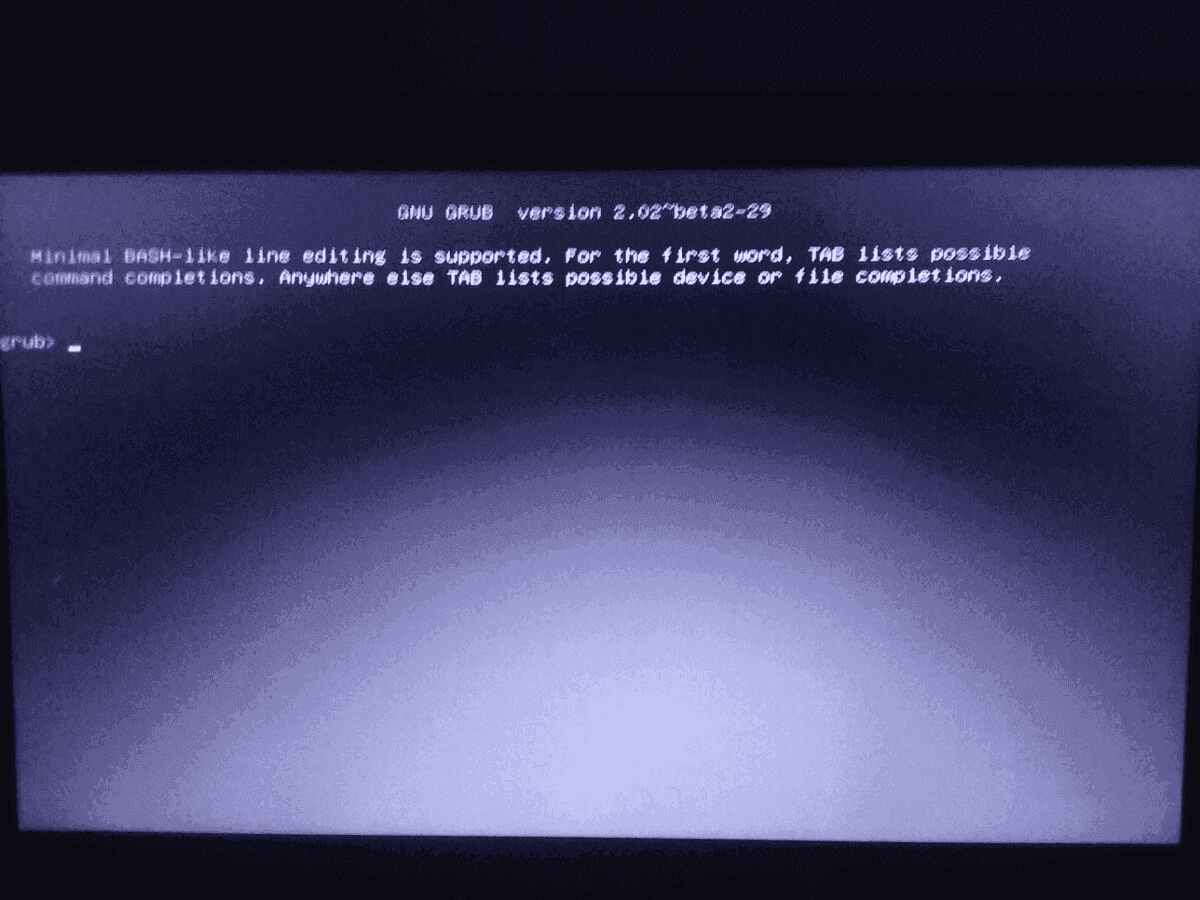
Wait, your /boot partition is the same as your Windows partition? Why? This totally breaks the MBR and GRUB.
http://www.softpedia.com/get/System/OS-Enhancements/EasyBCD.shtml
Fix the MBR with that, and if you still want GRUB, install it to its own partition, or /boot on your Linux partition. Also, this is useful for GRUB reinstallations.
Code:
grub-install /dev/sd* && grub-mkconfig -o /dev/sd*/boot/grub/grub.cfg
* being the partition of your choosing. Just don't choose the Windows one, ffs.
It's of no use fixing the problem (if he still has it), but while that's true for MBR-based machines, newer UEFI-based booting is actually the opposite.
Basically, when Windows is installed on a fresh HDD on a UEFI system, it creates a 100MB FAT32 partition with EFI loaders, which under normal circumstances Windows users aren't allowed access to. Motherboards supporing UEFI can read directly from this partition, and launch any loaders from there - much handier than the MBR based system, and in theory less of a pain in the ass. It's generally recommended to keep all loaders on that partition, including GRUB2's EFI loader; they don't overwrite each other, and you can choose the default loader in your startup settings. Unfortunately GRUB2 has been a pain in the ass exactly every time I've used it on a UEFI system.
If you do need access to that partition, you can mount it under Linux, either from your own HDD or a live boot; there is a workaround on Windows but it's a pain in the ass and basically only lets you access single files at a time. Just mount the partition (usually /dev/sda2 on a single-HDD system where Windows was installed first) and work from there.
My /boot partition is the same as Windows, yes.
Also, I tried to install rEFInd, but it sends me back to the same GRUB 2 as in the OP.
How did you install rEFInd? Did you set it as the default loader in your BIOS and it still just looped you back to GRUB, or was GRUB the only option rEFInd detected on boot?