Homebrew RELEASE CustomUI - C++ libnx libs for creating switch-like UI homebrew apps!

  • Thread starter Thread starter XorTroll
  • Start date Start date
  • Views Views 16,955
  • Replies Replies 46
  • Likes Likes 31

XorTroll

Switching between my 2DS and my Switch
Developer
Joined
Dec 28, 2017
Messages
661
Reaction score
2,487
Trophies
1
Location
Nowhere
Website
github.com
XP
4,511
Country
Spain
Hi again!
I've developed these libs based on the source of various apps I have like NXPlay or eNXhop.

They're pretty easy to use, and customizable.

GitHub repos: https://github.com/XorTroll/CustomUI
Releases: https://github.com/XorTroll/CustomUI/releases/latest

How can I use them?
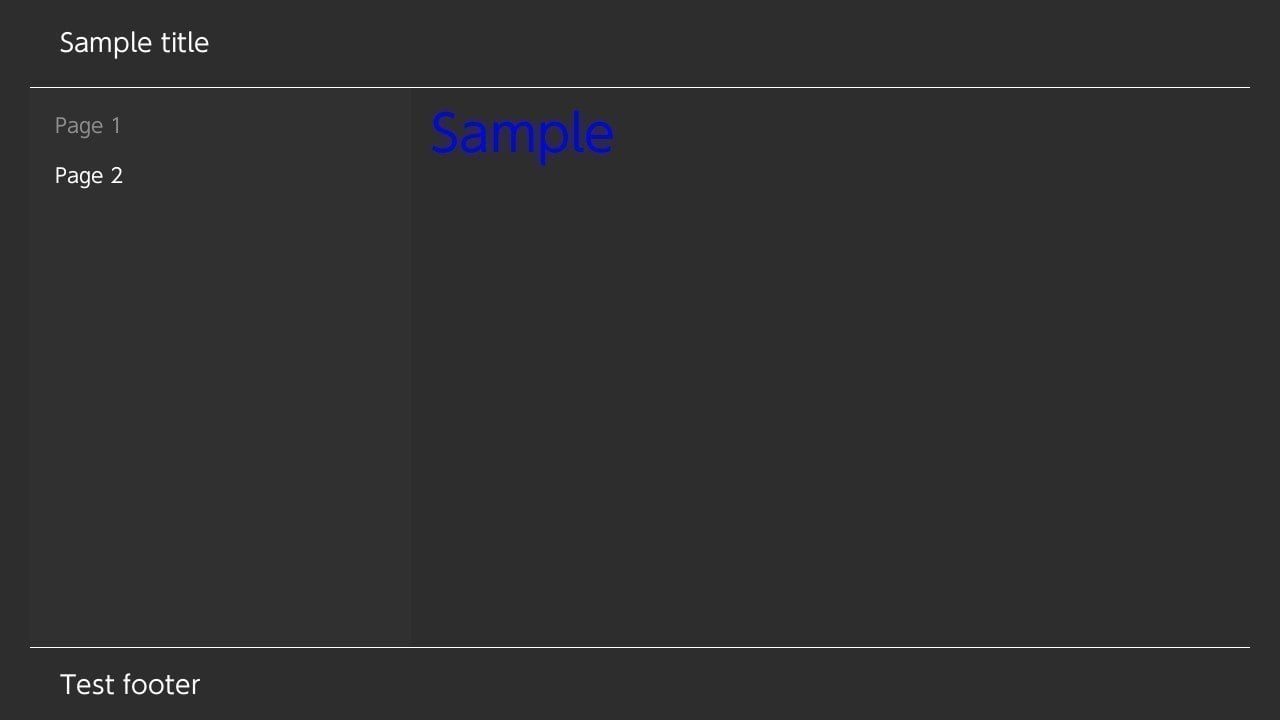
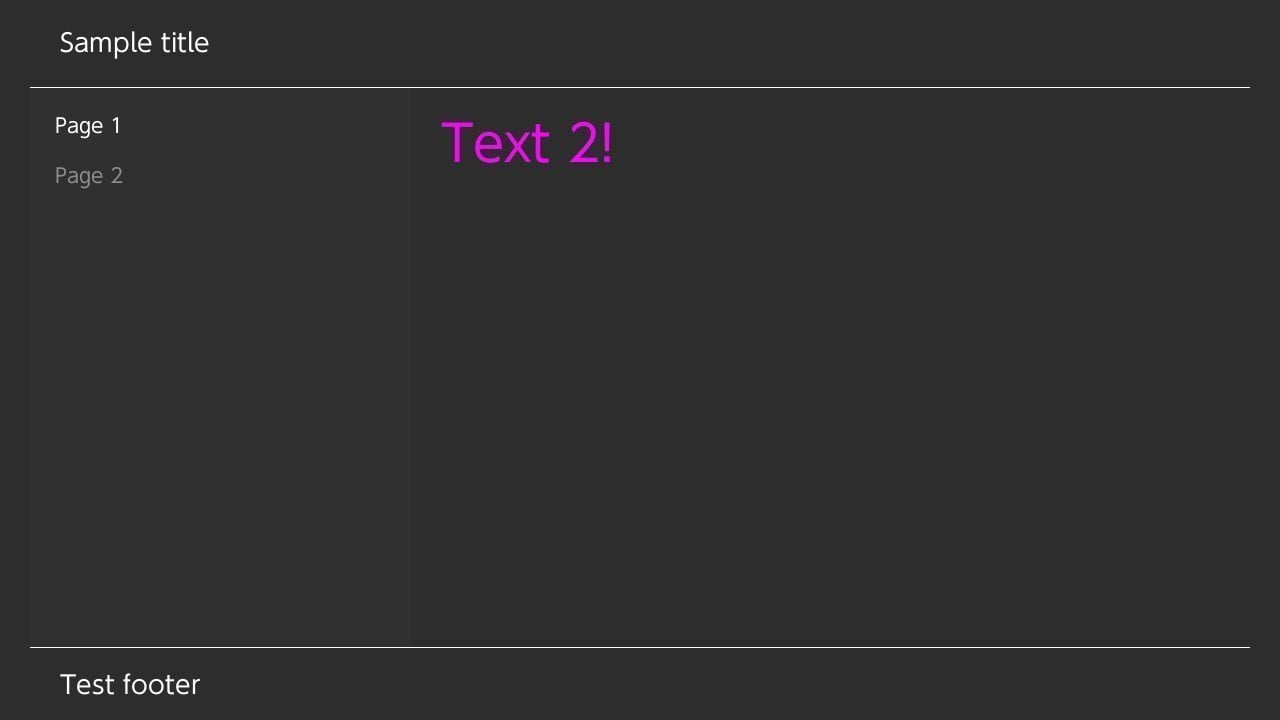
  • The libs are only one header file, so it's easy to embed.
  • For using default themeing (HorizonDark and HorizonLight) you'll have to add some files and folders to romfs to your project ("Graphics" and "Fonts")
  • You'll need SDL2 libs, check sample's Makefile for more info about required libs, as the UI is rendered using SDL2.
  • For those who used NXplay, this libs are based on it's code
Enjoy coding pretty Horizon UIs!

2018071821394800-DB1426D1DFD034027CECDE9C2DD914B8.jpg


2018071821395500-DB1426D1DFD034027CECDE9C2DD914B8.jpg
 
Last edited by XorTroll,
What OS do you use to compile this? Tried on MacOS 10.13.5 and kept getting SDL2/SDL.h: No such file or directory error. Even after installing SDL2.
 
Did you actually link the SDL2 library in your make file?

I tried compiling the example from the repository and was getting that error. I assumed that Makefile was ready to go.

Here is the 'options' portion of the Makefile from the Repository.

Code:
#---------------------------------------------------------------------------------
# options for code generation
#---------------------------------------------------------------------------------
ARCH    :=    -march=armv8-a -mtune=cortex-a57 -mtp=soft -fPIE

CFLAGS    :=    -g -W -O2 -fpermissive -ffunction-sections \
            $(ARCH) $(DEFINES)

CFLAGS    +=    $(INCLUDE) -D__SWITCH__

CXXFLAGS    := $(CFLAGS) -fno-exceptions -std=c++11

ASFLAGS    :=    -g $(ARCH)
LDFLAGS    =    -specs=${DEVKITPRO}/libnx/switch.specs -g $(ARCH) -Wl,-Map,$(notdir $*.map)

LIBS    := -lfreetype -lSDL2_mixer -lmodplug -lmpg123 -lvorbisidec -logg -lSDL2_ttf -lSDL2_gfx -lSDL2_image -lpng -ljpeg `sdl2-config --libs` `freetype-config --libs` -lnx
 
I tried compiling the example from the repository and was getting that error. I assumed that Makefile was ready to go.

Here is the 'options' portion of the Makefile from the Repository.

Code:
#---------------------------------------------------------------------------------
# options for code generation
#---------------------------------------------------------------------------------
ARCH    :=    -march=armv8-a -mtune=cortex-a57 -mtp=soft -fPIE

CFLAGS    :=    -g -W -O2 -fpermissive -ffunction-sections \
            $(ARCH) $(DEFINES)

CFLAGS    +=    $(INCLUDE) -D__SWITCH__

CXXFLAGS    := $(CFLAGS) -fno-exceptions -std=c++11

ASFLAGS    :=    -g $(ARCH)
LDFLAGS    =    -specs=${DEVKITPRO}/libnx/switch.specs -g $(ARCH) -Wl,-Map,$(notdir $*.map)

LIBS    := -lfreetype -lSDL2_mixer -lmodplug -lmpg123 -lvorbisidec -logg -lSDL2_ttf -lSDL2_gfx -lSDL2_image -lpng -ljpeg `sdl2-config --libs` `freetype-config --libs` -lnx

I see... well I am on mac too and the example compiles just fine for me, so there must be smth wrong with your pacman SDL2 library
 
I see... well I am on mac too and the example compiles just fine for me, so there must be smth wrong with your pacman SDL2 library

Hmmm. Where/how did you install SDL2? I downloaded the DMG from here (Tried both libraries). When I ran the DMG it gave me an SDL2.framework file and all the readme said was to put it in /Library/Frameworks/ so I did.

Tried restarting my machine as well and installed any updates but still no dice.
 
Hmmm. Where/how did you install SDL2? I downloaded the DMG from here (Tried both libraries). When I ran the DMG it gave me an SDL2.framework file and all the readme said was to put it in /Library/Frameworks/ so I did.

Tried restarting my machine as well and installed any updates but still no dice.
You need to use the switch port of SDL2.
Also i'm not familiar with macOS, but it's Unix so i'm pretty sure you need to put the library & headers into the devkitA64 lib & include directories.

Again, i never really used macOS so i might be wrong. Feel free to correct me.
 
Hmmm. Where/how did you install SDL2? I downloaded the DMG from here (Tried both libraries). When I ran the DMG it gave me an SDL2.framework file and all the readme said was to put it in /Library/Frameworks/ so I did.

Tried restarting my machine as well and installed any updates but still no dice.

Yep @ShroomKing is right.

The easiest way to get switch port of SDL2 is to install dkp-pacman which is package manager for devkitpro: https://github.com/devkitPro/pacman/releases

To quote pacman wiki how to use this:

To list packages use `dkp-pacman -Sl`
To install a package use `sudo dkp-pacman -S <name of package>`
`sudo dkp-pacman -R <name of package>` will remove an already installed package.
 
You need to use the switch port of SDL2.
Also i'm not familiar with macOS, but it's Unix so i'm pretty sure you need to put the library & headers into the devkitA64 lib & include directories.

Again, i never really used macOS so i might be wrong. Feel free to correct me.

Yep @ShroomKing is right.

The easiest way to get switch port of SDL2 is to install dkp-pacman which is package manager for devkitpro: https://github.com/devkitPro/pacman/releases

To quote pacman wiki how to use this:

To list packages use `dkp-pacman -Sl`
To install a package use `sudo dkp-pacman -S <name of package>`
`sudo dkp-pacman -R <name of package>` will remove an already installed package.

ShroomKing was right about the switch port of SDL2, and using dkp-pacman was the way to do it. I didn't know that I had to install it that way (the readme for CustomUI just says to install SDL2 with no specifications or directions).

Got the SDL2 libs installed properly and was able to successfully build. Thanks guys!
 
can someone point me to a compiled version of sdl2 for Windows 10 and explain me how to install?

Go ahead and download devkitpro updater: https://github.com/devkitPro/installer/releases/tag/v3.0.3

Run it and let it do it's thing (it will install and upgrade all necessary packages for devkitpro).

In start menu you should now see devkitPro folder and inside is Msys2 which is special command tool for devkitPro. Run it.

If you then run in the console command: "pacman -Sl" it will list all available packages and shows which ones you installed (there you should find names of all sdl2 packages).

To install the package run: "pacman -S <name of the package>". So smth like: "pacman -S switch-sdl2" should install the base of the sdl2 library.

And boom you should have working sdl2 library.
 
Last edited by machine69_420,
I made something like this but was not able to post it (and still am unable to) because i am a new member. gitlab dot com /precisionui/precisionui
 
@XorTroll I may submit a PR, it's a good start but there are definitely some issues. If the UI inits all the SDL portions for you it should certainly take in some params for configuration. Additionally there should be some function for returning the window/renderer objects for use after init through the rest of the application and right now it lacks that functionality.
 
@XorTroll I may submit a PR, it's a good start but there are definitely some issues. If the UI inits all the SDL portions for you it should certainly take in some params for configuration. Additionally there should be some function for returning the window/renderer objects for use after init through the rest of the application and right now it lacks that functionality.
Be free to submit it, it's just a very early release,more stuff is planned
 
Last edited by XorTroll,
  • Like
Reactions: Kevoot

Site & Scene News

Popular threads in this forum