Game card uses old version on emuMMC

  • Thread starter Thread starter zero3647
  • Start date Start date
  • Views Views 3,710
  • Replies Replies 9

zero3647

Member
Newcomer
Joined
Oct 19, 2022
Messages
5
Reaction score
0
Trophies
0
Age
36
XP
66
Country
United States
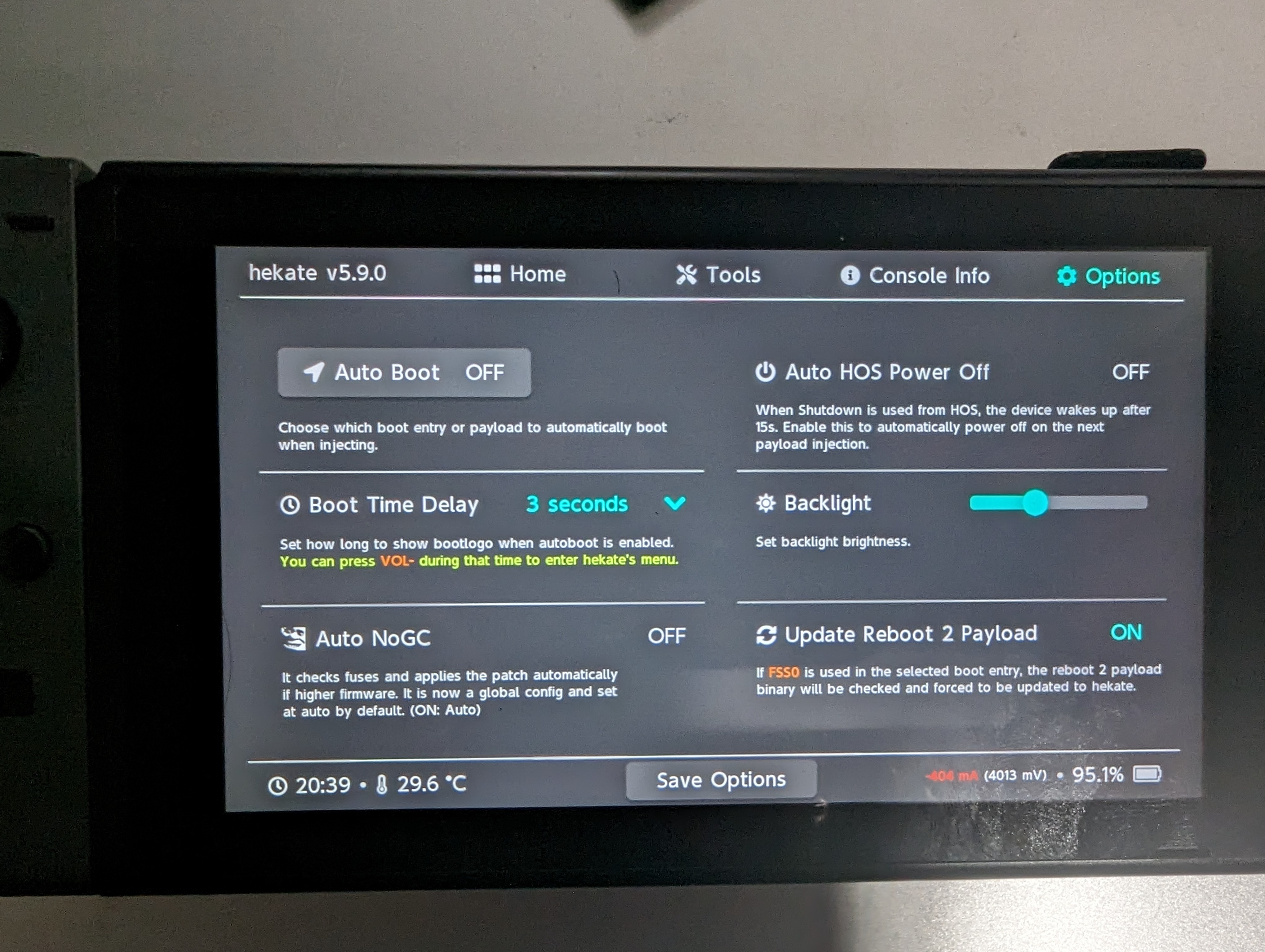
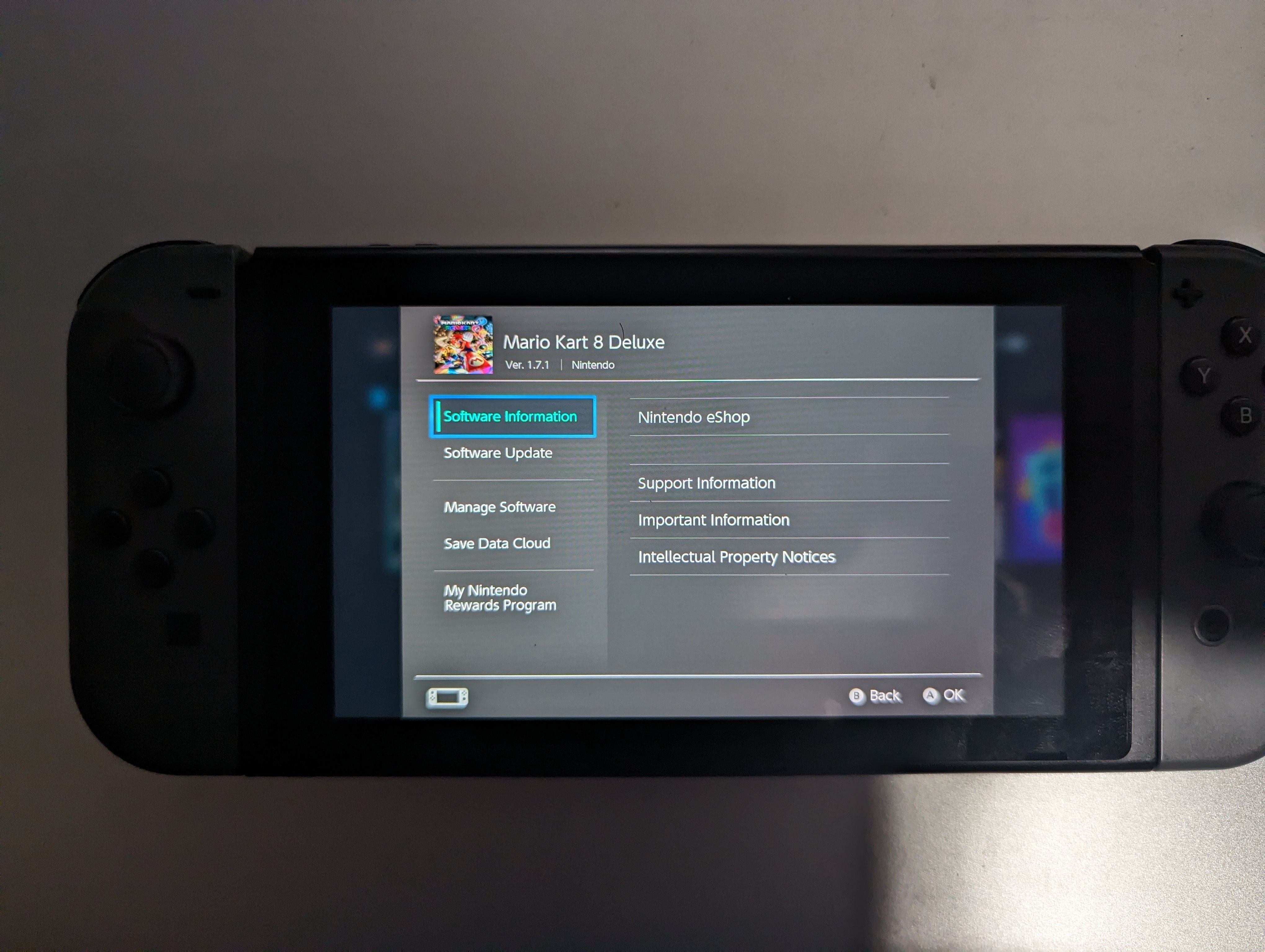
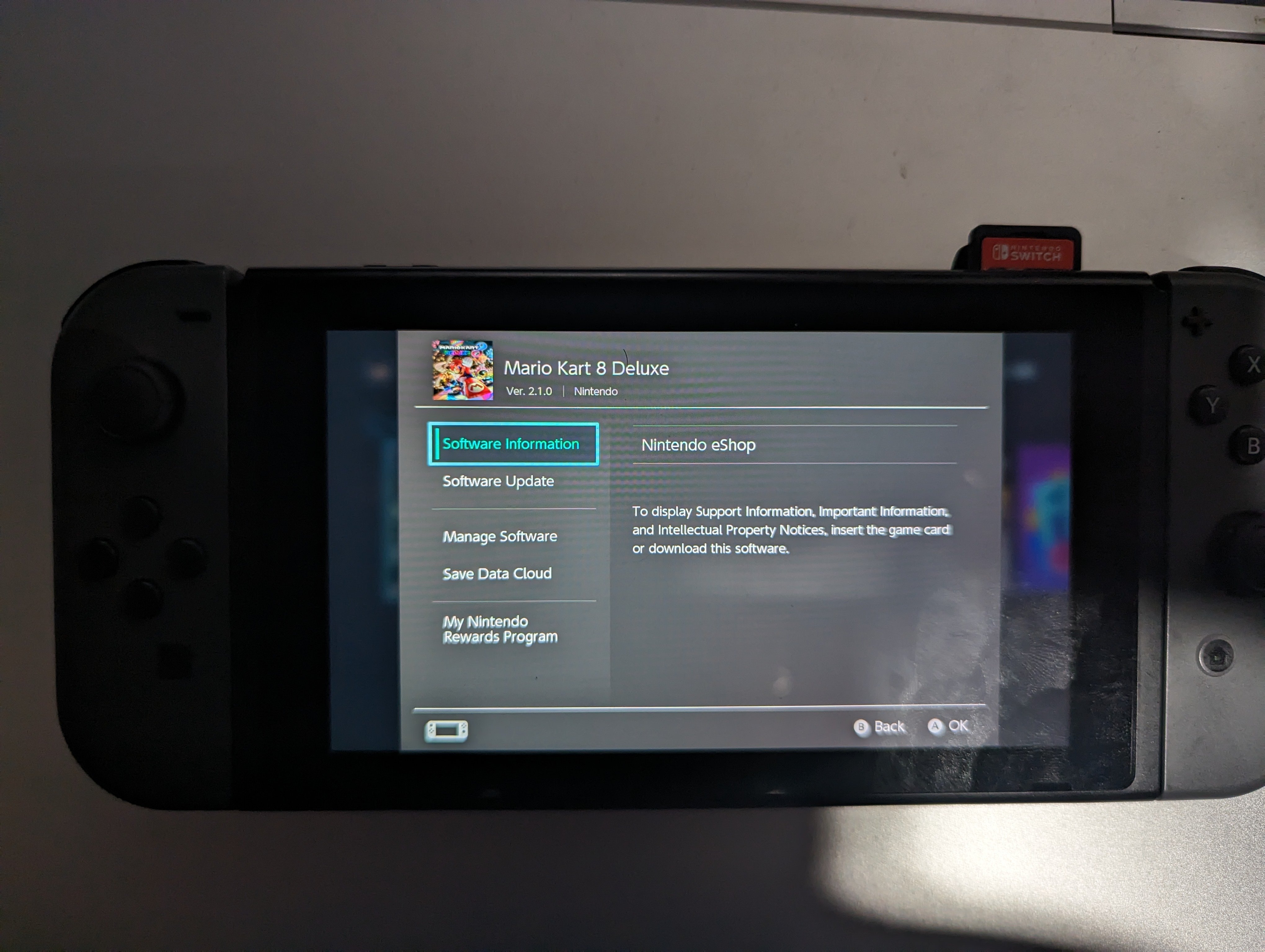
Hello I am new to switch cfw/homebrew and I am not sure if this is possible to do but I would like to use my game card in emummc. The issues is that emummc uses the firmware loaded from the game card instead of the one installed. I followed the guide from nh-server, I cant post link since I am new 😅. I also tried turning off auto NoGC from the option in hekate but that did not make a difference. I will post pictures to hopefully show the issue I am having.
Imagepipe_2.jpg
Imagepipe_3.jpg
Imagepipe_4.jpg
 
There is no such thing as 'using the firmware from the game cart'.
The game cart only contains the game.

It might be the game cart reader firmware version.
Nintendo updates it with certain firmware updates.
So if you updated your sysnand to for example firmware v11 and your emummc is still on firmware 10 then
the emummc firmware expects a cartreader with an old firmware but it has already been updated so then games won't work.
If your emummc and sysnand firmware version are the same, then this problem should not occur.

Also note that the nogc setting is different for Hekate and Atmosphere.
Some details about that in this thread :
https://gbatemp.net/threads/game-cart-not-reading-after-update-please-help.602357/
This might also be a reason why it didn't work yet.
 
you need to dump the update in syscfw, then install it in emunand. or pirate the update and install in emunand. sysnand and emunand are 2 completely different switches, just bc you updated mario kart on one, doesnt mean itll be updated on the other.
 
  • Like
Reactions: zero3647
Thank you for the help. Both CFW and OF are running the same version which at this time is 15. So once I get a chance I will try to follow the steps on the other thread for NoGC.

I also just copied my Nintendo folder into the emmunand folder on the SD card but that doesn't seem to work. Is there a specific way I need to transfer my official updates into the emunand or do I need a homebrew app to dump the updates into emunand?

I am doing this on Linux so I will boot up my windows partition as well and try it there to see if that changes anything.
 
Thank you for the help. Both CFW and OF are running the same version which at this time is 15. So once I get a chance I will try to follow the steps on the other thread for NoGC.

I also just copied my Nintendo folder into the emmunand folder on the SD card but that doesn't seem to work. Is there a specific way I need to transfer my official updates into the emunand or do I need a homebrew app to dump the updates into emunand?

I am doing this on Linux so I will boot up my windows partition as well and try it there to see if that changes anything.
can try editing your emummc.ini inside SD:emuMMC/emummc.ini and change "nintendo_path=emuMMC/RAW1/Nintendo" to "nintendo_path=Nintendo" have seen mixed results.
 
Unfortunately I could not get this to work no matter what. I tried reinstalling CFW to no avail. Chagining the "nintendo_path" does work but might as well use the nand cfw. Which is what I decided to do and I just use it in offline mode.
 

Site & Scene News

Popular threads in this forum