Hacking USB Loader... my turn ;)

  • Thread starter Thread starter WiiShizzza
  • Start date Start date
  • Views Views 817,772
  • Replies Replies 4,239
Loving this loader, but I'm having some issues with the text size. I'm on an old SDTV, and the game titles are very hard to read. Any suggestions of ways to tweak this?

Edit: Also, while cover art that I copy over displays fine, I can't get it to download the cover art. It says it's downloading, and then nothing shows up...
 
THitsu10 said:
@crosseye

make sure you put background image in the "wimages" folder...seems the config readme in the V7.3 (1.5) was old

Thanks, I got rid of any mention of where the image folder was located (it automatically picked wimages I guess) and put it where you said. Worked fine.
 
Hi guys,

I think many of you have the code dump issue when using a background bigger than 640 x 480.

I tried to get this fixed but couldn't. For some reason this works in v7 final, but I don't know why it does.

In fact, in Waninkoko's 1.5 loader, he restrict people from using a background bigger tan 640 x 480 too.

I have tried my best. I hope someone who are more knowledgeable than me could find a solution to fix it =)

If you don't need the install feature, you could switch back to V7 final. This is the only work around at this moment. Sorry about that.
 
WiiShizzza said:
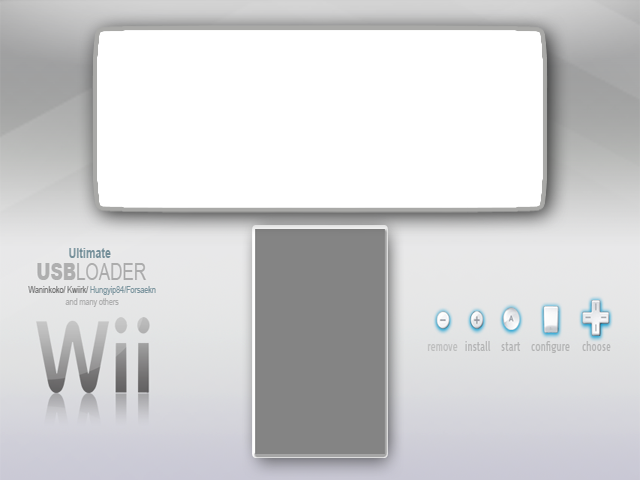
Guys, here's newest bg. But this time in 4:3.
14m566u.png

console_coords=88,24,456,170
console_color=8,15
covers_coords=232,210
entry_lines = 3

I'm not sure about the coordinates, cos I couldn't test.
If you need to change the bold coordinates to make the console and the covers fit properly,
make sure you choose a value dividable by 4. Otherwise you'll end up with a black screen or the wiimote won't sync.

If coordinates need correction, plz post the fixed ones.

PSD of 4:3 and 16:9 version is available here.

I love this design, just one thing, the psd's dont seem to have all the artwork such as frame around boxart/console
frown.gif
And cover size still 120px for 16:9 version? Any chance of a 16:9 png with 130px width? Your originals will always look better then my edited versions
 
yo hungyip....im using 7.3...and only bug ive noticed so far is... when widescreen was auto detected it wasn't forcing "ultimitew" settings...atleast for the cover cords. my config.txt is empty.....now with the exception of "layout = ultimatew"... just to get the covers in the right spot
 
SpaceJump said:
I just downloaded a missing cover with 7.3 1.5 in widescreen mode, but it downloaded the normal 4x3 cover. hungyip, can you take a look at this?

Are both images_path and wimages_path needed for 7.3 1.5?
Fixed! I meant 7.3 1.5.
 
Why isn't there 2 config files for much simplicity. One for 4:3 and one for 16:9, since it auto-detects the format.

The bad side right now of one config file is that we don't have 2 sets or coordinates to set for each format.
 
@ hungyip84

Big thanks for adding 50HZ Pal Forcing that a few US / JAP Games need
smile.gif
to run on Pal TVs. Now the USB Loader is totally regionfree, has all video modes and plays all NTSC Games now on RGB Pal Television! Totally Great from all you that worked on this loader
smile.gif
and all the Backgrounds
smile.gif
.

Tested the US Jap Games that needed Force 50 HZ: run o.k.
smile.gif
and in full colour

Tested all the others with the Patch Game Option: still run o.k.
smile.gif
and in full colour

So no need any longer to connect the WII on AV to play Imports in full colour . Everything works now in great RGB Quality
smile.gif
connected with RGB scart cable
smile.gif
.
 
THitsu10 said:
yo hungyip....im using 7.3...and only bug ive noticed so far is... when widescreen was auto detected it wasn't forcing "ultimitew" settings...atleast for the cover cords. my config.txt is empty.....now with the exception of "layout = ultimatew"... just to get the covers in the right spot

Thanks! Yes, that's a bug.
 
SpaceJump said:
SpaceJump said:
I just downloaded a missing cover with 7.3 1.5 in widescreen mode, but it downloaded the normal 4x3 cover. hungyip, can you take a look at this?

Are both images_path and wimages_path needed for 7.3 1.5?
Fixed! I meant 7.3 1.5.

What is the game id?
 
hungyip84 said:
SpaceJump said:
SpaceJump said:
I just downloaded a missing cover with 7.3 1.5 in widescreen mode, but it downloaded the normal 4x3 cover. hungyip, can you take a look at this?

Are both images_path and wimages_path needed for 7.3 1.5?
Fixed! I meant 7.3 1.5.

What is the game id?

so far i've only had trouble downloading one cover in widescreen...... RC4SGT.... seems like it can't find it...and only downloads some incomplete png thats about 827b
 
QUOTE(jono@home @ Apr 16 2009, 03:07 PM) Updated Backgrounds.. Widescreen Only!!! PAL & NTSC For 7.0/ 7.0.1

FOR NTSC

bg16x9ntsc.png


also..... this background back on page 192 works pretty good for widescreen......but it seems the area for the cover art needs to be moved right to match up with the default ultimatew coords...and the actual cover art box area needs to be a couple pixels wider...130x225 go about 5-10px off the side
 
stev418 said:
WiiShizzza said:
Guys, here's newest bg. But this time in 4:3.
14m566u.png

console_coords=88,24,456,170
console_color=8,15
covers_coords=232,210
entry_lines = 3

I'm not sure about the coordinates, cos I couldn't test.
If you need to change the bold coordinates to make the console and the covers fit properly,
make sure you choose a value dividable by 4. Otherwise you'll end up with a black screen or the wiimote won't sync.

If coordinates need correction, plz post the fixed ones.

PSD of 4:3 and 16:9 version is available here.

I love this design, just one thing, the psd's dont seem to have all the artwork such as frame around boxart/console
frown.gif
And cover size still 120px for 16:9 version? Any chance of a 16:9 png with 130px width? Your originals will always look better then my edited versions

wbg: (i only editted WiiShizzza 16:9 psd, works fine in 7.3 1.5 version)
wbg.png

CODE
console_coords=116,40,404,165
covers_coords=255,229
console_color=8,15
entry_lines = 5
max_characters = 45


wnoimage: (extracted of source v7.3 1.5)
wnoimage.png


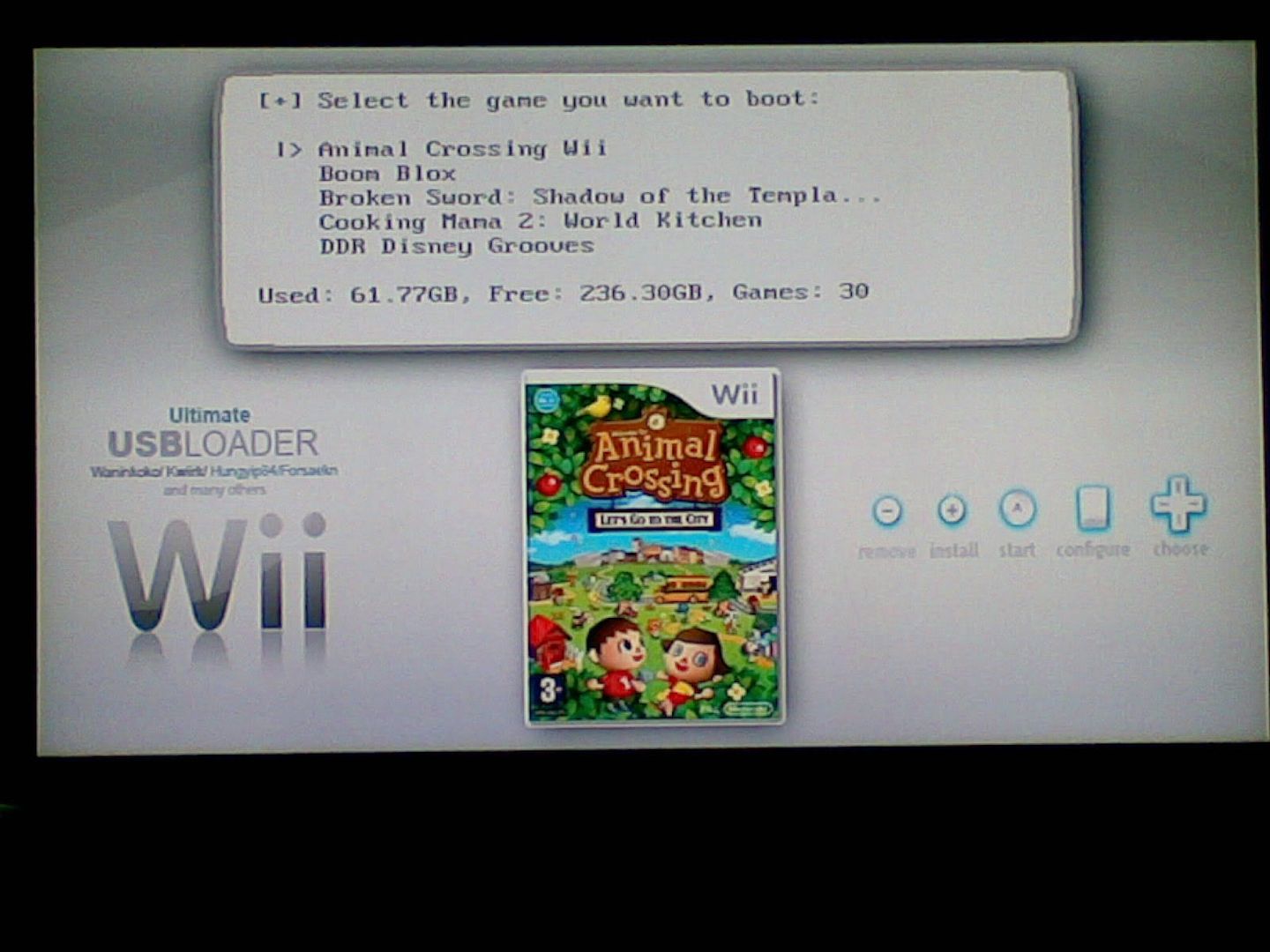
Preview 1: (gamelist)
Imagen083.jpg


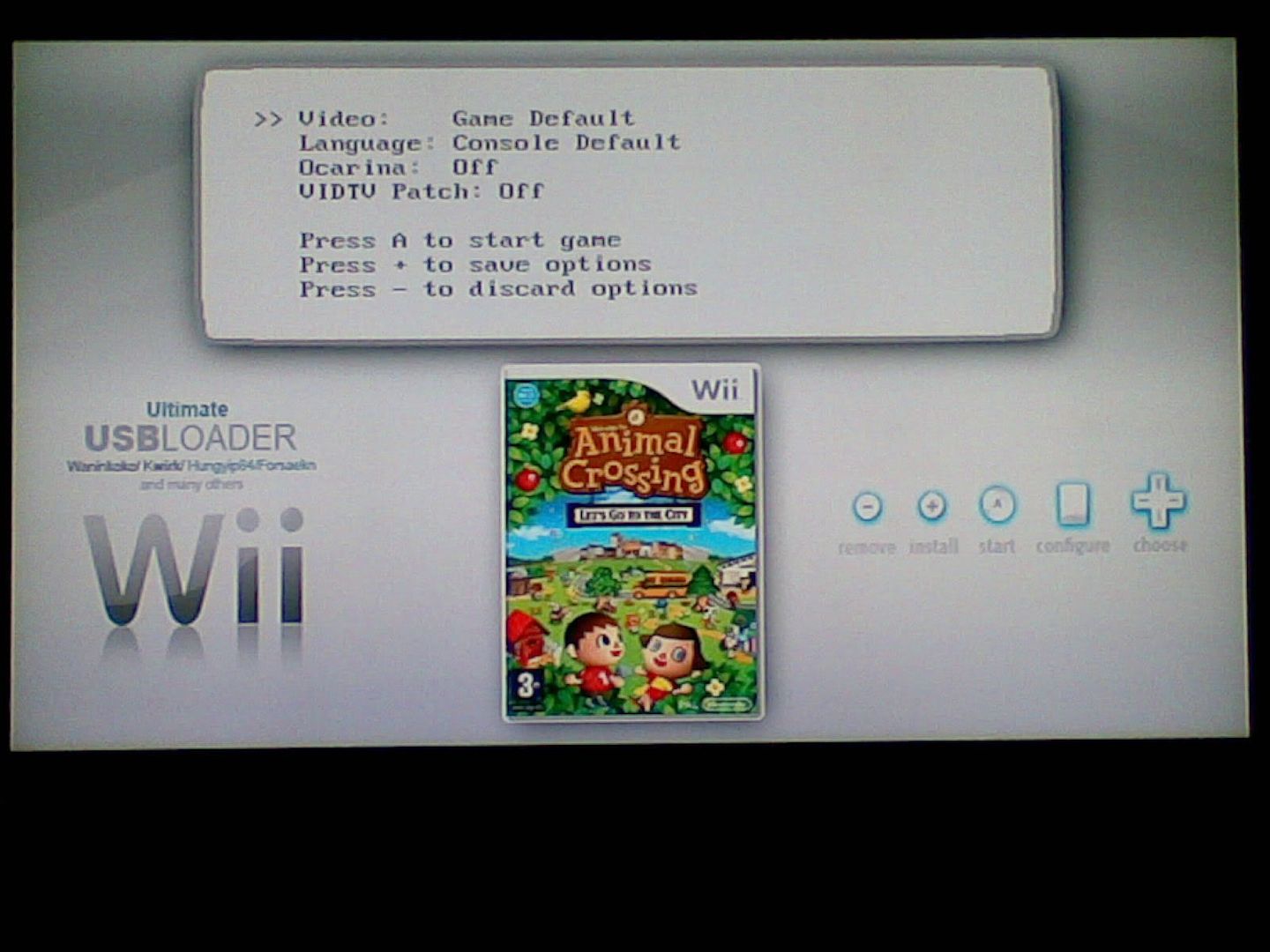
Preview 2: (game config)
Imagen084.jpg


Sorry, but my english is very poor.
cry.gif
 
QUOTE(jono@home @ Apr 17 2009, 12:29 AM) ...

FOR PAL (Solves Black Line problem at Bottom of Screen)

bg16x9pal.png


Config Settings;

widescreen = 1
wbackground = bg16x9pal.png
layout = ultimatew
console_color =6,15
console_coords=40,106,350,280
covers_coords=481,135

jono@home, could you please send me the psd of this 16*9 background ? It would be perfect if i could put it in french !
 
I just wanted to say great work and that i really like the "download cover" option.

Here is what i found so far:

Whilst browsing thru my list of games it downloaded a few covers but when it didnt seem to find one it still downloaded 405bytes (i know thats not enough data for a cover), no biggie it just takes longer to load.

I got down to Trivial Pursuit (PAL one, i dont have the game code right now) and it downloads 69kb EVERY time i roll over it. Whats up with that?
EDIT: I forgot to mention that after this occured a few times i got a memory error of libpng. EDIT2: after a restart it downloaded the Trivial Pursuit cover correctly. Very strange.

A feature i would like in the loader is a Channel Maker or at least a version of the loader which works with the windows wbfs-software which can make channels.

Thanks for listening.
 
AS SOON AS POSSIBLE I WILL UPLOAD MY VERSION WITH AUTO-UPDATE AND BACKGROUND MUSIC...

It will be 7.3 mod 0.1 (based on Brisma's version)

All can active or deactive background music from config.txt ...

Anarchia...
 

Site & Scene News

Popular threads in this forum