Switch custom themes sharing thread

Since we got custom themes working on switch we have been stuck on a major issue: home menu's SZS files are illegal to share because they contain copyrighted data.
This is the reason why I developed the nxtheme format: it's a custom container for switch themes that's 100% legal and that works on every firmware.
Use this thread to post your own custom themes, if you have any question ask in the Switch theme injector release thread.

TLDR; Now themes are nxtheme files, they can be installed with NxThemes Installer on any switch. nxtheme files are legal and can be shared here. DO NOT SHARE THE SZS FILES.

How to share custom themes:
1) Make a theme like you normally would
2) Click "build nxtheme" instead of "patch and save"
3) Post the output nxtheme here.
That's it. As you can see the process has been totally reworked and this time it's much easier for end users.

How to install custom themes:
1) Download NXThemes installer on your switch (it's also available on the homebrew appstore)
2) Copy the nxtheme file in the themes folder on your sd
4) Install the theme and reboot

You may also find links like the ones below, those are Auto-Theme links, it's the old way of sharing themes, when you open them it will automatically download nxtheme files you can install.

Where can i find custom themes ?
You can look in the download center, in this thread and on this subreddit

So I'll be the first:

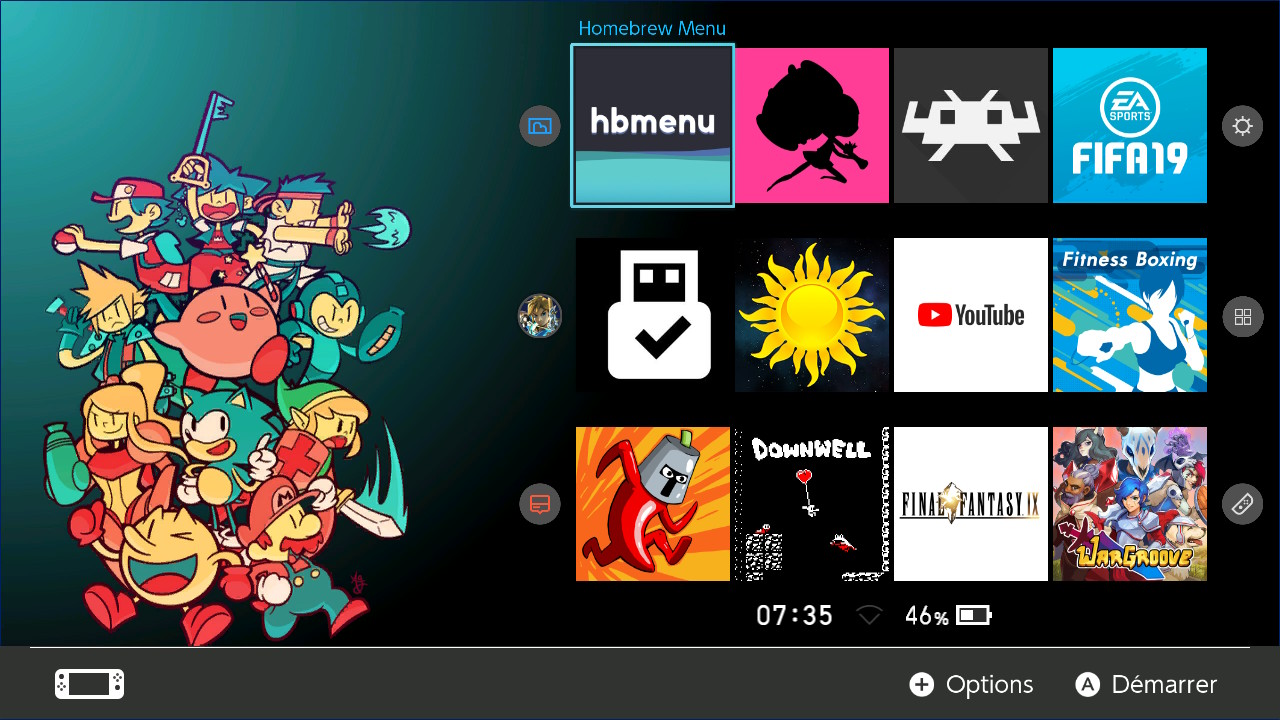
GBATemp theme:
upload_2018-10-31_21-59-45.png
With Doge's layout: link

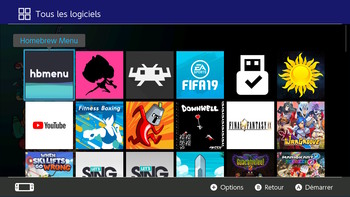
upload_2018-10-31_22-2-2.png
With zaigenshi's layout: link
(This only displays the first user account)​

Happy sharing :)
Also a huge shout out to Costello who enabled the download center to work with Auto-Theme
 
Last edited by exelix11,
would deleting the titles folders in atmosphere/renix/sxos affect this?

the app now crashes on startup, not on theme install

lockpick works, hekate works, hb is 3.0
media player works, psnes works, mgba works, nxthemes crashes immediately on both sxos and hekate/atmosphere

sx 2.0 official and 2.5.1 beta, on 5.0.1, 5.1, and 6.0
Mh.... ok try this, delete all the contents of the themes folder, put only my theme in there, do the dumping again and try to install it
 
something is making the .nro nxthemes crash on startup vs open but crash on theme install.

ive been on 5.01, 5.1, 6.0, and sx 1.9, 2.0, 2.5.1 beta, also hekate 3.0 and 4.6, newest atmosphere also. hbmenu 2.0 and 3.0 as well. tried them all and it crashes
 
I did this God of War theme yesterday. What's your opinion? any advice?
All apps menu has the same background image as Home Menu and User Menu the same as Settings.
You can download it from attached rar file.

gow_themenx-jpg.154722
 

Attachments

  • GoW_ThemeNX.jpg
    GoW_ThemeNX.jpg
    269.4 KB · Views: 1,351
  • God_Of_War.rar
    God_Of_War.rar
    3.9 MB · Views: 421
Last edited by Surfi,
something is making the .nro nxthemes crash on startup vs open but crash on theme install.

ive been on 5.01, 5.1, 6.0, and sx 1.9, 2.0, 2.5.1 beta, also hekate 3.0 and 4.6, newest atmosphere also. hbmenu 2.0 and 3.0 as well. tried them all and it crashes
Hey idk of you solved but another user contacted me with the same issues and it turned out to be some mac os filesystem thing, do you use osx as well?
 
Here's a fantasy style one I've been working on, I call it The Tome. It's for use with two rows home screen and clean lock screen. I also have a "clean" two row json if anyone want's it, it just get's rid of the battery and moves the wifi over to get rid of overlap. I'm feeling too lazy to upload it on google drive at the moment
 

Attachments

  • Tome Games.png
    Tome Games.png
    1.5 MB · Views: 234
  • Tome Main.png
    Tome Main.png
    1.6 MB · Views: 191
  • Tome Settings.png
    Tome Settings.png
    1.4 MB · Views: 212
  • Tome Unlock.jpg
    Tome Unlock.jpg
    57.6 KB · Views: 262
Last edited by Dichotomy754,
Here's a fantasy style one I've been working on, I call it The Tome. It's for use with two rows home screen and clean lock screen. I also have a "clean" two row json if anyone want's it, it just get's rid of the battery and moves the wifi over to get rid of overlap. I'm feeling too lazy to upload it on google drive at the moment
Make an nxtheme and upload it here, if you don't know yet it's a new format that's legal to share, check the OP.
 
Make an nxtheme and upload it here, if you don't know yet it's a new format that's legal to share, check the OP.

My bad, looks like I've been using an old version. I hope I did this all correctly.

Dark Tome - By Dichotomy
Now line free
Dark Tome.jpg
 

Attachments

  • Like
Reactions: RahFah and exelix11
Hey, haven't seen this done anywhere yet, so I made themes based on the Switch's basic themes, that go along with the colors of the Joy Cons (Neon Blue, Neon Green, Neon Red, Neon Pink and Neon Yellow).

UPDATE: Added shadow on the user and settings pages to better seperate UI elements.

Zn4i8Oe.png
 

Attachments

Last edited by KuraudoSutoraifu,
I did this God of War theme yesterday. What's your opinion? any advice?
All apps menu has the same background image as Home Menu and User Menu the same as Settings.
You can download it from attached rar file.

gow_themenx-jpg.154722
Looks awesome!

Are you able to split the time and battery level to have it centered on each side of the circle/title?
 
Here it is my Capcom Vs SNK 2 layout/Main menu theme. Everything is clickable as well can be accessed with dpad. Let me know if there is anything glitched I may have missed.
**UPDATE now to 1.0. Because I love yas. From now on will be adding new themes to either the Reddit NXThemes thread or /HBG discord.

View attachment 158325

AllGames SS.jpg Lock SS.jpg

Only thing bothering me is DDS compression, either from Photoshop or theme builder, adds small black triangles to angles portion of red/blue sides. If anyone knows whats happening please let me know. Background is 1280 x 720 24bits 150dpi.
All art recreated either from scratch or, in regards to the portraits...copied from high res artbook ref. Row of yellow triangles to the sides is your user/mii icon locations. I Need to figure out what the option and start button icons is in, to move them left?
 

Attachments

Last edited by ReroShaggy,
  • Like
Reactions: exelix11 and DSoryu
Here it is my Capcom Vs SNK 2 layout/Main menu theme. Everything is clickable as well can be accessed with dpad. Let me know if there is anything glitched I may have missed.

View attachment 158325
View attachment 158329


Only thing bothering me is DDS compression, either from Photoshop or theme builder, adds small black triangles to angles portion of red/blue sides. If anyone knows whats happening please let me know. Background is 1280 x 720 24bits 150dpi.
All art recreated either from scratch or, in regards to the portraits...copied from high res artbook ref. Row of yellow triangles to the sides is your user/mii icon locations.

Things like this is why I love the scene since the 3DS era, the community manages to make better themes than Nintendo, the difference in this case being that there are no themes for Switch yet lol.
 
  • Like
Reactions: ReroShaggy
For some reason I can't install the lock screen. It says the layout not compatible with themes/systemdata/entrance.szs. Any ideas?

No idea, it seems to be working on my end. It's not necessarily the best fit anyway's. It was just what I was already using. If you want I can share the file again, maybe there was some corruption with the upload? Or I can post the image and you can remake it.
 

Site & Scene News

Popular threads in this forum