Gaming Nintendo...

  • Thread starter Thread starter Thirty3Three
  • Start date Start date
  • Views Views 7,653
  • Replies Replies 86
  • Likes Likes 2
Yeah Arms makes you do it, and Mario Kart does too (it might be due to the most recent update, or it might be due to the fact that I destroyed 200cc, and unlocked the new wallpapers) - causing A to not work anymore.
Mario Kart is updated and I unlocked the new wallpapers. A always work.
 
pressing L+R is only required for detached joy-cons for reasons already stated. pressing A only works for joy-cons attached to the system and the pro controller.
 
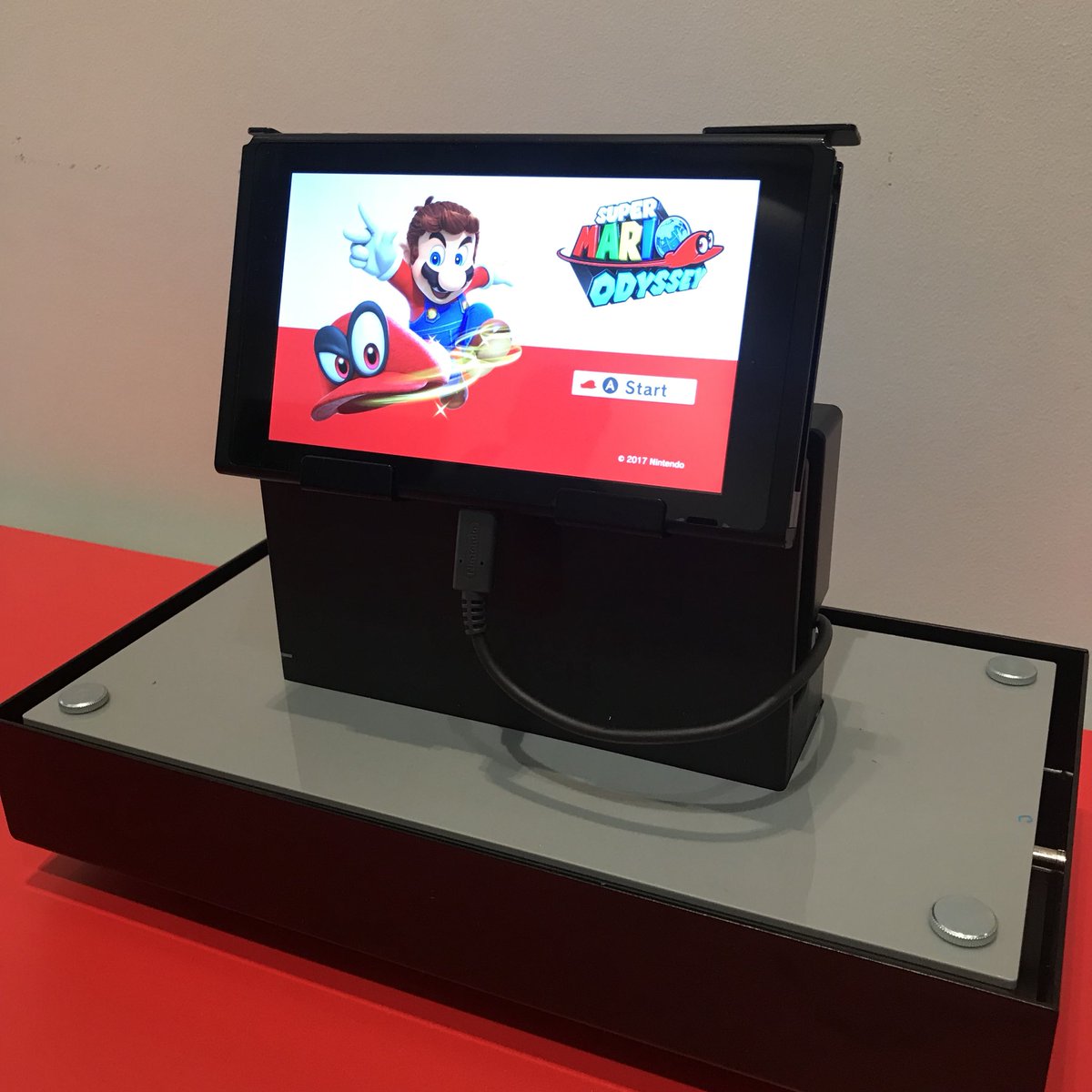
Hey, hey, look at this:

DC6hgyjXgAAHrd2.jpg

Source: https://twitter.com/pnintendo/status/877816783146766337

Only press A and boom, you're in. :) Just how like all games should be.

I've played Mario Kart 8 Deluxe recently and always pressed A as well.
 
This is not very progressive of Nintendo, say, what about one-handed gamers out there? :unsure:
how can one handed gamers play arms since it requires 2 hands ? lol same for mario kart, how can they drive acelerate and use prizes at the same time? lol heck i dont think any game more complicated than like mario 2d games are playable with only one hand at all.
 
  • Like
Reactions: TheCyberQuake
how can one handed gamers play arms since it requires 2 hands ? lol same for mario kart, how can they drive acelerate and use prizes at the same time? lol heck i dont think any game more complicated than like mario 2d games are playable with only one hand at all.
I've played Mario Kart Double Dash one handed before, well technically I was controlling one player with each hand, and I was doing half decently too.
 
Wait but why do they make you press L + R?

Perhaps they opted to Use L & R instead of the + or A buttons because of Joycons being split? I know it kind of doesn't make any sense because in Mario Kart 8, for example, you can use a single joycon and press the sL and sR buttons to enter the game... So I dunno... another conclusion I can draw is that casuals usually have a hard time finding the + and - buttons on recent Nintendo system controllers. I've had to point out button locations on a Wiimote to friends and family numerous times. It's just too confusing for most casuals.
 
Last edited by Ace_Axel,
how can one handed gamers play arms since it requires 2 hands ? lol same for mario kart, how can they drive acelerate and use prizes at the same time? lol heck i dont think any game more complicated than like mario 2d games are playable with only one hand at all.
That was a joke but actually, it's possible to play Mario Kart 8 Deluxe with one hand. You just need to have all the driving assistance activated and there you go.
 
Yeah Arms makes you do it, and Mario Kart does too (it might be due to the most recent update, or it might be due to the fact that I destroyed 200cc, and unlocked the new wallpapers) - causing A to not work anymore.

Not true (at least for Mario Kart), I never push L+R in the game, and only push A and that always works at getting me past the screen telling you to push L+R, and this was both before and after the latest update. Maybe something is up with your A button if its not working properly for you?

 
Not true (at least for Mario Kart), I never push L+R in the game, and only push A and that always works at getting me past the screen telling you to push L+R, and this was both before and after the latest update. Maybe something is up with your A button if its not working properly for you?
I'm guessing you always either play in handheld mode or with a pro controller??
 
Pro controller! Do the joy cons not work for pressing just A to get past that screen? Guess I never bothered to check that.
When the Joycon aren't attached to the system, games that allow multiplayer with individual Joycon will ask you to press L+R to figure out which way you're holding them
 
When the Joycon aren't attached to the system, games that allow multiplayer with individual Joycon will ask you to press L+R to figure out which way you're holding them

Well that actually makes some sense for a game like Mario Kart considering you can use just one joy con to play the game. L+R together for the game would clearly indicate you're playing with both joy cons as a single controller. Still how would one make the game advance then, if you're playing two player mode with each player using one joy con? If you hit L+R I imagine the game instantly thinks you're only using the joycons as one controller. Shouldn't there be a method to just hit - or + so that player one gets that joy con and so that it will advance to the next screen with both joy cons being recognized as separate controllers? Now I'm curious.

Edit: Duh, I forgot that each joy con has its own L and R buttons, now I really understand why the Joy Cons are required to hit L+R, they're the only buttons that any variant of controls for Mario Kart are going to have.
 
Last edited by duffmmann,
  • Like
Reactions: TotalInsanity4
Not true (at least for Mario Kart), I never push L+R in the game, and only push A and that always works at getting me past the screen telling you to push L+R, and this was both before and after the latest update. Maybe something is up with your A button if its not working properly for you?
did you unlock the new menus? That's when it started for me. My A button is fine in the game and in every other game. Just that menu. DId you get 3 stars on all 200cc? To unlock the menus? That's when it started. It works sometimes.
 
did you unlock the new menus? That's when it started for me. My A button is fine in the game and in every other game. Just that menu. DId you get 3 stars on all 200cc? To unlock the menus? That's when it started. It works sometimes.

Yup, no issue with the new menus. But I also always use the pro controller. It sounds like if you use the joy cons as a single controller, this may be why it wont always advance, and as I just explained, I actually understand why that may be the case.
 
  • Like
Reactions: TotalInsanity4

Site & Scene News

Popular threads in this forum