
Hacking iTouch MicroSD errors

  • Thread starter Thread starter geminisama
  • Start date Start date
  • Views Views 1,625
  • Replies Replies 3

geminisama

Metsu
Member
Joined
Jul 17, 2008
Messages
1,047
Reaction score
12
Trophies
1
Age
36
Location
Oregon
Website
www.facebook.com
XP
278
Country
United States
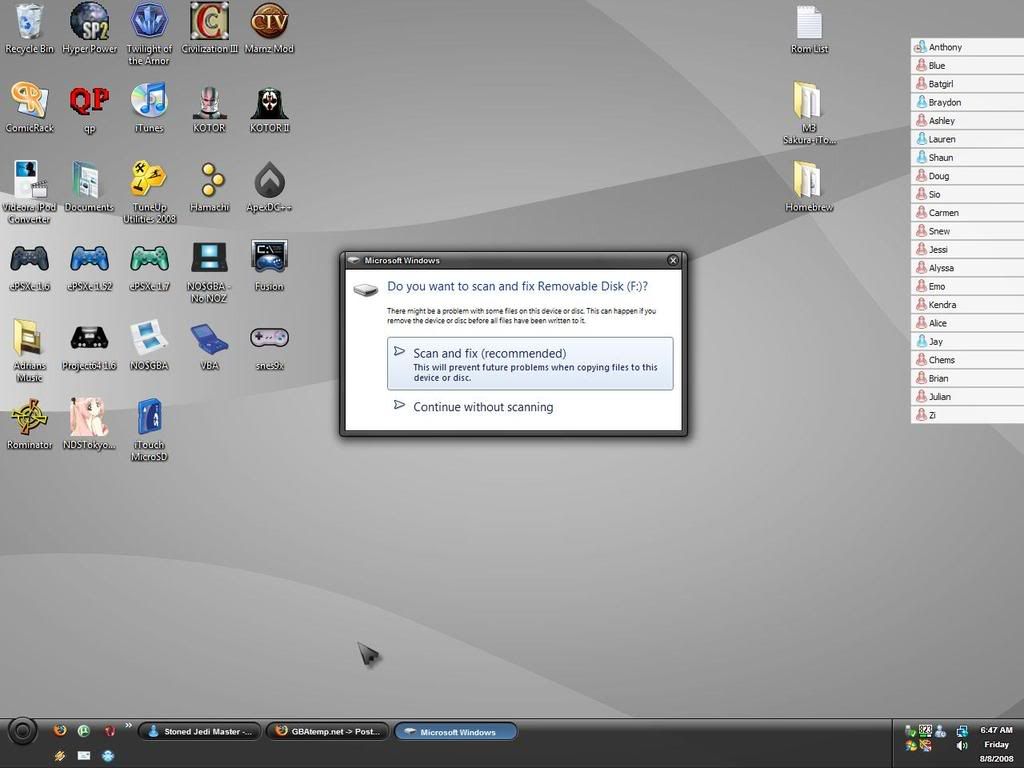
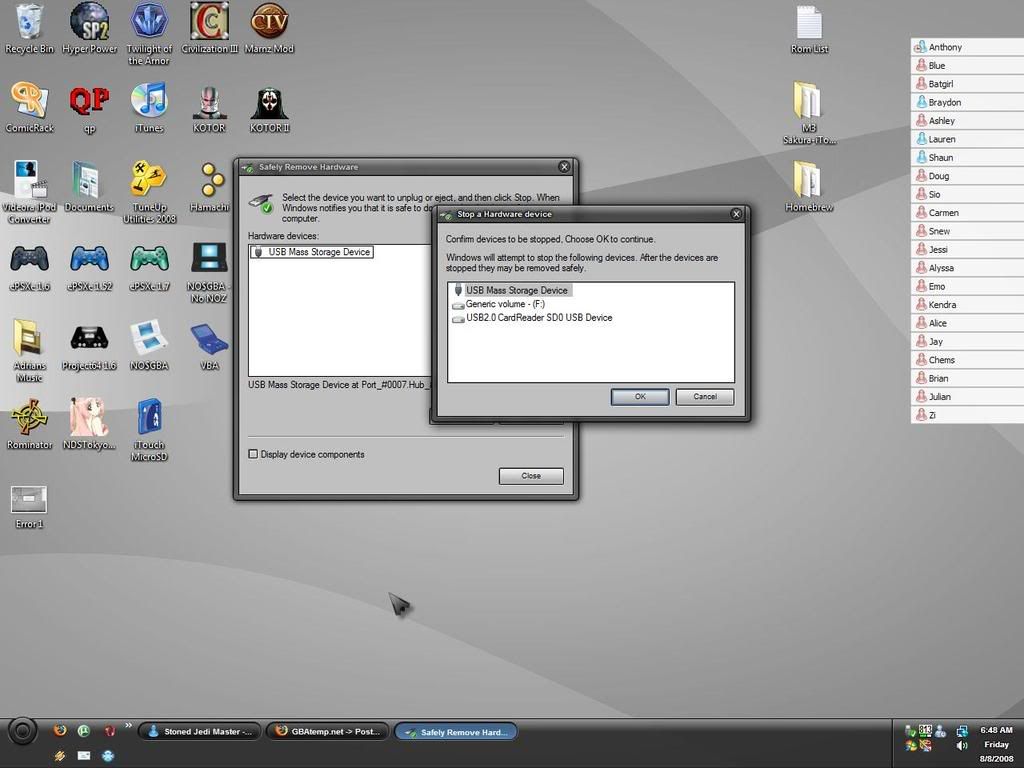
Hey. I have a question. Whenever I plug in either of my MicroSD cards, Windows tells me they have an error, and to scan and fix it. It also says it's probably cause I don't use the "safely remove hardware" option, but I do. I always do that before removing, and I've tried with all 3 options, but I still have an error whenever I plug in my cards. This applies to the shitty reader that came with the iTouch, and with a reader I bought elsewhere. It also happens, regardless of which adapter for the card I use (If I'm using the store bought reader). Anyone know how to NOT get these errors?

Thanks in advance.

Oh, I'll upload two screenshots, in case they can help.

Here is what I get when I plug in a MicroSD card.
Error1.jpg


And here are my options, using the "safely remove hardware."
Error2.jpg
 
Just got done doing that, and it didn't fix anything. I still got the "scan and fix errors?" message, and it told me some corrupt files on the card (that has NOTHING on it), were moved to a "Found" folder, that I don't see on the card. Even with "show hidden files/folders" enabled, I don't see this "found" folder, and whenever I try to paste, or drag something onto the card, it tells me that folder or file already exists, and I have to overwrite, or merge folders.


How do I fix this, it's really annoying, and how do I view these invisible folders and corrupt items, so I can delete them. And WHY didn't the format get rid of those files I can't see? D=

If anyone can help, please do so.

Edit: I just tried to format again, this time with FAT32, and I got "Sorry, Windows was unable to format this device"

Edit 2: Okay, just formatted AGAIN, and I still get the errors, and it STILL tells me there's files, and a folder I can NOT see.
 
Well now it will crash Windows Explorer if I try to 1) Put files on it, 2) click "properties" on the device. So I'm guessing it's defective. Ahh, the 2nd defective product ConsoleSource sent me in the SAME fucking order. Time to go replace another thing they sent me.. =D
 

Site & Scene News

Popular threads in this forum