Hacking Icons for your MicroSD cards

  • Thread starter Thread starter tk_saturn
  • Start date Start date
  • Views Views 52,632
  • Replies Replies 161
goncalodoom said:
it doesnt work on windows 7 32 bits,i tried every way possible but still no luck
I also have Windows 7 (Ultimate) 32 bit and it works for my CycloDS, DSTwo and DSTT. Not sure what you are doing wrong. I followed the instructions and have no issues at all.
 
The icons are down?
frown.gif

I can get icon for DSTWO
frown.gif
 
The files are still there, it's because of the big red bug at the top of the page. URL names are case sensitive, and all the case has been removed. I'll have a look if I have a backup of the post.

edit: Fixed.
 
22825-256.png

I know there's a lot of the like already but I wasn't satisfied with the available options so I made this.
If it's your cup of tea download here or here.

*Actually if I had seen Random11's icons before I wouldn't bother making this. But anyways, another option for the aknerds out there.
 
msxer thanks for the shout out lol

maybe tk_saturn could take all of the posts with icons and edit his first post to include them all so people can see whats here all in one place so people wont miss them
 
Yep, that would be of help.

Btw, Random11, how did you make your cartridge? Did you rendered in 3d? I noticed the first 2 are different from the others. Did you use photo on those?
 
msxer said:
Yep, that would be of help.

Btw, Random11, how did you make your cartridge? Did you rendered in 3d? I noticed the first 2 are different from the others. Did you use photo on those?
the first 2 that are different then the other 6, were edited from my R4i ultra icon... which was an edit from twiztidsinz's version of his R4 icons... i assume he used a photo for those... and i just edited that icon (ie a flat image).

As for the other 6 i scanned an image of my own acekard 2i, then traced the image in illustrator so that i had a vector image (i used text for the text... i forget what font it was), then after all of that... illustrator has a way to render the image in 3D so i did that and rotated it and made some other versions.

Long and complicated process, probably way to much time was spent in it but im a perfectionist and kinda neurotic so... ya urs is good to how'd you make it?
 
Don't worry, many people have your disease, I"m one of them.
Pretty interesting process you used.
The font is Eras Demi ITC. It took me some time to figure it.
Well I didn't make the card image itself but only the sticker using Illustrator.
I borrowed the card image from here.
Funny that acekard team didn't make any effort to create a logotype for their card. Just typed "acekard" with some fancy font.
I plan to make a custom sticker for mine someday if I manage a way to print it for cheap with decent quality.
 
Srry lol >_<

The white one, it looks like somebody used paint to paint black lines around the SC logo, dont u see that?
 
Considering that's what I did... then yes
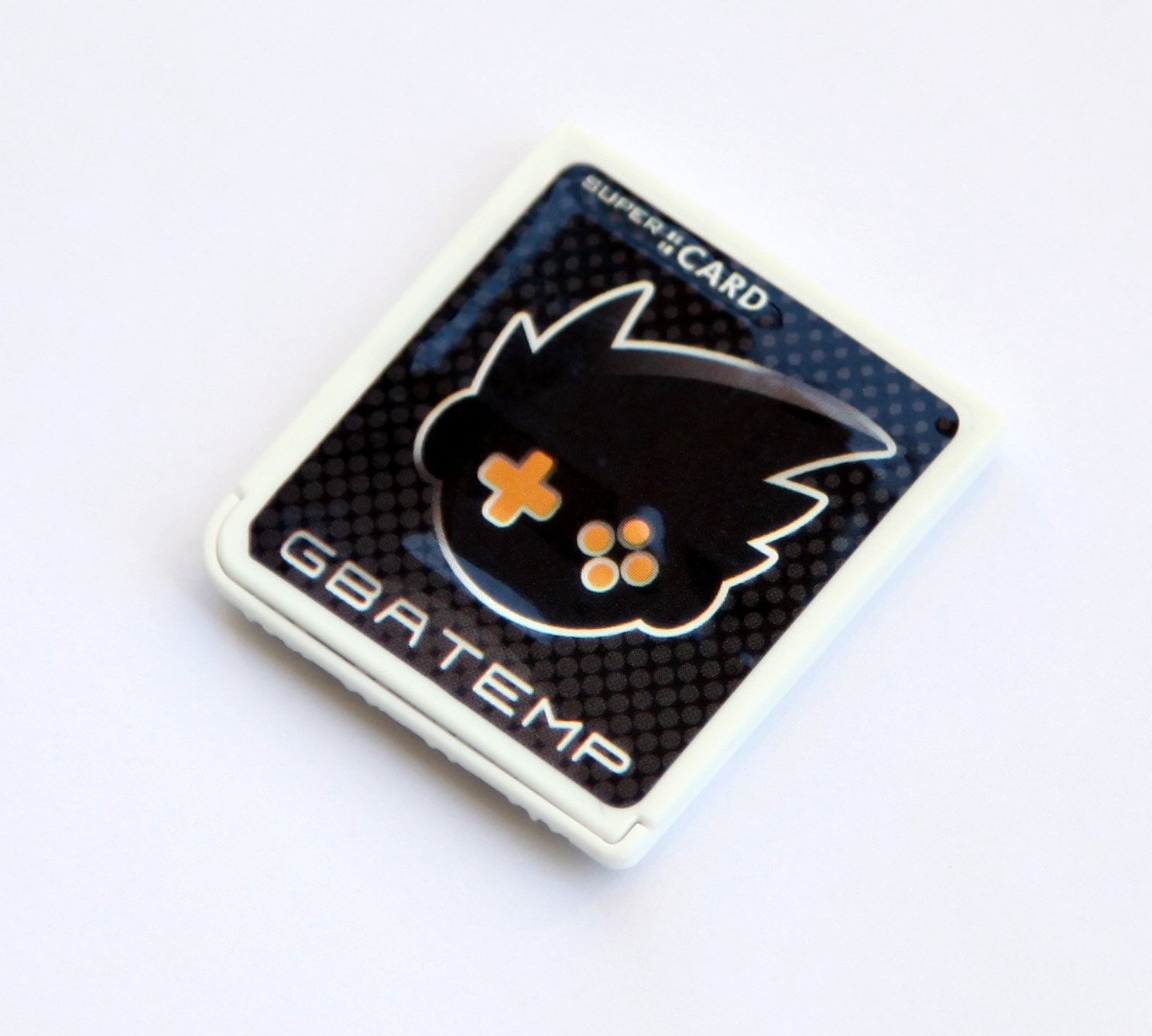
I not that much of an expert with graphic programs (& I dont' have 'illustrator' to creat a proper '3D' one ) all I did was paste (& slightly deformed) my LEDS skin graphic to try & fit onto as existing graphic of a card from the first post (the black one was originally a DSTwo card, the white was the iPlayer but THAT had to be resized as well)

Unfortunately on the white card I couldn't get it to fit quite right without deforming the actually GBATemp logo, making it more 'jaggy' so I tried 'cloning' parts to blank out the rest - not doing too good as you can see....

 
haddad said:
Srry lol >_<

The white one, it looks like somebody used paint to paint black lines around the SC logo, dont u see that?


Stop F*ing complaining... You want it a certain way then f*ing do it yourself. Same goes for bumping. If your not good at making graphics then you shouldn't say shit about any one else. As far as im consered he went out of his way to try and make that for YOU, 10 - 1 he didnt need it. so STFU!
 

Site & Scene News

Popular threads in this forum