
Formatted SD card with Formatted Twilight Menu

  • Thread starter Thread starter Magrão
  • Start date Start date
  • Views Views 5,216
  • Replies Replies 3

Magrão

Well-Known Member
Newcomer
Joined
Dec 29, 2009
Messages
73
Reaction score
8
Trophies
1
Age
35
Location
São Paulo - Brasil
Website
Visit site
XP
211
Country
Brazil
I don't know what happened, but after I took the sd card out of my computer and put it in my DSi XL the twilight menu didn't turn on and the following message appeared
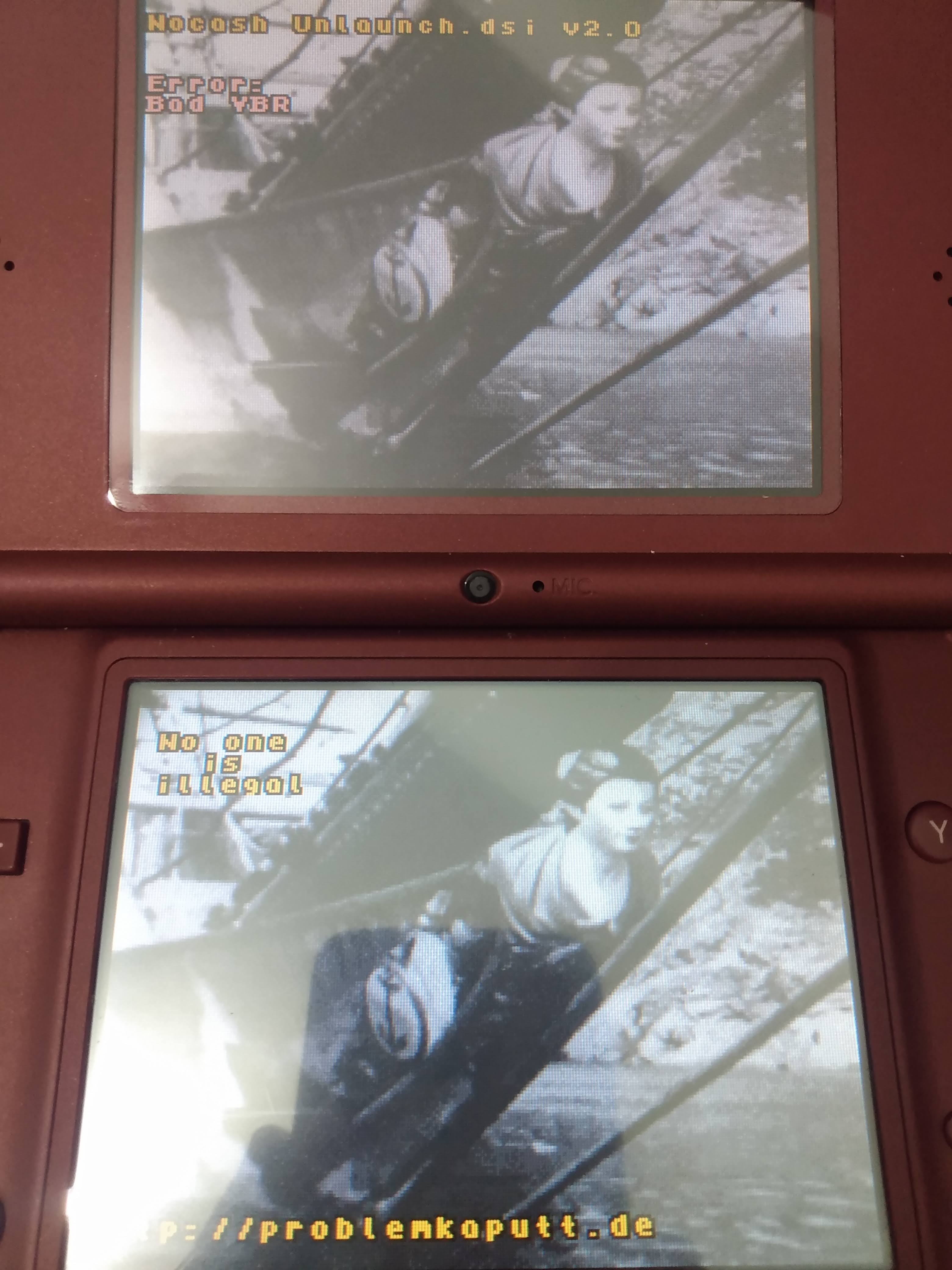
IMG_20211127_184500231.jpg


then I put it back on the computer and it appeared, the card was formatted...
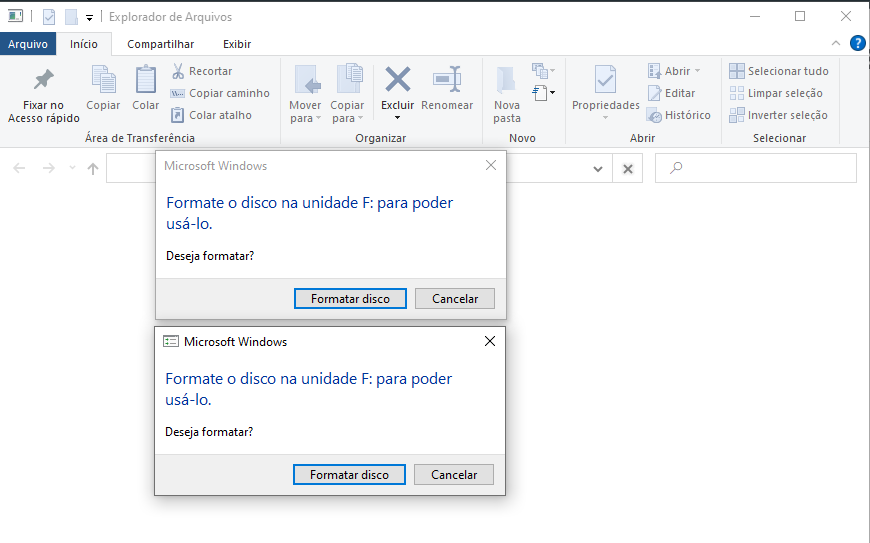
Captura de tela 2021-11-27 184415.png


sorry I installed the Twilight Menu... Please help me
 
it was a scare, but I managed to get my DSi XL back up and running.

What I did was format the SD Card, passed the Twilight Menu files to it, and reworked the process of installing HiyaCFW. He opened the twilight menu normally thank goodness.

I've already uninstalled this crap Twilight Menu that never enters my DS again, the scare I got today is enough.
 
This cannot be caused by TWiLight Menu++, it not working on Windows was most likely either bad connection (if you're using a microSD in an adapter it could be the adapter maybe) or a failing SD card. The "Bad VBR" error in Unlaunch is caused by not being formatted properly.

I'd recommend reformatting and testing your card using dsi.cfw.guide's instructions. Also if you happen to be follow some other guide than dsi.cfw.guide, especially a video guide, I'd recommend avoiding that and using dsi.cfw.guide instead should you ever want to try again.
 
  • Like
Reactions: banjo2

Site & Scene News

Popular threads in this forum