Chrono Trigger high contrast text hack

  • Thread starter Thread starter LexDG
  • Start date Start date
  • Views Views 2,879
  • Replies Replies 22
  • Likes Likes 7

LexDG

Well-Known Member
Member
Joined
Mar 2, 2023
Messages
206
Reaction score
170
Trophies
1
Age
43
XP
1,194
Country
United States
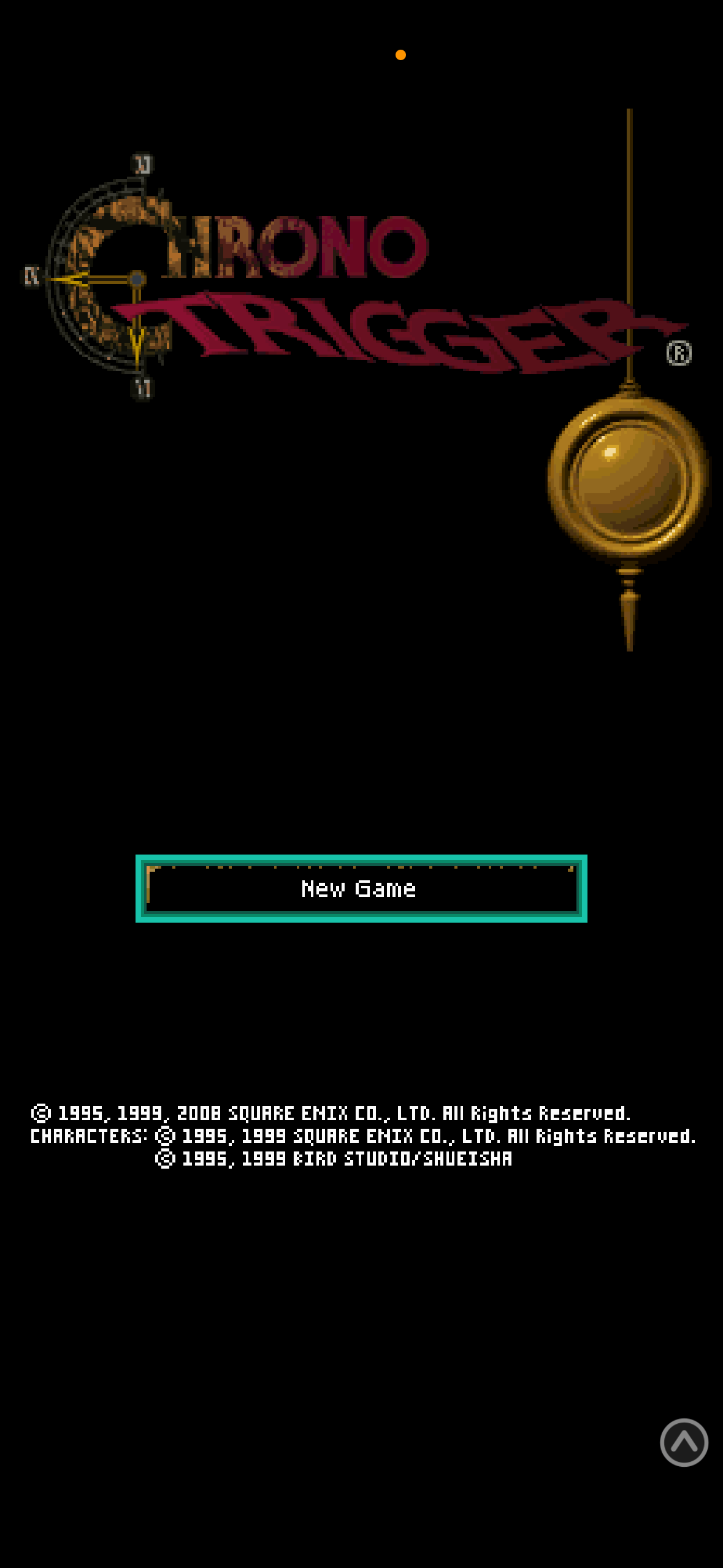
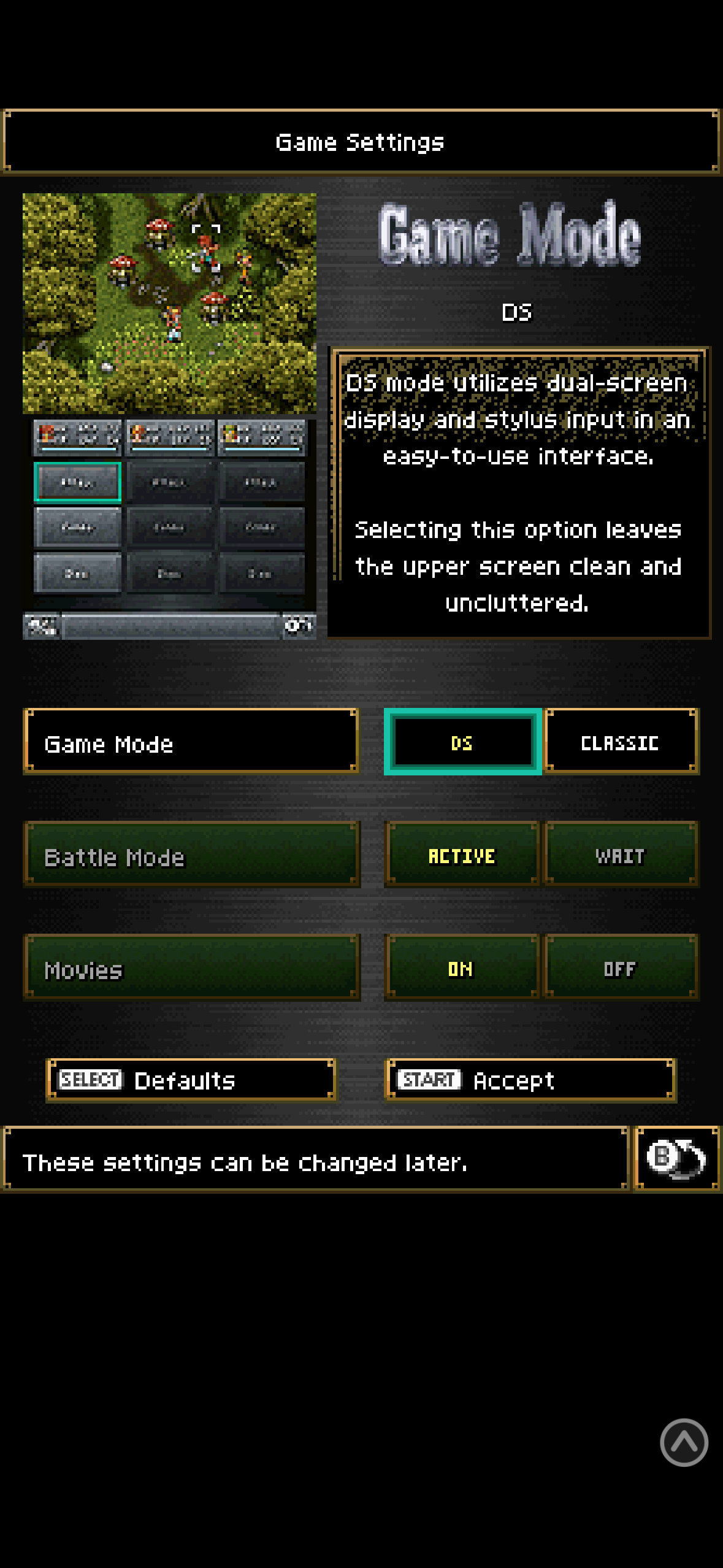
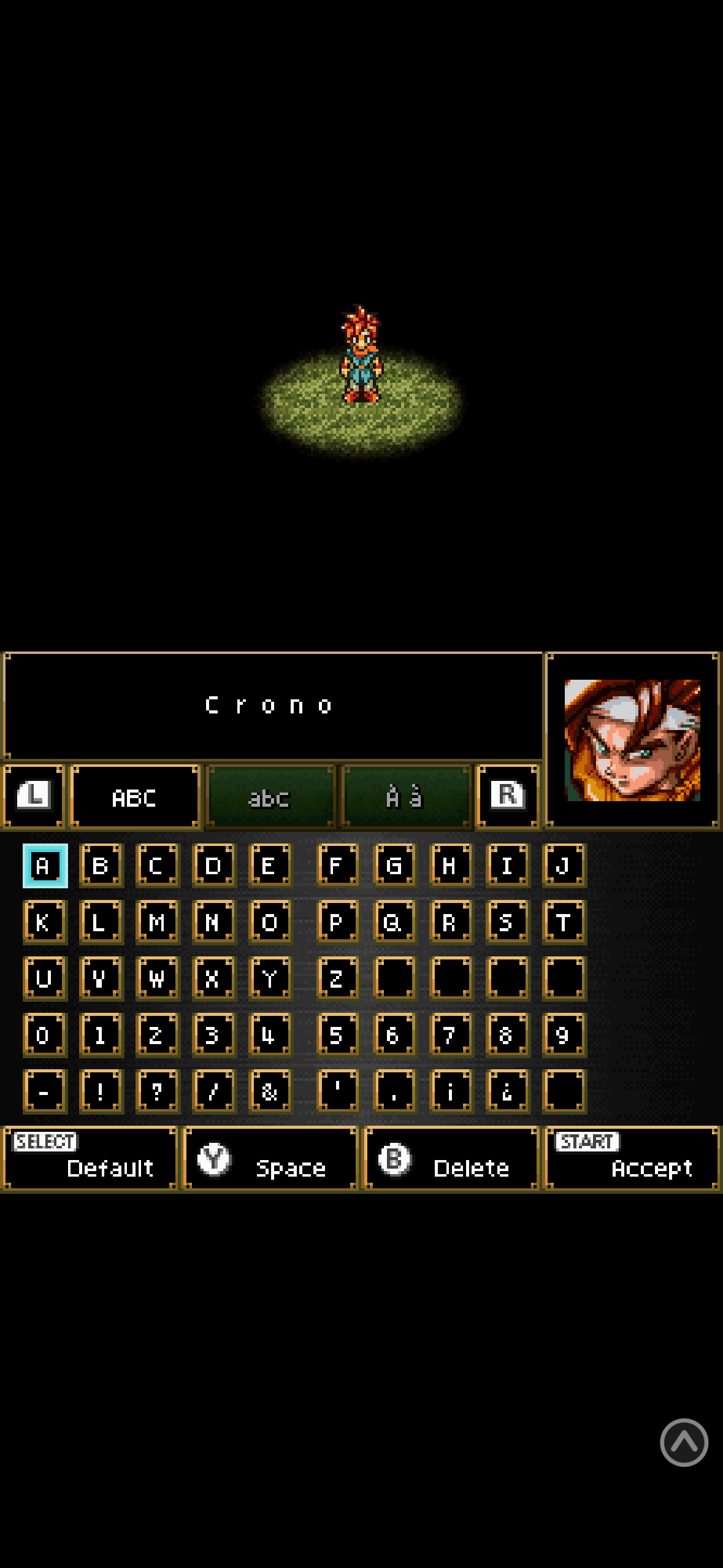
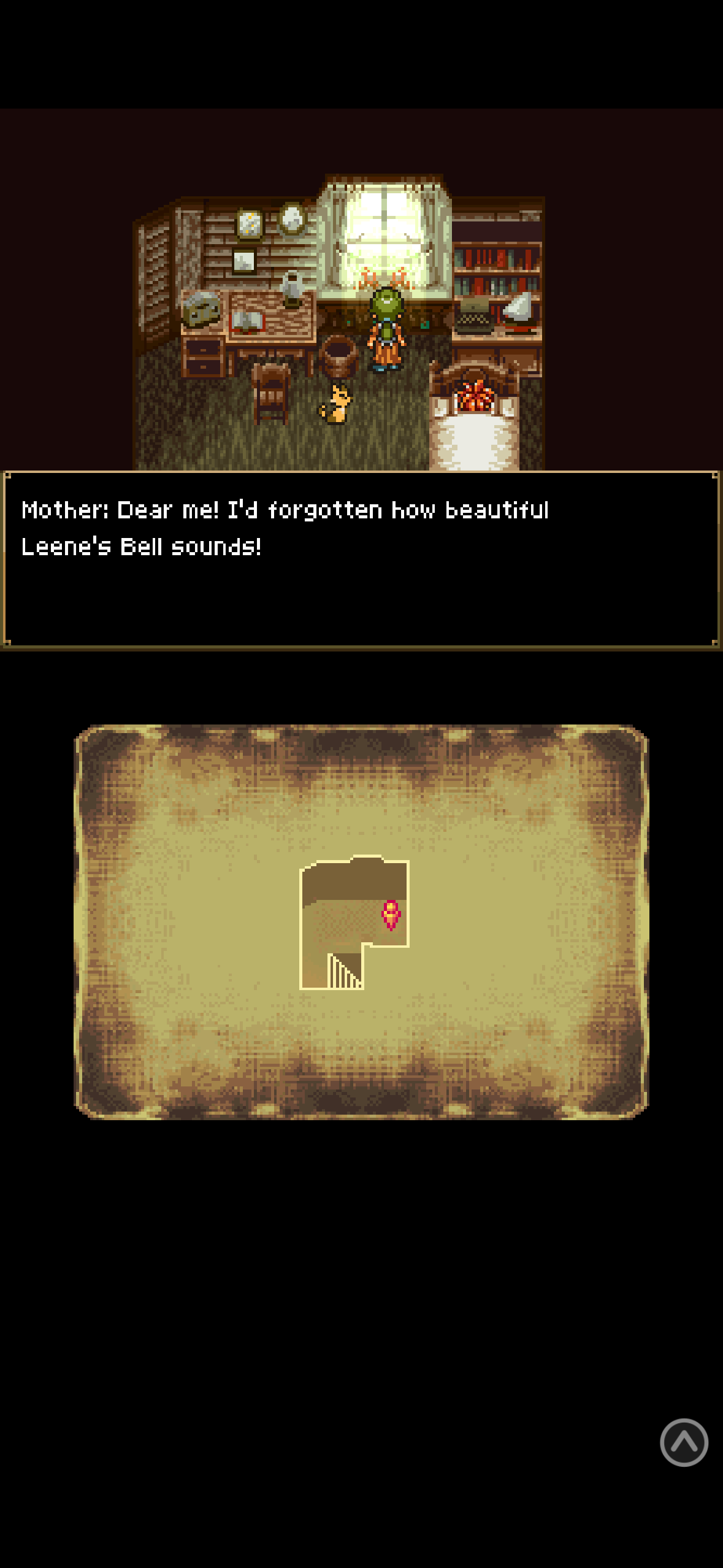
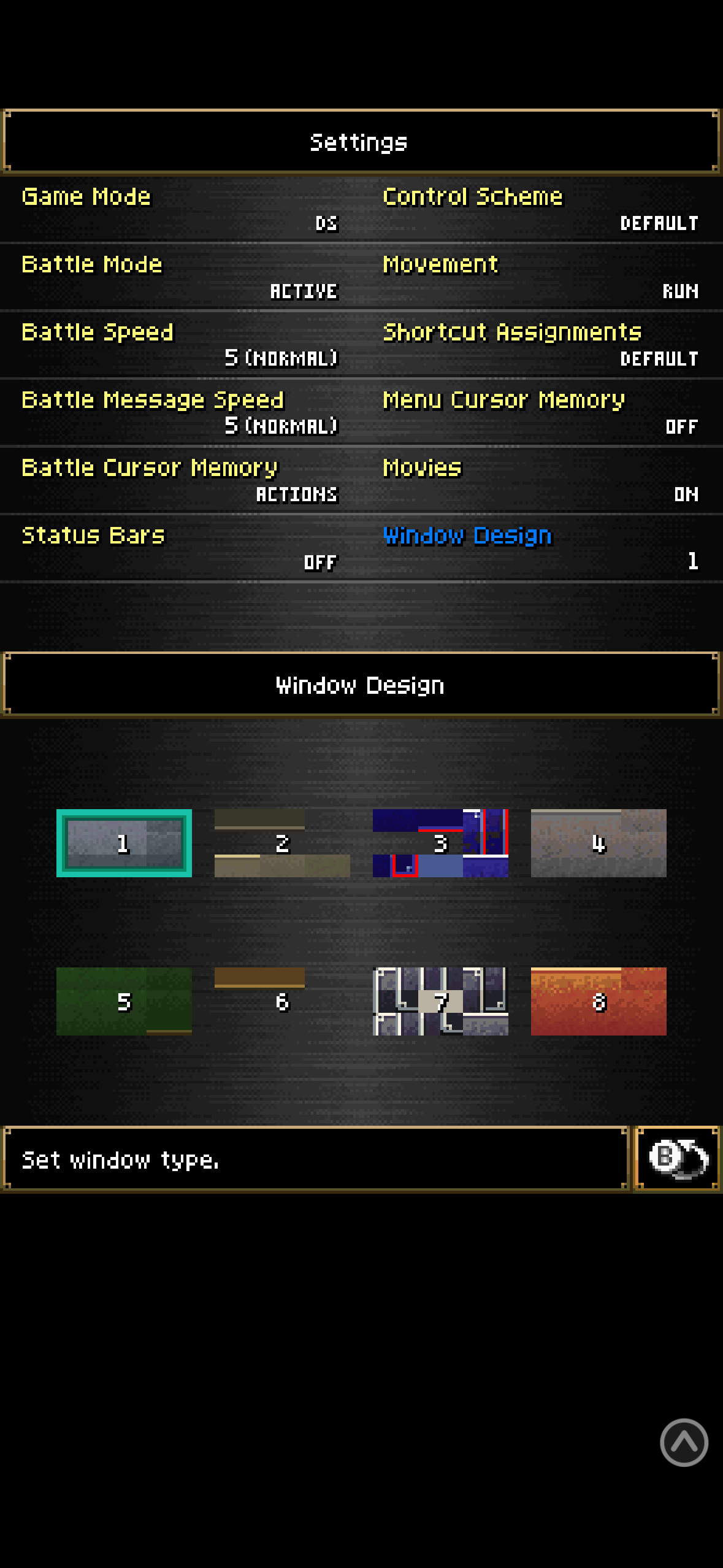
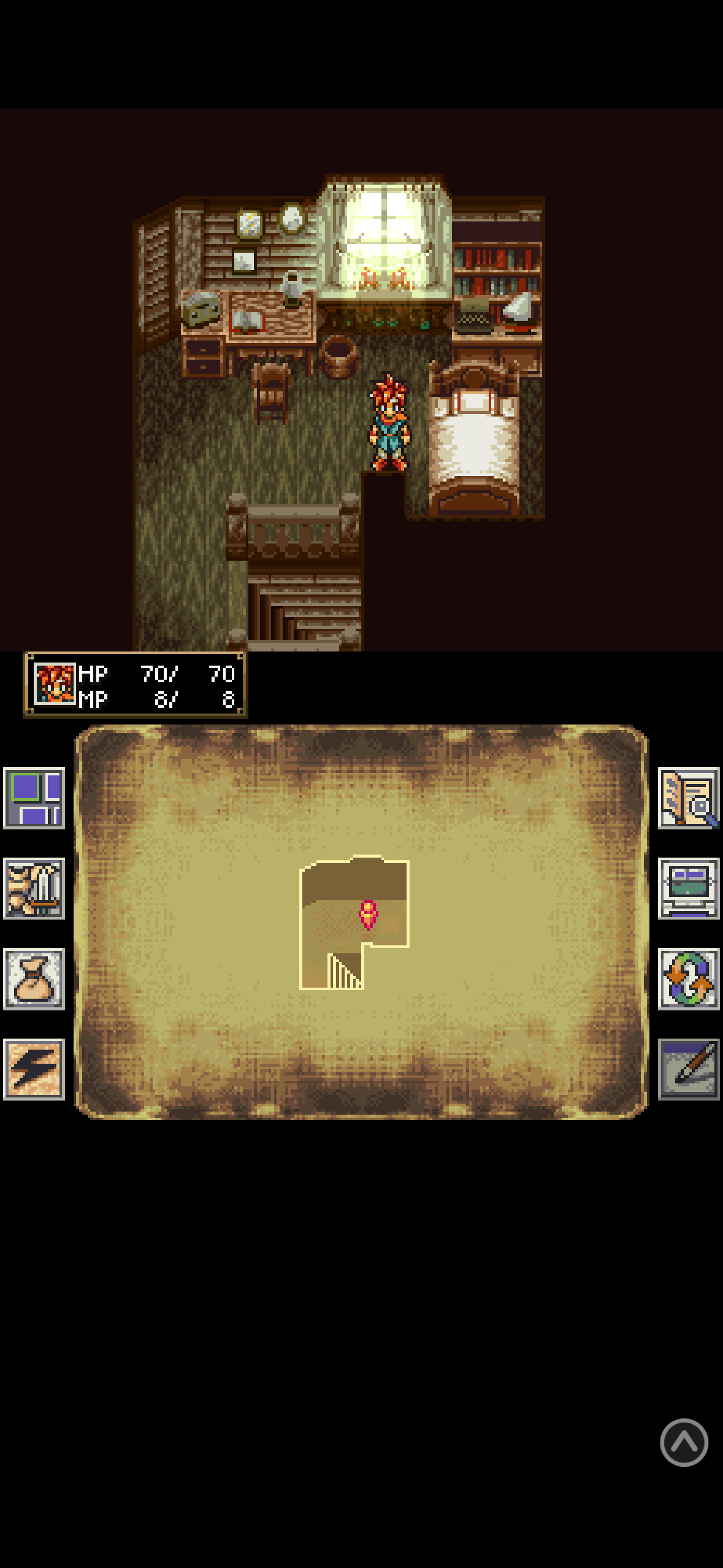
I FINALLY figured out how to go about this and have started working to make Chrono Trigger WAY more readable on the 3ds in full screen and even ds lite. I’ll be changing some colors (no yellow text or blue cursors) and have to figure out how to un garble the graphics I messed up as well as how to change the dialog box in the beginning but it’s starting to come together.

Also working to enlarge text but that is a bit longer. Probably gonna go full custom with some letters widened with no space between but we’ll see.
IMG_8297.png
IMG_8298.png
IMG_8299.png
IMG_8300.png
IMG_8301.png
IMG_8302.png
IMG_8303.png
 
Update:

Font mostly done and colors adjusted slightly but now I need some specific help to reformat the text so it stays in the box and everything lines up properly. I KNOW there are talented translators out there who have done things like this so I believe it’s possible but I need help understanding how to do it.
IMG_8311.png
IMG_8312.png
IMG_8315.png
IMG_8314.png
IMG_8317.jpeg
 
Figured it out. Pulling hair out

Patch will be available in about a week or so for people to test.

Side note, I have a newfound respect for everyone who’s ever released a game mod and a MUCH deeper understanding of why “complete” projects have obvious errors left unfixed sometimes and why something can be stuck on “almost done” for 3 years.

After thinking I was on a roll for a few days a TINY oversight was discovered. I didn’t edit the space after the letter “e” to be 2 pixels instead of 1. If this was nearly ANY other letter it would be fine. But because that just HAPPENS to be the most common letter in the English language, fixing it means starting over from scratch to make sure text fits properly in dialog boxes. Again. Again.
 
I just love that you went ahead and managed to figure it out by yourself after no one had the knowledge to help with it. big respect
I’ve just always been the type that if theres bread crumbs, I’m gonna figure out how to make the bread. Got two top jobs because I’m GREAT at googling and making sense of shit. But without those breadcrumbs from past translators I’d be lost.

I’m PARTICULARLY proud of figuring out some of the hex code in the .bin files I couldn’t open and how they related to files I could.
 
as soon as I get back to my computer (and figure out how) a patch will be released. I’m probably gonna do a bit more tweaking though because I hid the cursor and think the gameplay experience might benefit from arrows letting you know when to look at the bottom screen. This will help with accidental choices if you think you’re just advancing text instead of making a decision

IMG_8324.png

Post automatically merged:

or not? Files too large. Will find new solution.
 
Last edited by LexDG,
https://gbatemp.net/download/chrono-trigger-ds-enlarged-text.39081/

Done
Post automatically merged:

Already found some errors so I’ll be combing through the text again to adjust for the names breaking and wrapping around lines instead of starting on the next line.

Might also just go ahead and bring the finger cursor back for choices in the dialog box but thats a hard decision and lot more work
 
Last edited by LexDG,
update incoming. The font will get a MAJOR facelift and looks even better on 3ds. I went to single pixel wide lines based on the Mario Kart DS font since it was SUPER easy to read and most characters stayed the same width or shrunk. Gotta figure out M’s and W’s though.

I still like my original font a bit more on ds lite.IMG_8347.jpegIMG_8348.pngIMG_8349.png
 
I’ve discovered a SINGLE instance of the game crashing because of the color palette changes. It happens on the top of the Mountain of Woe as soon as you start to fight a rubble. I only noticed it when doing the Dimensional Vortex but it’s entirely possible that this enemy will cause the same issue in the main story too.

Either switch to a different window color EXCEPT 5 ( I like #3) and the issue will go away. Or simply avoid that single enemy in the top right corner of the map.

Perhaps I’ll release a clean version of the mod with only the text adjusted but also, maybe not.

If someone wiser than I can figure out exactly what can be changed to avoid the crash, go for it. I’ve tried everything including changing ONLY a SINGLE color of the default palette on a clean rom and this spot crashes no matter what.

IMG_8363.jpegIMG_8365.jpeg
 
I would be interested in seeing if it crashes on flashcart or emulator, or if that's only on nds bootstrap

Crashes on all. Haven’t tried every emulator but crashed on my r4, crashed on bootstrap, crashed on Melon on PC
Post automatically merged:

Now that I see it again, is it normal for the windows to look like that? Unless its the point of the hack
It’s a major part of the point of the hack. The normal windows aren’t a solid color and that makes it hard to see the text on those windows when they’re upscaled on the 3dsXL.

But for WHATEVER reason I can’t figure out, black shows up as gray on the default color palette so I have to change the 3rd color to black but that breaks it.

But as I’m typing I have one more idea that MIGHT make it work with a gray window boarder instead of the gold. I just have to see which palette everything is actually using. My assumption may be the issue.
 
Last edited by LexDG,
But for WHATEVER reason I can’t figure out, black shows up as gray on the default color palette so I have to change the 3rd color to black but that breaks it.
pure black might be counted as transparency, what happens if you make it very dark gray instead? like #010101 instead of #000000
 
pure black might be counted as transparency, what happens if you make it very dark gray instead? like #010101 instead of #000000
I’ve tried that as well. I think I’ve just been misunderstanding the different ways palettes are assigned. Each NCLR file has multiple different 16 color palettes but there is ALSO the ncl.bin files that seem to handle different assignments. I just don’t have a clear understanding of what is being used and when. Even when looking at the ncer editor (and I’m having a real time revelation as I type this) it’s still not clear which palette will be used even when I specify but I’m NOW gonna test a new theory and see if I can assign everything to pull colors from the .bin since no changes there have caused any issues.

Long winded answer for the googlers who land here and I’ll update with my findings.
Post automatically merged:

And I’ve discovered nothing new. I was wondering if the extra palette index numbers in the OAM editor would overflow to the ncl.bin but they don’t. However, I did manage a (mostly) visually acceptable alternative so I might update it a bit in the future.
 
Last edited by LexDG,
Hello @LexDG ,

I see you made a hack to enhance Chrono Trigger DS font. I'm also making this to translate the game into my language. But I'm having issue with the font height because I need to increase the height (1 pixel more) to accommodate for larger characters in my language. But this makes the text in the message box to be pushed down and it doesn't look nice as the picture below:

Normal font size (10 pixels):
Chrono Trigger (USA) (En,Fr)__13740.png


Increased font size (11 pixels)
Chrono Trigger (USA) (En,Fr)_new_fonts__4982.png


So can you share with me how you can increase the font size and keep the text balanced in the message box? Is there a function in the game code that I can edit to display text in a proper position?
 

Site & Scene News

Popular threads in this forum