Wii update from 4.0E то 4.3E

  • Thread starter Thread starter ELAD098
  • Start date Start date
  • Views Views 9,041
  • Replies Replies 14

ELAD098

Member
Newcomer
Joined
Apr 15, 2022
Messages
8
Reaction score
8
Trophies
0
Age
40
Location
ISRAEL
XP
69
Country
Israel
I am interested in updating and renewing the hack
Can someone help me
I do not want to destroy
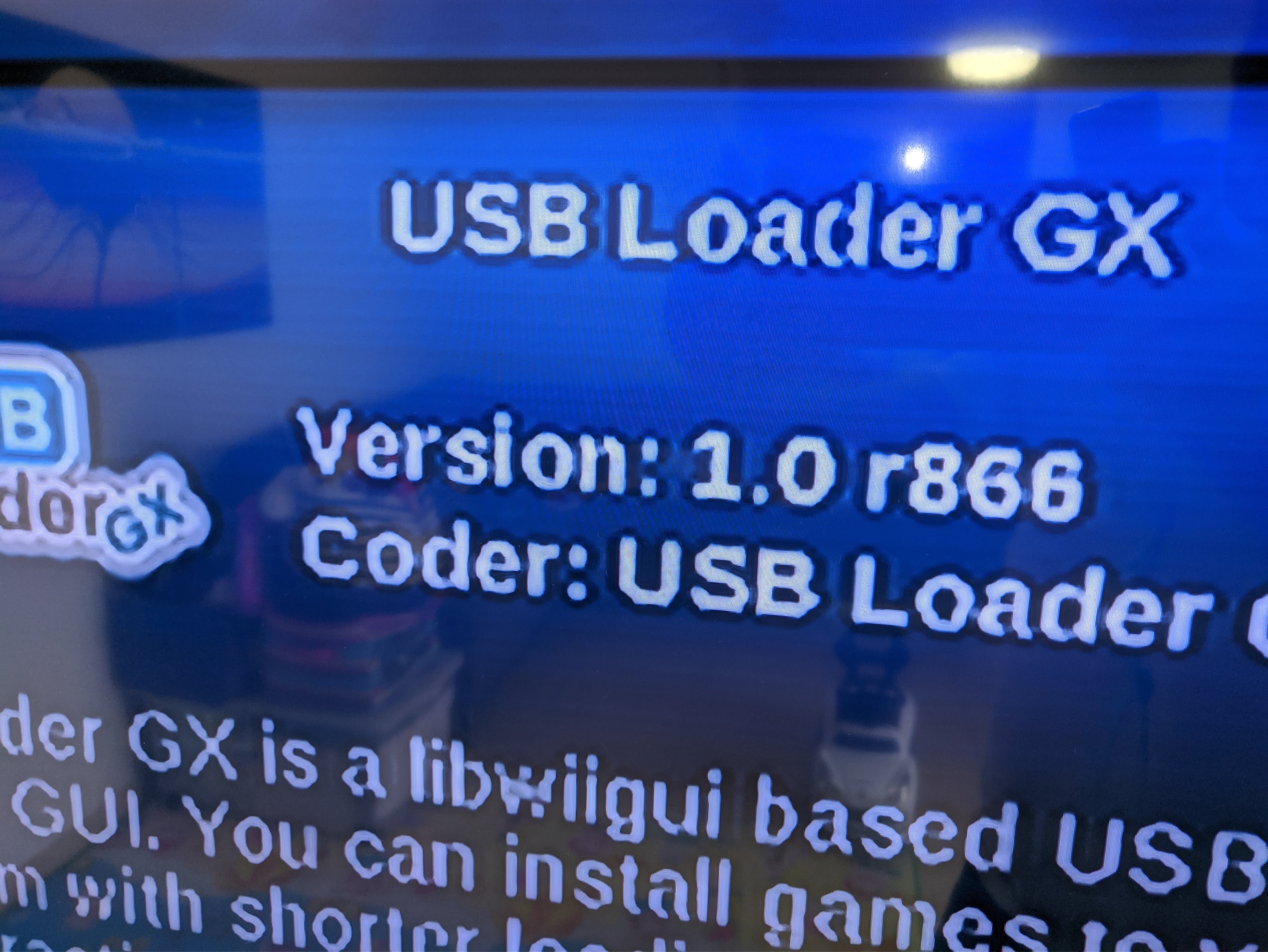
I currently have version 4.0E ,Homebrew ,USBLoaderGX
IMG_20220415_134538.jpg
 

Attachments

  • IMG_20220415_135444.jpg
    IMG_20220415_135444.jpg
    1 MB · Views: 97
  • IMG_20220415_135405.jpg
    IMG_20220415_135405.jpg
    1.2 MB · Views: 93
  • IMG_20220415_134420.jpg
    IMG_20220415_134420.jpg
    1.2 MB · Views: 96
Last edited by ELAD098,
Good Morning.:)

I am interested in updating and renewing the hack
Can someone help me
I do not want to destroy
I currently have version 4.0E ,Homebrew ,USBLoaderGX

Updating to 4.3x via the offical Wii System Update seems still not working (maybe never again...)
So you need some Tools and depending on how "challenging" you like it,here are some Candidates:

- ModMii
https://gbatemp.net/threads/best-wa...i-for-windows-official-support-thread.207126/
A All-in-One Package.
You can make a sysCheck first:
https://gbatemp.net/threads/posting-a-system-check.300279/
And use this sysCheck then on ModMii´s Update Wizard.
It then downloads the needed Files for you including a Guide (please read it very carefully and in Peace and Calm).
Then you have to Install these Files (according to the previously from ModMii generated Guide) and that´s it.
Simple,easy and safe.:)

or

- Install the Files by Hand.
You can get the needed Files also by Hand with Modmii,whatever you want to do:
- Wii System Update Files
- Mod Update Files
- Tool Update Files
And install them with an Mod Manager like YAWMM / Some YAWMM for Example.

or

If you only want to Update your Wii to 4.3x
You can get the System Files with ModMii too.
You have also the Options for 4.1x or 4.2x if you like.

Your Homebrew Channel can also be updated.

For the USB Loader you have the Options for 3 excellent Loaders today.
- WiiFlow (Mod)
- USBLoader GX
- Configurable USB Loader
Simply to get also with ModMii


So you see,you can do as you like and you have many Options (thanks to the great Developers and Coders and Programmers) these Days.😉

Good Luck
Thank You.😉
 
i can format all wii or only format the sd?i want fresh hack
And i put the new sd and i see the old menu how i install the mod i created?


SysCheck HDE v2.4.0 HacksDen Edition by JoostinOnline, Double_A, R2-D2199, and Nano
...runs on IOS61 (rev 4890).

Region: PAL
System Menu 4.0E (v418)

Drive date: 07.14.2008
Homebrew Channel 1.0.8 running on IOS61

Hollywood v0x21
Console ID: 88716711
Console Type: Wii
Shop Channel Country: United Kingdom (110)
Boot2 v4
Found 89 titles.
Found 33 IOS on this console. 9 of them are stubs.

IOS4 (rev 65280): Stub
Report generated on 04/15/2022.
 
Last edited by ELAD098,
  • Like
Reactions: SaulFabre
iirc, it's better to update to 4.1 instead of 4.3. 4.2 and 4.3 are just ap updates. 4.1 updates the sd card slow to allow for sdxc iirc.
 
  • Like
Reactions: ELAD098
Drag and drop your syscheck.csv onto modmii.exe and it will tell you what to do, no need to format, the directions will have u overwrite any old mods (at least the ones that matter)
ido this now what i nedd to do? put th sd in the wii and?
 
interesting thing to note is that with neek, you can actually boot an older firmware. I made a nand backup of 3.2 as well as 4.1 on the wii, and I can boot either. I think those are the two best firmwares as far as allowing the most features without ap getting in the way.
 
  • Like
Reactions: ELAD098
interesting thing to note is that with neek, you can actually boot an older firmware. I made a nand backup of 3.2 as well as 4.1 on the wii, and I can boot either. I think those are the two best firmwares as far as allowing the most features without ap getting in the way.
ok but how i update to 4.1 in YAWMM?
 
Small question Is it possible to exit the game directly to usb gx I am currently going to the main menu of the wii
And Is there a way to make shortcut of games I want in main menu?
 
For the first question, yes, go to gx's settings and set its return to option to load your installed USB loader forwarder channel

For number 2, use wii game shortcut creator, available on modmii's download page 2
 
For the first question, yes, go to gx's settings and set its return to option to load your installed USB loader forwarder channel

For number 2, use wii game shortcut creator, available on modmii's download page 2
The game shortcut creator copy the game to sd or load from usb/hdd?
And if i do this for mario party/Galaxy 8 wiil brick wii?
 
It's just a forwarder that looks for the game wherever u tell it to

Make sure u have brick protection in place, like priiloader and bootmii, if u encounter a bad banner/channel u can recover, u should be fine though (except for maybe the tin tin game)
 

Site & Scene News

Popular threads in this forum