Homebrew Wii U Plugin System

  • Thread starter Thread starter Maschell
  • Start date Start date
  • Views Views 99,105
  • Replies Replies 143
  • Likes Likes 55
Can someone please provide an install script for Windows or tell me how to set myself up? Handling like 8 different projects, compiling them, adding them all libraries to the devkitPro installation and the likes are tedious and therefore I didn't manage to compile the plugin system yesterday. Here is the one I started based on the .travis.yml in the repository but it generates plenty of compilation errors still. If someone can finish it or fix it so that it works off a clean installation of devkitPro I'd be grateful and I'll be able to start working on the TCP Gecko plugin. ;)
 

Attachments

Last edited by BullyWiiPlaza,

  • Like
Reactions: lordelan
I agree. cucholix's looks superb. I'd make it more obvious whether a plugin is active or not though with a slide button like here:
https://www.w3schools.com/howto/howto_css_switch.asp
Of course only the mechanics, not the style.
If the button is left, the text label should be "off" with a red BG. By pressing X the button would go to the right side, the label shows "on" with a green BG.
Because if there's only an X and "on" label like it is in the screenshot, most users won't no if it's
  1. currently off, but by pressing X can be turned on
    or
  2. currently on (because it's written there)
@Maschell:
A few questions.
  1. Will you ever do some timer (3 sec) after app launch that - if no button is pressed - boots to the home menu with all settings made the last time (or adjusted in a config file) automatically? Or an option to have it directly boot to home menu but if I want to change settings (aka plugins) I have to hold a specific button on app launch?
  2. Could this ever be bundled with Haxchi or another CFW or at least some simple sigpatches so I could launch one app (your plugin system app) from my home menu to have a CFW, PadCon, Gecko and so on in 1 step?
  3. Would it ever be possible to have a setup of wired and permanently connected controllers saved in HID to VPAD (plugin)? For example if I have 4 GC controllers connected permanently I don't have to assign them to the Pro Controller slots every time again but only fire up the HID to VPAD plugin? In a perfect world this would be combined with what I asked for at question 2 so I do one click after every console coldboot and everything works out of the box. :)

I know that - even if possible - all of my questions are far away from being implemented. Just askin' theoretically.
 
Having an installable channel version of this seems natural, it doesn't really make sense to have to go through a homebrew loader to get to the plugin loader. Making a .rpx version might be more practical to do once the .elf version is feature complete, instead of developing two concurrent versions at such an early stage.
 
Having an installable channel version of this seems natural, it doesn't really make sense to have to go through a homebrew loader to get to the plugin loader. Making a .rpx version might be more practical to do once the .elf version is feature complete, instead of developing two concurrent versions at such an early stage.
1. You can redirect haxchi to directly load the plugin loader
2. .rpx won't happen in the near future because of several (technical) reason. Having with a .rpx there are just 10 times more ways a user could screw everything up. What is supposed to happen if has plugins enabled and then loads the plugin loader again via loadiine? By only having the .elf I can control the workflow and make sure everyone has the same user experience.

@Maschell:
A few questions.
  1. Will you ever do some timer (3 sec) after app launch that - if no button is pressed - boots to the home menu with all settings made the last time (or adjusted in a config file) automatically? Or an option to have it directly boot to home menu but if I want to change settings (aka plugins) I have to hold a specific button on app launch?
  2. Could this ever be bundled with Haxchi or another CFW or at least some simple sigpatches so I could launch one app (your plugin system app) from my home menu to have a CFW, PadCon, Gecko and so on in 1 step?
  3. Would it ever be possible to have a setup of wired and permanently connected controllers saved in HID to VPAD (plugin)? For example if I have 4 GC controllers connected permanently I don't have to assign them to the Pro Controller slots every time again but only fire up the HID to VPAD plugin? In a perfect world this would be combined with what I asked for at question 2 so I do one click after every console coldboot and everything works out of the box. :)
1. These things will be done at the end, when everything else is finished. Not a high priority, but possible.
2. It's already bundled with mocha.
3. Possible, but would require some more work for the Hid to VPAD plugin. I currently have still no idea how to make it configurable - so also no idea how to preserve settings ;)
 
3. Possible, but would require some more work for the Hid to VPAD plugin. I currently have still no idea how to make it configurable - so also no idea how to preserve settings ;)

How about using .ini files for plugin configuration?
Those should be practical enough.
 
It is nice but it should probably be bundled with HaxchiFW because that's what people use on 5.5.2.
There's no reason to use Mocha anymore especially because a few apps don't work properly and require specific versions for either of the CFWs (like SaveMii and ftpiiu-everywhere)
 
Last edited by piratesephiroth,
It is nice but it should probably be bundled with HaxchiFW because that's what people use on 5.5.2.
There's no reason to use Mocha anymore especially because a few apps don't work properly and require specific versions for either of the CFWs (like SaveMii and ftpiiu-everywhere)
FTPiiU-Everywhere only worked (properly) with Mocha for me.
 
FTPiiU-Everywhere only worked (properly) with Mocha for me.
HaxchiFW needs the CBHC version, available in wiiubru's store (FTPiiU_Everywhere 0.4u2).

BTW isn't the brightness a bit too excessive in the screenshots?

plugin screenshot:
NUWkRFt.png


proper screenshot
o6capU6.png
 
Last edited by piratesephiroth,
  • Like
Reactions: cucholix
BTW isn't the brightness a bit too excessive in the screenshots?

Should be fixed with the newest nightly. Can you confirm it?
https://github.com/Maschell/WiiUPluginSystem/releases/tag/WiiUPluginLoader-alpha-nightly-87cf494

It is nice but it should probably be bundled with HaxchiFW because that's what people use on 5.5.2.
There's no reason to use Mocha anymore especially because a few apps don't work properly and require specific versions for either of the CFWs (like SaveMii and ftpiiu-everywhere)
Mocha provide more features than haxchi, I tried to make it compatible with haxchi but it's simply not possible (without copy paste the mocha stuff into haxchi). (Haxchi is using some nasty hacky tricks).
 
Last edited by Maschell,
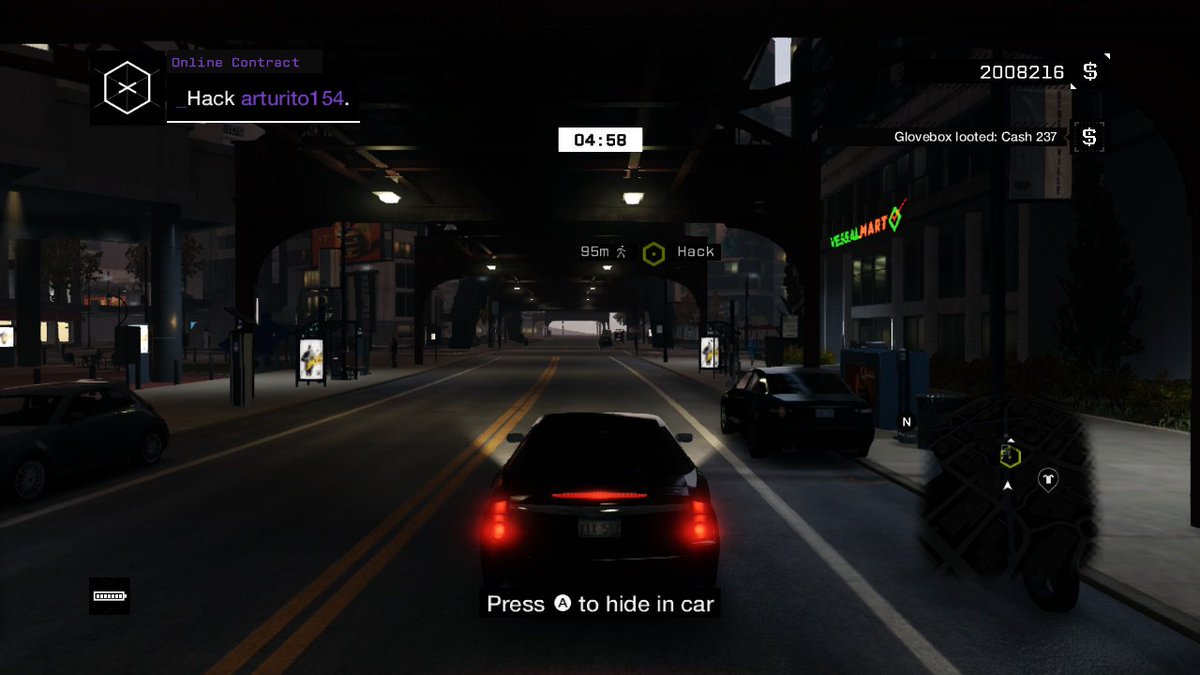
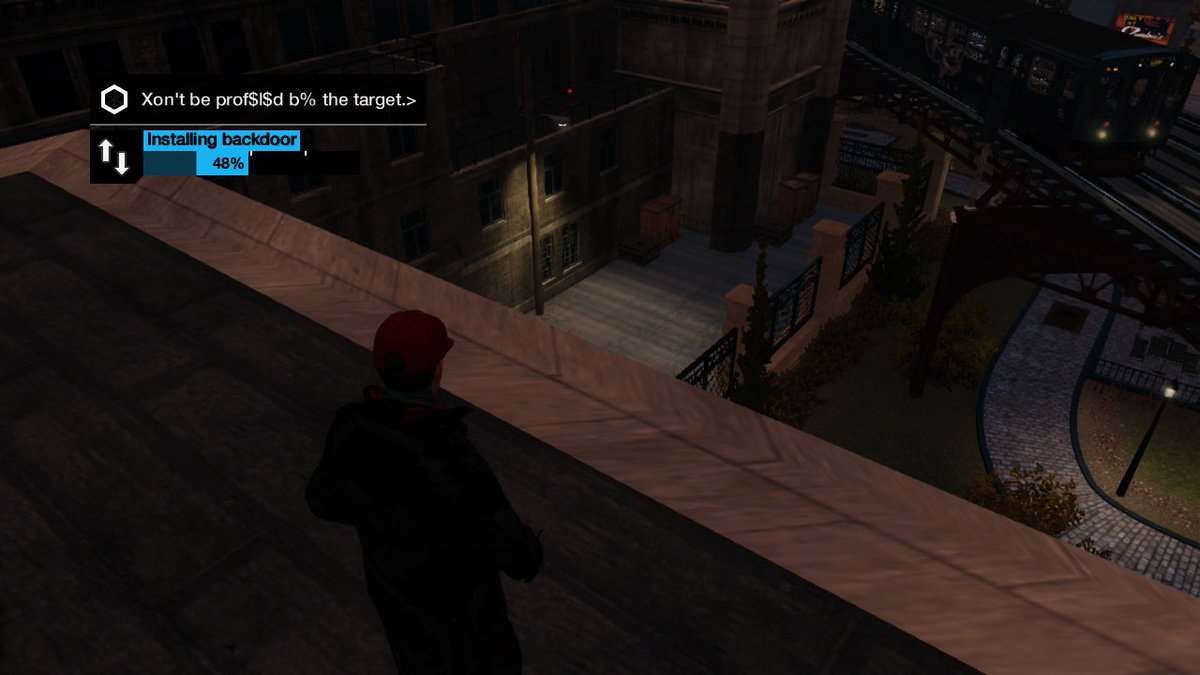
I always wanted to take screenshots of Watch_Dogs tried the screenshot plugin and it works great nice job!! :yay:

DZQMVXxU8AAUZwV
DZQMVX3UMAA7hvx
DZQMVXzV4AAyi_V
DZQMVX0VAAEBF1S
 
  • Like
Reactions: lordelan
It's perfect now
zZWYOn7.png


It's funny that we can't take screenshots of the Home Menu. Is that funcionality disabled there?

Mocha provide more features than haxchi, I tried to make it compatible with haxchi but it's simply not possible (without copy paste the mocha stuff into haxchi). (Haxchi is using some nasty hacky tricks).
Aw that sucks. HaxchiFW is also nice because it's embedded into Haxchi so it doesn't even require an SD card.
I don't think anyone would mind if you copypasted code from Mocha into Haxchi if it's actually better and more compatible.
Haxchi hasn't had new features added for a long time so people would be very glad if it was improved in any way.

BTW there seems to be a bug that stops Retroarch Launcher "channel" from working (it should launch Retroarch.rpx from the homebrews folder).
Haxchi crashes the console as well so we can't even run the Homebrew Launcher like that.
Both work on the regular Mocha so it's a bug in your plugin fork (I tested both using the CFW without any plugins loaded and they still didn't work so it wasn't incompatiblity with any plugins).
 
Last edited by piratesephiroth,
  • Like
Reactions: lordelan
Aw that sucks. HaxchiFW is also nice because it's embedded into Haxchi so it doesn't even require an SD card.
I don't think anyone would mind if you copypasted code from Mocha into Haxchi if it's actually better and more compatible.
Haxchi hasn't had new features added for a long time so people would be very glad if it was improved in any way.

BTW there seems to be a bug that stops Retroarch Launcher "channel" from working (it should launch Retroarch.rpx from the homebrews folder).
Haxchi crashes the console as well so we can't even run the Homebrew Launcher like that.
Both work on the regular Mocha so it's a bug in your plugin fork (I tested both using the CFW without any plugins loaded and they still didn't work so it wasn't incompatiblity with any plugins).
But don't use simply mocha instead of turning haxchi into mocha? The non-sd requirement should be make no difference at all. 99,9% of the people are loading the plugin loader and the plugins from an sd card anyway.

When you re-enter the homebrew launcher, the plugins will get unloaded.
This means it's not possible to combine this with other homebrews (yet).
Like said on the first page, it is not compatible with other homebrew. The retroarch channel and haxchi don't unload the loader + plugins properly, thats why the console is crashing. (And thats why I have to unload the plugins: otherwise the console will crash)
 
  • Like
Reactions: lordelan
Just installed and tried it. Nice! It's annoying when a game doesn't support screenshots

Keep up the good work! This will be pretty big in the future (It already is, dammit)
 
  • Like
Reactions: wicksand420
But don't use simply mocha instead of turning haxchi into mocha? The non-sd requirement should be make no difference at all. 99,9% of the people are loading the plugin loader and the plugins from an sd card anyway.

Of course it would be great if some default plugins could be loaded without the SD (perhaps selected from a list) but even being able to run any CFW without the SD in is already neat.
It's useful if there's a problem with the card or even the console's SD slot.

Also 100% of the people are running this from the SD because that's the only way your CFW works, lol.
Pretty much everyone who's on 5.5.2 uses Haxchi and runs HaxchiFW from the internal memory.
 
Last edited by piratesephiroth,

Site & Scene News

Popular threads in this forum