

Wii Tabs
Download Here
How to use:
Extract font.ttf and place inside the theme folder, replace when asked. Alternatively, delete the font to revert to default.
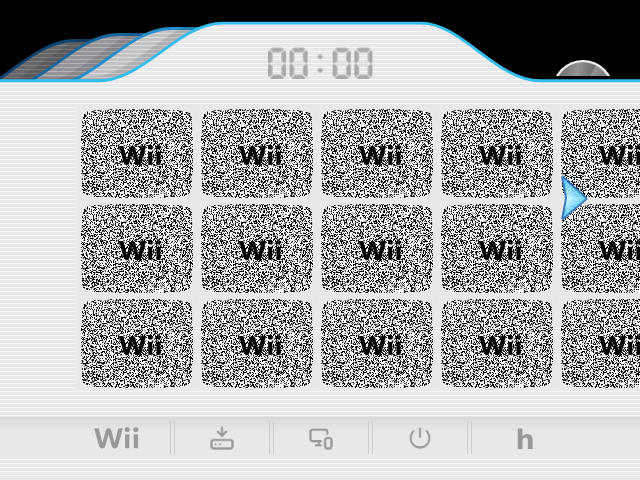
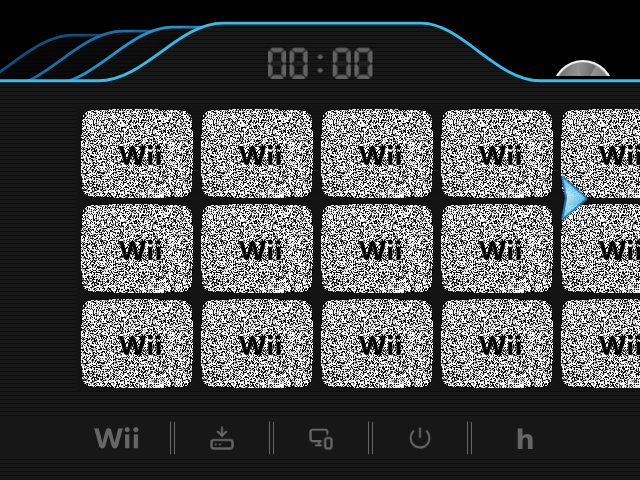
Yet another theme. Let me know if there is something wrong with it, thank you.
If I need to I can increase the size of the DVD and invisible buttons to help with clicking them. They should be good though.
If you'd like to see a specific theme just give me an ask and I might be able to make it.
Download Here
How to use:
- To change your arrangement view, click on the tabs on the top left.
- DVD button is in the top right. It will disappear when no disc is inserted.
- Wii button is settings (use home button on controller for home menu)
- List view has the favorite, sort, category and lock buttons.
- Settings
- Install
- Loader mode
- Power
- Homebrew launcher
Extract font.ttf and place inside the theme folder, replace when asked. Alternatively, delete the font to revert to default.
Yet another theme. Let me know if there is something wrong with it, thank you.
If I need to I can increase the size of the DVD and invisible buttons to help with clicking them. They should be good though.
If you'd like to see a specific theme just give me an ask and I might be able to make it.
Attachments


Last edited by nully,