

Hacking SX Core Mariko v2 Black Screen

  • Thread starter Thread starter Bridaddy66
  • Start date Start date
  • Views Views 5,804
  • Replies Replies 5

Bridaddy66

Member
Newcomer
Joined
Aug 24, 2020
Messages
5
Reaction score
0
Trophies
0
Age
39
XP
75
Country
United States
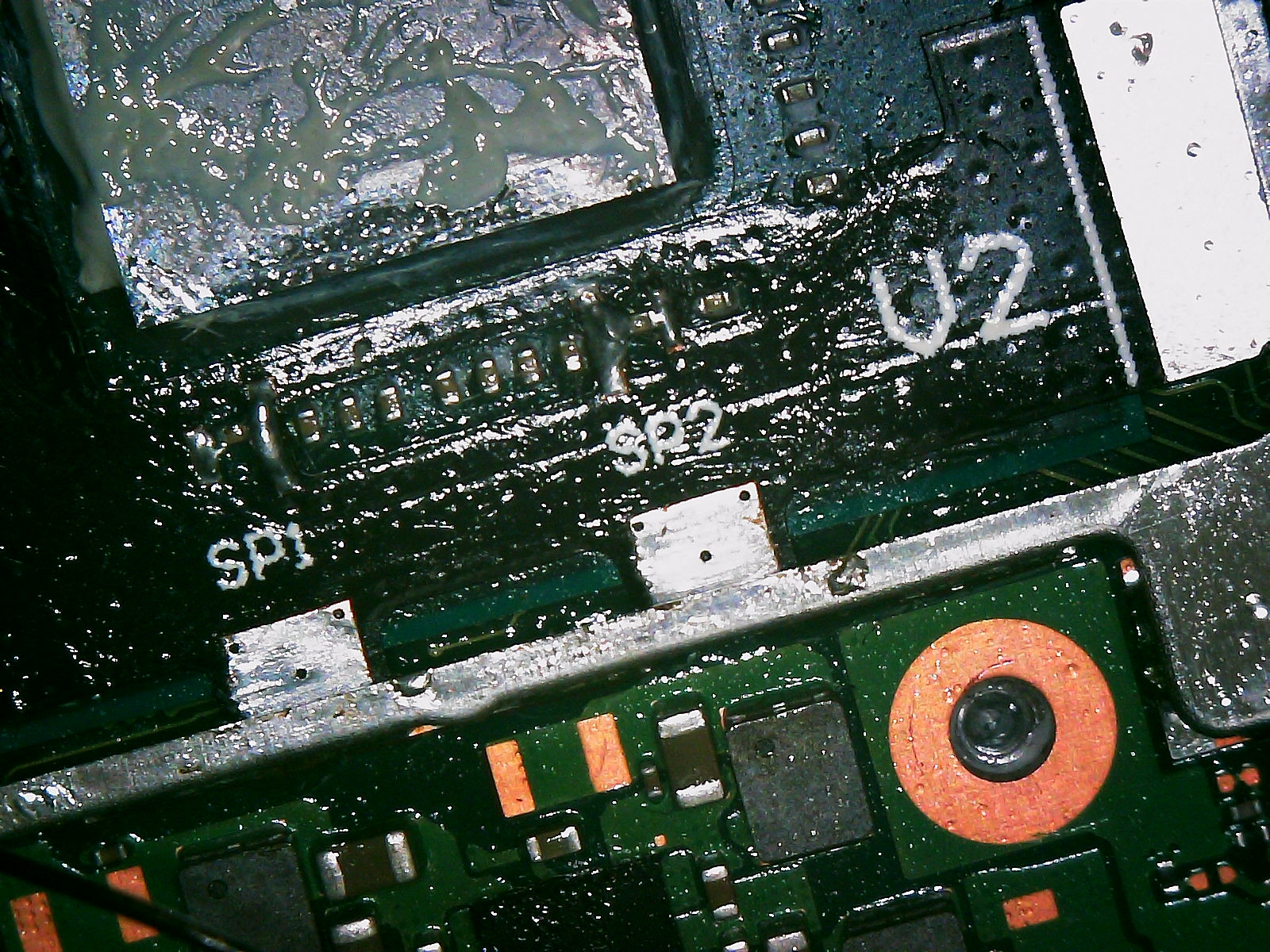
Hello, hopefully someone can help on this, Installed the SX Core on my switch and got the blinking blue then solid green light, but no Boot.dat screen shows up its just black. Tried bypassing the modchip and plugged the nand back into the original connect and still just a black screen. Any help would be appreciated !

I also had the anchor points soldered but I removed them to see if that did anything.

Here is a screenshot of the system.
sxcore.jpg
 
Hello, hopefully someone can help on this, Installed the SX Core on my switch and got the blinking blue then solid green light, but no Boot.dat screen shows up its just black. Tried bypassing the modchip and plugged the nand back into the original connect and still just a black screen. Any help would be appreciated !

I also had the anchor points soldered but I removed them to see if that did anything.

Here is a screenshot of the system. View attachment 222706

Clean the flux, it's impossible to see properly.
Just to make sure, you did put the latest boot.dat on the SD? Older ones won't work.
 
Last edited by The Real Jdbye,
  • Like
Reactions: Modificatorul
Clean the flux, it's impossible to see properly.
Just to make sure, you did put the latest boot.dat on the SD? Older ones won't work.
I'll clean the flux off better, I did not put the sd card back on yet, I just finished the install and was testing to see if i got the grumpy face boot.dat screen which i do not get. I'm also on 10.1.0 fw version. Thanks for your help.

Update: another picture:
sxcore2.jpg
 
Last edited by Bridaddy66,
if you were just seeing what it looks like
why is there thermal paste on your cpu
also whats with that ridiculous amount of flux

desolder the cpu flex and try booting with nand plugged in
after you clean your mtoherboard

also make sure powers plugged in and if you do resolder align that flex its misaligned

I put it partly back together with new paste before troubleshooting it, I initially cleaned the paste off as well as the caps. I did try to boot into nand plugged back in but still just a black screen. I think she might be dead.
 
gonna ask a question but do you have charge lol

and have you tried with the modchip unplugged.

you may have knocked out the backlight on dispaly
plug it all in turn it on try it docked
yes it was fully charged :) I did indeed try it with the modchip unplugged same issue, I noticed on the right side, the capacitor looked a little off and sure enough, I tapped it a bit and the whole capacitor fell off ! looking like a lost cause at this point. Thanks for all your tips through appreciate it. I'll leave this to a professional next time.
 
yes it was fully charged :) I did indeed try it with the modchip unplugged same issue, I noticed on the right side, the capacitor looked a little off and sure enough, I tapped it a bit and the whole capacitor fell off ! looking like a lost cause at this point. Thanks for all your tips through appreciate it. I'll leave this to a professional next time.
You could resolder the cap back on. Also check to make sure you didnt bump the lcd connector or the backlight connector.
 

Site & Scene News

Popular threads in this forum