ROM Hack Question Switch Animation Clip

  • Thread starter Thread starter binkinator
  • Start date Start date
  • Views Views 2,628
  • Replies Replies 12
  • Likes Likes 1

binkinator

Garfield’s Fitness Coach
Member
GBAtemp Patron
Joined
Mar 29, 2021
Messages
6,507
Solutions
2
Reaction score
4,907
Trophies
2
XP
6,256
Country
United States
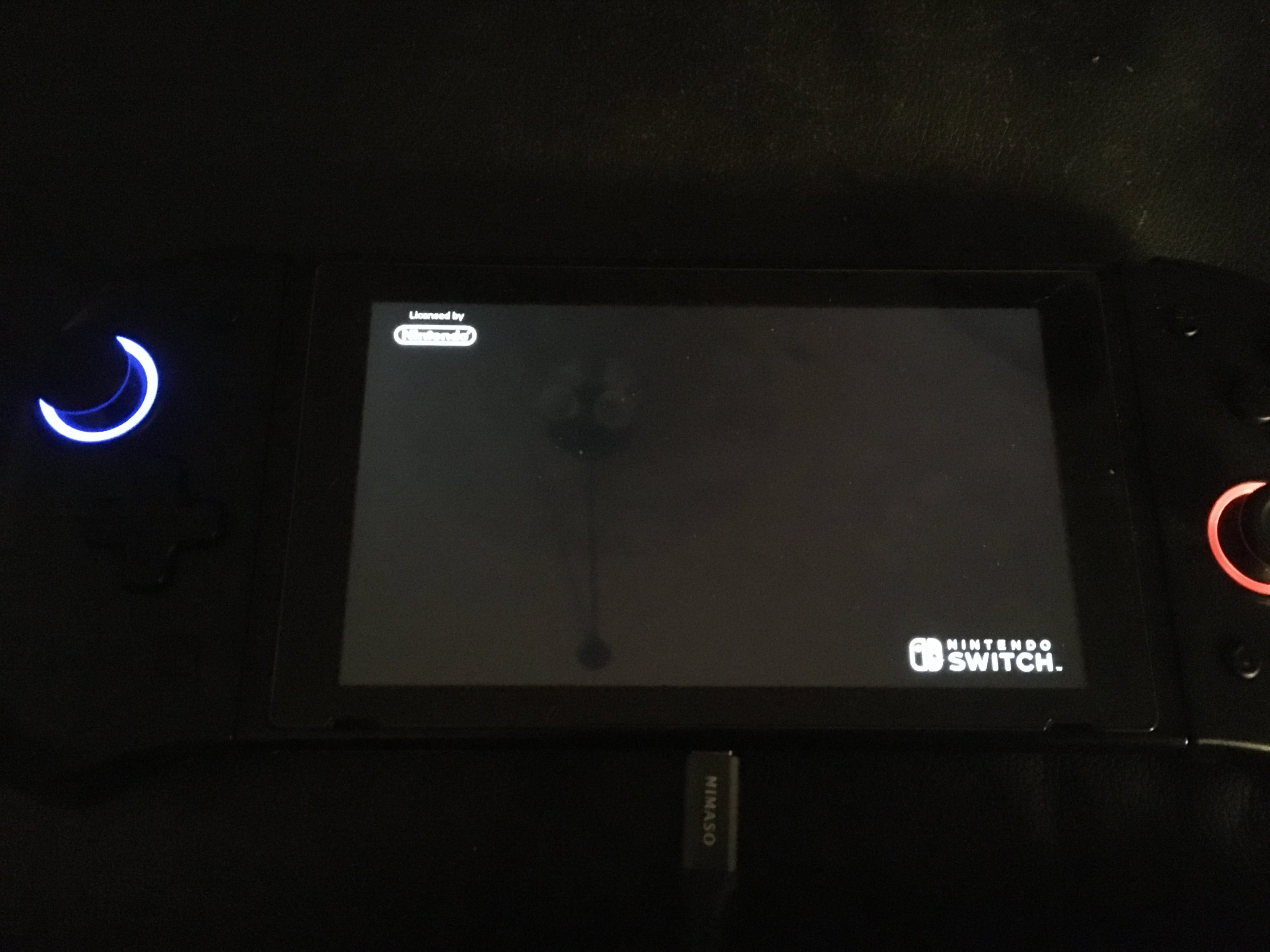
I seem to recall there being a way to replace the Nintendo Switch animation in the lower right hand corner of the splash screen right after launching a new game, Anyone familiar with how to do that? IIRC it’s a half dozen or so small pics that are played in rapid succession but I can’t locate where I read the technique. I think you can also replace the Licensed by Nintendo in the upper left too. Any help?
DA8188D3-C735-4069-B7AB-1A8C83E462C5.jpeg
 
  • Like
Reactions: MORSHU8KRTXON
is located in Logo Partition of Application NCA (it is a simple GIF)

test.jpg


Extraction is a simple task, change it will for sure break signatures (not required to get it works but is ugly)
 
Last edited by proconsule54,
is located in Logo Partition of Application NCA (it is a simple GIF)

View attachment 275990

Extraction is a simple task, change it will for sure break signatures (not required to get it works but is ugly)

That makes a lot of sense. Thanks!

Couldn’t I put new ones in as part of a patch that sits over the top of all games essentially replacing the originals or is that not how things work? Was thinking it would be a bunch of .ips files just like the boot logo mod.
 
  • Like
Reactions: proconsule54
the logo partition is the only one not encrypted, and i think they are easy to replace with the right tools (i think of hactool or others)

To extract you can use my NSP Indexer.
 
the logo partition is the only one not encrypted, and i think they are easy to replace with the right tools (i think of hactool or others)

To extract you can use my NSP Indexer.

Thanks for the hints. You were right. It was easy enough to extract.

86B01978-19DC-42F6-8D35-A0A78273C1F8.gif


Still struggling to figure out where I’m meant to put it in Layerdfs to preempt the original from showing…

StartupMovie.gif
 
I don't think it's covered by layeredfs, that only replaces files from the romfs, not the other partitions. Support for replacing the logos from files would have to be added as a separate feature, like the sysmodule that allows replacing game icons. The only current way to replace them is by rebuilding the game.
 
I don't think it's covered by layeredfs, that only replaces files from the romfs, not the other partitions. Support for replacing the logos from files would have to be added as a separate feature, like the sysmodule that allows replacing game icons. The only current way to replace them is by rebuilding the game.
Sys tweak you mean?
 
Yeah. Maybe a sysmodule could do similar for the logo animations, if it weren't done by Atmosphere itself.

Changing the game icon.jpg via sys-tweak was exactly what I was messing with that lead me down this rabbit hole. I pulled the alternate .gif from one of the retroArch forwarder threads where they do indeed build it into the new nsp they create. Appreciate the guidance. I either have to go much deeper or just leave it alone at this point…
 
Not for lack of trying though. I found the files using DBI inside the /logo directory but they were read only. So far haven’t been able to figure out a way to get them to be read/write and change them. Like @hippy dave said it’s still an nsp rebuild at this time.
 
  • Like
Reactions: hippy dave

Site & Scene News

Popular threads in this forum