


I'm always the type to mess around with things before seeking help but I'm starting to get frustrated.
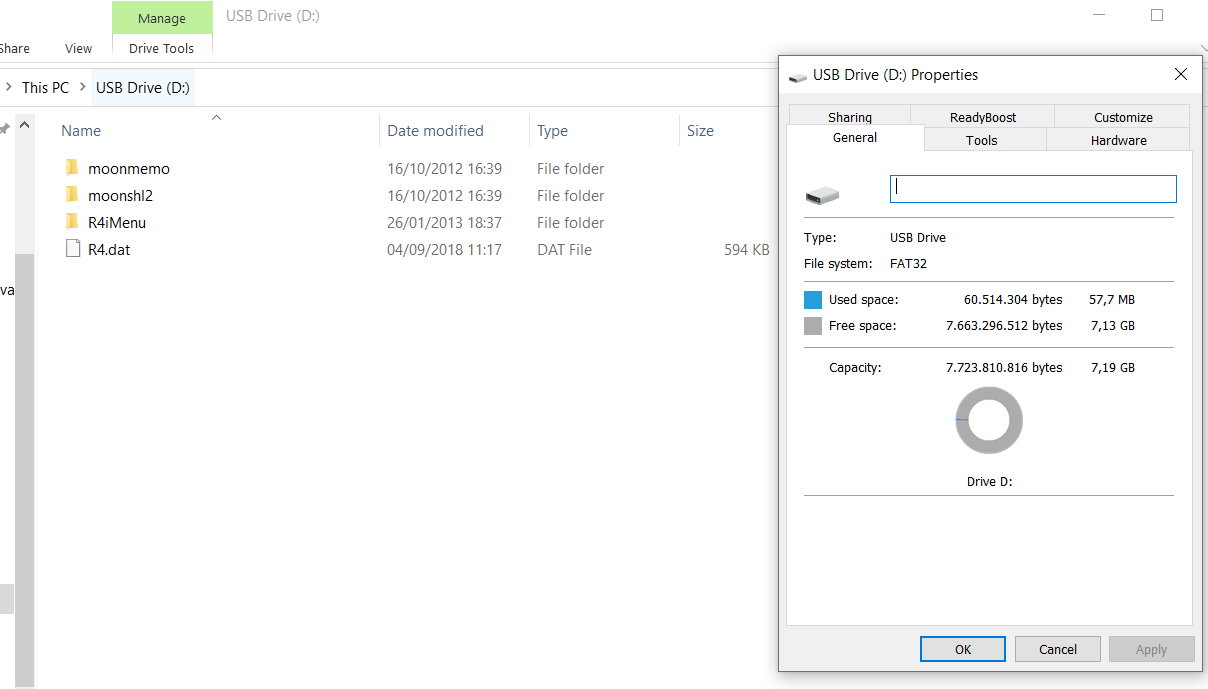
I recently bought this flashcart from china through ebay, I downloaded the kernel from this site r4isdhc (which is the one written on the cart) and extracted it on the root of my 8gb micro sd card formatted to fat32 but when I try to launch it, it shows a blackscreen and if I press any button it will come back to the main menu. I also tried to install YSmenu but that seems to not be working either, so at this point I don't know if I'm just dumb and missing something or somehow the cart is defective even though it's new. Could someone give me a hand with this, please? I also have a few other flashcarts in case you can point which is the easiest way to get them working.
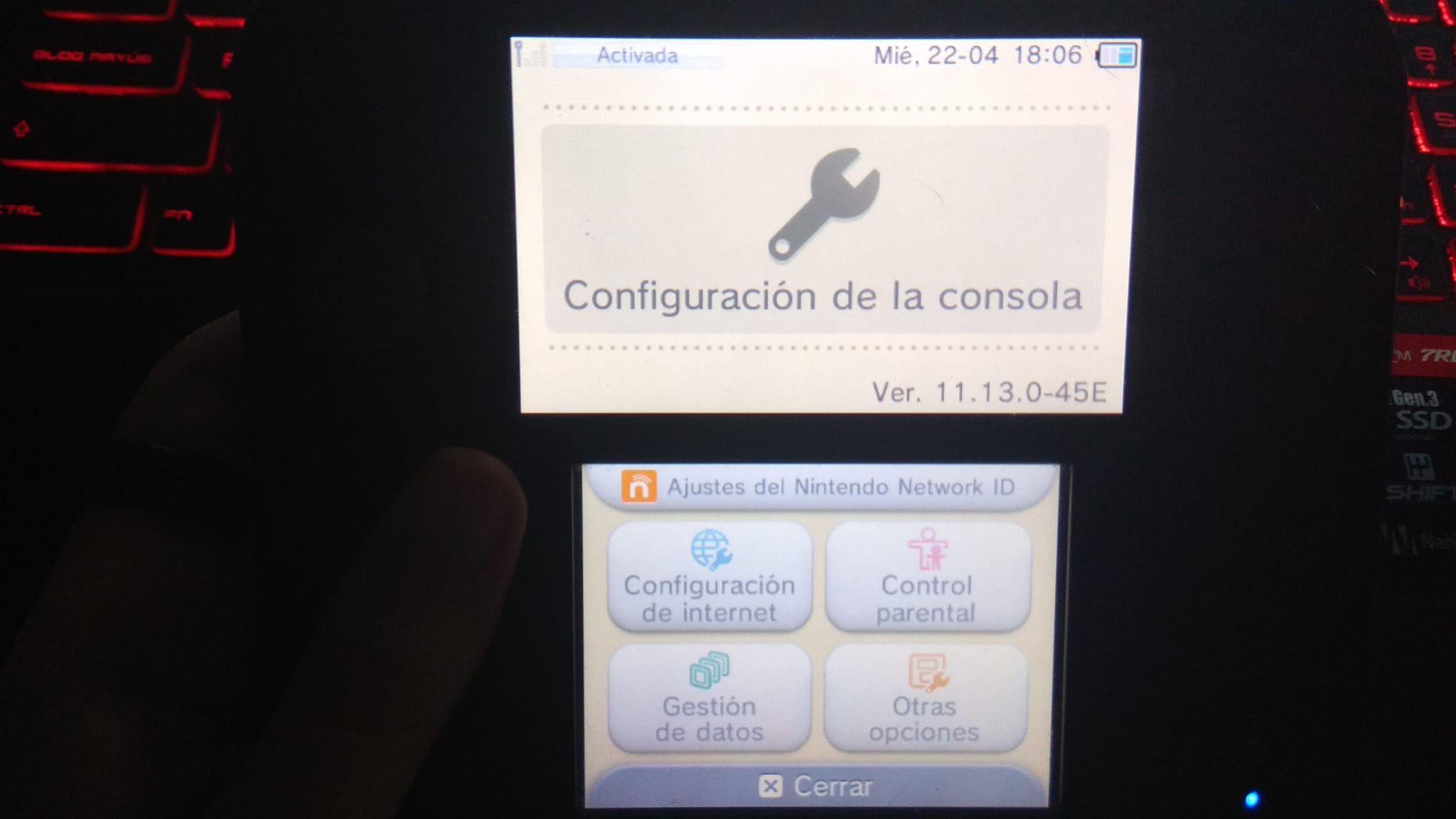
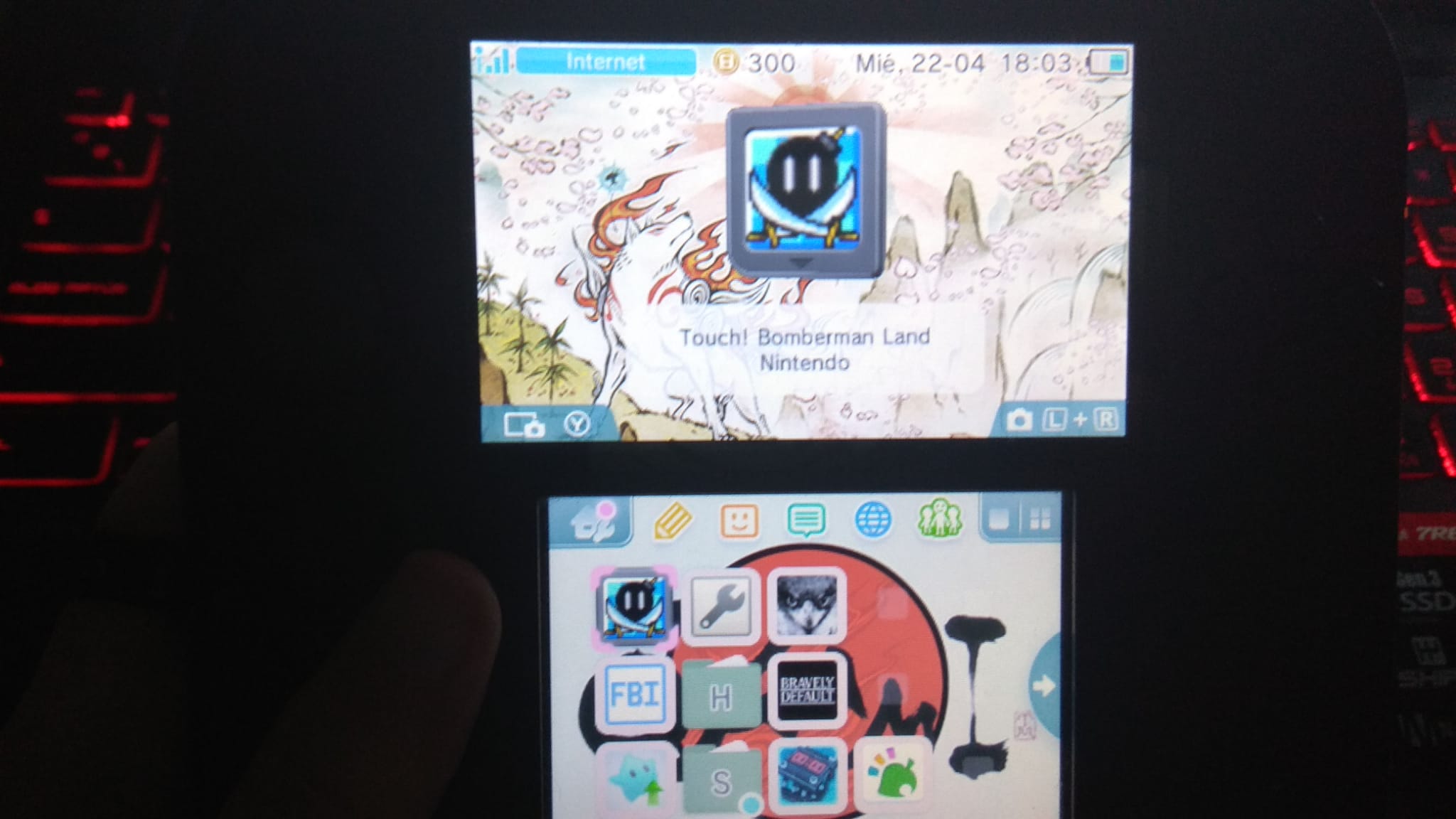
Console: Old 2DS + CFW Luma 3DS on 11.13.0-45EU
Cart: R4i gold pro 2020 from r4ishdc[dot]com
Micro SD: Kingston microSDHC 8gb fat32
I recently bought this flashcart from china through ebay, I downloaded the kernel from this site r4isdhc (which is the one written on the cart) and extracted it on the root of my 8gb micro sd card formatted to fat32 but when I try to launch it, it shows a blackscreen and if I press any button it will come back to the main menu. I also tried to install YSmenu but that seems to not be working either, so at this point I don't know if I'm just dumb and missing something or somehow the cart is defective even though it's new. Could someone give me a hand with this, please? I also have a few other flashcarts in case you can point which is the easiest way to get them working.
Console: Old 2DS + CFW Luma 3DS on 11.13.0-45EU
Cart: R4i gold pro 2020 from r4ishdc[dot]com
Micro SD: Kingston microSDHC 8gb fat32
Last edited by Gilraen,


