PS4RestoreFPKGdeletion

  • Thread starter Thread starter AyAPS
  • Start date Start date
  • Views Views 2,945
  • Replies Replies 7
  • Likes Likes 5

AyAPS

Member
Newcomer
Joined
Aug 17, 2022
Messages
24
Reaction score
20
Trophies
0
Location
IN MY MIND
XP
687
Country
France
Hi everyone,

I made a tool to automate the restoration of the "Delete" XMB's option when it's disappeared.

All details are in the Readme, so please read it :ph34r:

Don't panic with the french screens, I added english language, so if your Windows OS language isn't 🇫🇷, program's text will be in 🇬🇧.

_____________________________________________________________________________________________________________________________
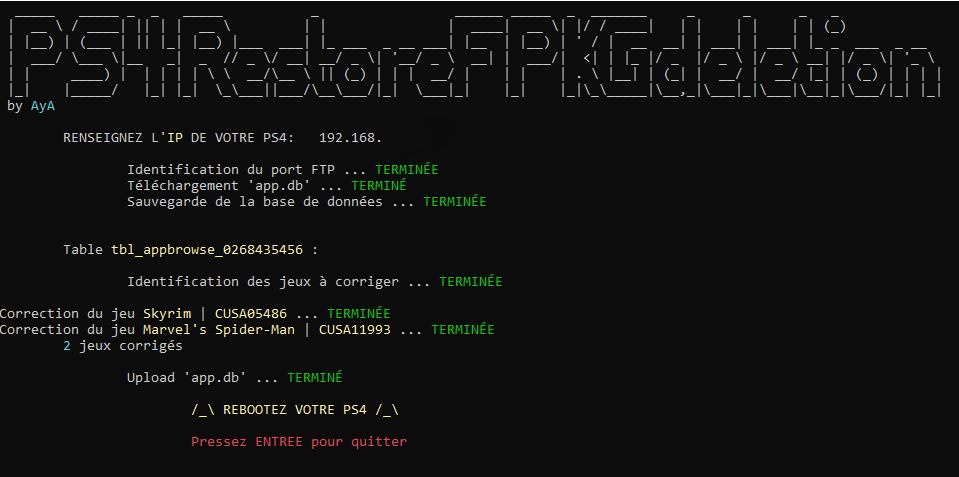
PS4RestoreFPKGdeletion_v1.0.PNG


https://github.com/AyAPS/PS4RestoreFPKGdeletion#readme

Tested on multiple systems:
  • FW: 5.05 - 6.72 - 7.55 - 9.0
  • FTP: FTPS4 - GoldHen
  • STORAGE: Internal storage - App2USB - (no tester found for S0ny's offcial extended storage)
FUNCTIONING:
  • 🎮 PS4: Launch your exploit, then the FTPS4 payload (useless for GoldHen but check the FTP Server is enabled)
  • đź’» PC: Launch PS4RestoreFPKGdeletion, inquire your PS4's IP address then push ENTER
DEMO (from the v1.0, currently v1.1) :


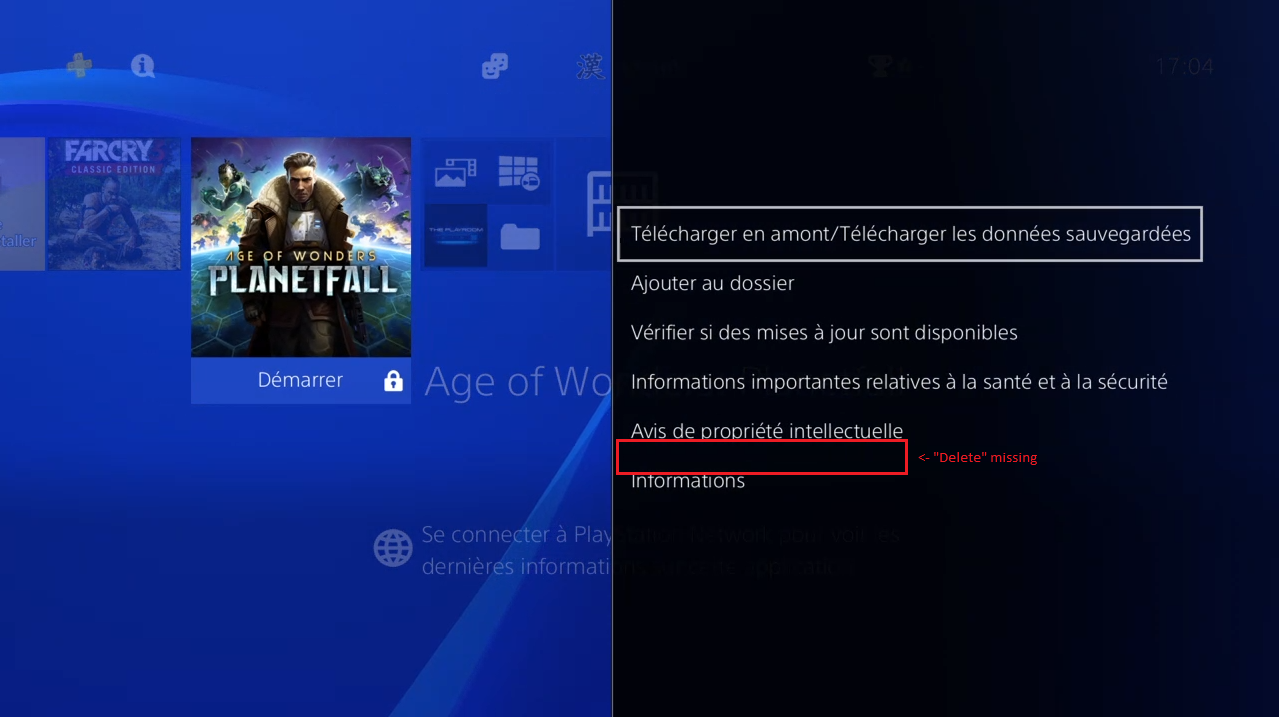
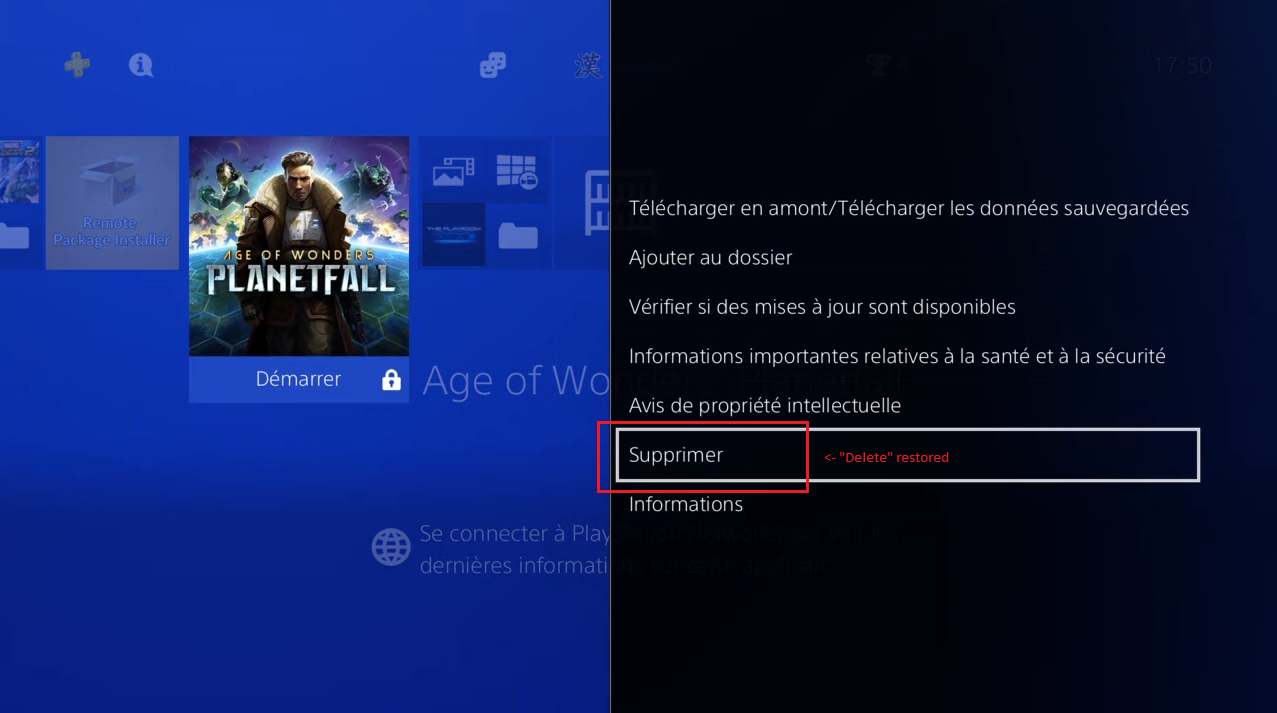
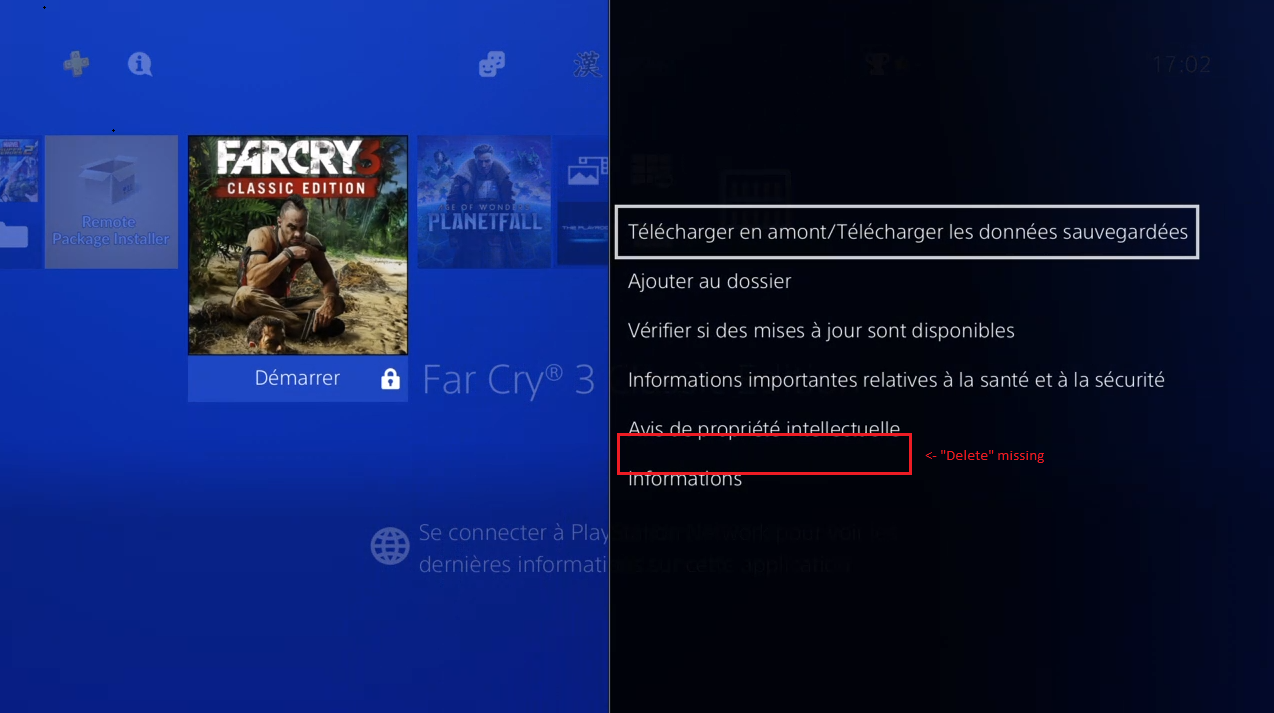
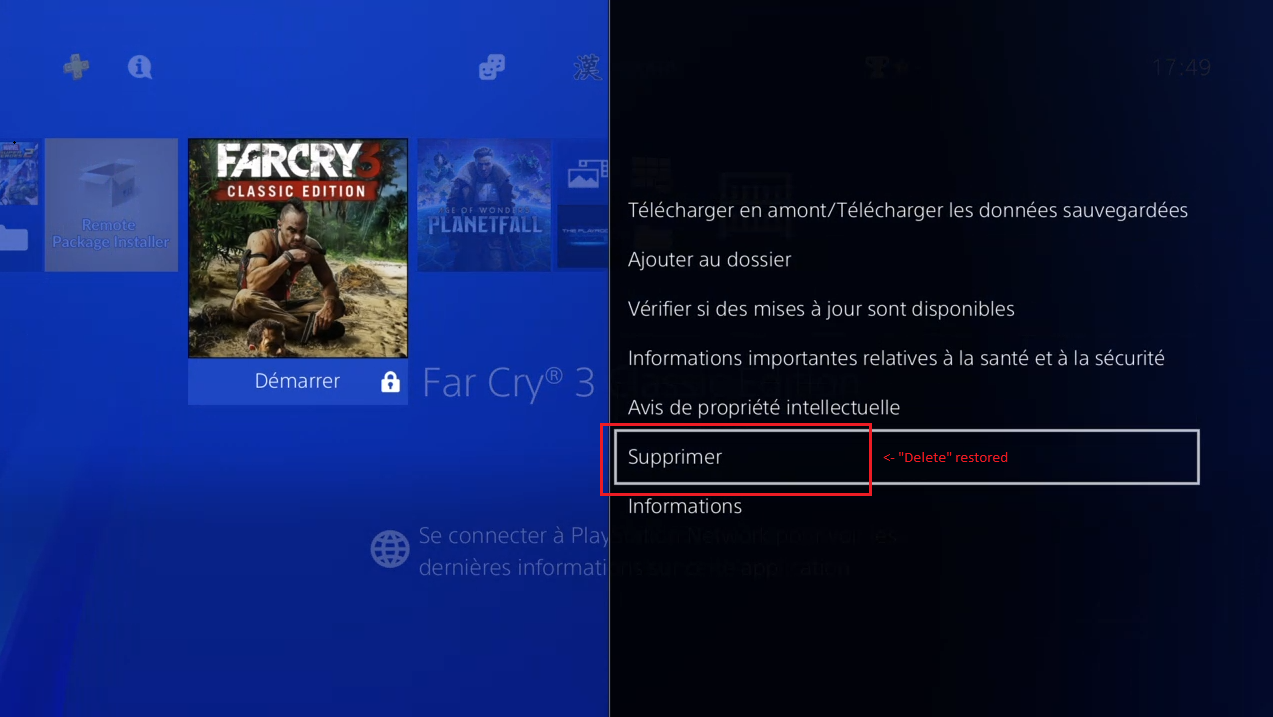
RESULT:

1_BEFORE.PNG

1_AFTER.PNG


2_BEFORE.PNG

2_AFTER.PNG

Hope you'll enjoy :D
 
Last edited by AyAPS,
btw, op, meta for external is located in the same place as internal, but it's in a folder labeled "external," so the app.db will reflect this.
 
  • Like
Reactions: KiiWii
Yes @jnl1 & @godreborn , I set canRemove from 0 to 1.

More exactly:

When app.db is downloaded on the PC, the first thing done is a backup before anything (do a backup of the DB before anything else, in a timestamped subfolder (one per execution)), then I identify the users tables (one per user), search in each of them if there are entries with [ uiCategory = 'game' AND canRemove = '0' ], and correct 'canRemove' to "1".

I made exclusions for native ones:

"CUSA00001" # PLAYROOM
"CUSA00219" # Destiny
"CUSA00568" # Destiny
"CUSA01000" # Destiny
"NPXS20112" # GAME_DISC

The corrected app.db is deleted from the PC after successful upload to the PS4.

A log file of the modifications made is created in the same folder of the backuped DB:

1660993131779.png


meta for external is located in the same place as internal
You mean for the official extended storage ? If so, great, so any scenario is covered :)

Next time I have a kernel panic I will give this a go ;)
It's made for, so enjoy :)

It seems this problem only occurs on FW 6.72, a guy I know since switched to FW 9.0 (between my PS4RestoreFPKGdeletion 1.0 & 1.1 version) and have no longer this pb, don't know if it's only because he does not have any more Kernel Panics or anything else.

My testers on FW 5.05 and FW 7.55 had no corrections, until today I only saw corrections for the 6.72

P.S: The source code is on Github everyone can check it.
 
Last edited by AyAPS,
  • Like
Reactions: hippy dave and jnl1
Tool works great, tried it out yesterday.
You also just need to sign off and sign in again instead of rebooting the console as it is mentioned at the end of the program.
 
  • Like
Reactions: AyAPS

Site & Scene News

Popular threads in this forum