



I have installed the OPL Manager for my PC and all of my games are working well on my Playstaion 2.But i don"t have any ARTS on my games and i want to change them, i cant change them since OPL Manager says my games are invalid.
(There is no issues with the games itself, they work just fine. I have a problem with the OPL Manager since it registers my games as "invalid files")
- Pictures -
- OPL Manager -
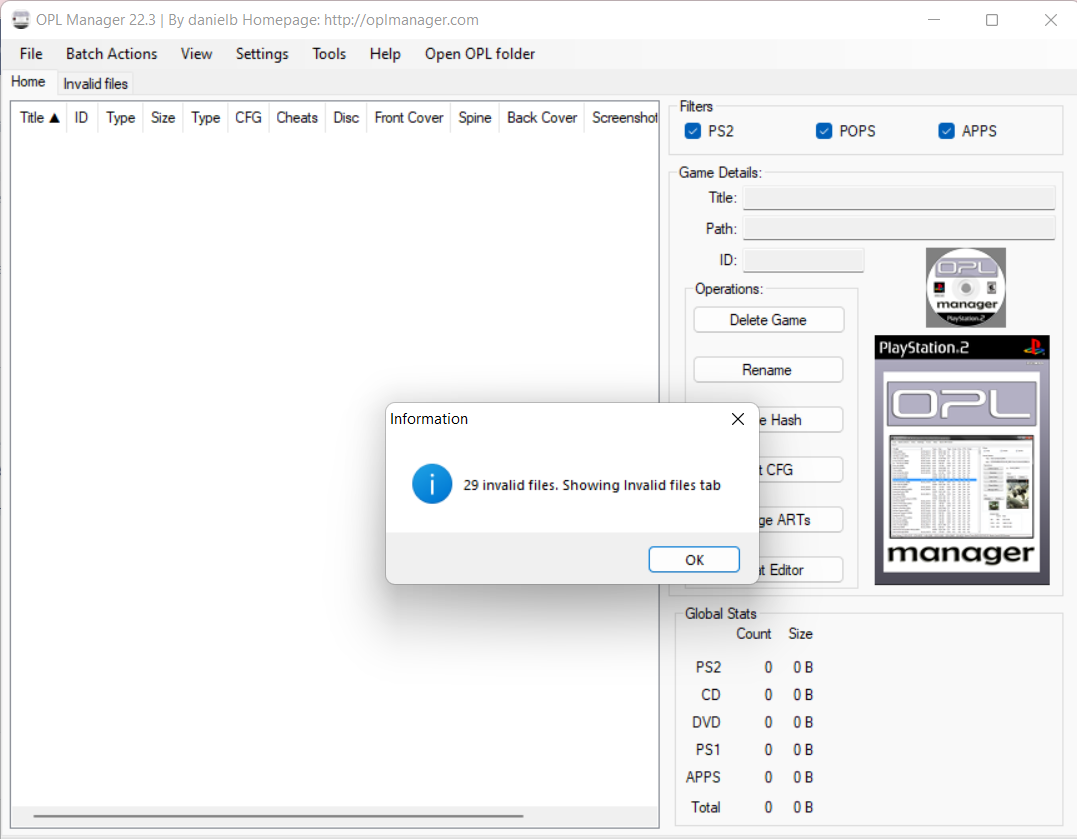
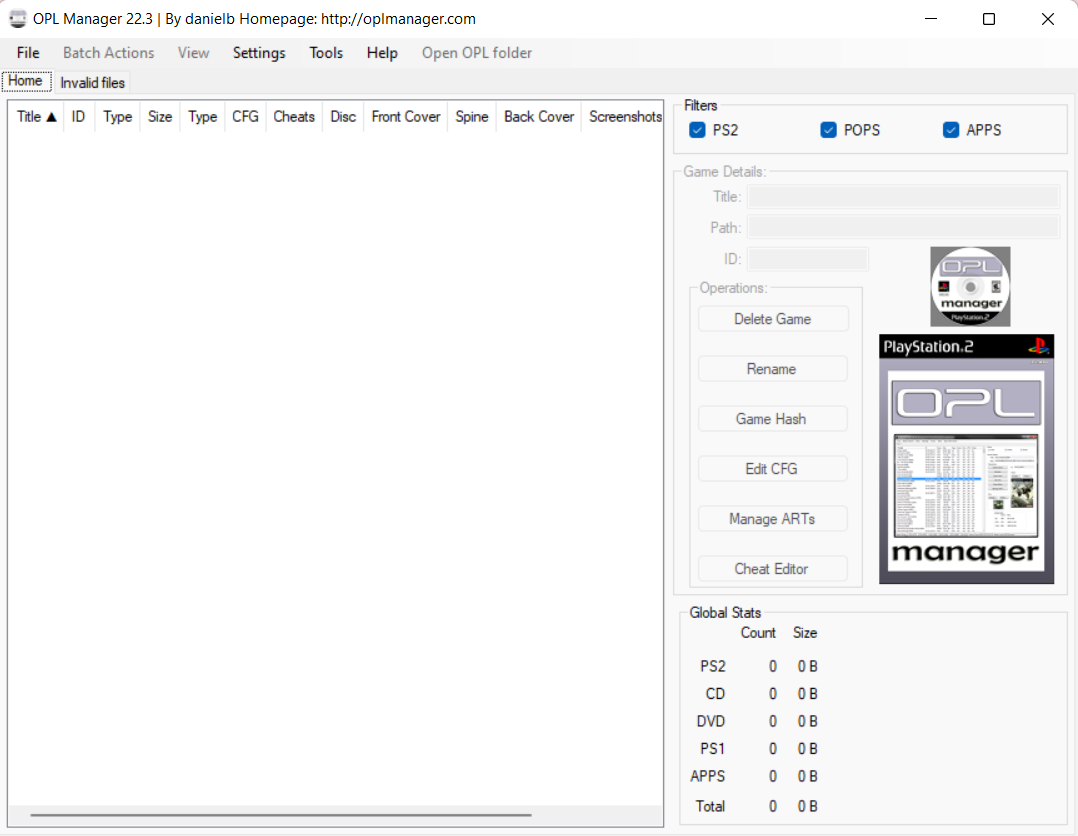
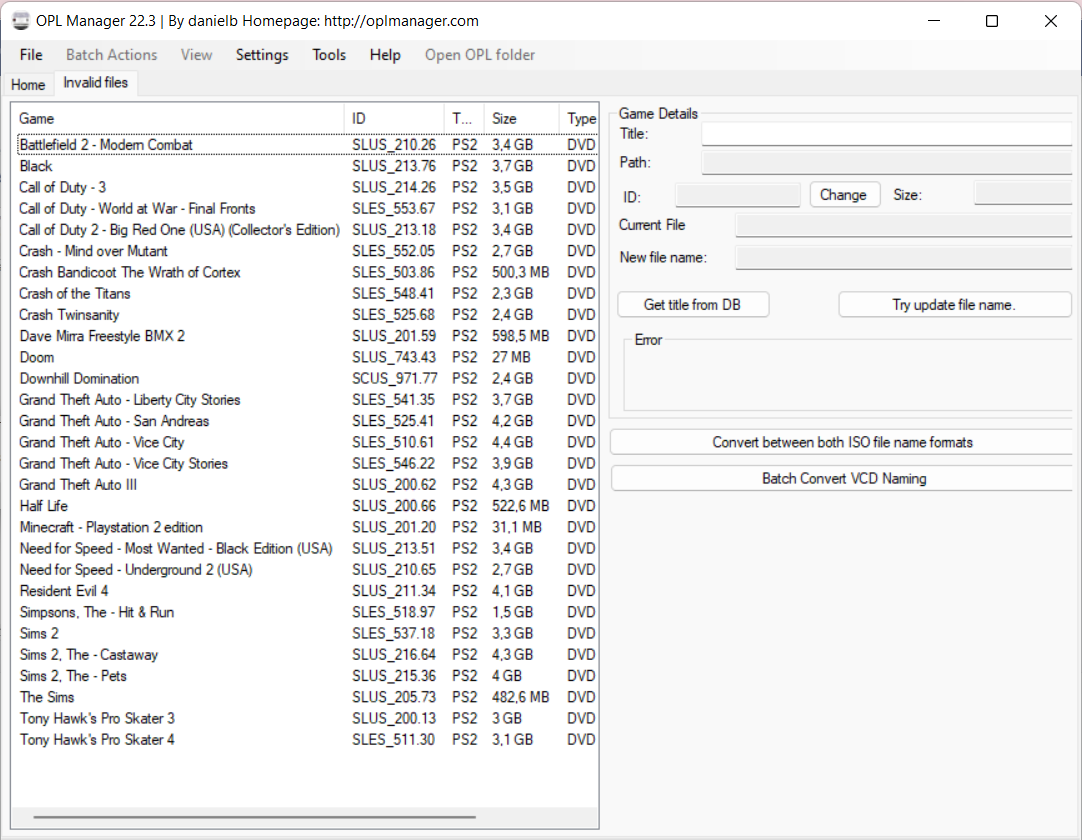
- FILE EXPLORER -
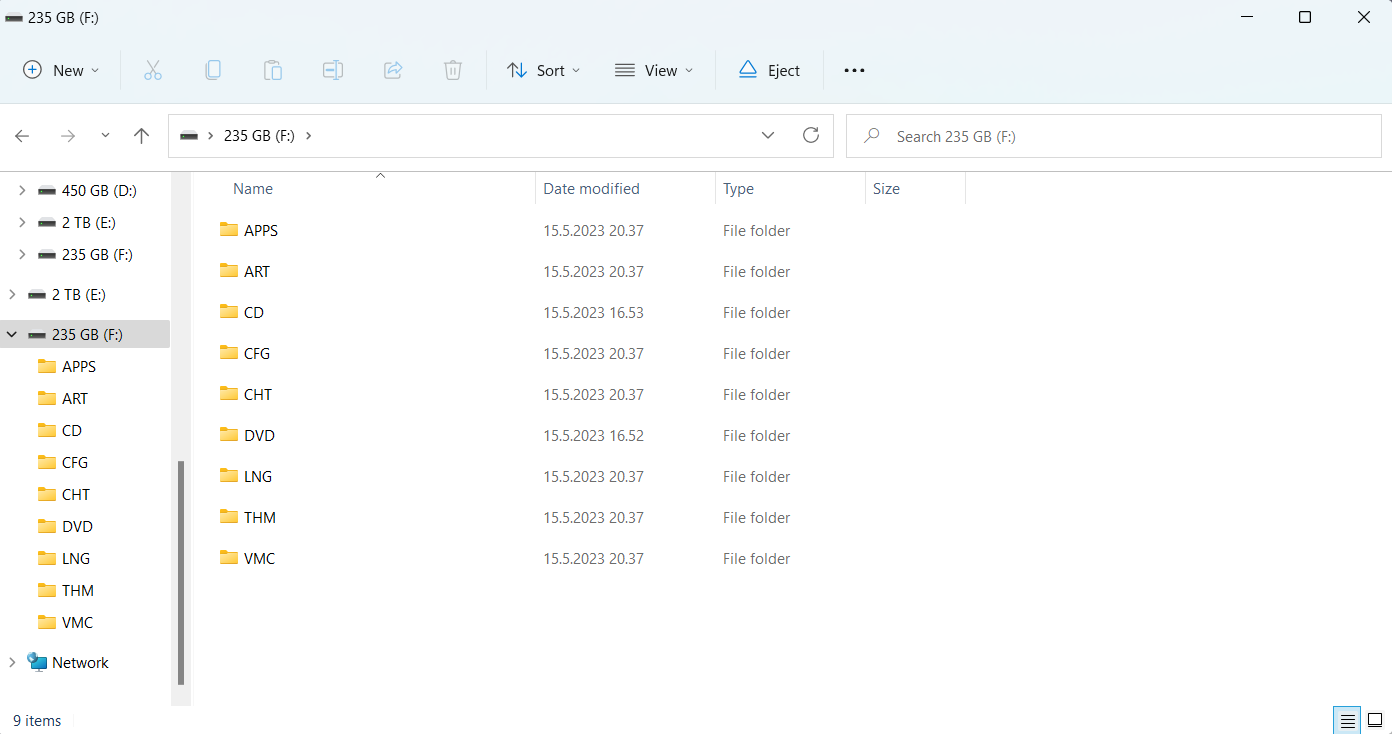
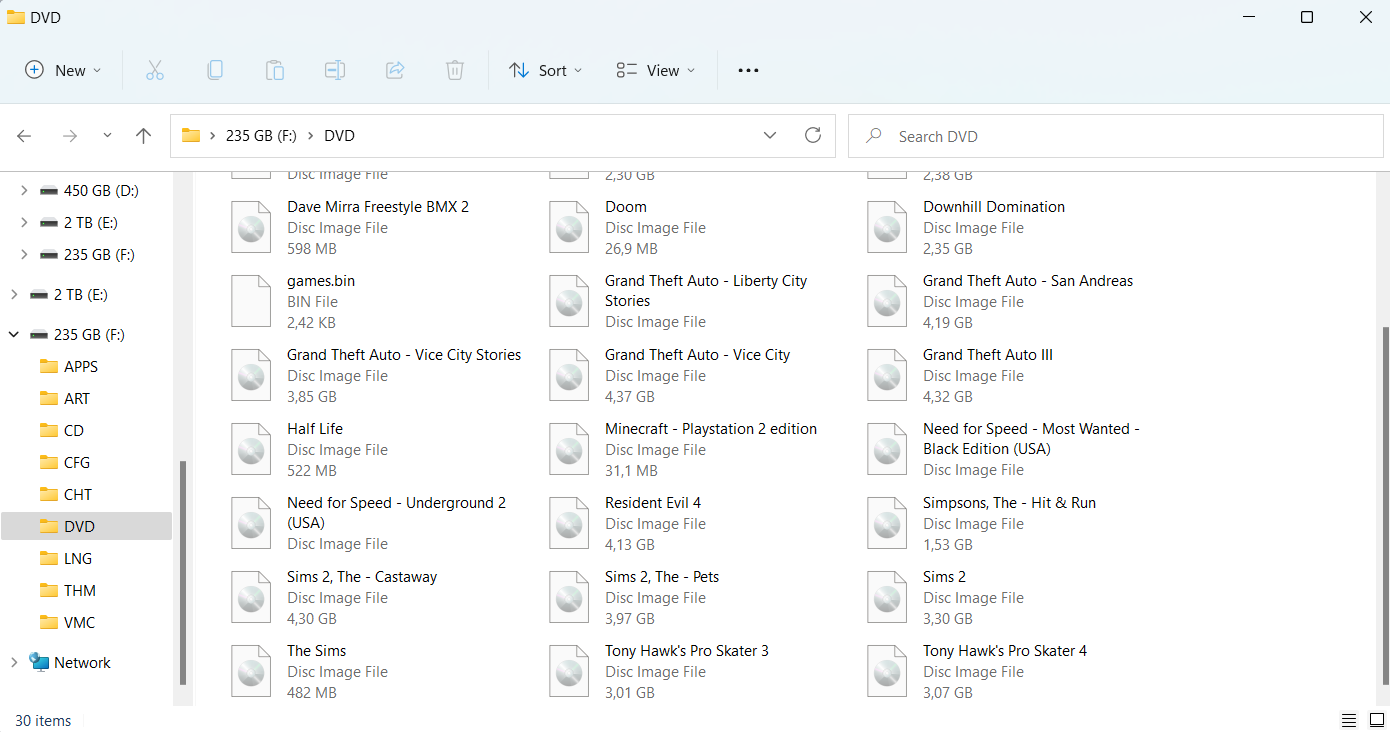
- PLAYSTATION 2 ITSELF -
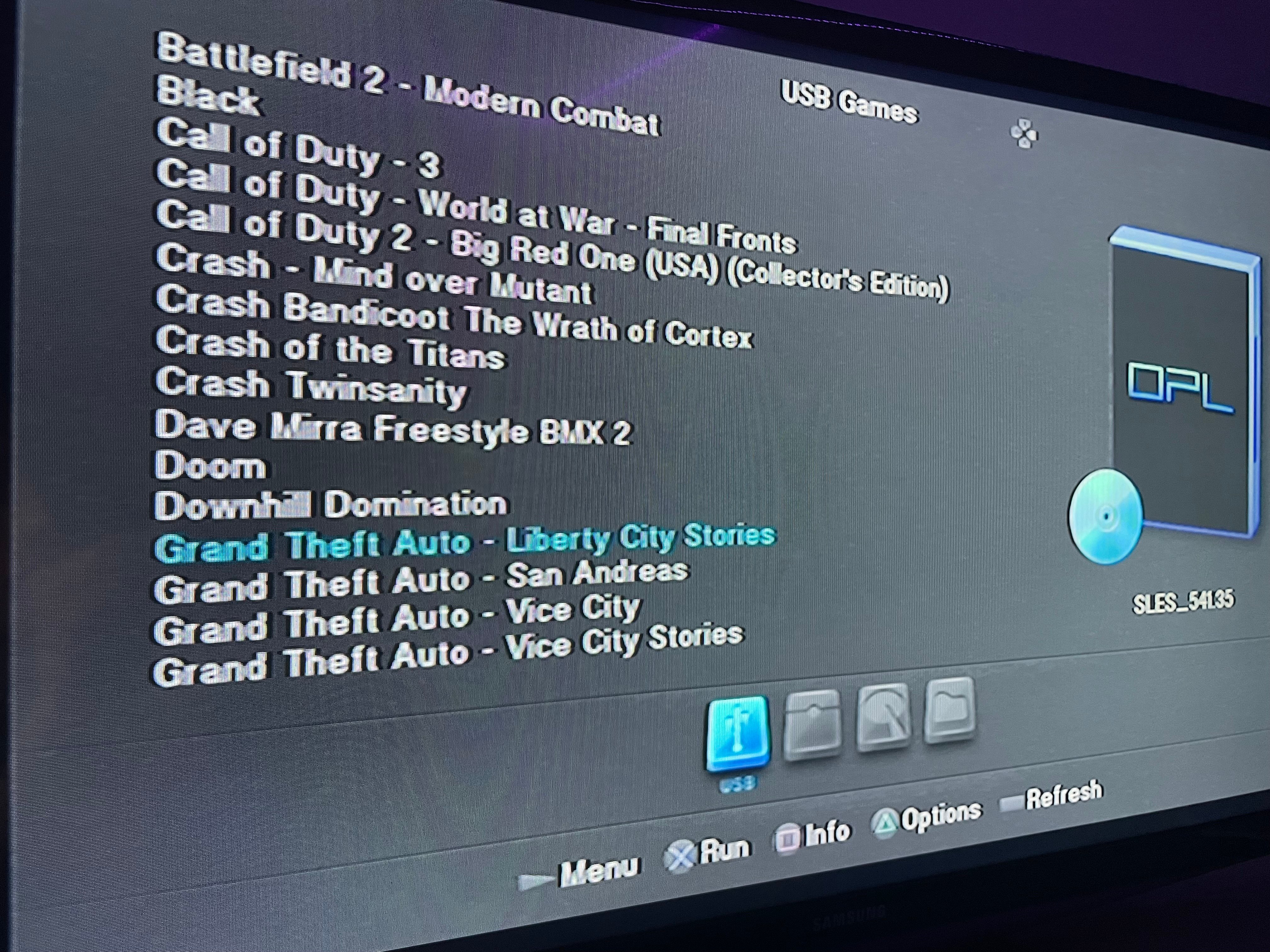
(There is no issues with the games itself, they work just fine. I have a problem with the OPL Manager since it registers my games as "invalid files")
- Pictures -
- OPL Manager -
- FILE EXPLORER -
- PLAYSTATION 2 ITSELF -
Last edited by FINPOST,


