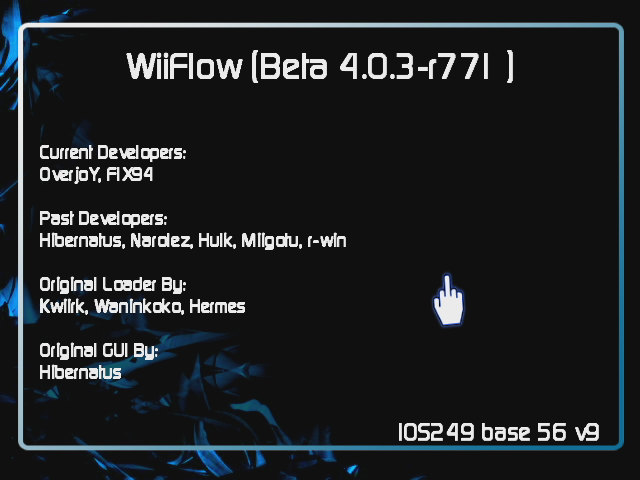
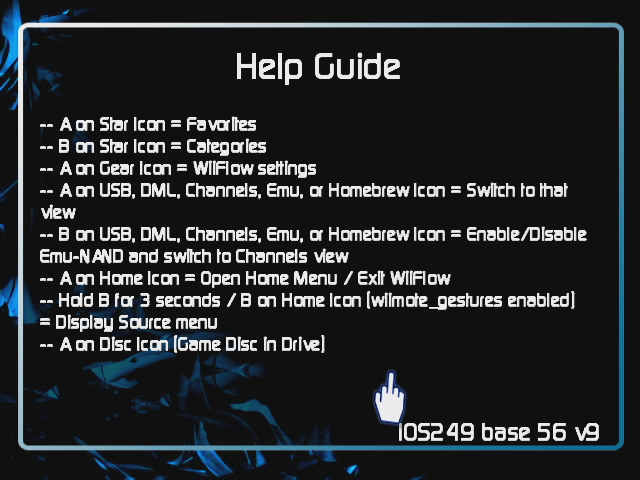
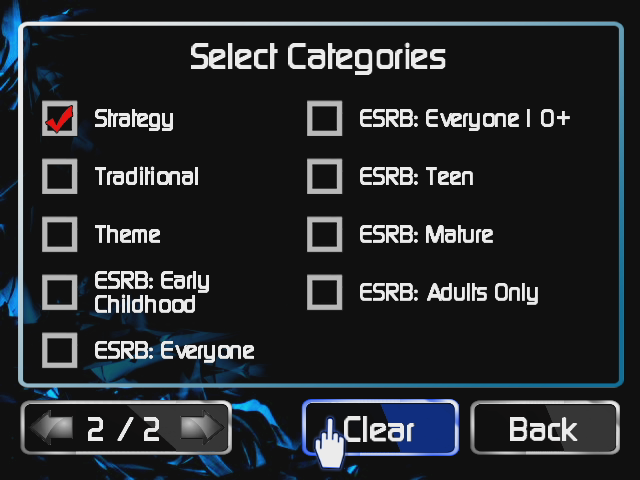
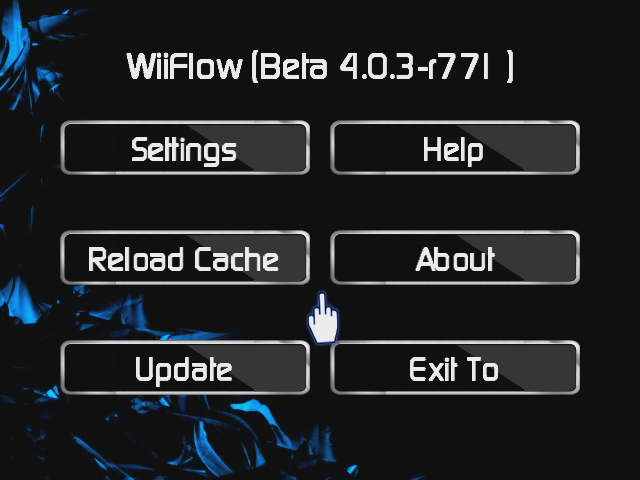
Hacking Nooby theme attempt :-)

  • Thread starter Thread starter DaveZ_227451
  • Start date Start date
  • Views Views 2,007
  • Replies Replies 16
  • Likes Likes 6

DaveZ_227451

≡≡ Big Kid ≡≡
Newcomer
Joined
Aug 26, 2012
Messages
91
Reaction score
30
Trophies
0
Age
50
Location
Ontario
XP
114
Country
Canada
1-1.png


2-1.png


14-1.png


3-1.png


4-1.png


5.png


11-1.png


12-1.png


13-1.png


Edit:

Tweaked some things to make a few button and text align better.
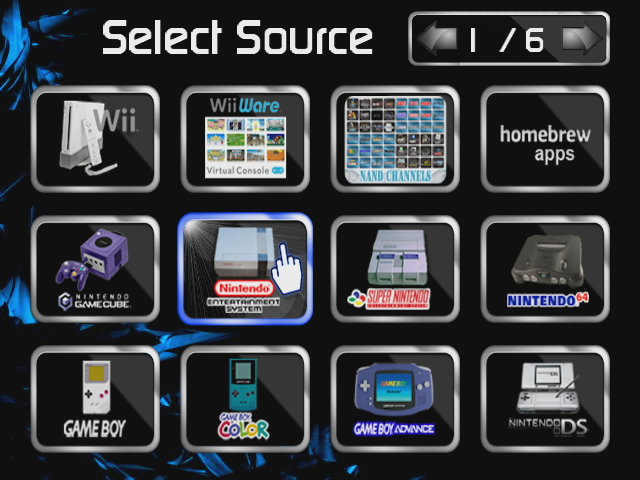
Enlarged the source menu a bit more
Bunch a little things no one will ever notice
 
wow, crazy stuff Dave :)
the backgrounds are really neat and sexy :)

One thing I'm noticing in all themes is that the text on the buttons is not centered.
Looks like: "font_line_height=" is not working, I tried to fix my carbonik buttons but had same issue too.
Maybe @Fix94 or @Fledge68 can take a look at the source

cheers
:)
 
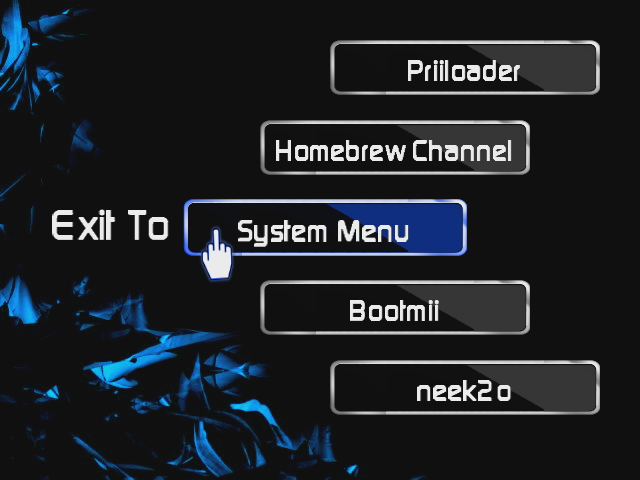
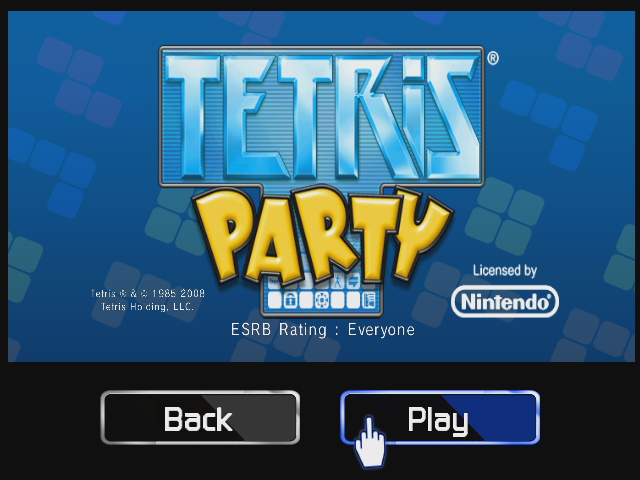
Nice finger on the first image.
At first I thought it was a theme for postloader lol, because it's also pretty dark looking.
 
That actually looks pretty nice so far, Black and blue has always been one of my favorite color schemes. When your done perhaps consider making different flavors (or flavours) where the blue is replaced with say red or purple. People love it when theme makers do that.
 
Tnx m8s. The 3 backgrounds were not made by me. Simply found via google and slightly altered to suit color needs for the time but I actually like them LOL.
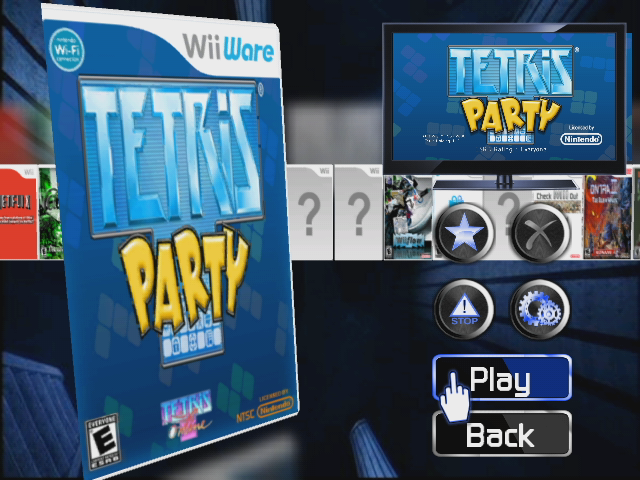
Yes i noticed the txt on buttons but I couldnt figure out how to center the buggers yet iether. Also I want to slightly change the size of the video that plays inside the TV overlay graghic but I cannot find the co-ords for that iether? The pointer is one I made back when I was using CFG as my main loader.
 
An easier way is to adjust the size and position of the TV frame because changing the banner size/position is very complicated.
Actually from what I see in the screenie above you just need to increase the size since the position looks fine.
ofc this is all in *user5 section where you define the frame.
Check the values in my carbonik theme if u like to save some time :)
 
Awesome job! Love it! can't wait till you release this one.

I see the font alignment problem but right now have no idea what's causing it.
 
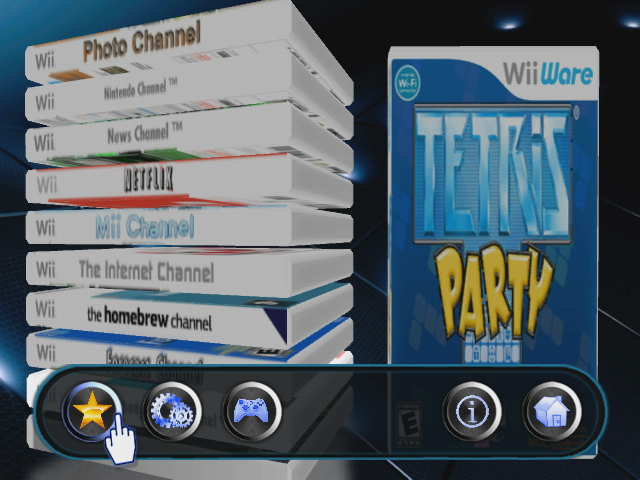
In the second last picture, which is the main screen, were is the damn zone info for that whole menu section at the bottom? I need to adjust it slightly up. If anyone knows what I'm goin' on about please fill me in :-)

CHEERS
 
Looks pretty cool. Seeing the cursor makes me want flip one back though - but I am successfully resisting.
 
In the second last picture, which is the main screen, were is the damn zone info for that whole menu section at the bottom? I need to adjust it slightly up. If anyone knows what I'm goin' on about please fill me in :-)

CHEERS
look for [MAIN/ZONE] there should be three of them 1 for disc icon, 1 for mode icon, and 1 for the other four icons. Need more help let me know.
 
  • Like
Reactions: DaveZ_227451
@fledge: Cheers m8. got that all figure out now :-)

Would ya happen to know how I could use the same overlay I use in the game info and synapsis section, and stick it also in the ABOUT and HELP screens?
I thought simply adding a "background_texture=bgoverlay.png" but no dice.....

Also do we have the ability to add I guess what would be called "REM" statements to our .ini's?
Would be handy for defining and/or bookmarking purposes. Might also eventually make things less
daunting and easier to follow and edit for myself and others?

 
Meh.. here is a link to my custom theme and source_menu.
Because this is my first attemp and still learning PLEASE back up your files first. My source_menu is made to compliment
my personal theme so you may want to revert after you give it a look. I like the big bold in your face look but it's not
everyones thing I know :-)

http://www.mediafire.com/davez

Please hit me with your critics and such ...

CHEERS
 
@fledge: Cheers m8. got that all figure out now :-)

Would ya happen to know how I could use the same overlay I use in the game info and synapsis section, and stick it also in the ABOUT and HELP screens?
I thought simply adding a "background_texture=bgoverlay.png" but no dice.....

Also do we have the ability to add I guess what would be called "REM" statements to our .ini's?
Would be handy for defining and/or bookmarking purposes. Might also eventually make things less
daunting and easier to follow and edit for myself and others?
You just have to add USER 1 thru 4 for background overlays. For ABOUT and HELP add [ABOUT/USER1] to your theme.ini
for more info check out this - https://sites.google.com/site/wiiflowiki4/themes/theme-template
look under 'You can add pictures (icons & backgrounds for example)'

Also remarks - I believe you use # at the beginning of the line
# remarks for example

One more thing - maybe you should move your theme over to the wiiflow themes thread here - http://gbatemp.net/threads/wiiflow-themes.180497/page-13
 
  • Like
Reactions: DaveZ_227451

Site & Scene News