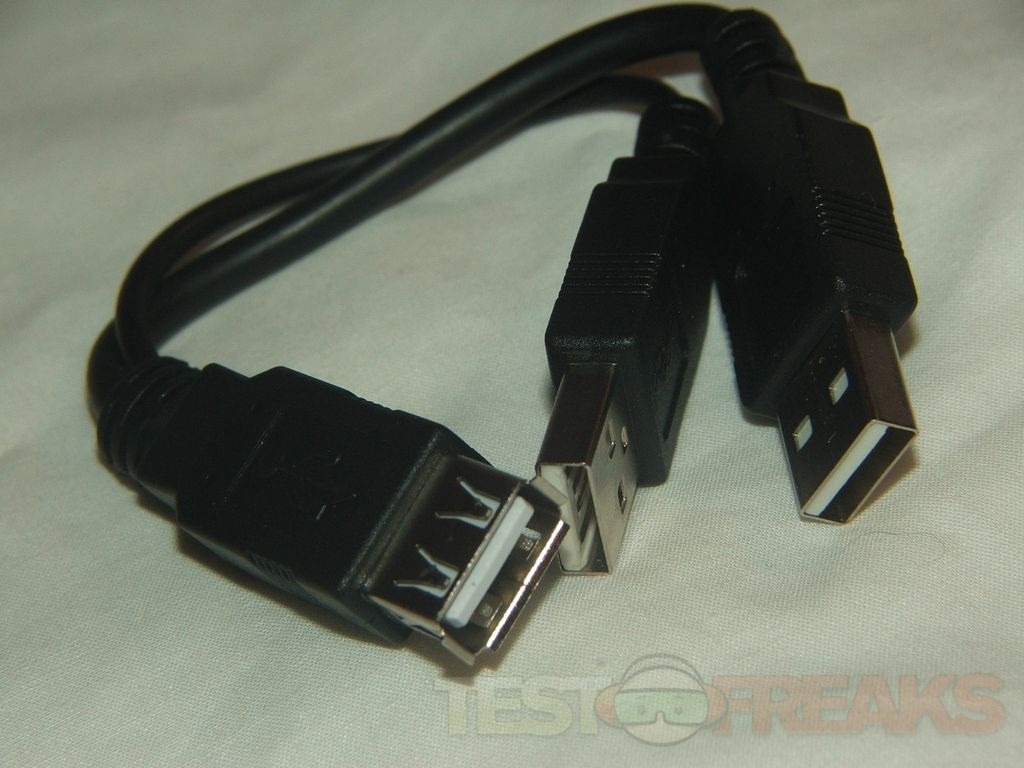
but i think y cable adapters do exist no?What i suspected. Just wanted to make sure. Cheers.

I was using a 64GB PNY Flash Drive on my Wii U with no problems. The only problem I had with it was the original change in revision 2.230 which broke it. Now it works fine. Flash drives should use far less power than a 2.5" HDD as there are no moving parts. The PNY Flash Drive only uses 200 mA. I see no reason that a Flash Drive should need a Y Cable.
I was initially using a 64GB SD Card in a USB Card reader to play GameCube and Wii games on my Wii U and never had an issue.
The funny thing is that my PS3 Slim needs a Y cable to use USB HDDs.
Power shouldn't be an issue with flash drives. The only problem with them I've seen is they don't necessarily support all of the USB storage functions that a hard drive enclosure does. It's sort of a "your mileage may vary" situation.
I guess it would be best to buy a well known brand name like SanDisk, PNY, Toshiba, Corsair, etc, companies known for quality Flash Memory.
I wonder if it would be a good idea (for those who have a 360) to format the Flash Drive there to see if it meets Microsoft's Performance criteria and then go from there. I am guessing drives that don't would be bad to try with Nintendont.

That's actually not a bad idea. If you can set it to be used as a ReadyBoost drive under Windows it should certainly be able to be used to read games that are intended to load from an optical drive.
I am having an issue with Kirby's air ride (PAL) through a 128GB SD card. Through the official WiiU gc adapter controllers on port 3 and 4 seem to have very laggy, unresponsive controls on most of the menus (it is especially noticeable in the air ride mode's vehicle select as it makes it hard to choose the vehicle you want) They work fine in game however. I have tried re-ripping the iso but no luck. I have mcemu on but I have tried with it off and the issue still occurs. Could anyone with this or a similar setup try this and see if this issue happens or if anyone knows how to fix it help is very appreciated. Never had this issue with any other multiplayer games. Very minor issue for an amazing loader![]()
Have you verified the ISO's hash? Are you using a 1:1 ISO or a shrink ISO. If using a shrunk ISO try a 1:1.
Thanks for the reply its a 1:1 iso. Where can I find the hash to verify it. The hash of my iso is: 6732cefabda3b8c8c590a2157ed2e45b
I checked Redump.org and your hash matches so the ISO is good.
Just out of curiosity, are both USB plugs of the Gamecube adapter plugged in? I know one of them is strictly for rumble but you never know.
Also are the GameCube controllers your using official Nintendo ones or 3rd party?
I have both of the USB plugs in and all controllers are official Nintendo ones. I tried plugging the same controller into ports 1 and 2 and it worked, then tried ports 3 and 4 and the issues occurred again.
Can you list your Nintendont version and settings and Wii U region?
How are you launching Nintendont?

Is nintendont compatible with a mayflash nintendo gamecube adapter. Just wondering because if so, Im definitely getting one.
yes it is.
Wait the mayflash 3rd party one? Im not talking about the official nintendo ones.
the
(MAYFLASH 4 Ports GameCube Controller Adapter for Wii U & PC USB)
it does notYou could give it a try... the other thing I forgot is that I don't think the HBC supports NTFS, either.