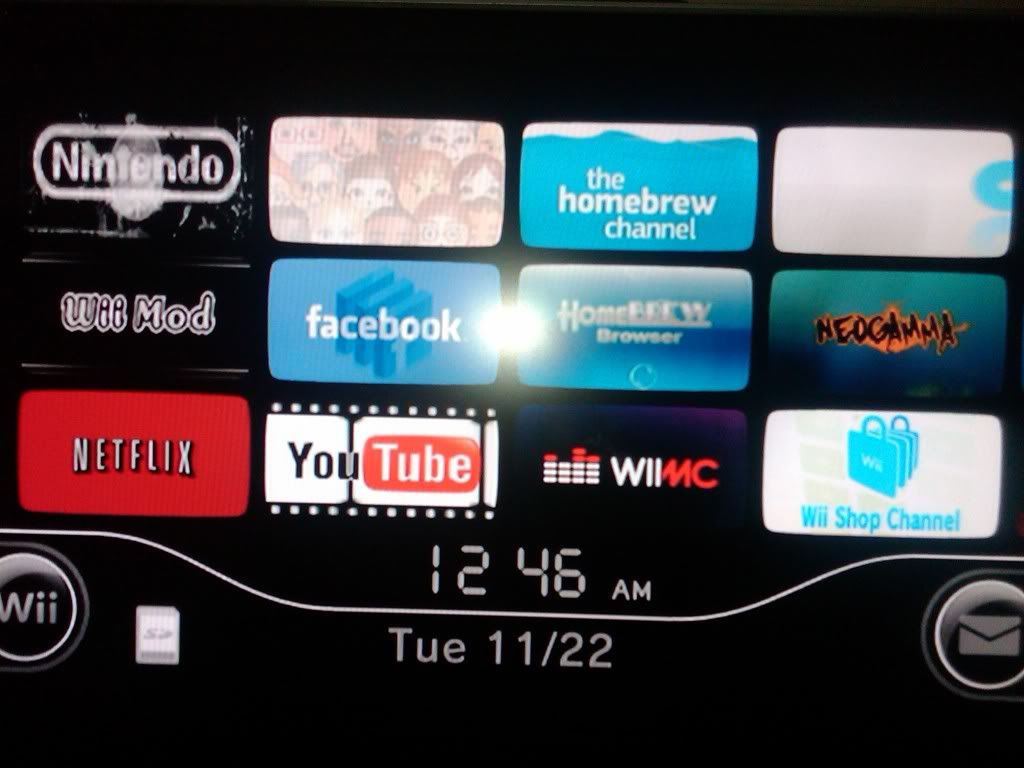
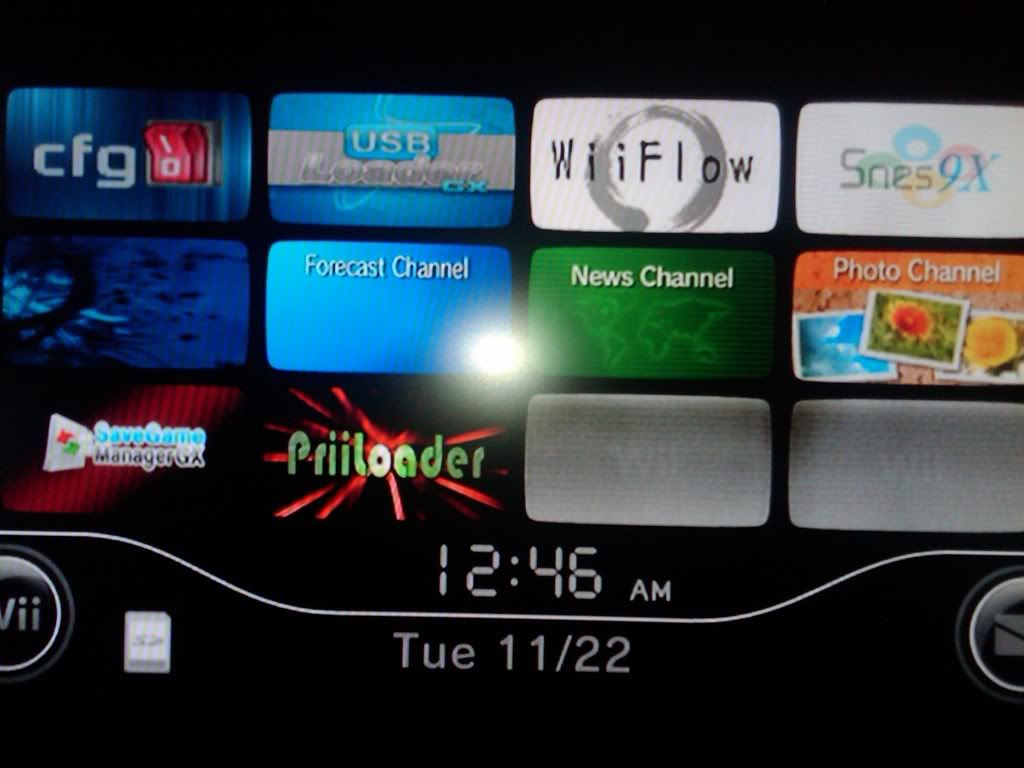
Ok folks, there is a small update on the first page.
I have added a download link for the priiloader installer for neek2o.
It installs the latest 0.7 rev. of priiloader with the patches needed to run without problems on neek2o
it also comes with a small homebrew program to enter priiloader setup.
I hope you like it..
good work on this! I just used it to update from priiloader v0.4 on my neek2o uneek+di set up. Just wanted to mention that after a successful install, it said waiting 5 seconds then returning to loader it froze. After doing a hard reset I confirmed the installation was successful. Not a huge deal, but I thought I'd mention it. FYI, my emunand has the HBC and the HBF on it, but I used the HBF to load the priiloader installer.
Just got around to playing with this...great job guys I can finally have multiple NANDs
Just one question: Is there a way to switch between the different neek NANDs from outside the overlay menu (e.g. a standalone DOL I can use)? Reason for asking is because the overlay isn't supported on non-4.x menus, and I use older menus intentionally on some NANDs.
i'm pretty sure u can just change it manually in \sneek\nandcfg.bin
postloader might also be able to do that, but I'm not sure as I haven't checked it out personally yet, but I hear good things
I'm able to access Postloader via forwarder channel installed to System Menu in neek2o
Currently it's a fresh ModMii 4.3U nand with all the default Nintendo channels, IOS249rev14, Priiloader v.07 (by obcd), Zelda:MM, ZeldaT, SSBros, HBCv7.
I've tried in the past and it didnt work and though maybe I'll try it again cause I can use a WiiMod forwarder Channel and load apps through it's app loader; also HBCv7 gives a black screen; no matter how long you wait it still remains black. Errie.....
Well if anyone can clue me in on this it would be great cause as of now I'm stumped.
EDIT: I tried v58 of neek2o and I still can't get E nands to loads only U/K/J.
It's a binary file Unless there's a decent hex editor for wii, I don't think I can do this without corrupting it. Deleting the file with WiiXplorer works (with SD access enabled of course), but is very crude and requires I boot back into the 4.x NAND to go from, say a 3.x -> 2.x NAND.
Not familiar with postloader's feature-set having never used it.
The only reason I'm using a fresh ModMii nand and not one from a bootmii dump is cause it's 4.1 and no it just won't load with neek2o; well at least the system menu wont load, PL3 and everything works fine but I have no way of syncing new remotes.
Hey XFlak, do I still need to have the HBCv7 installed to emulated nands for any reason or will Forwarders and homebrew (inside PL3) work just fine w/o it? Well thanks for this little bit of info.
Remember the moogle is watching you LoL
EDIT: I'm not sure where to post this in here or modmii thread I just think it's better suited here.
So I have a 4.1U bootmii nand dump that allows me to play FST and WBFS games in neek2o but I can only do so using JoyFlow or PL3; the Wii just seems to black screen after pressing A on the Health screen. The only 2 hacks I have enabled are 1.Move Disc Channel & 2.Auto Press A @health Screen. I usually have my Wii autoboot into installed file; the installed file being neekbooter.dol. Is it cause I'm using a 4.1U system menu? I tried using a fresh modmii 4.3U created nand and I can access the Wii SM just fine but when I try playing games the WiiMote becomes unsynced and this is the delima for me. I can either play games and not sync any WiiMotes or I can access the Wii SM and sync WiiMotes but only to have them unsync after a game is loaded.
If your wondering what my real Wii setup is like:
Wii SM4.1U running off IOS3v65535; all applicable hacks w/in WiiMod applied
White CSM installed
All known cIOS200+ installed; honestly these do not effect the nand where they are installed or not
All suggestions are welcomed I'll try re-installing my Wii SM with ShowMiiWads to see if I can access the SM again if then work then I'll use obcd's Priiloader v7_neeko and see what happens from there.
4.1 works but currently the hacks aren't built right into neek2o (yet), but with priiloader hacks enabled its the same.
do u have a lot of channels on the nand that wont load the SM?
U don't need the HBC or HBF, but if ur loading random\new apps often having either of those or postloader would be helpful so u don't need to install dol's as files in priiloader or install new forwarder channels or w/e other workarounds there might be (ie. wiimod\mmm app's loaders)
4.1 works but currently the hacks aren't built right into neek2o (yet), but with priiloader hacks enabled its the same.
do u have a lot of channels on the nand that wont load the SM?
U don't need the HBC or HBF, but if ur loading random\new apps often having either of those or postloader would be helpful so u don't need to install dol's as files in priiloader or install new forwarder channels or w/e other workarounds there might be (ie. wiimod\mmm app's loaders)
try removing HBCv1.08 from ur emunand, only v1.07 and under work (and even then the HBC's *.tik need's to be manually copied over after installing the HBC wad)
edit: I don't think it should make a difference, but u never know
4.1 works but currently the hacks aren't built right into neek2o (yet), but with priiloader hacks enabled its the same.
do u have a lot of channels on the nand that wont load the SM?
U don't need the HBC or HBF, but if ur loading random\new apps often having either of those or postloader would be helpful so u don't need to install dol's as files in priiloader or install new forwarder channels or w/e other workarounds there might be (ie. wiimod\mmm app's loaders)
Just made a new Emulated NAND with the latest ModMii (V4.8.0) and everything seems to work incl. Joyflow/oneek etc.
The only problem i now have i can't make any WIFI connections.
Did tried several acces points. The real NAND has no problems. Any clues?
Just tried to build a new Emu NAND (4.3E) with Modmii again with REV 58 from neek2o. The internet connections should be solved in this revision!
I also installed orginal Nintendo Channel (Internet Channel) as suggested earlier in the posts.
I still can't make any WIFI connections. Wii Error Code 110213!!!!
Then i tried to build a NAND with a earlier revision of Modmii (4.6.1) and then added the neek2o with ModMii (V4.8.0).
This time i was able to make a internet connection!!!
The difference in the process of creating the NAND with the older version of Modmii, was that i needed to enter my Wii serialno. to personalize the NAND!
In the new revision of Modmii you don't have to enter the Wii serialnr.!!
Could this be the reason of failure of the WIFI connection?
@techboy.
there is a way to override the behavour of nandcfg.bin. Simply create a nandpath.bin file in the same folder with the path to your nand in it.
So basically /nands/nand41e in the file would cause the system to use that folder as root of the nand folders. It's a simple text file altough it's extension is bin.
The text in it should be terminated with a or 0x00
@kylster
A 4.1 nand should work just fine. Be aware that 1 corrupted channel is enough to have a banner brick. Did you do anything specific after which it refused to work,
or did it simply never worked for you?
@Xflak
I have tested the installer a couple of times, and it always returned to the system menu in my case. I had other reports already of the SYS_ResetSystem(SYS_RETURNTOMENU,0,0); causing a freeze. The normal exit(0) for homebrew isn't working either. This probably has something to do with the hbc stub not being able to find a hbc. I will need to check that out. I assume to tested with the latest rev58 of neek2o. The changed priority settings in previous versions cause instabilities as well.
I actually think I may have been using rev56 at the time... I can't remember for certain though because I updated to rev58 in the same night. If u need me to retest I can do that. Also, I'm having the same connection error ppl mentioned above (4.1U emunand with ninty channels running rev58 of neek2o). I remember overjoy saying it might work even if the connection test fails, but after it fails I tried the internet channel and it just takes me back to the connection settings menu. Do you think jodur is onto something with the custom setting.txt?
edit: you mentioned a HBC stub. The emunand I was running the priiloader installer had a working homebrew channel v1.06 on it, but I launched the installer from the homebrew filter.
I actually think I may have been using rev56 at the time... I can't remember for certain though because I updated to rev58 in the same night. If u need me to retest I can do that. Also, I'm having the same connection error ppl mentioned above (4.1U emunand with ninty channels running rev58 of neek2o). I remember overjoy saying it might work even if the connection test fails, but after it fails I tried the internet channel and it just takes me back to the connection settings menu. Do you think jodur is onto something with the custom setting.txt?
edit: you mentioned a HBC stub. The emunand I was running the priiloader installer had a working homebrew channel v1.06 on it, but I launched the installer from the homebrew filter.
I was thinking the same xflak, it seems credible...i had the same too, and i found a weird work around...on my euro (dutch) wii, which might prove jodurs statement right.
If i set the language to Roemenia, it suddely works...my bet is that the default serial that is used for a european wii, is a roemanian serial.
I will try to build a new nand tonight (in about 3/4 hrs.) with my own wii serial and will see if that works..
@techboy.
there is a way to override the behavour of nandcfg.bin. Simply create a nandpath.bin file in the same folder with the path to your nand in it.
So basically /nands/nand41e in the file would cause the system to use that folder as root of the nand folders. It's a simple text file altough it's extension is bin.
The text in it should be terminated with a or 0x00
@kylster
A 4.1 nand should work just fine. Be aware that 1 corrupted channel is enough to have a banner brick. Did you do anything specific after which it refused to work,
or did it simply never worked for you?
@techboy:
reloading an ios after you changed the file should do the trick as well.
I don't think a reboot is needed.
@kylster:
I just checked and my real nand is 4.2. So, I haven't tested yet with a 4.1
I know the overlay menu doesn't work on 4.1. Maybe it causes issues as it did with the priiloader setup.
So, you could try it perhaps with a renamed font.bin and di.bin in the usb:/sneek folder. (Not sure if I suggested this already.)
If you can boot into the system menu that way, you know it is the overlay menu giving you problems.
It’s about that time of year again where I check in with the community to see if we can get the front page aligned with what people are interested in knowing and what...
WiiCompiled is a new project that lets PC gamers play Mario Kart Wii natively on PC without emulation. Using static recompliation to convert the code into native PC...
The long awaited Grand Theft Auto VI Extended Look gameplay trailer has finally dropped on YouTube. As you all know, it had dropped 6 hours earlier on Netflix, and...
Though we knew all the way back in May that this was coming, the exact numbers remained a mystery for prospective Nintendo gamers in the UK. If you happen to have...
Thanks to the recent decomplication efforts; The Minish Cap 3DS brings the Game Boy Advance classic Zelda title to your 3DS.
The port takes full advantage of the 3DS...
After being announced last week, the first of two broadcasts is set to go live later today with a stark focus on The Legend of Zelda and its 40th anniversary...
In the wake of Sony's shift to a digital-only ecosystem within the next year, Xbox have today announced a surprising scheme. Aiming to offer physical buyers the same...
It is with a heavy heart that I announce the departure of our beloved Chary from the position of Chief Editor. Chary took over early 2021 and has done a wonderful job...
To celebrate its 25th anniversary, XBOX has launched pre-orders for the XBOX 25th Anniversary Collection. For the occasion, the trailer below was aired.
This...
GBAtemp is and always has been an independent community. Since 2002 our staff have voluntarily kept the site running, added new forums, features, provided constant...
It’s about that time of year again where I check in with the community to see if we can get the front page aligned with what people are interested in knowing and what...
After being announced last week, the first of two broadcasts is set to go live later today with a stark focus on The Legend of Zelda and its 40th anniversary...
It's been something of a quiet week in the gaming space, with the deluge of big hitters trying to find their place before GTA 6 launches really kicking off next week...
Though we knew all the way back in May that this was coming, the exact numbers remained a mystery for prospective Nintendo gamers in the UK. If you happen to have...
In the wake of Sony's shift to a digital-only ecosystem within the next year, Xbox have today announced a surprising scheme. Aiming to offer physical buyers the same...
The long awaited Grand Theft Auto VI Extended Look gameplay trailer has finally dropped on YouTube. As you all know, it had dropped 6 hours earlier on Netflix, and...
It is with a heavy heart that I announce the departure of our beloved Chary from the position of Chief Editor. Chary took over early 2021 and has done a wonderful job...
The second of a two-part special, a more traditional Nintendo Direct is set to air today. Unlike the Zelda Direct the contents of this one is still relatively up in...
Announced a few days ago, Nintendo of America have today launched their Customer Appreciation Sale. Featuring 30% discounts across a wide range of popular first-party...
A few days ago Chary stepped down as Chief Editor after 5 wonderful years, and everyone guessed the seat wouldn't stay empty for very long. Back in 2021 I proudly...



 I can finally have multiple NANDs