


- Joined
- Apr 5, 2011
- Messages
- 10,755
- Solutions
- 3
- Reaction score
- 31,955
- Trophies
- 6
- Age
- 48
- Location
- At my chair.
- XP
- 40,813
- Country

Gulikit has unveiled a new Web based tool for setting up the features of their controllers.
You can access to the tool on their web page, sadly seems only work on Chrome browsers if controller is connected via Bluetooth, works fine on others browsers if you are using USB connection or using the adapters.
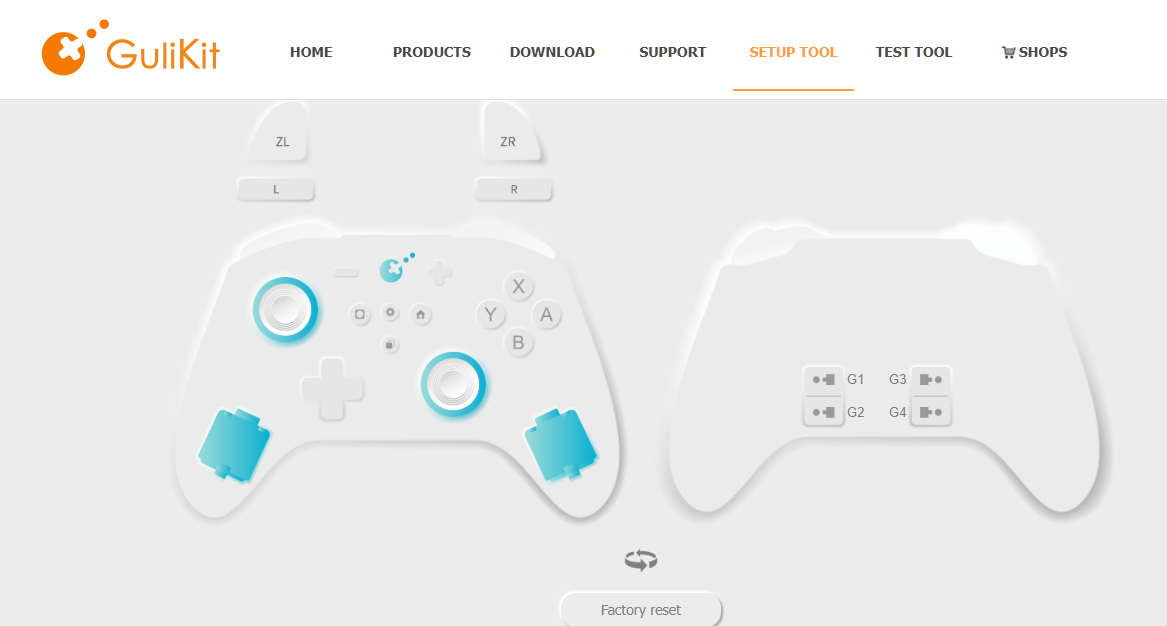
On this page all features can be set in a very intuitive way. So far the next controllers are supported:
You need to upgrade the firmware to latest version in order to work on the page. for KK3 Max & Pro you can get the firmwares on https://gbatemp.net/download/gulikit-kk3-max-ns39-firmware.38417/
You can access to the tool on their web page, sadly seems only work on Chrome browsers if controller is connected via Bluetooth, works fine on others browsers if you are using USB connection or using the adapters.
On this page all features can be set in a very intuitive way. So far the next controllers are supported:
- NS09T KK2T
- NS38 KK3 Pro (Support to customize joystick light color and LOGO light
- NS39 KK3 Max (Support to customize joystick light color and LOGO light
- NS59 Elves 2 Pro (Support to customize light color)
You need to upgrade the firmware to latest version in order to work on the page. for KK3 Max & Pro you can get the firmwares on https://gbatemp.net/download/gulikit-kk3-max-ns39-firmware.38417/


