BOTW Save File Editor (GUI Version)

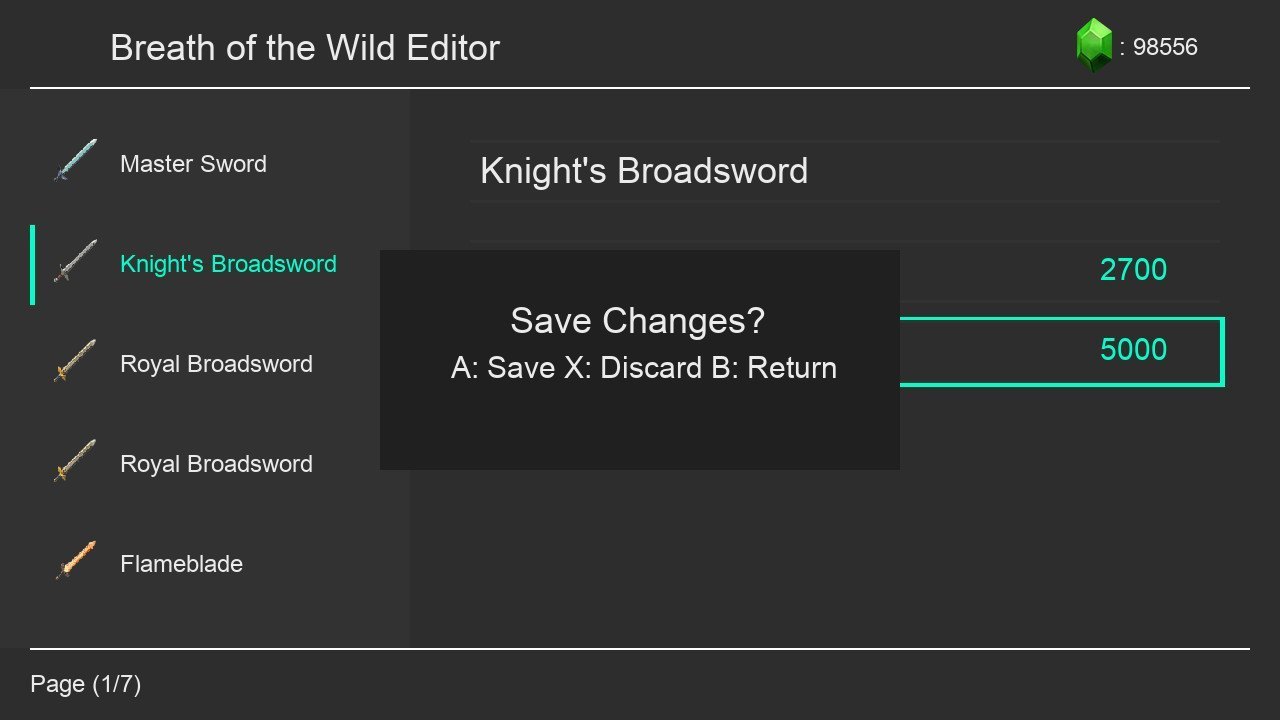
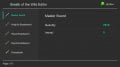
Breath of the Wild Editor
ss (2).jpg

-Use with caution, read the README.
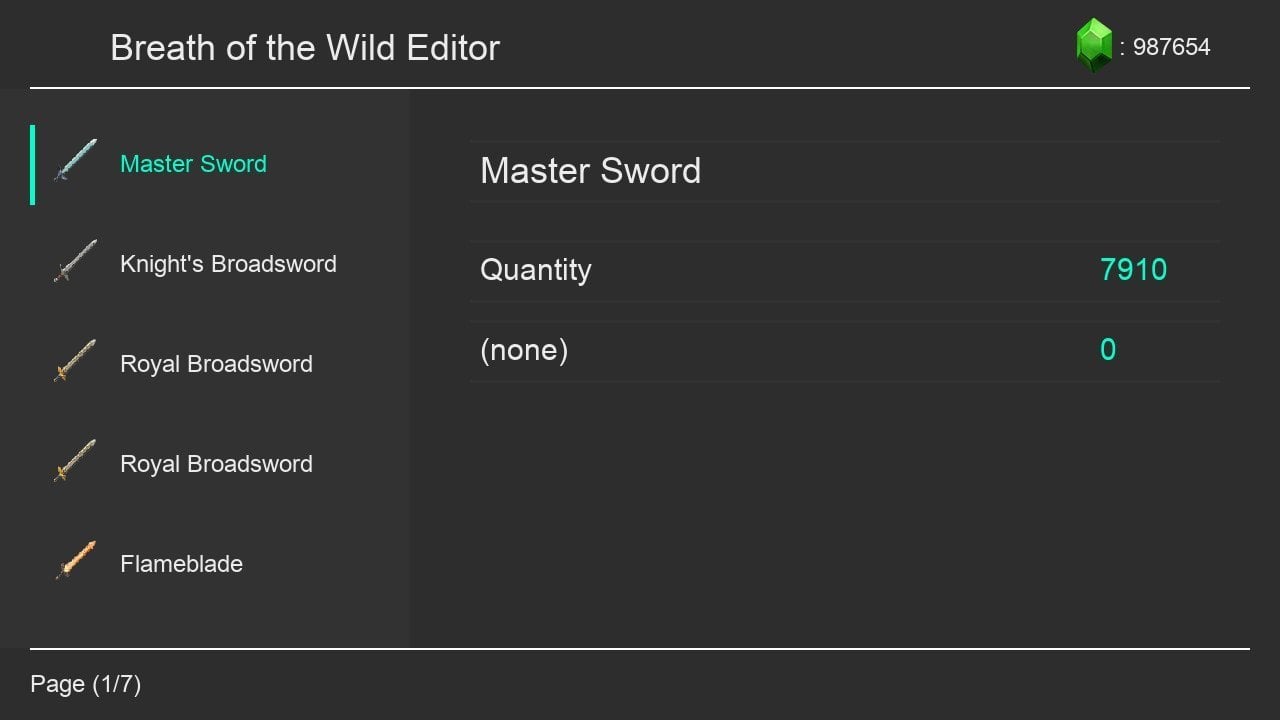
-The same features as my old one + modifiers
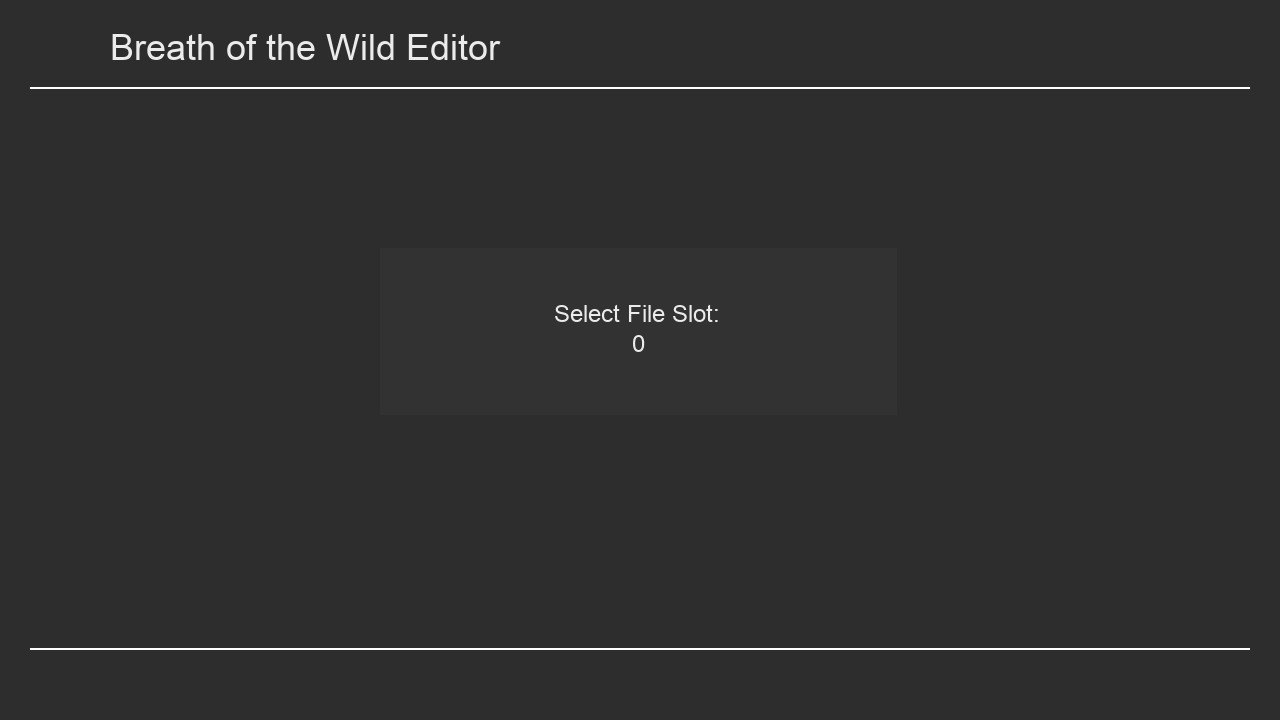
-Open & Close BOTW before opening my editor.
-Use DPAD to move.
-Press A to select an item.
-Press B to return one screen.
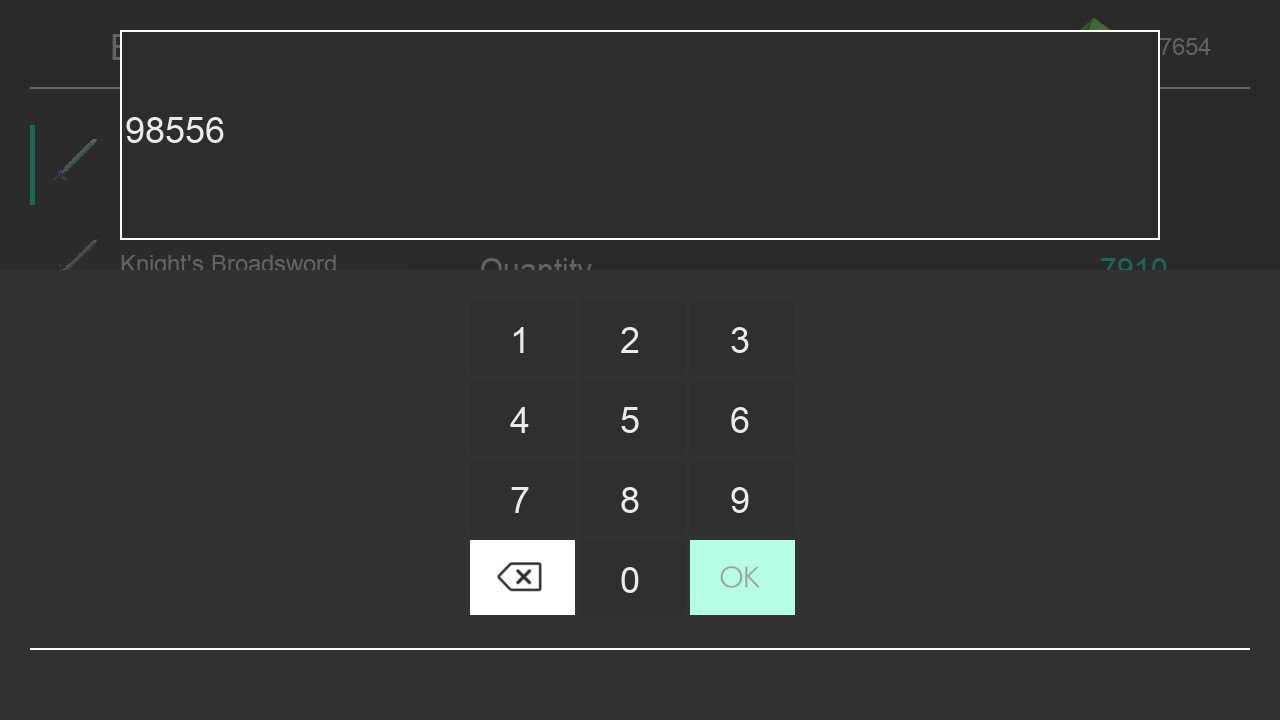
-Press Y to edit rupees.
ss (1).jpg

ss (2).jpg

ss (3).jpg

ss (4).jpg

ss (5).jpg

ss (6).jpg

GitHub Project: https://github.com/Jpe230/BOTW-Save-Editor-GUI


Disclaimer: I only tested it with version 1.3.3 and 1.5 of BOTW if it doesn't work please send me your save file to check it why.

ly
 

Attachments

Last edited by Jpe230,
umm... SX OS chainloads just like a lot of other stuff. Just chainload into Hekate or whatever.

Personally, I'm trying to build this right now, and the current source with the current libraries will not build. tons of linker errors... Yes, I've installed the libraries that the git says are required...
 
SX OS is probably not so homebrew friendly. What you might try doing is getting the NSP build of the homebrew launcher app and installing that. Then you can get to the homebrew apps from the official launcher directly. Alternately you could always just try using a standard CFW long enough to do the editing then go back for whatever reason you're using SX OS after the editing is complete.

♂️ I’m so lost in the acronyms lol! So what I’ve understood is that I need to locate an nsp version of homebrew and try install that using sx os in the switch and then use the save editor with that. Thanks for the help, I’ll try that!
 
Im a real newbie at this but I've tried a few things to get this to work but cant seem to.

I have the latest SX OS installed, switch firmware is fully updated and I've copied the GUI save editor to the swtich folder on the sdcard(exfat). tried multiple times to load the editor after starting game but nothing happens for me. Am I missing something? I've been through the forums and come across mentions of homebrew but theres so many options out there I don't know which one or how to apply it. Can anyone point me in the right direction? Much appreciated, thanks.

So i figured out how to open the save editor in SX os and can confirm it works, BUT I Can only access it when the games is shut off.If the games is launched ans running in bg the editor wo'nt run. Is that normal?
 
Yes that is normal. It's like how on a PC you can't modify one file while another application has that file write-locked to avoid each conflicting with each other. What the instructions mean is just that you should start BotW and then exit it. (I'm not really clear on why this is. It's kind of weird because Checkpoint has full access to this and every other game's save data without starting the game first.) BTW, if you want to be smart, backup your game save with Checkpoint first. I've never seen this tool break a save, but who is to say it's impossible?

You don't have to have the homebrew launcher NSP, that's just one really easy way to get to the official homebrew launcher. Like I said and urherenow reiterated, you can chainload a standard CFW (sdfiles is your friend) and access the official homebrew stuff just by going to the album icon. You might want to look into it since hat gives you more options and ultimately more compatibility. (At this point the only thing SX OS really has going for it is a better cheat system.) It's nice to have options anyway. The NSP is handy though because it provides a full host process and any software that benefits from the larger amount of RAM and all this provides (an emulator perhaps?) would surely work better.
 
It's impossible to have infinite durability with a save editor. You can keep setting it to the maximum (of note here this will not do that -- you'll need to use the web-based editor to get the maximum and this goes significantly less high) which makes them last a really long time, but if you want them to be infinite you'll need to use this LayeredFS mod:
https://gamebanana.com/gamefiles/7369
I hear SX OS has a lot of issues with LayeredFS as the code they stole was from a really old Atmosphere (apparently they aren't updating that part of the code) so it may have problems, but I think with this sort of thing it should work just fine.

The game is definitely a lot more fun when you don't have to think about weapon durability anymore. This is really how the game should have been by default. They should have done something more like this for normal mode and only had durability in hard mode IMO. For me it didn't work just to use the save editors anyway because I still had to worry about durability. Quite a lot less in comparison (you can still set it insanely high even with this) but you know it's going down and the weapon can eventually break. What you may want to do though is combine the two things. You can edit in properties using a save editor and set their values (so +damage and then add 10 for instance.) So you can pick your favorite weapon, add on a damage bonus that makes it increase to the same damage as later weapons, and just run around always using the same thing instead of having to switch around all the time. (Only one property on each weapon though sadly. You can't, for example, give something increased crits, extra damage, and increased guardian damage. It's one only.)


BTW, if you're messing with LayeredFS mods, you may want to try this just for the sheer fun of it:
https://gamebanana.com/skins/164945
https://gamebanana.com/skins/165761
https://gamebanana.com/skins/167565
(The DLC Wave 4 may actually overwrite all the DLC Wave 3 files, but I'm not sure, so I'd say just do them in that order, hit overwrite all, and you'll be fine.) Obviously this is entirely optional and, in fact, unrelated, but fun anyway.
 
Last edited by Nazosan,
  • Like
Reactions: Deleted User
Really stupid question here,

I have a regular Breath of the Wild Save playthrough on my main account.

I have a Master mode BotW on a secondary account (same switch).

Is it possible for me to use this to backup both saves, and merge them into one save? (Since they wouldn't occupy the same slot)?
 
  • Like
Reactions: Kyaria
Really stupid question here,

I have a regular Breath of the Wild Save playthrough on my main account.

I have a Master mode BotW on a secondary account (same switch).

Is it possible for me to use this to backup both saves, and merge them into one save? (Since they wouldn't occupy the same slot)?

Combine folders 1-5 (regulars game) with 6 & 7 (master mode)

Make a backup before hand
 
  • Like
Reactions: Kyaria
So i'm trying to edit my save game on https://www.marcrobledo.com/savegame-editors/zelda-botw/
but there are thing i don't understand like what is this attack up and other stuff on the ride side and also what is the max durability of the weapons,shield bow? i'm trying to max those amiibo exclusive weapons so that it won't break and i don't have to edit it again.
 
So i'm trying to edit my save game on https://www.marcrobledo.com/savegame-editors/zelda-botw/
but there are thing i don't understand like what is this attack up and other stuff on the ride side and also what is the max durability of the weapons,shield bow? i'm trying to max those amiibo exclusive weapons so that it won't break and i don't have to edit it again.
You only had to scroll up just a little bit... -.-
It's impossible to have infinite durability with a save editor. You can keep setting it to the maximum (of note here this will not do that -- you'll need to use the web-based editor to get the maximum and this goes significantly less high) which makes them last a really long time, but if you want them to be infinite you'll need to use this LayeredFS mod:
https://gamebanana.com/gamefiles/7369
I hear SX OS has a lot of issues with LayeredFS as the code they stole was from a really old Atmosphere (apparently they aren't updating that part of the code) so it may have problems, but I think with this sort of thing it should work just fine.

The game is definitely a lot more fun when you don't have to think about weapon durability anymore. This is really how the game should have been by default. They should have done something more like this for normal mode and only had durability in hard mode IMO. For me it didn't work just to use the save editors anyway because I still had to worry about durability. Quite a lot less in comparison (you can still set it insanely high even with this) but you know it's going down and the weapon can eventually break. What you may want to do though is combine the two things. You can edit in properties using a save editor and set their values (so +damage and then add 10 for instance.) So you can pick your favorite weapon, add on a damage bonus that makes it increase to the same damage as later weapons, and just run around always using the same thing instead of having to switch around all the time. (Only one property on each weapon though sadly. You can't, for example, give something increased crits, extra damage, and increased guardian damage. It's one only.)


BTW, if you're messing with LayeredFS mods, you may want to try this just for the sheer fun of it:
https://gamebanana.com/skins/164945
https://gamebanana.com/skins/165761
https://gamebanana.com/skins/167565
(The DLC Wave 4 may actually overwrite all the DLC Wave 3 files, but I'm not sure, so I'd say just do them in that order, hit overwrite all, and you'll be fine.) Obviously this is entirely optional and, in fact, unrelated, but fun anyway.
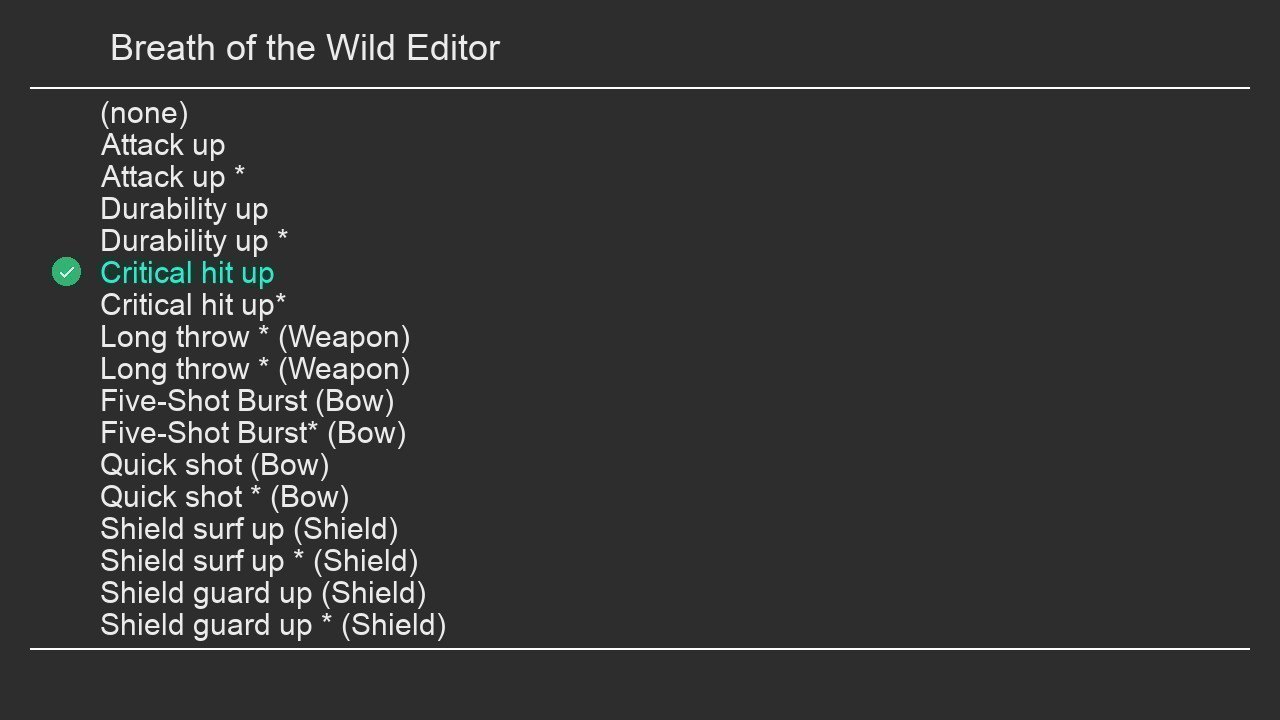
If it's not completely clear yet, things like "attack up" are extra effects that do what they say they do. +Damage increases the baseline attack damage for the weapon, +Critical increases the effects of critical hits, etc etc. You can't apply all effects to all items of course. No shield effects on a sword for instance.
 
  • Like
Reactions: wownmnpare
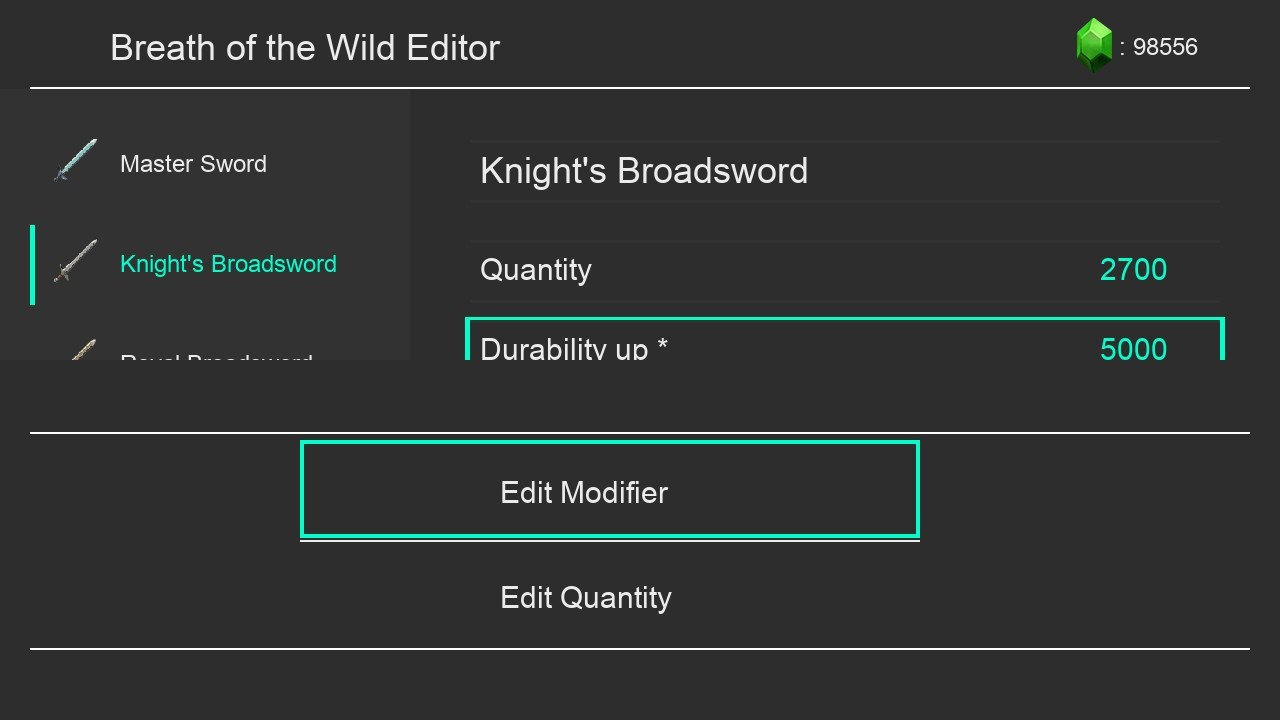
Breath of the Wild Editor
View attachment 132867

-Use with caution, read the README.
-The same features as my old one + modifiers
-Open & Close BOTW before opening my editor.
-Use DPAD to move.
-Press A to select an item.
-Press B to return one screen.
-Press Y to edit rupees.


GitHub Project: https://github.com/Jpe230/BOTW-Save-Editor-GUI


Disclaimer: I only tested it with version 1.3.3 and 1.5 of BOTW if it doesn't work please send me your save file to check it why.

ly
Great job what a wonderful piece of homebrew loving having 999 arrows ..

Thank you very much
 
Is this working on latest update v1.6?

Sent from my POCO F1 using Tapatalk
Most likely not, so stay in 1.5 if you want to keep using the GUI.
The GUI hasn't been updated for a LONG time. I'm still waiting for support for Master Mode savefiles :/
 
Ok I need to find the 1.5 update file. I am able to get only the latest update file.

Sent from my POCO F1 using Tapatalk
 

Site & Scene News

Popular threads in this forum