Gaming 3D Cross-eye Pics

  • Thread starter Thread starter FireGrey
  • Start date Start date
  • Views Views 88,038
  • Replies Replies 82
Tanas said:
person66 said:
Here are some I quickly made with Google Earth and Paint.NET. Not as good as the real thing, but still neat.
Click to see in their full size 2880x900-ish glory
You've done them the wrong way round.
I have haven't I? I thought there was something wrong.
Let me fix them...

There we go, that looks a lot better, how did I not notice that.

 
AaronUzumaki said:
WOW! The landscape one was amazing! Think you could add more like it?
The one I posted is probably my best one, but there are plenty more in my deviantART gallery: http://spiritofcat.deviantart.com/gallery/#Stereograms
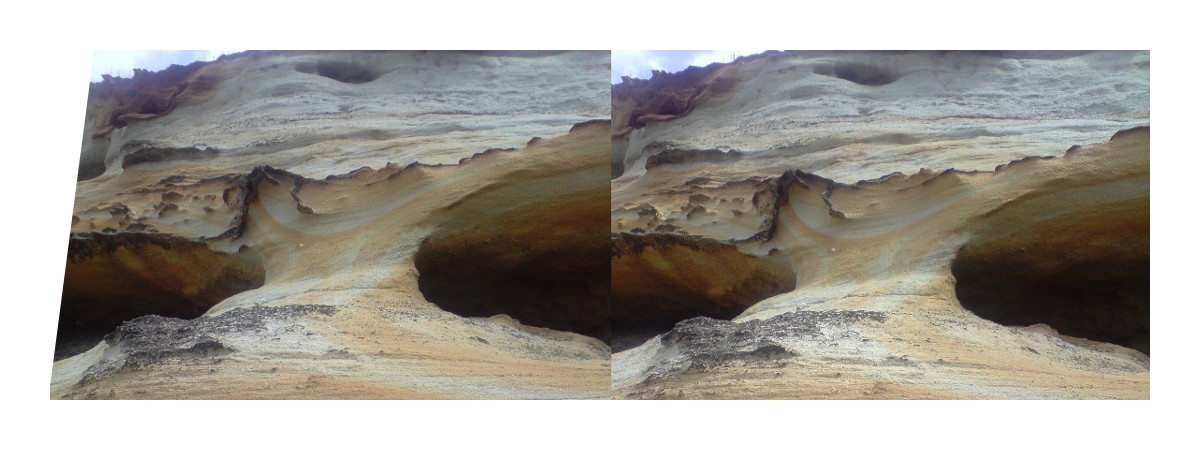
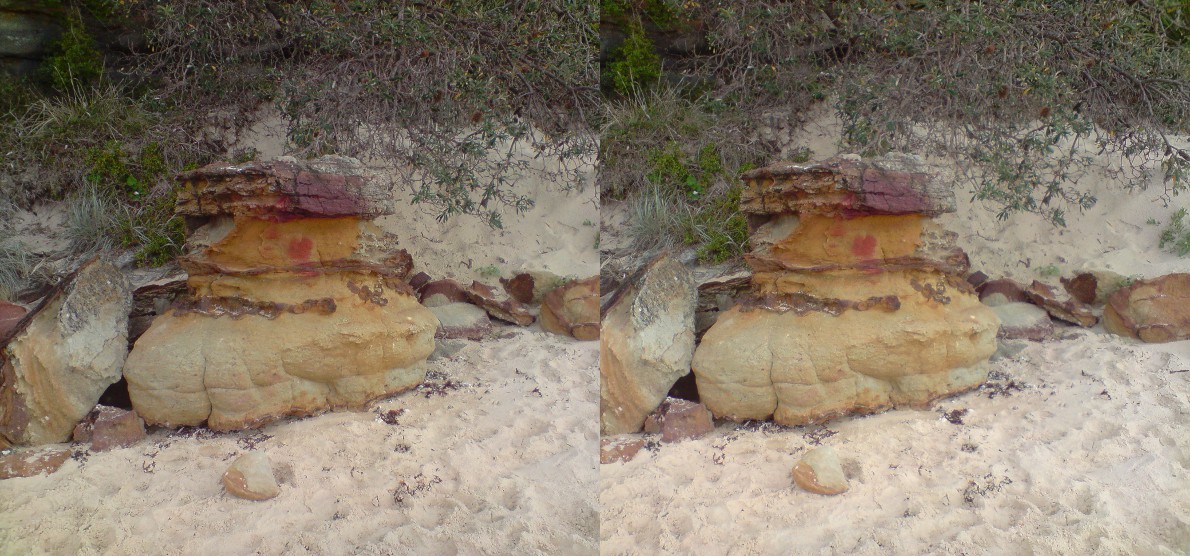
Here are a few other ones that I think are pretty good:
Sandstone_Stereo_2_Alternate_by_spiritofcat.jpg

Holiday_Stereophoto_02_by_spiritofcat.jpg

Holiday_Stereophoto_04_by_spiritofcat.jpg

Holiday_Stereophoto_17_by_spiritofcat.jpg

QUOTE(spinal_cord @ Aug 24 2010, 06:38 AM) Here's mine
3ds01.jpg

Image4.png

Image1.jpg
Awesome!
Thanks for the one of the actual 3DS in action, that's exactly the sort of thing I was hoping to see.
The third one there with link on his horse is the wrong way around though.
 
Depravo said:
person66 said:
omgpwn666 said:
I can only do Magic Eye pictures.

magic_eye_effect_1_by_aniabeataa.jpg
what is that supposed to look like, im not good with magic eye pictures
It's a chair.

Glad you figured it out, I can't see the images but I can make them look 3D when I cross my eyes. lol
 
Know why? You're doing cross eye, and most magic eye pictures are meant for freeviewing. (Reverse cross eye)
 
AaronUzumaki said:
I hope the real game will not be like that.

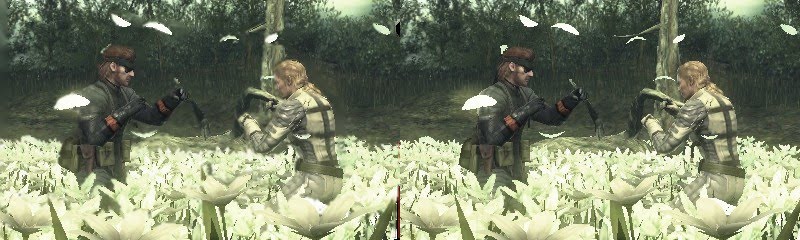
It's a 4 layered screen.
The flowers and petal in a flattened foreground.
the players, in 3D looking (flattened ?), in the middle
The tree, in 3D looking (flattened?) , behind them
The background, flattened pictures.

In fact I thought the game was in Total 3D, not a multi flattened layers.
But, seeing the video of Kid Icarus, I think it's full 3D not layered.
 
Cyan said:
AaronUzumaki said:
I hope the real game will not be like that.

It's a 4 layered screen.
The flowers and petal in a flattened foreground.
the players, in 3D looking (flattened ?), in the middle
The tree, in 3D looking (flattened?) , behind them
The background, flattened pictures.

In fact I thought the game was in Total 3D, not a multi flattened layers.
But, seeing the video of Kid Icarus, I think it's full 3D not layered.
Yeah, you're right, this one does look pretty bad. the characters look kind of concave too, especially snake. I'm sure the real thing will look much better.
 
It's because that's an officially realeased screenshot edited by someone not part of Nintendo to be 3D. It's not what the real game looks like.
 
alphajaehoon said:
arcrise4.jpg


biggrin.gif
Arc Rise Fantasia
That's a nice one!
Did you make it yourself or is it a legit screens shot?
Very nice 3D on the dragon, only problem is the on the right the dragon's wing and claw extends out past the HUD which is something to avoid when making 3D games.
The HUD should always be the closest element to the viewer otherwise you end up with objects being clipped by the HUD and that looks really bad.
I saw that happen in the Avatar 3D game on the 360. It had a mini-map in the bottom right of the screen and then had the ground extending out past it.
It's a mistake that I predict a lot of first generation 3D games will make. Hopefully they'll learn to avoid it pretty quickly though.
 
Found an iPad apps that allows you to make 3D images that use glasses, the ones that use the crosseyed technique and the ones that move. You just have to insert two images/pictures and align them at the right spot. I will post one later.

EDIT: Got the one that came with the app:
testdv.gif

I can make others too, just send me two pictures.
 

Site & Scene News

Popular threads in this forum