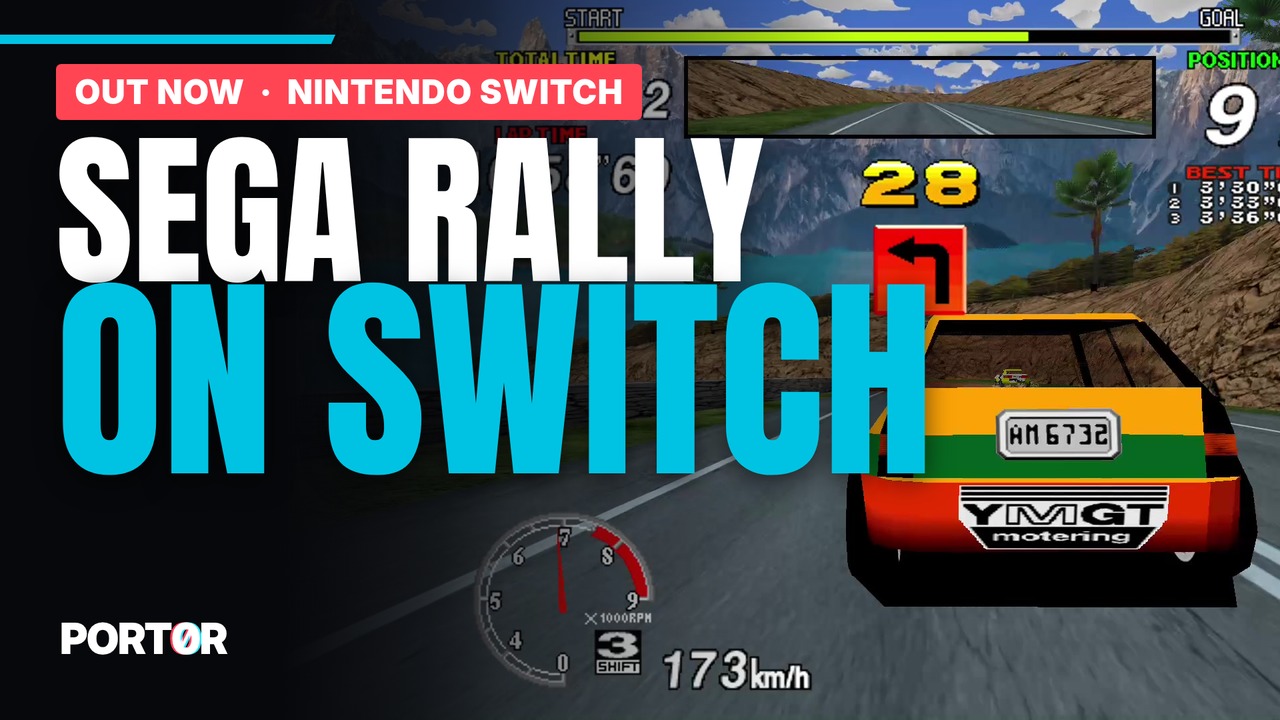
Sega Rally Championship (1995 arcade) on Nintendo Switch
Full 16:9 · HD textures · 10 mods · ghost · named replays · online leaderboard · free homebrew
Some of you saw the teaser ("Sega Rally on Switch 1, coming soon"). It's out now.
It's the arcade Sega Rally (Model 2), not the Saturn port, running as a homebrew on a Switch with custom firmware (Atmosphère). It needs your own srallyc.zip and segabill.zip (MAME 0.289), nothing else is included.
Download
- Port0r-SegaRally-Switch-v0.5.3.zip (GitHub release, with the optional HOME tile and the install guide)
- Also on itch.io: https://port0r.itch.io/sega-rally-switch
- Complete guide with screenshots of every menu: https://github.com/jacquesdupontd/port0r/blob/main/SWITCH.md
What's in it
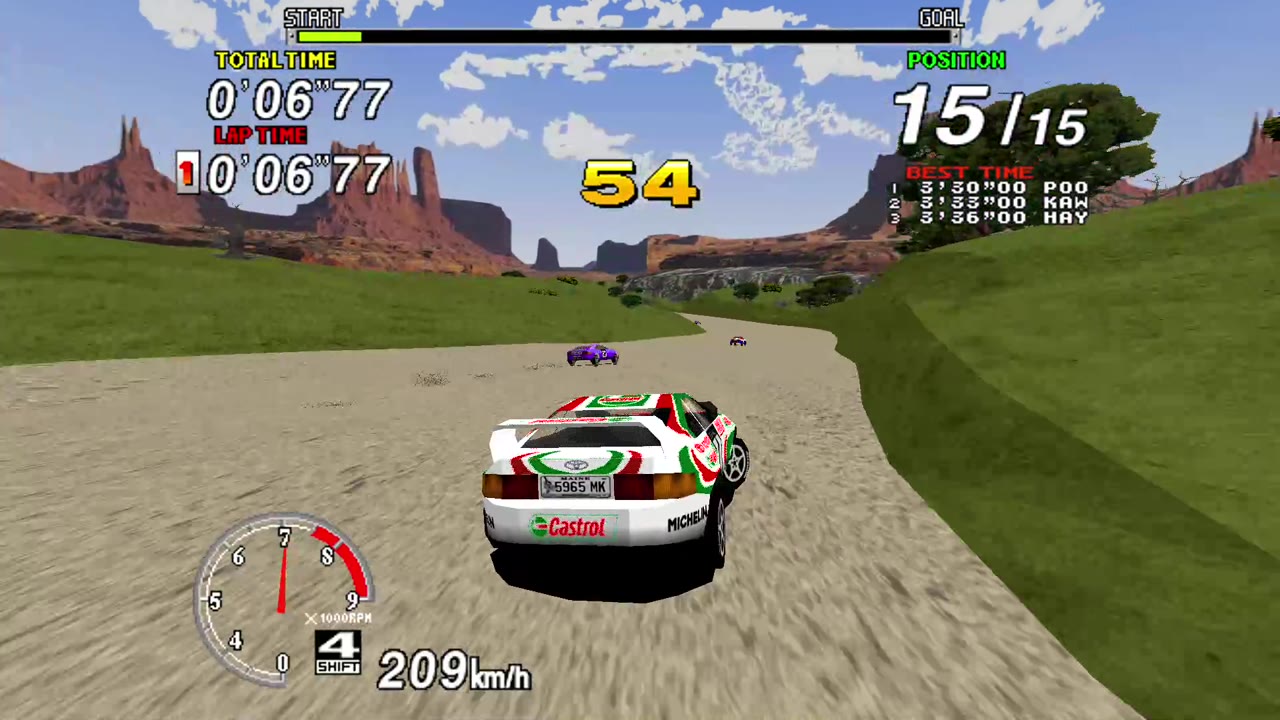
- The whole track in full 16:9, no black bars, wider than the cabinet ever showed (or the original 4:3 framing if you prefer)
- Jean-seb's community HD texture pack, optional
- A Workshop (press + and − together): 10 mods (free play, free timer, mirrored track, night, comic book, black and white, CRT, telemetry, sporty automatic...), picture styles, best-lap ghost, named replays, photo mode, 10 languages
- Steer with the left or the right stick, analog gas/brake on the other stick or ZR/ZL, manual gears on L/R
- Your times on the Port0r Discord leaderboard: link once from your phone with a code, the game asks before publishing
- Wrong or missing files: the start screen names them; a corrected zip dropped in /Download/ replaces the old one by itself
Install (short version)
- Copy the content of the zip to the root of your SD card
- Put your own
srallyc.zipandsegabill.zip(MAME 0.289 set, not unzipped) in/switch/segarally/gpt61sol/roms/ - Optional: extract the HD pack in
/switch/segarally/gpt61sol/texpack/srallyc/ - Launch it in application mode (hold R while opening a game, then the Homebrew Menu), or install the optional HOME tile
Controls
Steer: left stick (or right) · Gas/brake: ZR/ZL or the other stick · Gears: L down, R up · Start: + · Coin: − · View: X/Y · Handbrake: left stick click · Workshop and pause: + and − together · Quit cleanly: hold ZL + ZR + R for 2 seconds
Screenshots
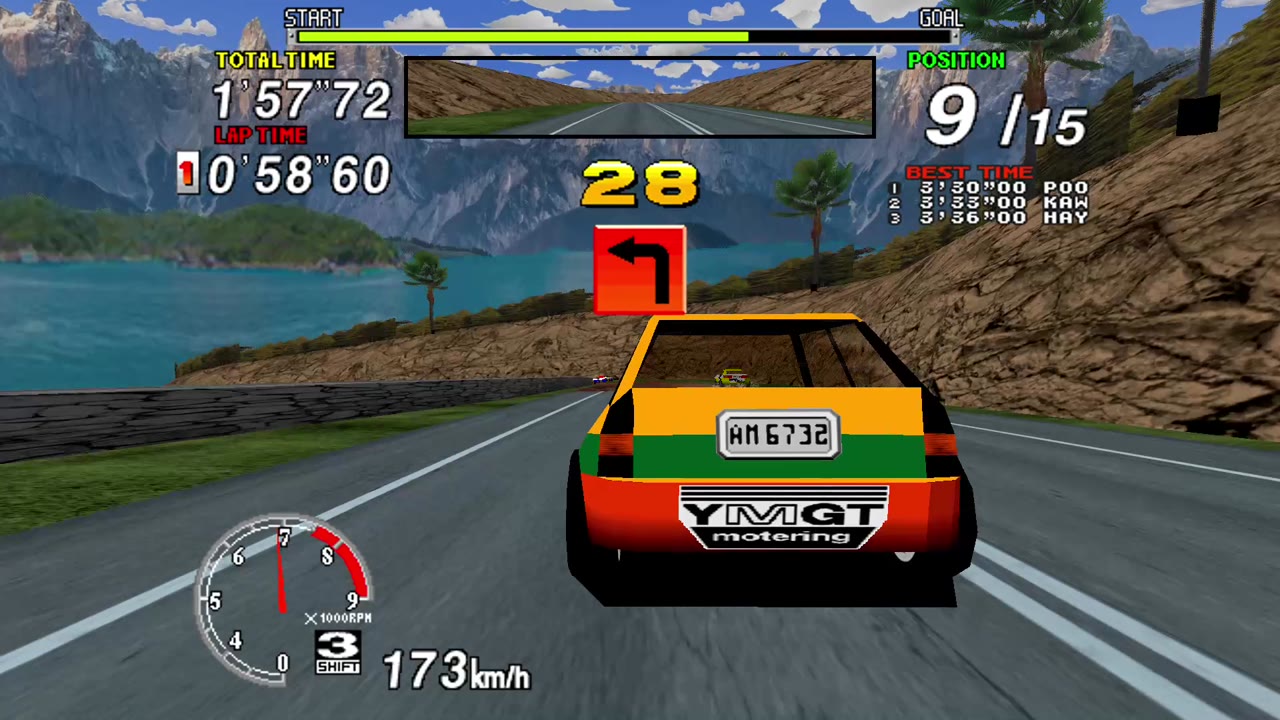
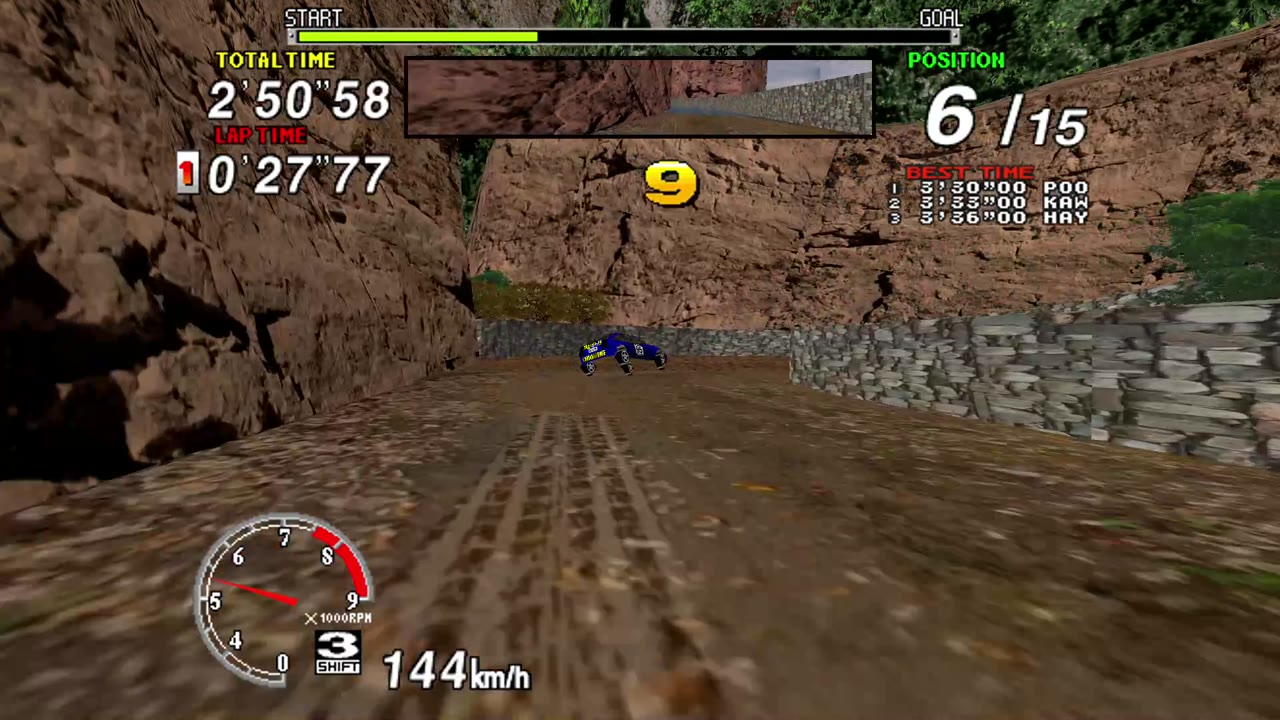
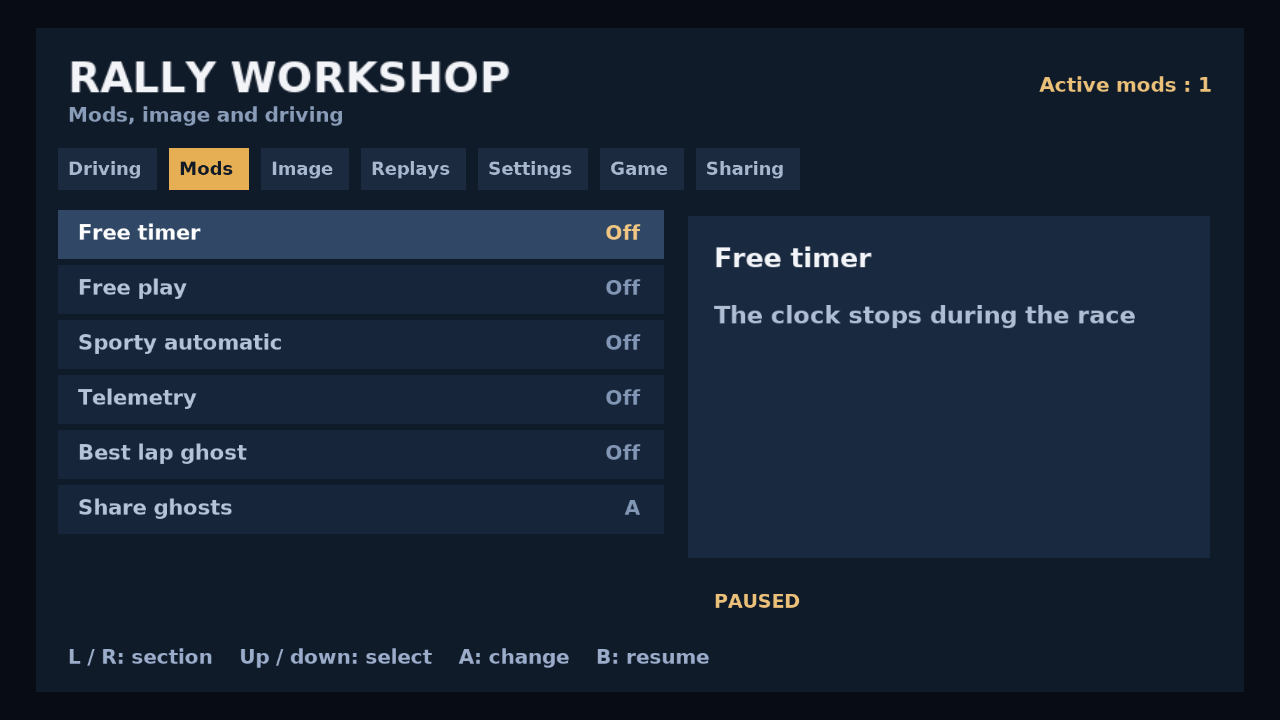
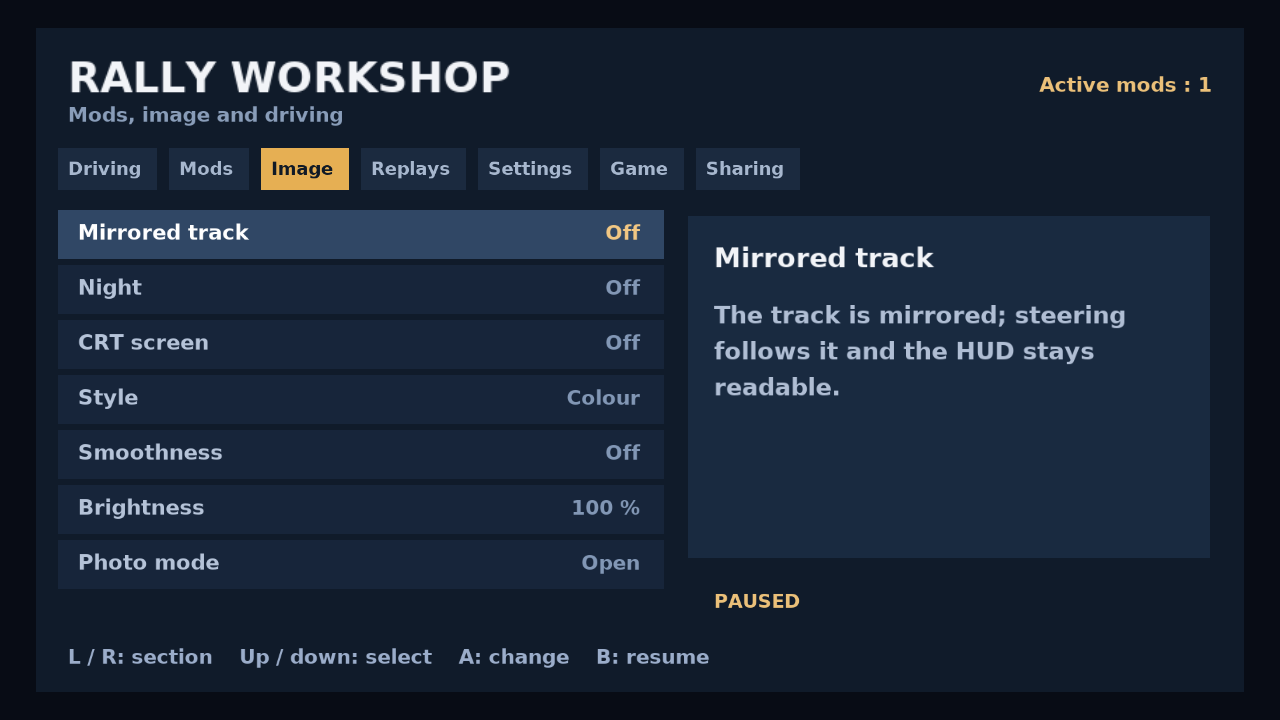
Known limits
60 fps is the target and holds on the stages we measured (docked); not promised everywhere yet. A few Switch-only texts are still in English whatever the language. The Discord link is new on Switch: tell me if anything goes wrong.
Help, bugs, next
Ask here or on the Discord: https://discord.gg/XMk7GgapuN (#sega-rally-switch, #bugs). The same project, Port0r, also puts arcade classics in real 3D VR on Meta Quest (Sega Rally VR is out, Virtua Cop and Time Crisis are next). A beta program just opened on the Discord if you want to test what comes next.
Credits: HD textures by Jean-seb. Built on MAME (GPL). Sega Rally Championship is a trademark of SEGA; Port0r is a free fan project, not affiliated with SEGA or Nintendo. No game files are included, please don't ask for them.
Have fun, and tell me what you think.
Last edited by jacques-dupontd,