
Hi everyone!
I've recently been studying programming, and I became interested in homebrew development after getting access to Switch CFW.
I've seen people on forums and Reddit looking for a way to play Nintendo Switch games using a keyboard and mouse. While there are already ways to do this, they often involve workarounds such as using a PC as a host or other extra setup.
So, I decided to create this project to make it possible to use a keyboard and mouse directly with the Nintendo Switch.
I'm happy to say that I'm releasing my first Nintendo Switch CFW project!
key2con
 Features
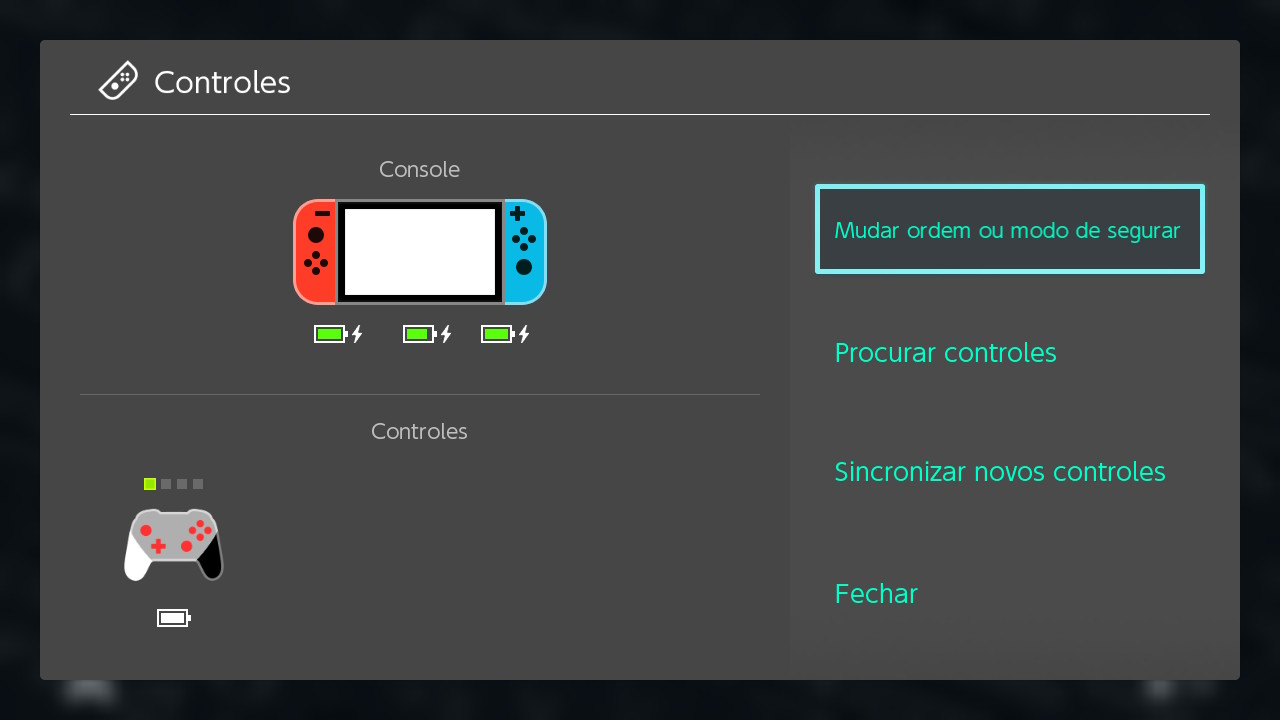
* Play any Switch game with a USB keyboard and mouse
* Map any KB&M key/button to gamepad buttons or sticks using the key2con Homebrew
* Experimental gyro/R-stick-as-mouse support
 Planned Features
* Link a keyboard or mouse to an independent virtual gamepad (e.g. Keyboard 2 = Virtual Pro Controller 2)
* An overlay cursor that can be moved on the Switch screen and used to simulate touchscreen input
* Bluetooth KB&M support (It probably won't happen.)
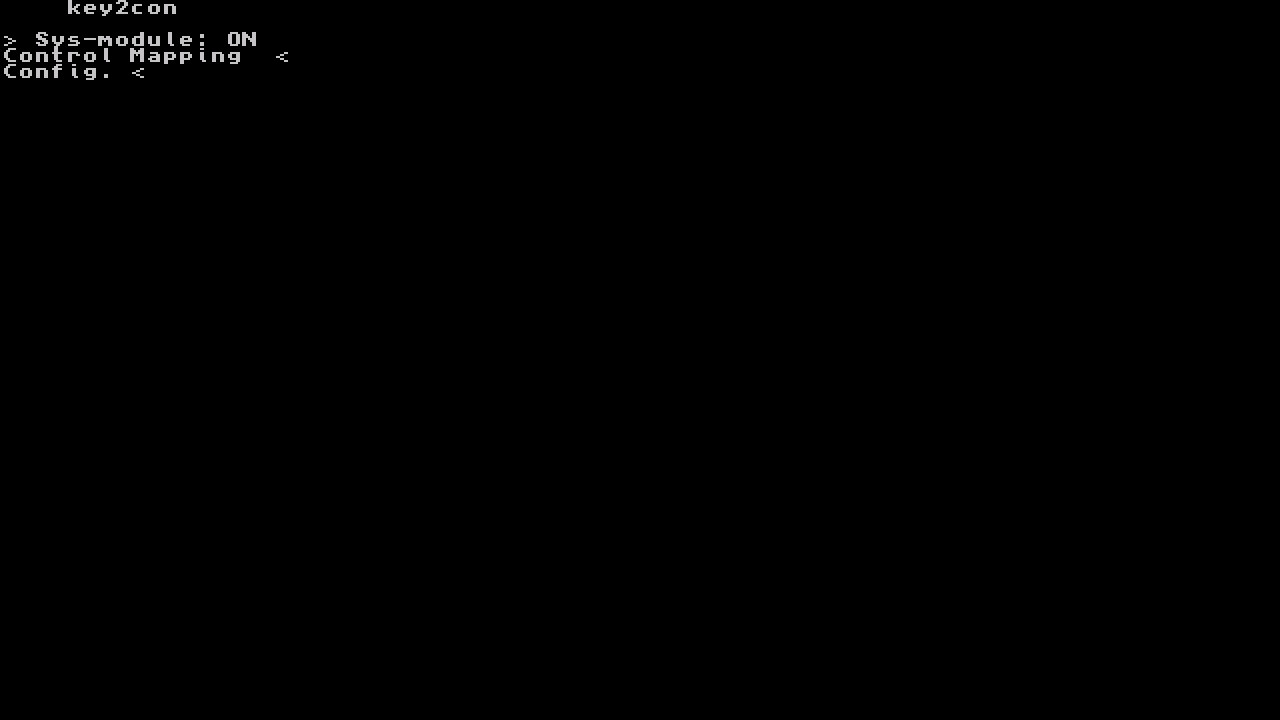
 NRO Inputs

* Up Arrow: move up
* Down Arrow: move down
* Enter: select
* Escape: return
* Delete: lower mouse sensitivity/remove the last mapped key
More information and download are available on the GitHub page!
Github Page
I've recently been studying programming, and I became interested in homebrew development after getting access to Switch CFW.
I've seen people on forums and Reddit looking for a way to play Nintendo Switch games using a keyboard and mouse. While there are already ways to do this, they often involve workarounds such as using a PC as a host or other extra setup.
So, I decided to create this project to make it possible to use a keyboard and mouse directly with the Nintendo Switch.
I'm happy to say that I'm releasing my first Nintendo Switch CFW project!
key2con
Features* Play any Switch game with a USB keyboard and mouse
* Map any KB&M key/button to gamepad buttons or sticks using the key2con Homebrew
* Experimental gyro/R-stick-as-mouse support
Planned Features* Link a keyboard or mouse to an independent virtual gamepad (e.g. Keyboard 2 = Virtual Pro Controller 2)
* An overlay cursor that can be moved on the Switch screen and used to simulate touchscreen input
* Bluetooth KB&M support (It probably won't happen.)
NRO Inputs * Up Arrow: move up
* Down Arrow: move down
* Enter: select
* Escape: return
* Delete: lower mouse sensitivity/remove the last mapped key
More information and download are available on the GitHub page!
Github Page
Last edited by Redson_BW,