


Introduction:
This is a full port and technical adjustment of the classic PC Brazilian Portuguese translation (by Renan Bianchi) for the Nintendo Switch version of Star Wars: KOTOR.
Features:
INFORMAÇÕES EM PORTUGUÊS (PT-BR):Tradução completa para o Switch, corrigindo os travamentos da versão de PC e adaptando todos os botões e tutoriais novos.
How to Install (Switch - Atmosphere):
Images:

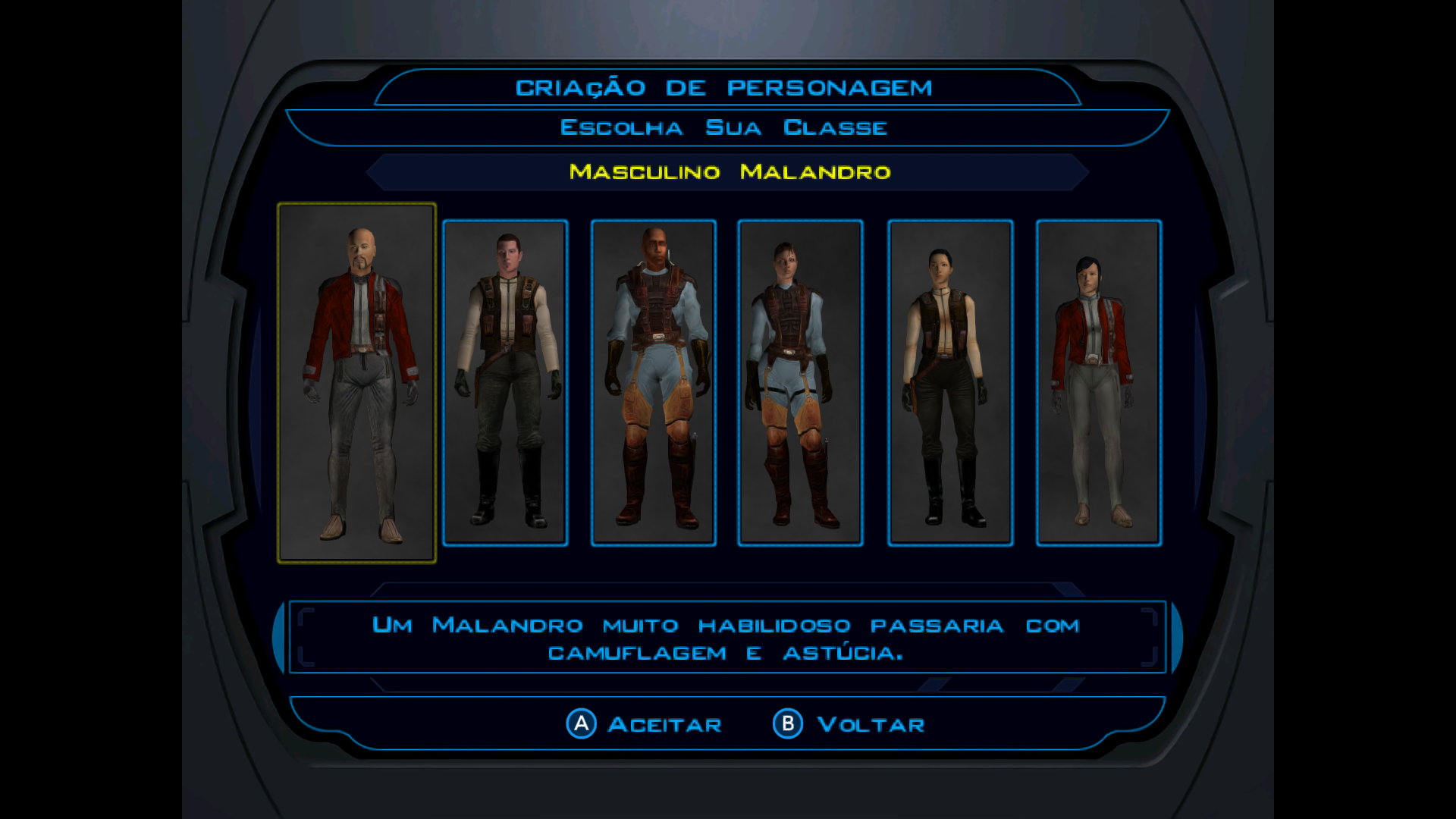
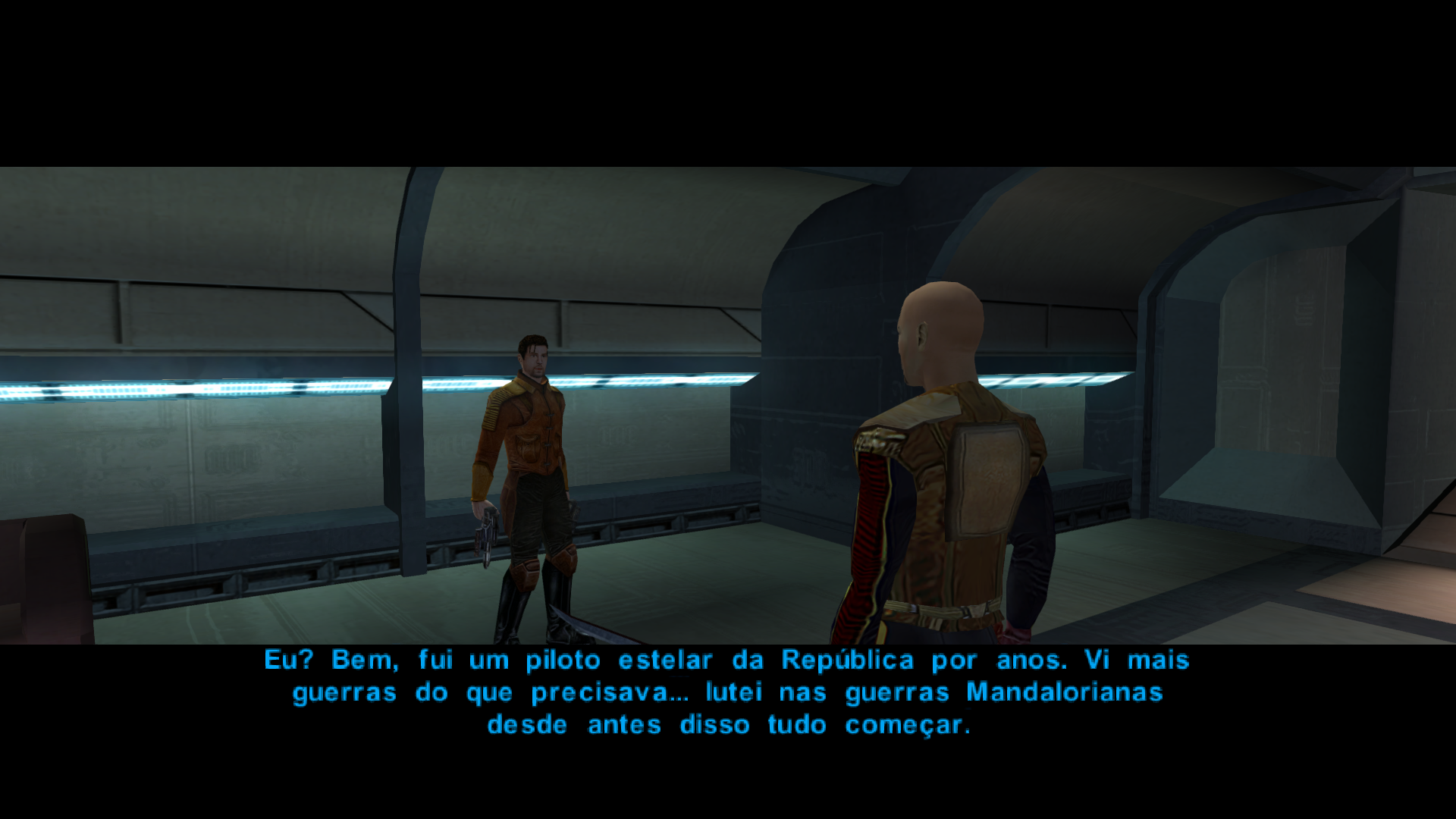
This is a full port and technical adjustment of the classic PC Brazilian Portuguese translation (by Renan Bianchi) for the Nintendo Switch version of Star Wars: KOTOR.
Features:
- Crash Fix: Fixed the "freeze" issue in critical dialogues (like the Trask encounter) caused by special character incompatibility. Specifically, converted uppercase 'Ç' to lowercase 'ç' to satisfy the game engine's limitations.
- Switch Specifics: Adjusted all button prompt tags to match Switch hardware (<abutton>, ZL/ZR, Sticks, etc.).
- Full Translation: Includes translated Switch-exclusive tutorials (240+ lines) and Movie/CG subtitles.
- Original PC Translation: Renan Bianchi (Fórum Outerspace).
- Switch Port & Technical Fixes: Diego Carvalho.
INFORMAÇÕES EM PORTUGUÊS (PT-BR):Tradução completa para o Switch, corrigindo os travamentos da versão de PC e adaptando todos os botões e tutoriais novos.
How to Install (Switch - Atmosphere):
- Connect your SD Card to your PC.
- Copy the 'atmosphere' folder (found inside the "Switch" folder of this pack) to the root of your SD Card.
- Path: /atmosphere/contents/0100854015868000/romfs/
- Right-click the game in your emulator.
- Select "Open Mod Data Location".
- Copy the 'tradução_kotor' folder (found inside the "Emulador" folder of this pack) into that directory.
Images:


