How to *actually* get the automatic GBC/GBA coloring for classic Gameboy games on 3DS VC (cia)
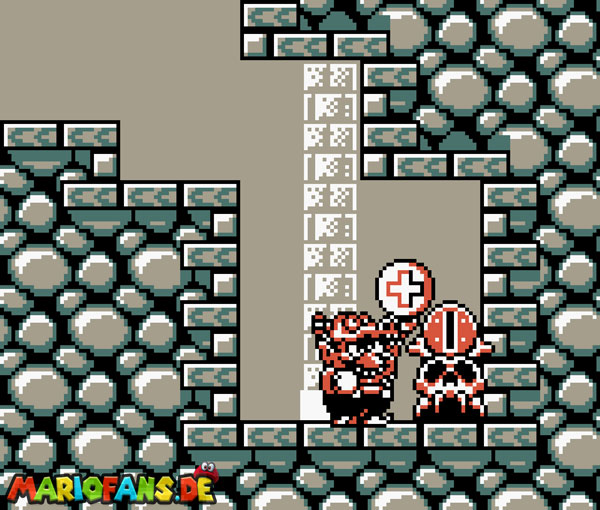
It took me a while to figure out how to actually get this working, when I tried it for SML3 Wario Land, since the fan colorization is not perfect, and the auto coloring has some charm to it and is really decent!
At first I ever only found people saying it's not possible, or you'd need to put color codes manually from a list into a menu in New Super Ultimate VC Injector for 3DS, however the order is not necessarily correct for some games, and when setting colors correctly for major graphics, can make others look (completely) broken.
So what you have to actually do is way more simple and works:
Chose RetroArch Gambatte injection method instead of direct GB VC, then in "edit content options" (very bottom), there you go to "edit core-specific options" (bottom right), and on the first tab "Gambatte: GB Colorization" chose "auto" instead of "disabled".
Anything else you can edit to your liking, just not other color/palette options, I guess!
If screenshots are still needed, I can provide them, however I think this explains it well enough
At first I ever only found people saying it's not possible, or you'd need to put color codes manually from a list into a menu in New Super Ultimate VC Injector for 3DS, however the order is not necessarily correct for some games, and when setting colors correctly for major graphics, can make others look (completely) broken.
So what you have to actually do is way more simple and works:
Chose RetroArch Gambatte injection method instead of direct GB VC, then in "edit content options" (very bottom), there you go to "edit core-specific options" (bottom right), and on the first tab "Gambatte: GB Colorization" chose "auto" instead of "disabled".
Anything else you can edit to your liking, just not other color/palette options, I guess!
If screenshots are still needed, I can provide them, however I think this explains it well enough
Last edited by Phantron,