Homebrew RELEASE Chiaki (PS5 & PS4 remote play) homebrew

  • Thread starter Thread starter H0neyBadger
  • Start date Start date
  • Views Views 668,136
  • Replies Replies 1,175
  • Likes Likes 53

User experience

  • good

    Votes: 21 65.6%
  • decent

    Votes: 8 25.0%
  • terrible

    Votes: 3 9.4%

  • Total voters
    32
  • Poll closed .
is this worth installing or better buying a ps portal?
Post automatically merged:

i cant run the script to get my psn id

psn-account-id

i get an error, i ttred terminal / powershell windows 11
python 3 is installed
 
Last edited by kyrusdemnati,
Hello,
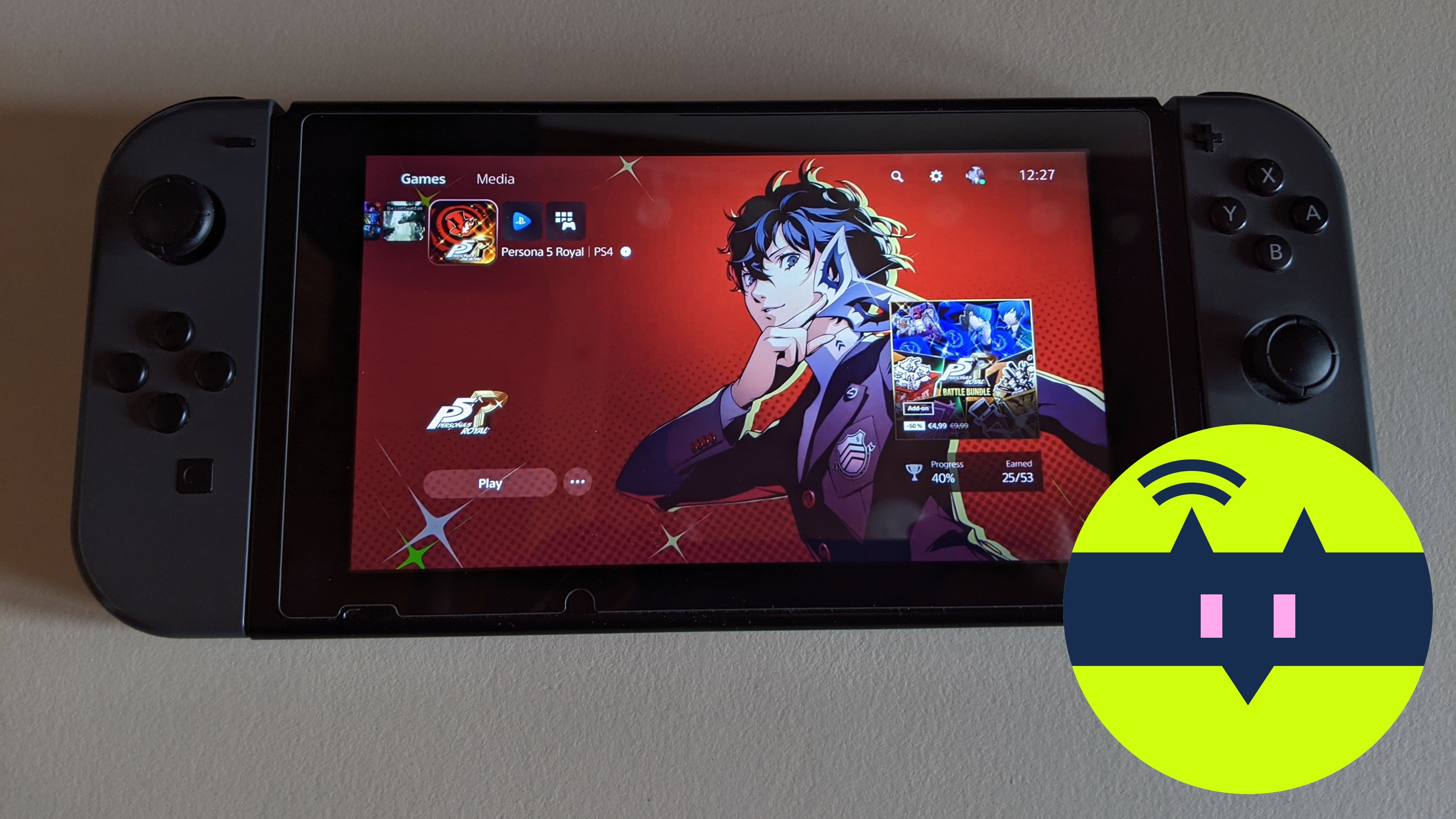
Chiaki is the an open source client for PS4 and PS5 remote play.
This discussion is dedicated to the switch version (chiaki.nro).
Source:
To contact us or for any chiaki support you may use:
On latest PS versions you need to use your PSN account ID.
Please read the instruction below to obtain your PSN account id (PS4 7.0 or greater and PS5):
For the best performance I recommend the following setup :
  • use 90DNS to allow nintendo switch lan
  • 802.11ac (a solid network connection for your switch)
  • use a wired connection for the PS4 or PS5
  • change the nintendo switch’s network setting MTU from 1400 to 1500.
You may download the latest artifact in:

Many thanks to Florian Märkl @thestr4ng3r for his amazing job on the chiaki project.
The GUI is powered by borealis (thanks to all contributors for their project and support !)
https://github.com/natinusala/borealis

And thank you all for your kind support, feedback and help.
Any advice/feedback/contribution/help is greatly appreciated.



EqZyxt0XYAA_nFu

How do I use the home button with this? Thr share and home buttons on my controller do their default HOS behavior

Edit: I was high and forgot the plus and minus buttons existed for a minute
 
Ah ha, I should make a notice to other that there is not enough memory in applet mode.:rofl2:
For better gpu handling, I have to cache 3 frames so extra memory is needed.

And for pro controller, I really don't have any idea how to define a shortcut to do touchpad press simulation. (Maybe you can come up with an idea and won't mess up normal key behavior)
I wanna buy ya a coffee broooo
 
Please, is there any way to add login on PSN Account like Chiaki4Deck? This should solve the problem with remote play through the internet. Even with port forwarding and DDNS, i'm unable to use this outside home(i cant figure what is wrong with my setup). I cant manual connect using Chiaki on PC or cellphone too, but i can connect thought internet when using automatic connect(login on PSN needed).
 
Please, is there any way to add login on PSN Account like Chiaki4Deck? This should solve the problem with remote play through the internet. Even with port forwarding and DDNS, i'm unable to use this outside home(i cant figure what is wrong with my setup). I cant manual connect using Chiaki on PC or cellphone too, but i can connect thought internet when using automatic connect(login on PSN needed).
I had the same problem and now I use 9295 TCP, 9302 UDP, 9296 UDP and 9297 UDP and it works great.
 
actually there are several unofficial versions of chiaki. I wonder about the best version if any... what version are you guys using?
 
actually there are several unofficial versions of chiaki. I wonder about the best version if any... what version are you guys using?
Currently using KKwong version. I only tested his version and the official one. Are there more? Just saw that chaiki4deck was renamed chiaki-ng and seems to be the official one now, according to the original chiaki developers sourcehut.
 
Currently using KKwong version. I only tested his version and the official one. Are there more? Just saw that chaiki4deck was renamed chiaki-ng and seems to be the official one now, according to the original chiaki developers sourcehut.
link ?
 
I had the same problem and now I use 9295 TCP, 9302 UDP, 9296 UDP and 9297 UDP and it works great.
I have these ports open, I've tested many ports, but it doesn't work. I don't think the problem is Port Fowarding, but perhaps some other setting on my router that I'm not aware of. At home, I can connect to my PS5 using my DDNS(Public IP), without using the Local IP, and it only works if the ports are open, but when I'm on another Wifi, it doesn't connect. I can't understand it, the app manages to use my Public IP to connect, but only at home.
 
My PS5 its on FW 4.50 and i dont want to update it. did still posible to be using chiaki?. i never log in on PSN. Thanks
 
I can't connect outside the house and I know several people who have the same problem, there's a tutorial missing on how to configure it
 

Site & Scene News

Popular threads in this forum