

Sup y'all
Got an Xbox delivered from shpock today(Craigslist equivalent), so I don't know which door to knock to return it if its faulty, but I want to believe them.
Check the picture quality, the Xbox logo and Driv3r look fine, but GTA 3 the picture is divided & the xbmc menu that it boots to, the colors are messed up.
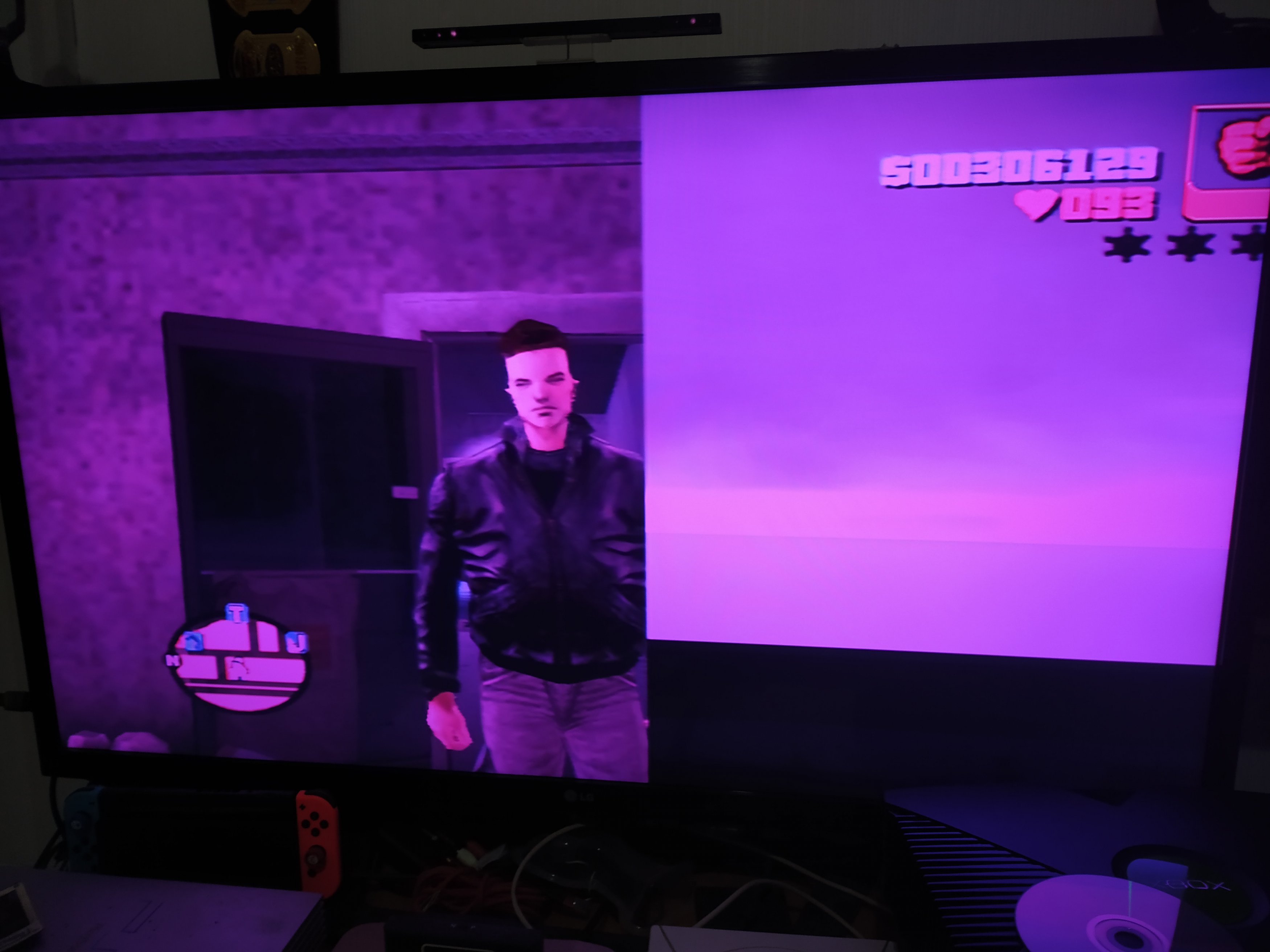 GTA be lookin like this foo f'real, awww hell nawww
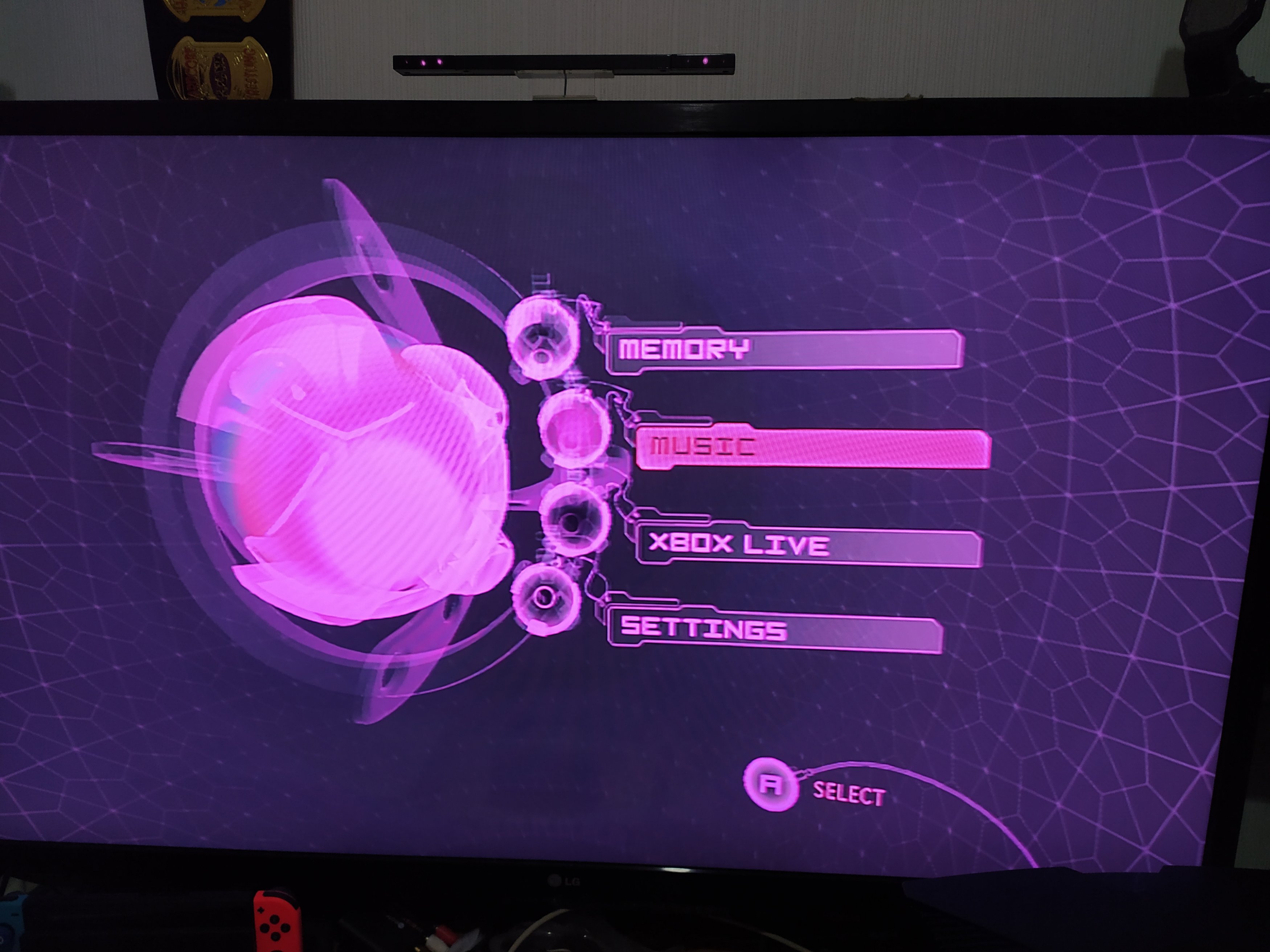
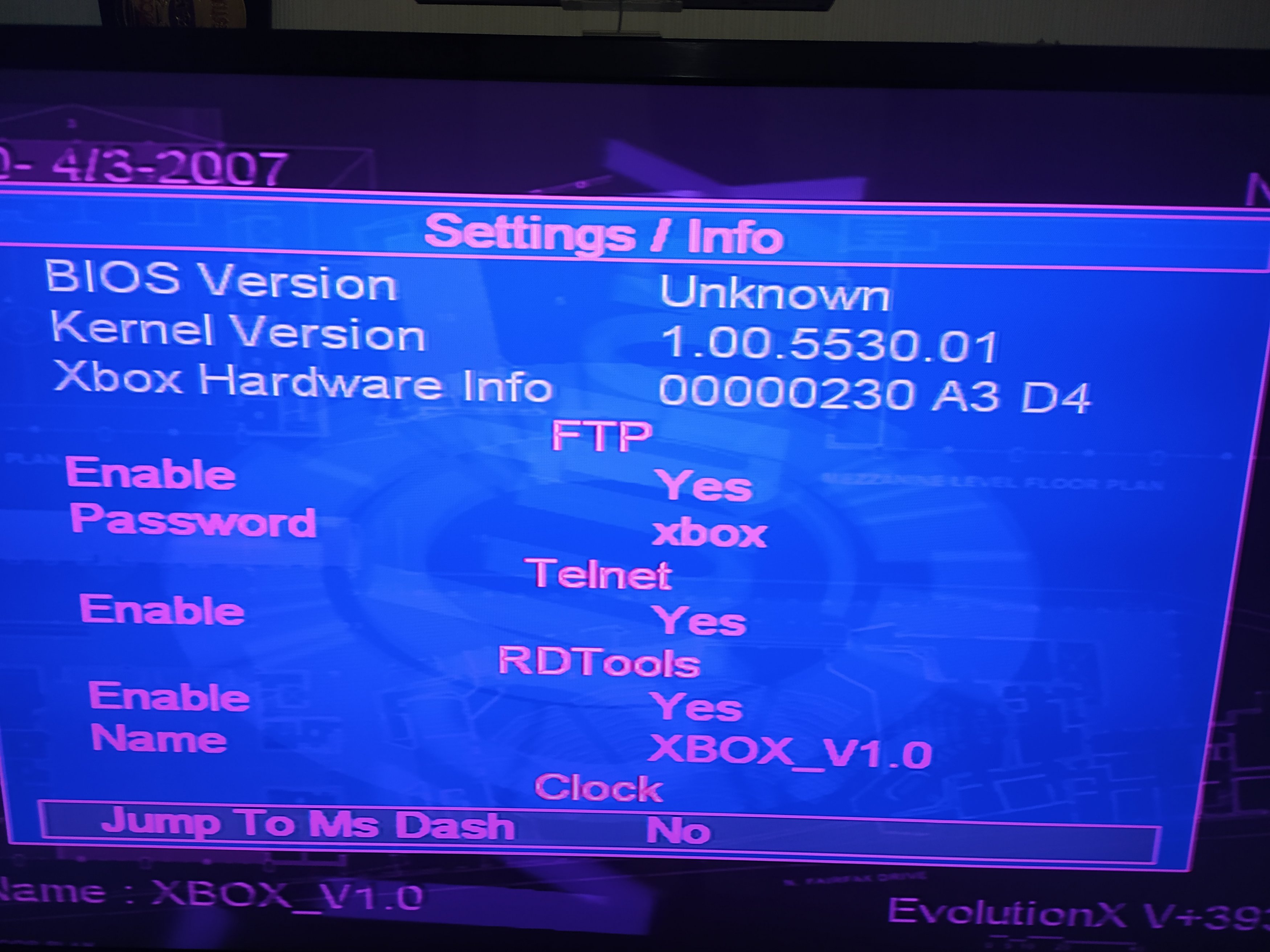
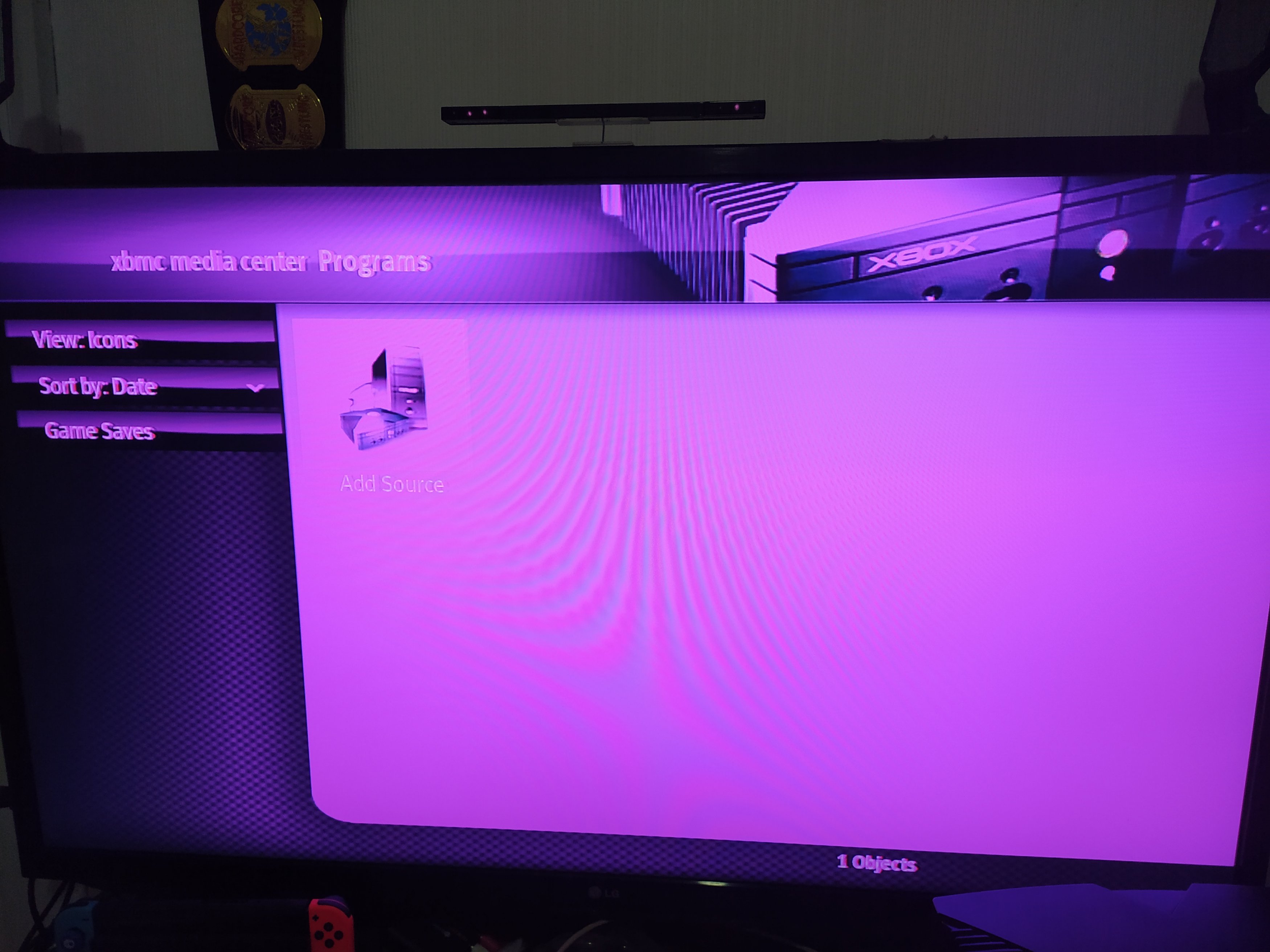
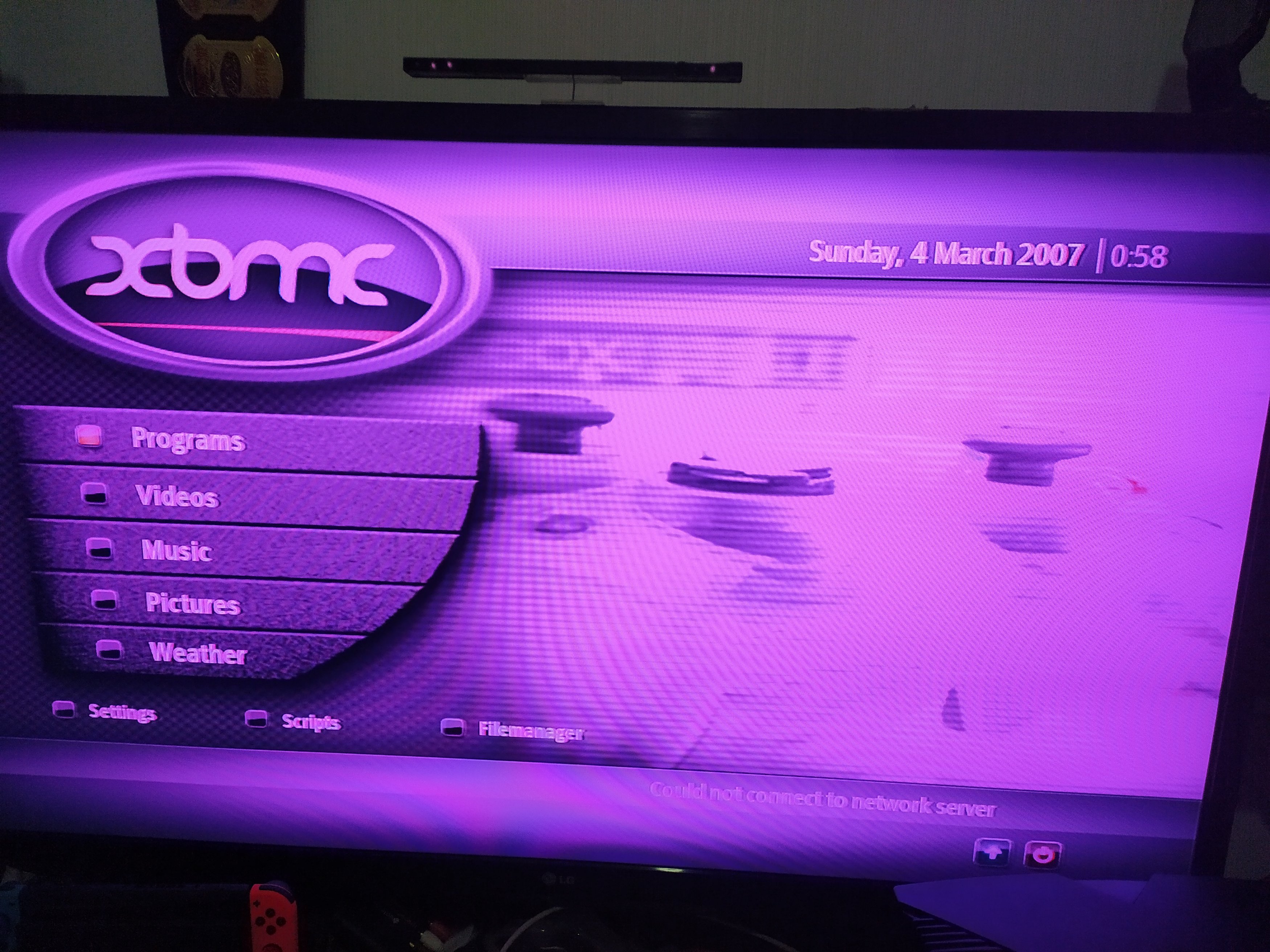
Any ideas? Was pictured with component cables, but bag it came in only had s video, reckon that's what's up? I've got it connected with component cables, not the s video it came with.
Be cool to get this running properly, need to get unleashed X setup on there.
Also there was a menu to lock and unlock harddrive in evox dash but can't find it now
Got an Xbox delivered from shpock today(Craigslist equivalent), so I don't know which door to knock to return it if its faulty, but I want to believe them.
Check the picture quality, the Xbox logo and Driv3r look fine, but GTA 3 the picture is divided & the xbmc menu that it boots to, the colors are messed up.
Any ideas? Was pictured with component cables, but bag it came in only had s video, reckon that's what's up? I've got it connected with component cables, not the s video it came with.
Be cool to get this running properly, need to get unleashed X setup on there.
Also there was a menu to lock and unlock harddrive in evox dash but can't find it now
Last edited by |<roni&g,