



When I tried to run the exploit today on jailbroken PS4, the browser wouldn't load the page with Goldhen 2.2.4 and I got the message shown in the picture
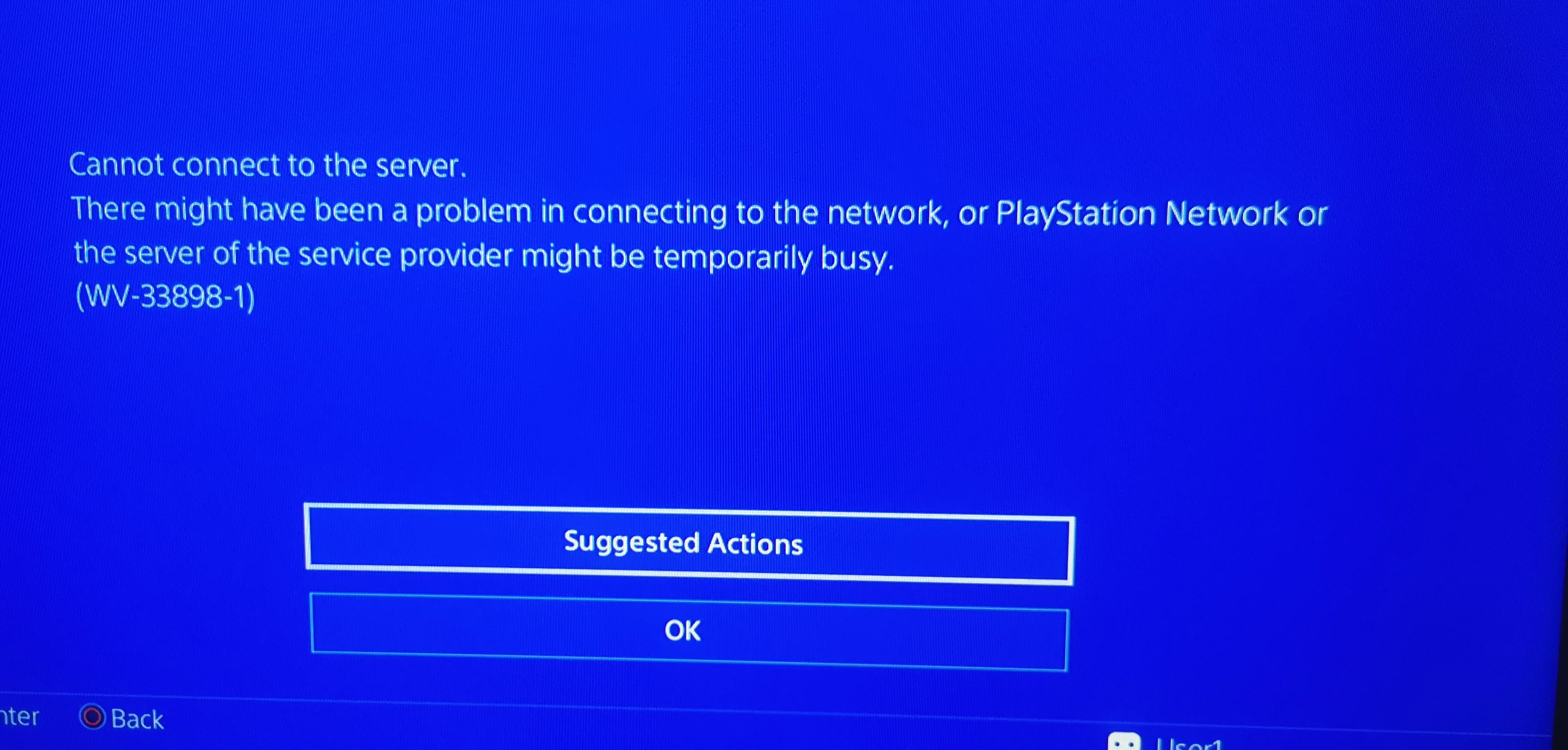
And after that screen, get this one:
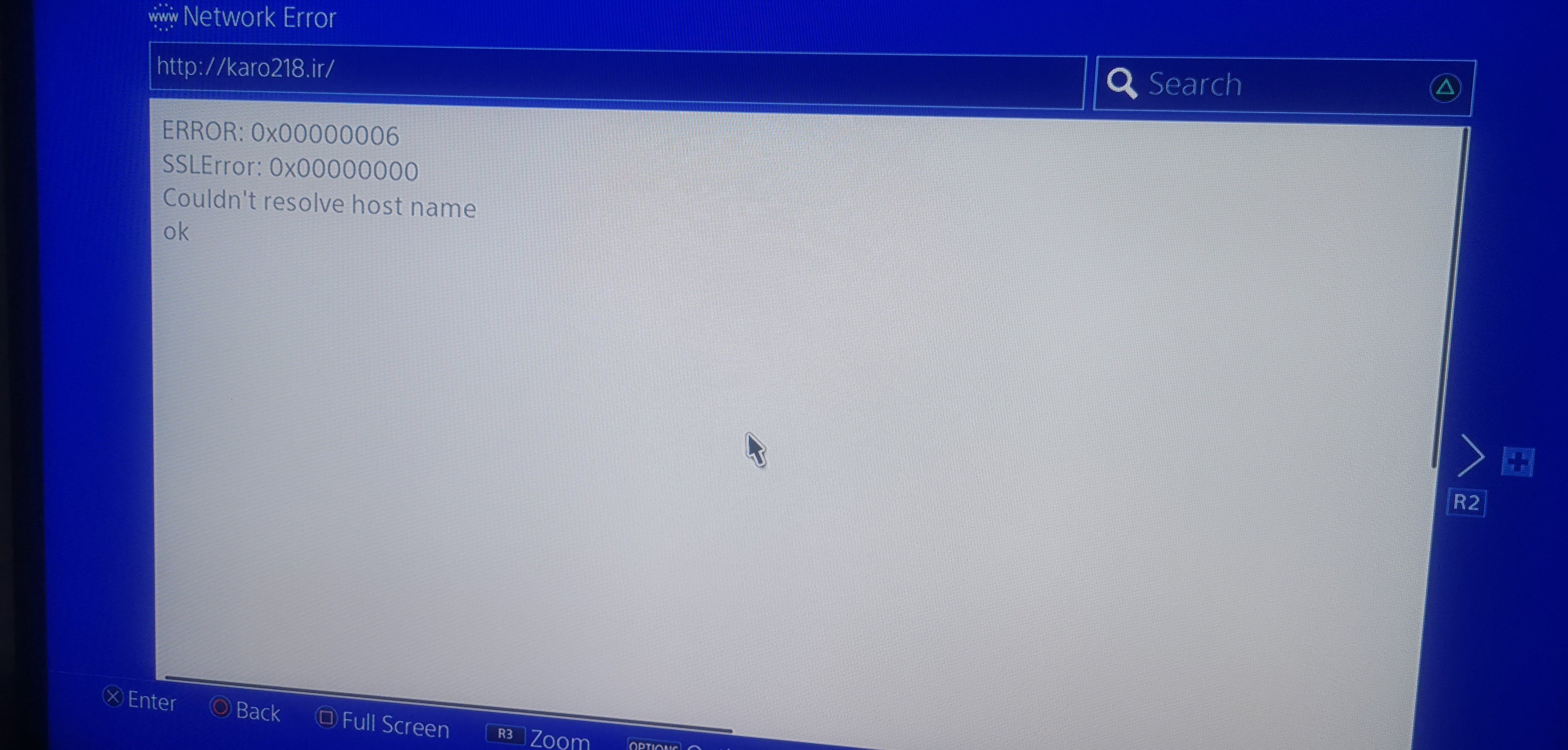
I wanted to change the DNS manually, but I can't get to the menu where I would change it manually. I tried the following:
Network>Set Up internet connection>Use Wi-Fi>Custom>here there is no Automatic and Manual option, but they show me all the available routers to which I can connect. When I select the "LAN Cable" option, there are Automatic and Manual options, but I don't have a LAN cable.
In the View Connection Status option, you can see that DNS is set to Automatic.
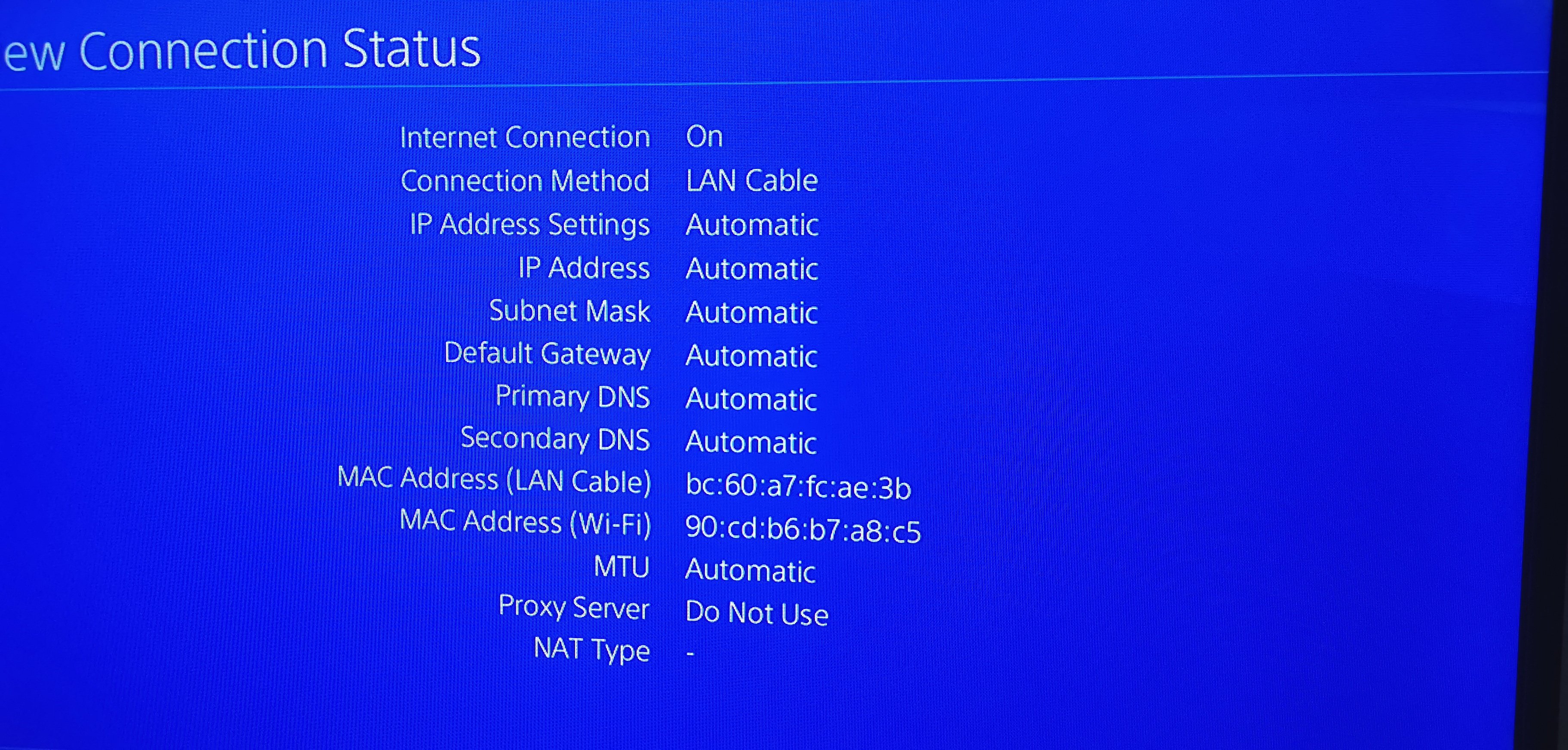 To make matters worse, I got a PS4 from a friend to play The Last of Us II, Uncharted - The Nathan Drake Collection and Uncharted 4. And now I'm having the described problem. The system version is 9.0.
Can someone help me to fix this problem?
And after that screen, get this one:
I wanted to change the DNS manually, but I can't get to the menu where I would change it manually. I tried the following:
Network>Set Up internet connection>Use Wi-Fi>Custom>here there is no Automatic and Manual option, but they show me all the available routers to which I can connect. When I select the "LAN Cable" option, there are Automatic and Manual options, but I don't have a LAN cable.
In the View Connection Status option, you can see that DNS is set to Automatic.
Can someone help me to fix this problem?


