@norbyte:
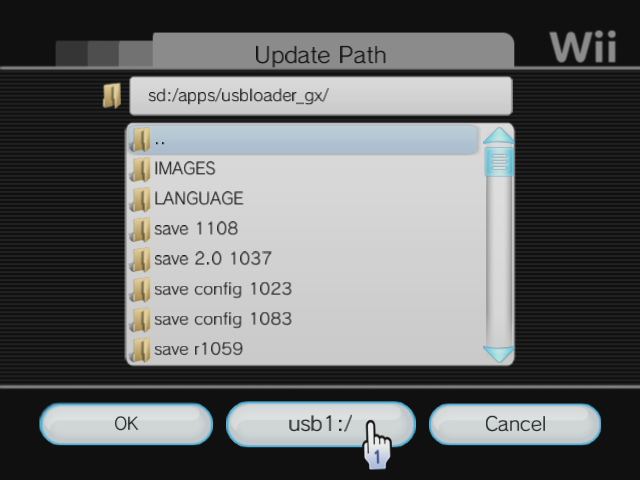
Yes, you can use USB for NAND emu path too

Maybe it require FAT32 and not NTFS? (I'm not sure, but it's best with FAT32)
@megaxzeo:
You need FAT32 or NTFS.
Same as above, FAT32 is better as it can be used by every other homebrew too.
I guess when you say "FAT" it's "FAT32" ("FAT" without a number = "FAT16", it's not good)
When you say "nothing", what's happening and where?
Does it boot? Do you see the booting logo? Do you see some text on screen?
When you start GX for the first time, it should ask you which partition you want to use (if you have more than one).
Does it load, show the interface but doesn't list any game?
It can't be "nothing", if you want help, you have to explain everything in details.
Which program did you use to convert the game to .wbfs files?
Where are stored your files on your drive? which folder and subfolder? (tell me the name of the subfolder, some subfolder name are not supported)
Working:
x:/wbfs/GAMEID.wbfs
x:/wbfs/
TITLE[GAMEID]/GAMEID.wbfs
x:/wbfs/
GAMEID_TITLE/GAMEID.wbfs
Not working:
x:/wbfs/
GAMEID/GAMEID.wbfs
Though, this path works in other loaders.
So, it's certainly why it's not working for you.
Use another folder's format and it will be fixed. If you used WiiBackupManager, then go to the setting and select a different folder format, then check "update path on mount", re-load your drive in WiiBackupManager and your folder's will be renamed automatically.