
USB LOADER GX V2 DEFAULT DARK THEME v1.1
For anyone seeking the simplicity of the default theme with a bit less brightness!
Now has two background options:
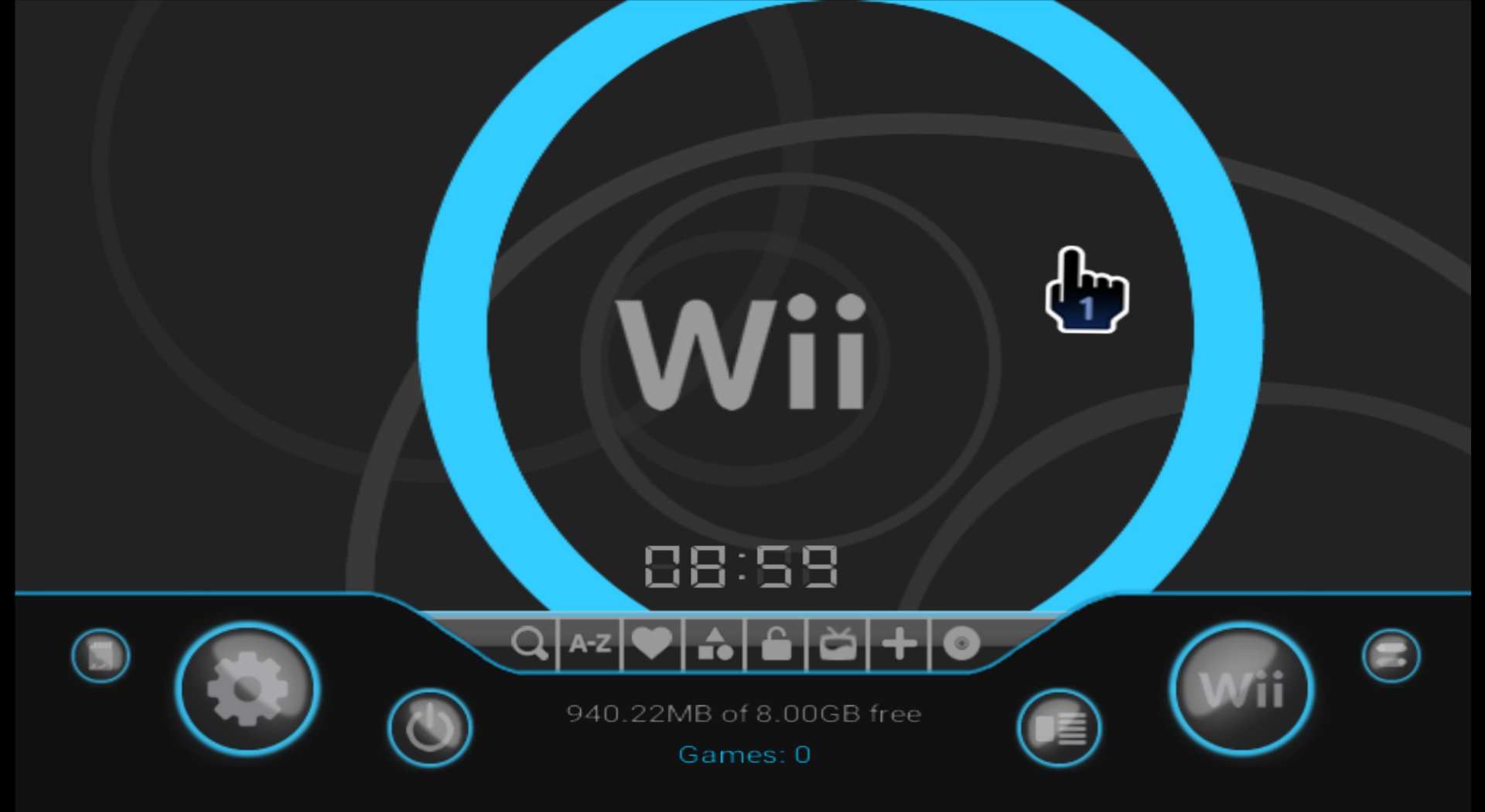
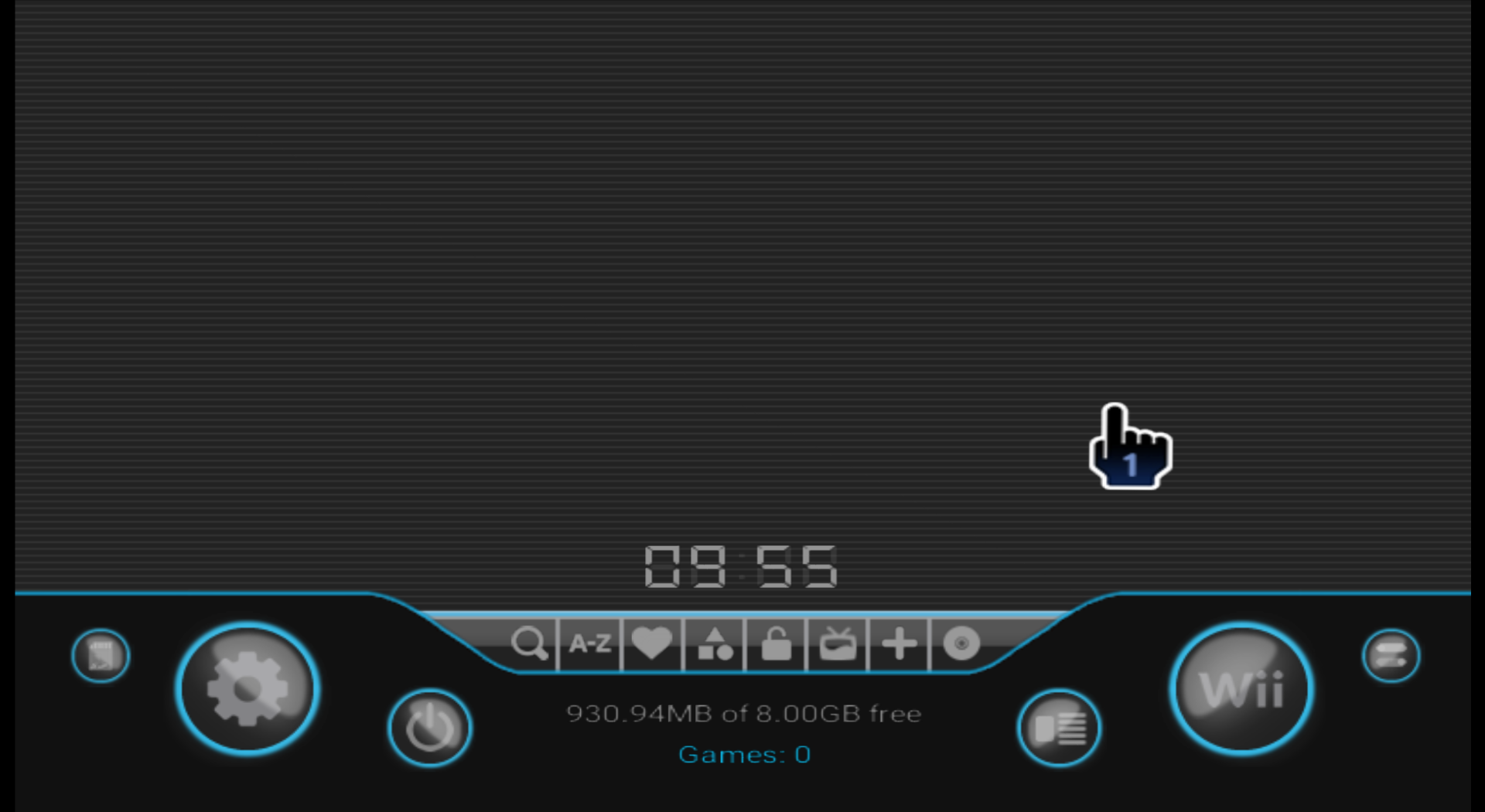
For anyone seeking the simplicity of the default theme with a bit less brightness!
Now has two background options:
Download Here
v1.1
Important! This theme is specifically designed for new versions of USB Loader GX v4.0 (r1282 onwards)
Please visit the official thread and update your loader.
v1.1
Important! This theme is specifically designed for new versions of USB Loader GX v4.0 (r1282 onwards)
Please visit the official thread and update your loader.
Prior to these new releases, I had been using "Tab Mod" versions of GX, which did the trick but just weren't as polished. Not to mention missing all the features and fixes that blackb0x has worked through.
The only thing I was craving was a dark version of the default theme. After nully kindly shared his resources and guides for creating themes, I thought I would give it a go and share here as I've seen a couple of requests for a dark theme.
Some quick points about this theme:
- v1.1 has two background options. Choose between original v1.0 circles background or new "simple" background reflecting a dark version of the standard Wii System Menu background.
- Other updates include some fixes surrounding Channel Grid background, Folder/File Browser background and Theme Preview displaying in Theme Menu.
- It is Widescreen compatible.
- In fact, all the screenshots have been taken in Widescreen. I have tested in both 16:9 and 4:3 aspect ratios, however.
- After loading the theme, select "Reset BG Music" (Located in Settings > Page 2 > Sound Settings), or simply exit and reload USB Loader GX.
- This will load the background music bundled with this theme. You can of course set any file you prefer, or simply turn it off by setting "Music Volume" to "OFF".
- Most of the graphics which couldn't be reused have been completely remade from the ground up.
- This results in generally higher quality images (vs editing existing graphics), and means I can update them easier in future for different themes, or for refining this one.
For some reason, I could not get the preview picture for this theme working. Preview screenshots do exist in the folder, but they do not appear when viewing the theme in "Theme Menu" under Settings > Page 3.This is purely cosmetic - the theme will show up as "Default - Dark" in the list.- FIXED - v1.1
- And lastly, to quote what nully mentioned on one of his themes:
- All my screenshots were captured from Dolphin, but I have this running on my real Wii.
Feel free to give it a go and let me know if you have any feedback!
Attachments

Last edited by chrisj91,