Hacking Question Uninstall NSP?

  • Thread starter Thread starter deanspeed
  • Start date Start date
  • Views Views 29,247
  • Replies Replies 3

deanspeed

Active Member
Newcomer
Joined
Apr 24, 2018
Messages
36
Reaction score
6
Trophies
0
Age
40
XP
253
Country
United States
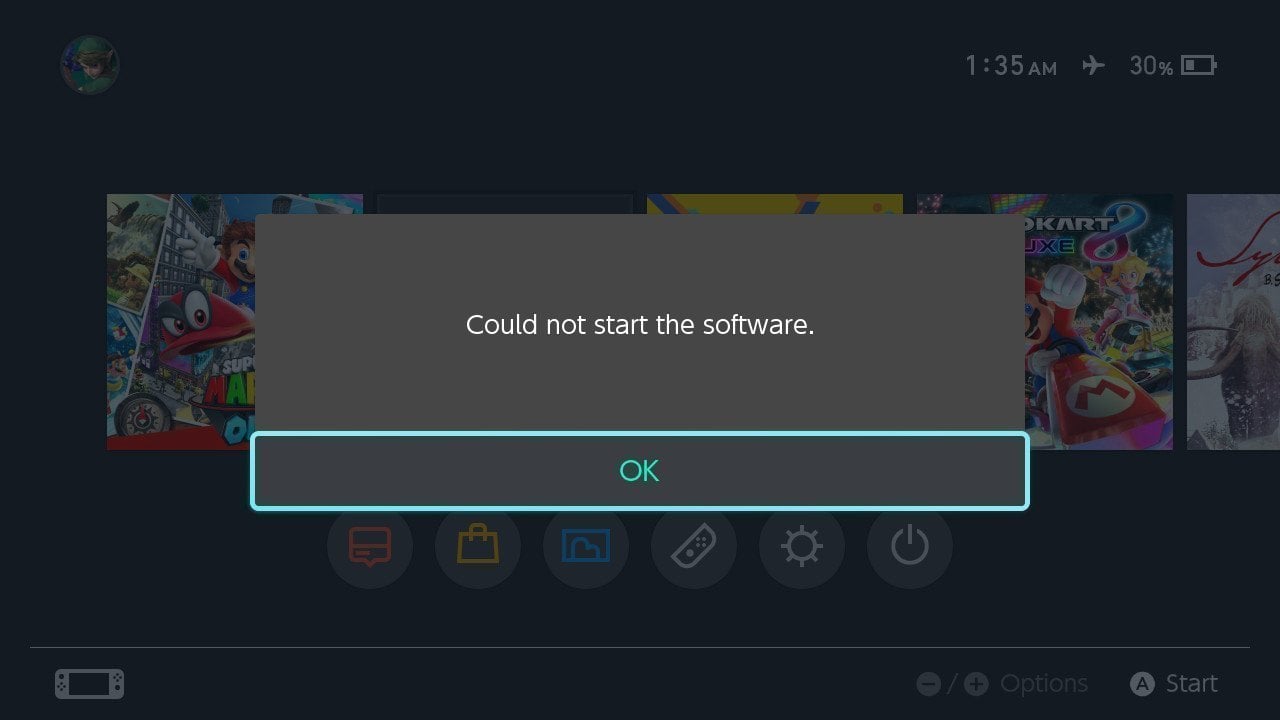
I used sxos to install two nsp's at the same time to my SD Card. One of them seems to work just fine (Sonic Mania) while the other (Fox n Forests) acts like its trying to load its icon on the game menu but never succeeds. If I click on it, I get a message stating "Could not start the software". Is there a way to uninstall it, or to fix the problem I am having?
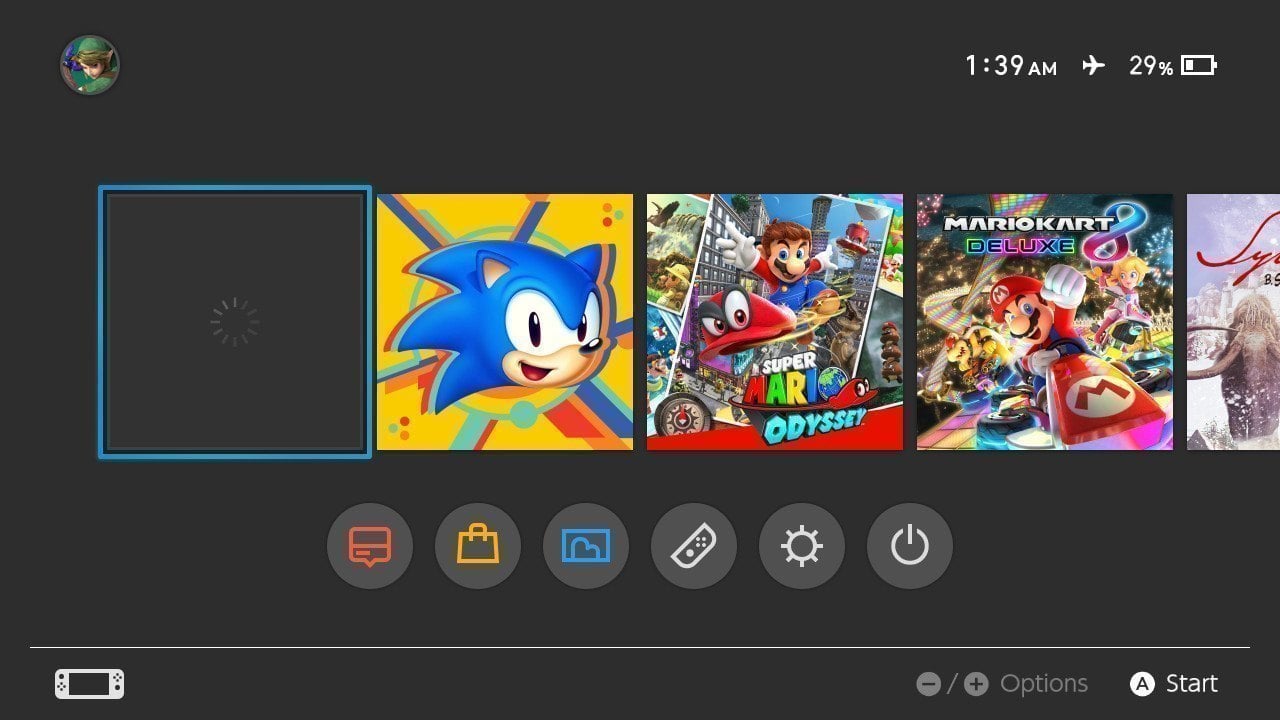
2017081901392700-57B4628D2267231D57E0FC1078C0596D.jpg
2017081901353000-57B4628D2267231D57E0FC1078C0596D.jpg
 
I. Select Your Game -> + -> Data Management -> Delete Software
II. Settings -> Data management -> Software -> Select Your game-> A -> Delete Software
III. DevMenu -> Aplication -> Select Your game -> -/+: Option -> Manage -> -/+: Delete All (or select single "packages" and delete them by pressing on on each one A)
 
Last edited by Kubas_inko,
I. Select Your Game -> + -> Data Management -> Delete Software
II. Settings -> Data management -> Software -> Select Your game-> A -> Delete Software
III. DevMenu -> Aplication -> Select Your game -> -/+: Option -> Manage -> -/+: Delete All (or select single "packages" and delete them by pressing on on each one A)

Thank you for that! I have been trying to find a solution for several hours. So simple! The second solution worked perfectly. trying to use - or + didn't bring anything up.
 
  • Like
Reactions: Idrolitina
I. Select Your Game -> + -> Data Management -> Delete Software
II. Settings -> Data management -> Software -> Select Your game-> A -> Delete Software
III. DevMenu -> Aplication -> Select Your game -> -/+: Option -> Manage -> -/+: Delete All (or select single "packages" and delete them by pressing on on each one A)

YOU MY HERO!
 

Site & Scene News

Popular threads in this forum