



I was installing a bunch of .pkgs and everything was working fine. Now I'm hit with an error that leaves me unable to launch any sort of pkg. I keep getting hit with this: "There is not enough free space in system storage to start the application" whenever I try to run anything.
I have a 1tb internal HDD and 2tb usb I'm using for external storage. The usb still has 800gb space available on it. Instead of deleting a large game and seeing if that would fix the problem, I accidentally did an official rebuild of the database in safe mode. Now nothing is showing up. I installed Itemzflow via web browser & usb to do the unofficial database rebuild, but whenever I try to run it, I'm hit with this same error that's preventing me from running anything. I now can't delete items from the storage because this official rebuild I accidentally reverted to does not "recognize" anything on the storage. Though it appears nothing is deleted from those devices.
I had another large usb lying around (500 gb), and formatted that as extended storage. Still, I'm hit with this same storage error. So now I'm worried that even reformatting all the drives will show this same error.
Anyone have any ideas for what I could do next? I'm on FW 9.00.
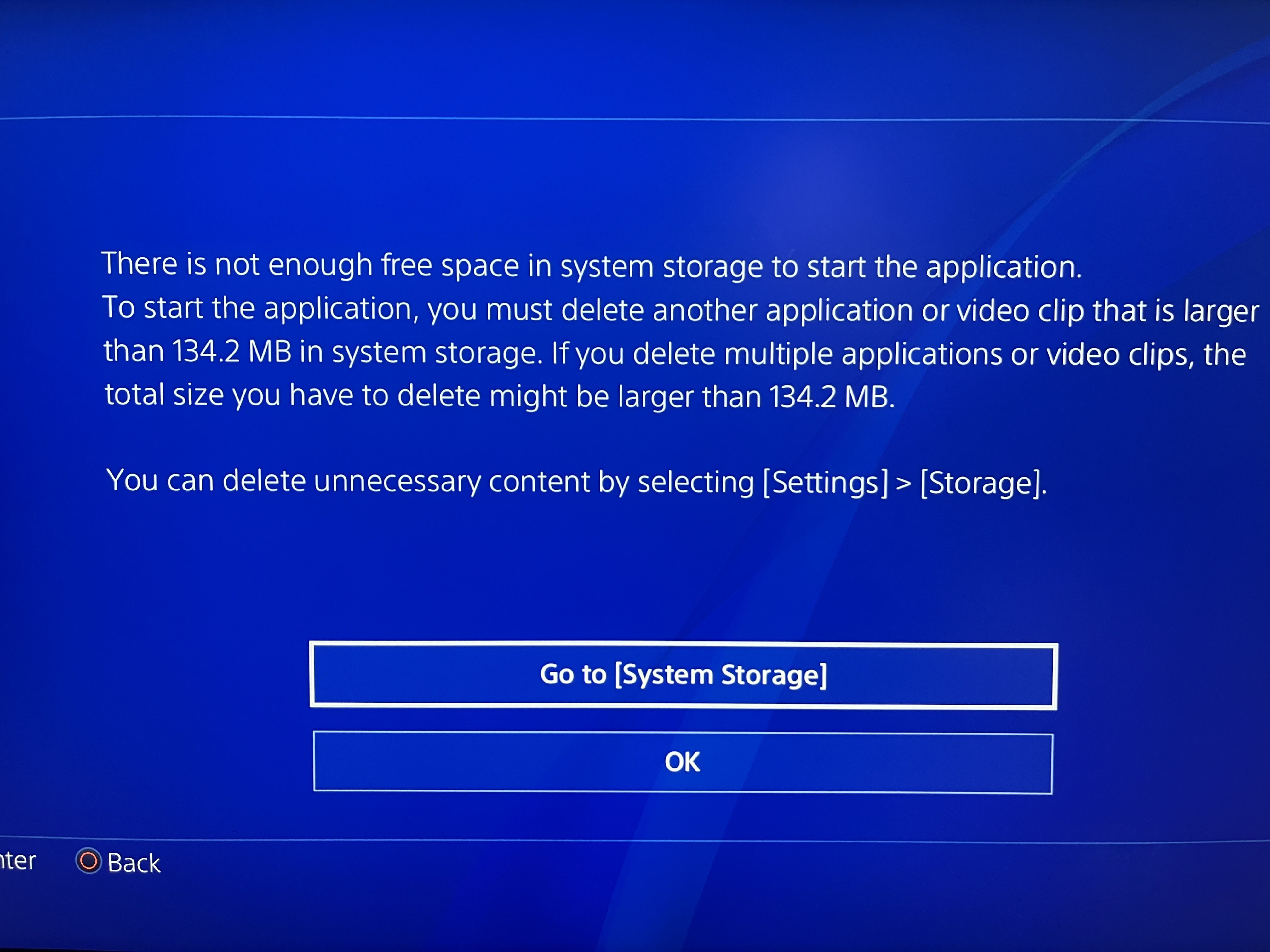
I have a 1tb internal HDD and 2tb usb I'm using for external storage. The usb still has 800gb space available on it. Instead of deleting a large game and seeing if that would fix the problem, I accidentally did an official rebuild of the database in safe mode. Now nothing is showing up. I installed Itemzflow via web browser & usb to do the unofficial database rebuild, but whenever I try to run it, I'm hit with this same error that's preventing me from running anything. I now can't delete items from the storage because this official rebuild I accidentally reverted to does not "recognize" anything on the storage. Though it appears nothing is deleted from those devices.
I had another large usb lying around (500 gb), and formatted that as extended storage. Still, I'm hit with this same storage error. So now I'm worried that even reformatting all the drives will show this same error.
Anyone have any ideas for what I could do next? I'm on FW 9.00.


