

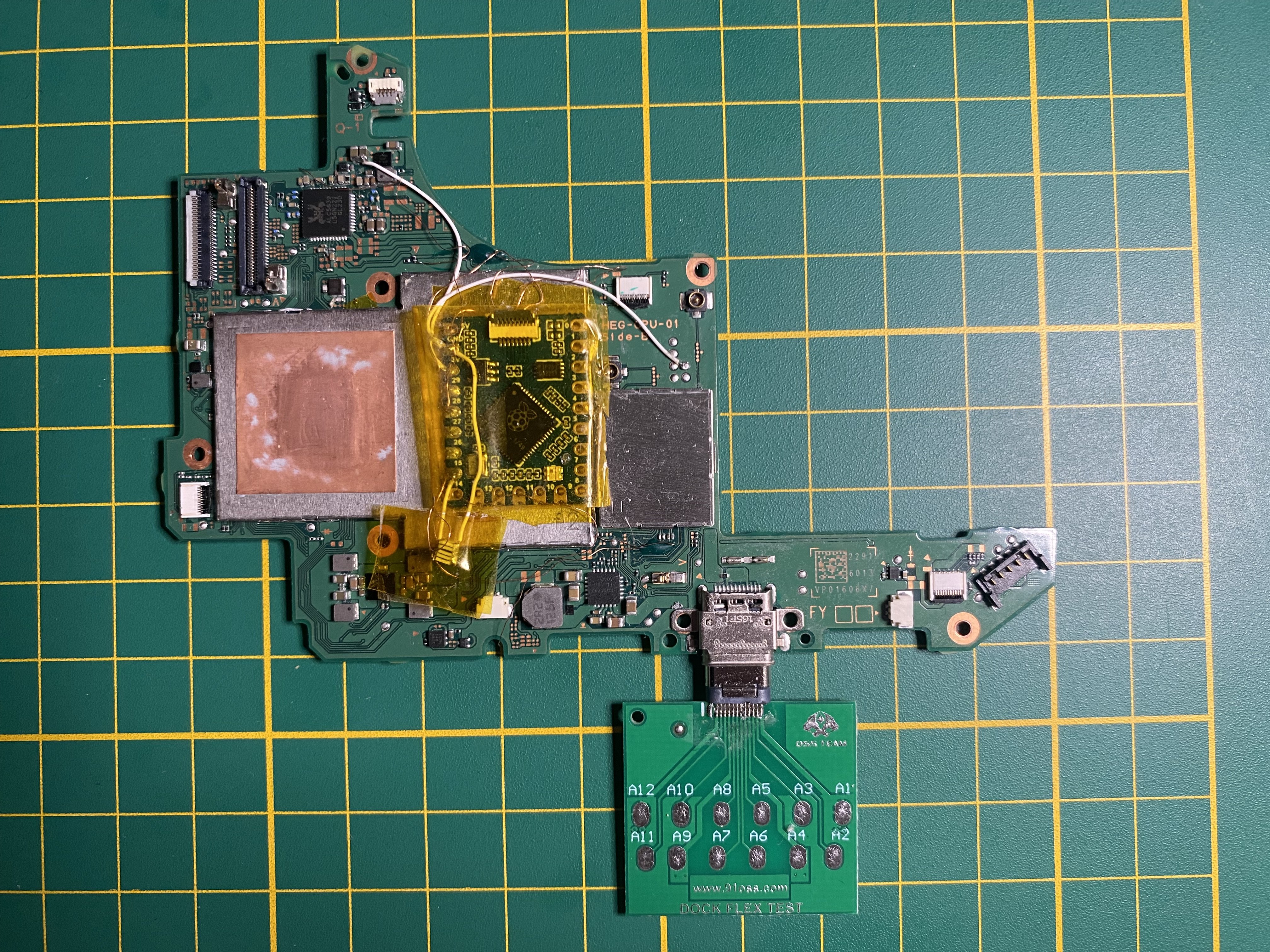
After modifying my Nintendo Switch OLED (installing the RP2040), I encountered a strange issue. The console works fine in docked mode: charging, fast charging, and video output to the screen all function perfectly. However, external devices connected to the dock’s USB ports (e.g., external hard drives, mice (linux/android), or gamepads) do not work.
At the same time, if I connect an external hard drive directly to the console’s USB port, it is recognized and displayed in DBI, and I can interact with it without any issues.
However, when I connect the Switch to a computer, it is not detected at all. I’ve tried using the original gamepad cable, various other cables, and multiple computers, but no computer even sees it as an unrecognized device.
I also tested with two different docks, and in both cases, external devices connected to the USB ports are not recognized (under Linux/atmosphere). This is strange because everything worked fine right after installing the chip and the problem with usb devices started after a while.
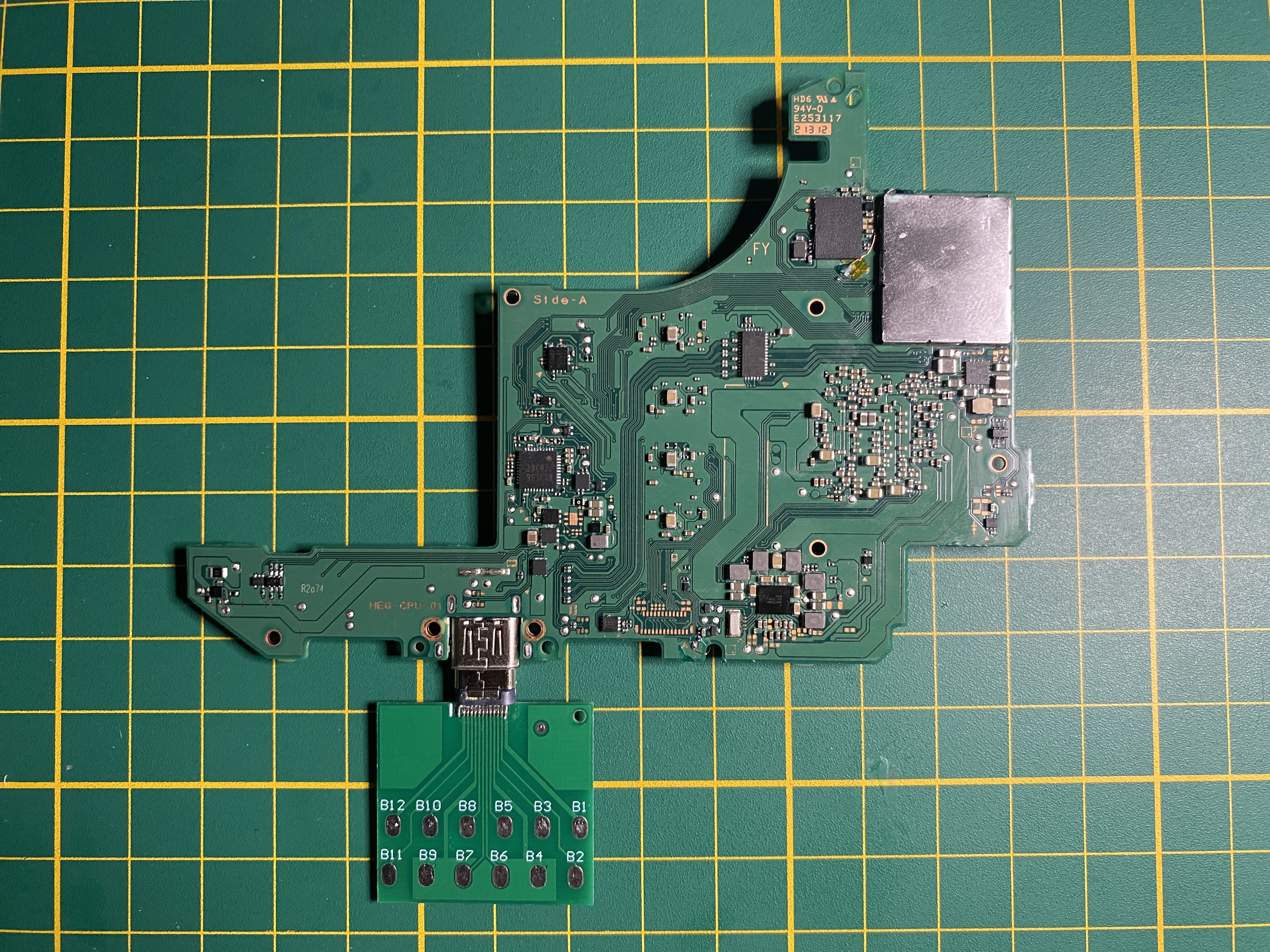
I disassembled the console, checked all the chips and surrounding components, but found nothing unusual. All the connections from the USB input to the chips have continuity when tested.
Does anyone have an idea where I should look next? Has anyone encountered a similar problem? I would greatly appreciate any thoughts or suggestions on what this could be.
At the same time, if I connect an external hard drive directly to the console’s USB port, it is recognized and displayed in DBI, and I can interact with it without any issues.
However, when I connect the Switch to a computer, it is not detected at all. I’ve tried using the original gamepad cable, various other cables, and multiple computers, but no computer even sees it as an unrecognized device.
I also tested with two different docks, and in both cases, external devices connected to the USB ports are not recognized (under Linux/atmosphere). This is strange because everything worked fine right after installing the chip and the problem with usb devices started after a while.
I disassembled the console, checked all the chips and surrounding components, but found nothing unusual. All the connections from the USB input to the chips have continuity when tested.
Does anyone have an idea where I should look next? Has anyone encountered a similar problem? I would greatly appreciate any thoughts or suggestions on what this could be.