Hacking Smash Wii U .gtx texture convert

  • Thread starter Thread starter mastaklo
  • Start date Start date
  • Views Views 8,897
  • Replies Replies 18
model.nut has .gtx files

i extracted them and converted the .gtx to .dds with TexHaxU

only need to know how to convert .dds to .gtx now
 
model.nut has .gtx files

i extracted them and converted the .gtx to .dds with TexHaxU

only need to know how to convert .dds to .gtx now
Impossible
1457978920-sans-titre.png


Can you show me the converted texture ?
 
this is a gtx i extracted from the .nut
you can convert it with TexHaxU
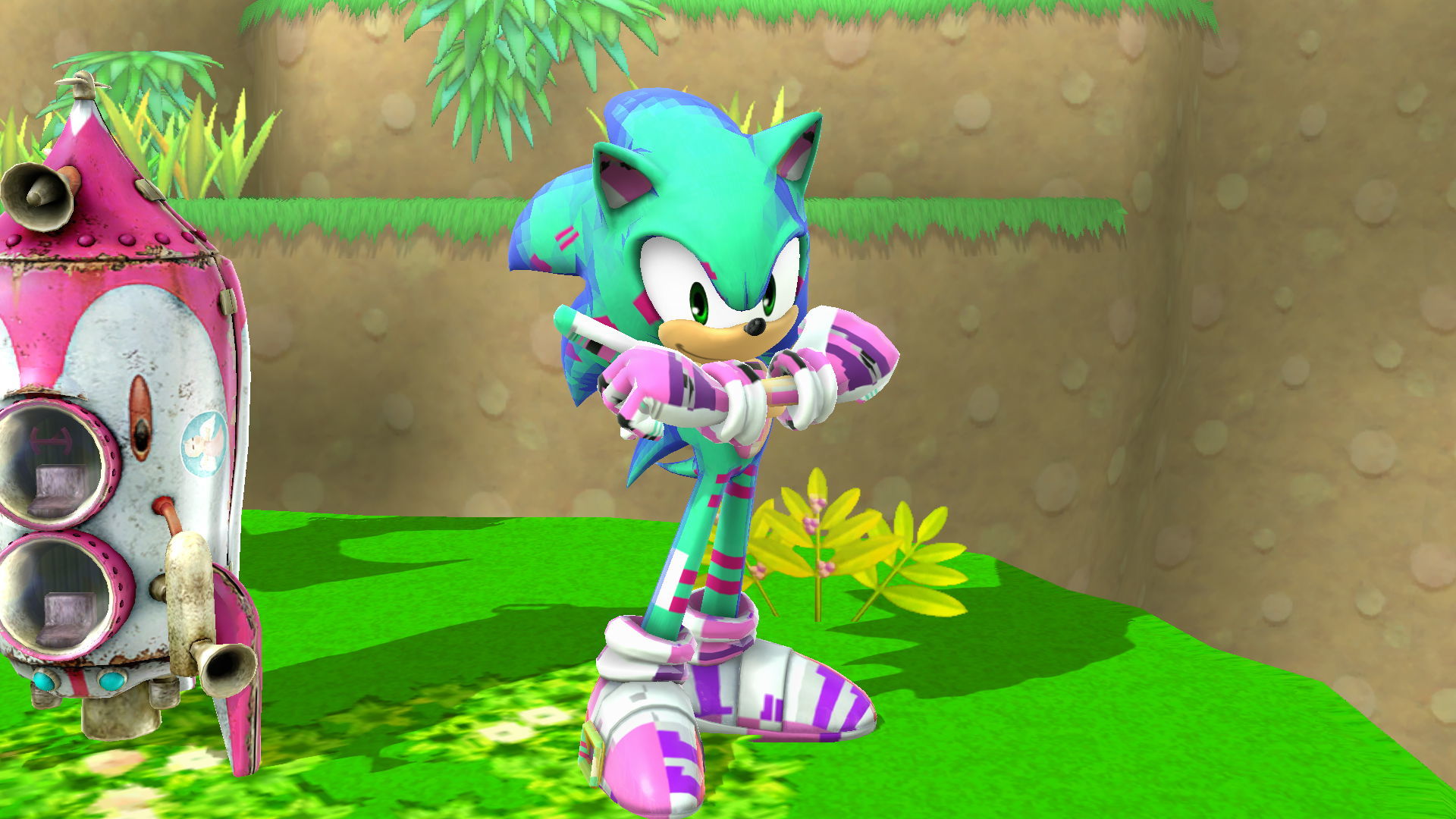
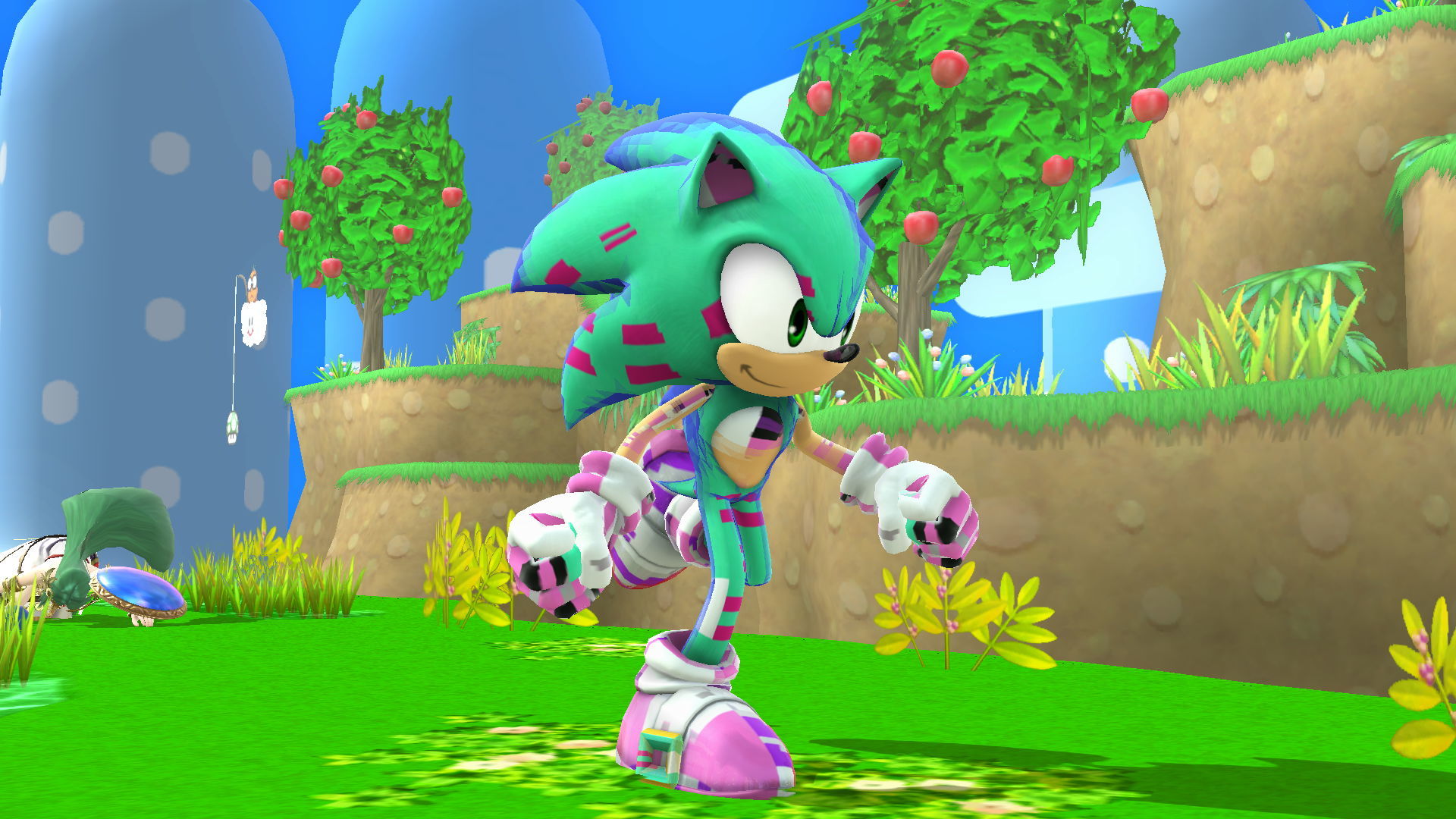
should be some part of sonic
 

Attachments

what path of which file you mean?
the one i send you is from fighter\sonic\model\body\c00\model.nut
 
i extracted it manually with a hex editor

--------------------- MERGED ---------------------------

so you can tell me how to get the edited .dds back in .gtx?
 
would be greate if @NWPlayer123 could update it
doing it manually is pretty time consuming
and i still didnt got it right
but its something
90693819efbd67c5c1b259cb82f8eb02.jpg
2aae20d5bbc8f44d574eda3934b085a8.jpg
 
All Wii U games use GTX because that's how GX2 handles textures, you just need to do the same steps hax.py does, you convert the DDS to GTX, then I edit the swizzle manually, then run it thru TexConv2 again to get the right format (I'd have to look at the QuickBMS extract script to see how it gets swizzle metadata), which also generates the mipmaps since there are almost always some, then you just splice the data back in. I'd need a bunch of examples to try anything, and I've never touched Smash before.
 
The tool do it itself, it convert the dds to a gtx and inject it to the file, so if TexHaxU don't detect the gtx in the file, the conversion cannot be done...
Maybe @NWPlayer123 can try to update it ?

1. Download QuickBMS
2. Download this script
3. Download my Pack
4. Put the .nut file in your folder
5. Launch BMS and select your script with your .nut file
6. Tranfer all the modelX.gtx files in the "Convert" folder
7. Launch "convertGTX.exe"
8. The DDS files should be in the OutDDS folder

Enjoy


EDIT: btw I still don't know to convert back the DDS to gtx to nut

EDIT 2: Nvm I used my brain

EDIT 3: Okay now I just need to convert the gtx into .nut
 

Attachments

Last edited by Dead_MK,
  • Like
Reactions: Mega-Mew
All Wii U games use GTX because that's how GX2 handles textures, you just need to do the same steps hax.py does, you convert the DDS to GTX, then I edit the swizzle manually, then run it thru TexConv2 again to get the right format (I'd have to look at the QuickBMS extract script to see how it gets swizzle metadata), which also generates the mipmaps since there are almost always some, then you just splice the data back in. I'd need a bunch of examples to try anything, and I've never touched Smash before.

so you think youll be able to do it?
i can send you some nut files if you dont have them
 
Is there a solution to repacking the files as .nut yet? I barely grasped the concept of turning them into .dds and now I have a 90% complete Donald Trump Ganondorf skin that i won't be able to use :(((
 

Site & Scene News

Popular threads in this forum